
Game trials is a monetization and discovery feature designed for premium, paid titles on Google Play. It lets players download and experience your premium game for a limited, risk-free trial period before making a final purchase decision.
Key developer requirements
To ensure a high-quality experience that maximizes player conversion, align with the following technical and user experience requirements:
Progress retention and continuity
- Saved progress integration: The single largest driver for post-trial conversion is verifying that gameplay progress carries over seamlessly. Ensure that local or cloud saves (such as Google Play Games Services Saved Games) are preserved so that players who purchase the full version don't have to restart their progress.
- Regular autosave: When the trial ends, gameplay is immediately blocked without an advance warning or callback to initiate a save. Implement regular autosave or frequent checkpoints throughout gameplay to minimize lost progress when the trial expires. This helps ensure players can pick up right where they left off after purchasing the game.
Automatic protection
- Installer checks: Game trials operate in tandem with Google Play's automatic protection. Turning on automatic protection adds runtime installer checks to your app's code that prompt players to get the game from Google Play if it was acquired from an untrusted source, preventing unauthorized redistribution and helping enforce trial limits.
Game Trial phases
The visual flow of a game trial is split into three distinct phases: Pre-trial, In-trial, and Post-trial.
Pre-trial experience
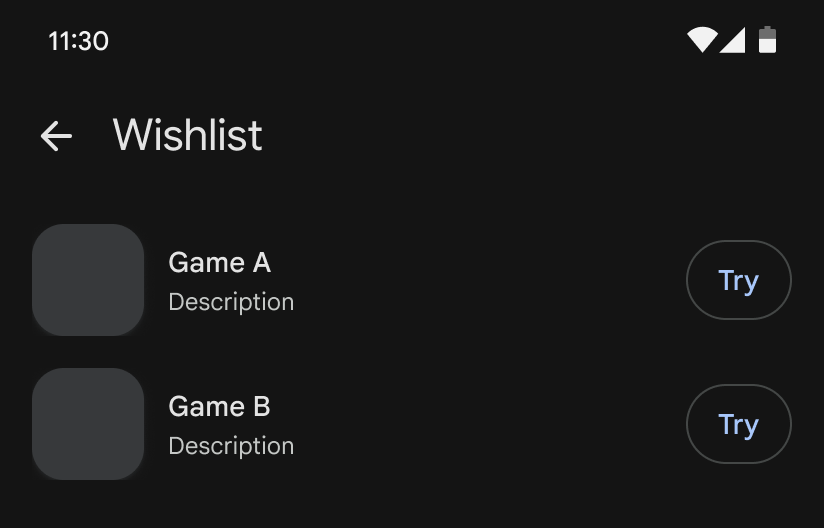
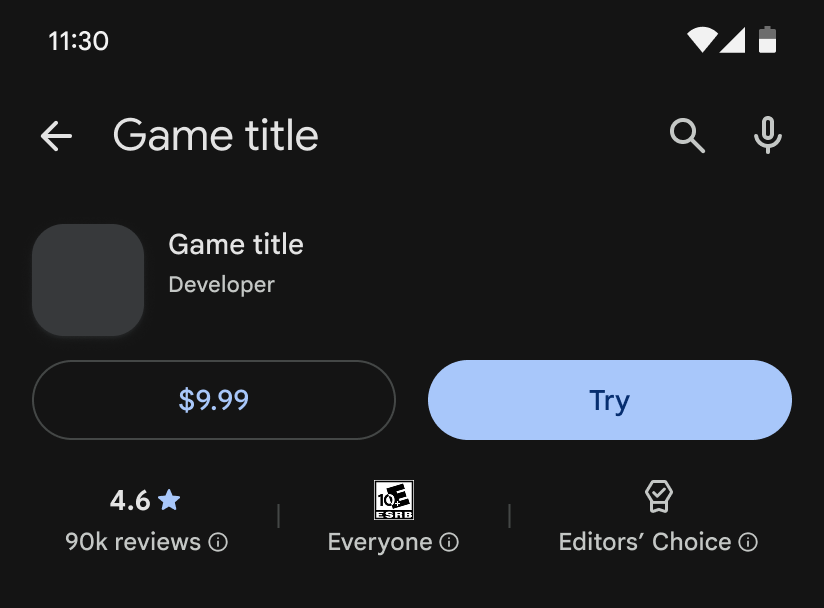
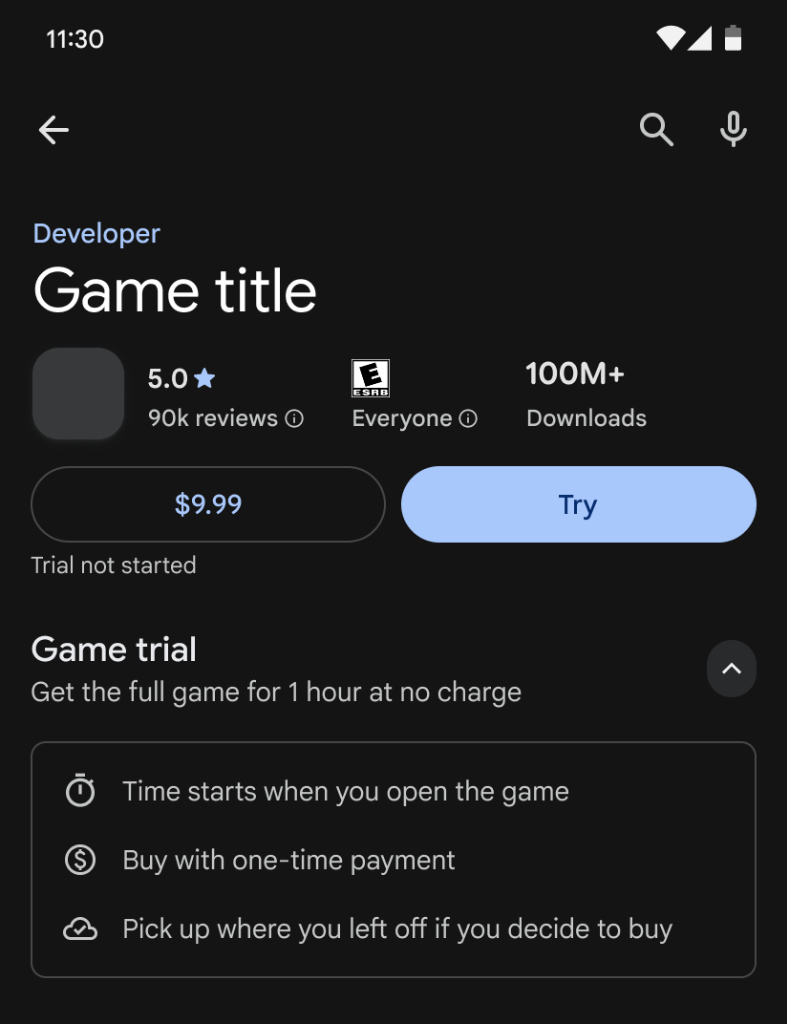
Before starting the trial, the player discovers the game on Google Play and reviews the terms on the store listing details page.
Storefront discovery and details page: The product details page clearly indicates that a free trial is available to install alongside the regular purchase option.
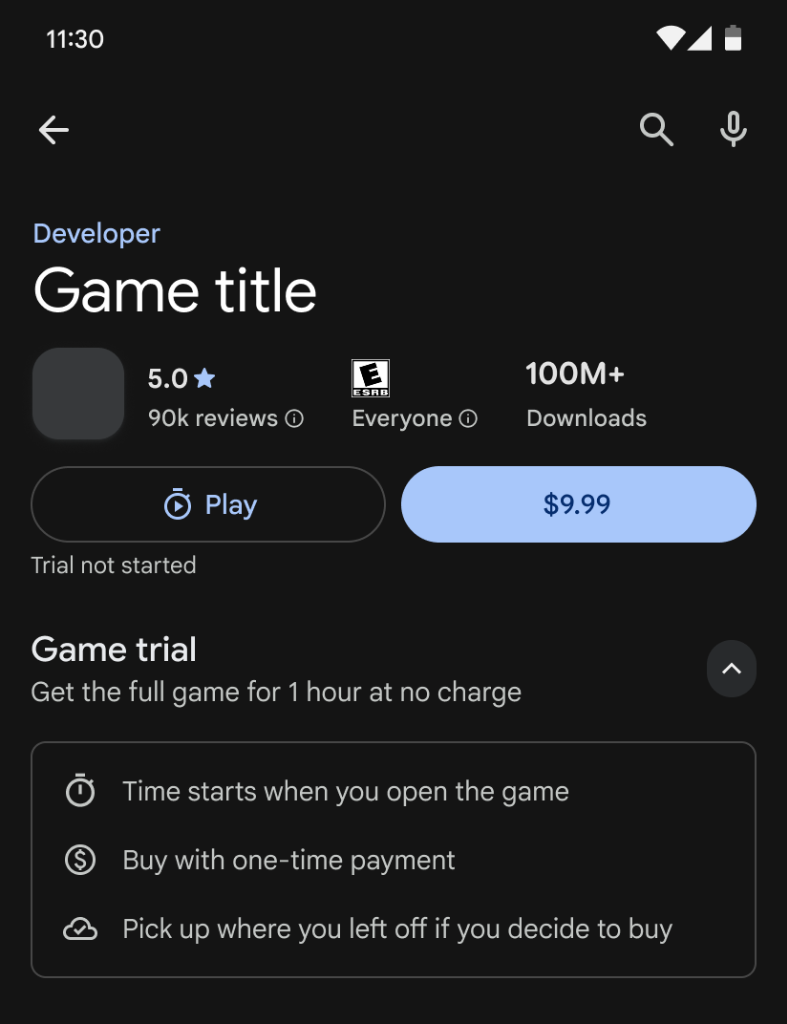
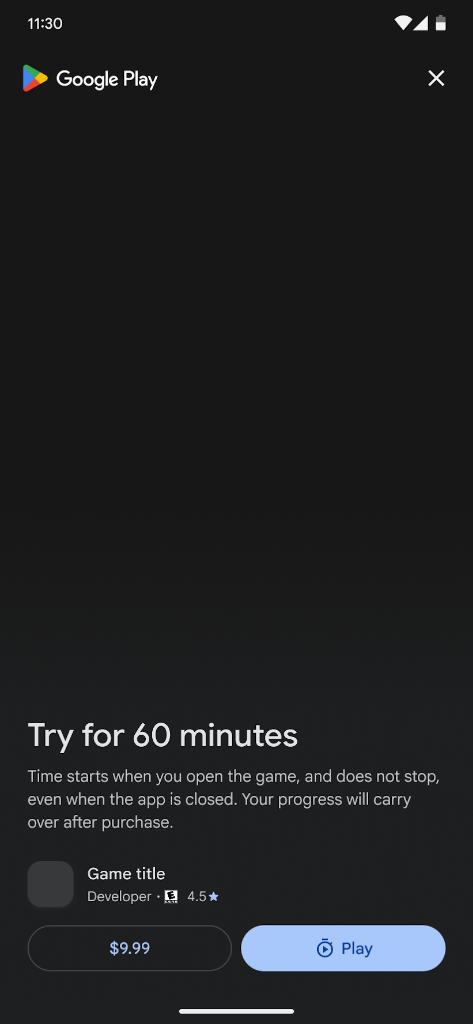
Pre-trial splash screen: When the app is downloaded and launched for the first time, a dedicated system splash screen outlines the limits of the trial (such as a 60-minute duration). Selecting the Play button initiates the gameplay countdown timer.
In-trial experience
During active gameplay, the system monitors trial progress and manages user notifications.
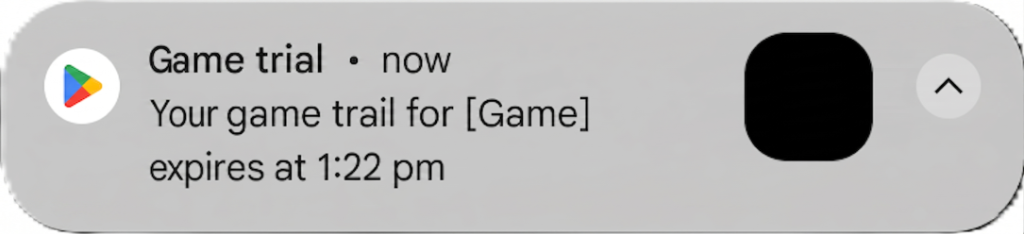
Trial expiration warning: Before the session ends, an Android system notification alerts the player that the trial will expire soon.
Post-trial experience
When the trial ends, the gameplay session cleanly transitions into a commercial conversion funnel.
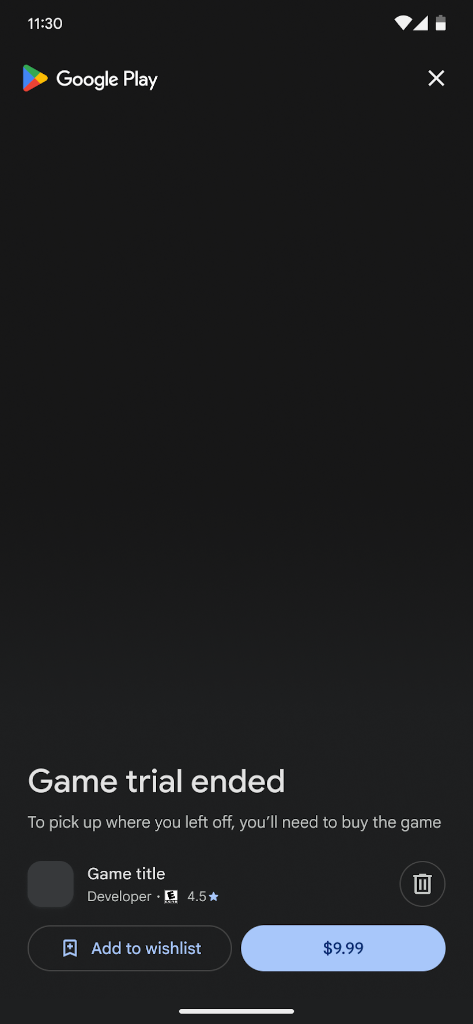
Post-trial commercial paywall: Gameplay is immediately paused or blocked, presenting the player with an integrated purchase flow to upgrade to the full game or uninstall.
Distribution prerequisites
To enable game trials for premium titles, your application must adhere to the following distribution prerequisites:
- Integrate Play App Signing: You must use Google Play App Signing to manage and protect your release keys.
- Publish with Android App Bundles: You must publish all releases using the
Android App Bundle (
.aab) format rather than legacy APKs. - Turn on automatic protection (Installer checks): You must enable automatic protection in Google Play to include installer checks.
- Minimum API level: The application must set a minimum SDK version
(
minSdkVersion) of API level 24 (Android 7.0) or higher to support Play installer checks.
To apply for the Game trials program, complete the application form.