Play Store visibility
Stay organized with collections
Save and categorize content based on your preferences.
These features are designed to boost the
visibility of your app to users specifically seeking controller-compatible
experiences.
Badging for Gamepad support
To help users identify games that support controllers, Google Play Store
includes a "Gamepad" tag on the app detail pages and a dedicated search filter
for categorical results for games which support controllers. To ensure your app
takes advantage of this, you must explicitly declare support in your app
Manifest. Simply add the following line to your AndroidManifest.xml.
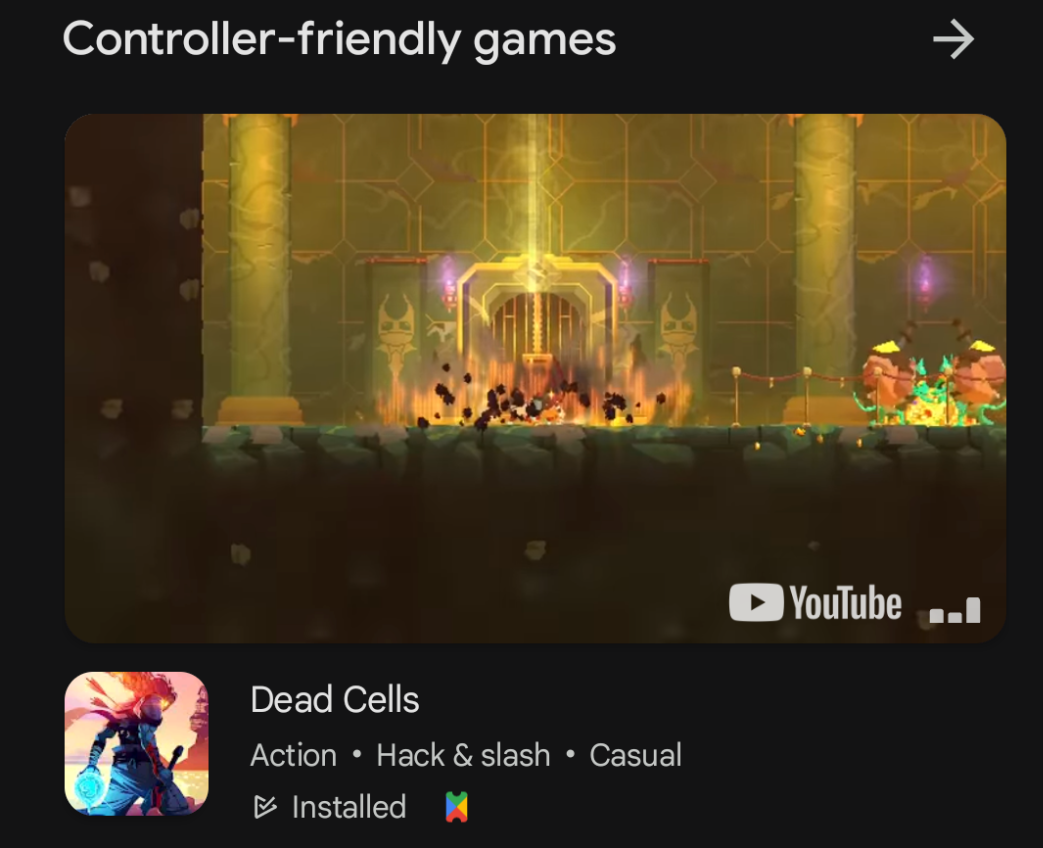
Discover curated games optimized for controller input within the Play Pass
Controller Carousel.
The Controller Carousel helps users find new and exciting games perfectly suited
for controller play. It offers an immersive and engaging way to explore diverse
genres, from action adventures to strategy games.
Figure 1. Google Play Pass has a controller-friendly section that is manually curated.
Content and code samples on this page are subject to the licenses described in the Content License. Java and OpenJDK are trademarks or registered trademarks of Oracle and/or its affiliates.
Last updated 2026-02-26 UTC.
[[["Easy to understand","easyToUnderstand","thumb-up"],["Solved my problem","solvedMyProblem","thumb-up"],["Other","otherUp","thumb-up"]],[["Missing the information I need","missingTheInformationINeed","thumb-down"],["Too complicated / too many steps","tooComplicatedTooManySteps","thumb-down"],["Out of date","outOfDate","thumb-down"],["Samples / code issue","samplesCodeIssue","thumb-down"],["Other","otherDown","thumb-down"]],["Last updated 2026-02-26 UTC."],[],[]]