フローティング アクション ボタン(FAB)メニューは、FAB から開き、マテリアル 3 で複数の関連アクションを表示します。
これにより、主要なアクションにアクセスできるようにしながら、不要な場合は二次的なアクションを非表示にして UI をクリーンに保ち、スピードダイヤルや積み重ねられた小さな FAB を置き換えることができます。
FAB メニューを使用する
- FAB から開き、画面にフローティング表示される 2 ~ 6 個の関連アクションを表示します。
- すべての FAB サイズで 1 つの FAB メニューサイズを使用します。
- 拡張 FAB では使用されません。
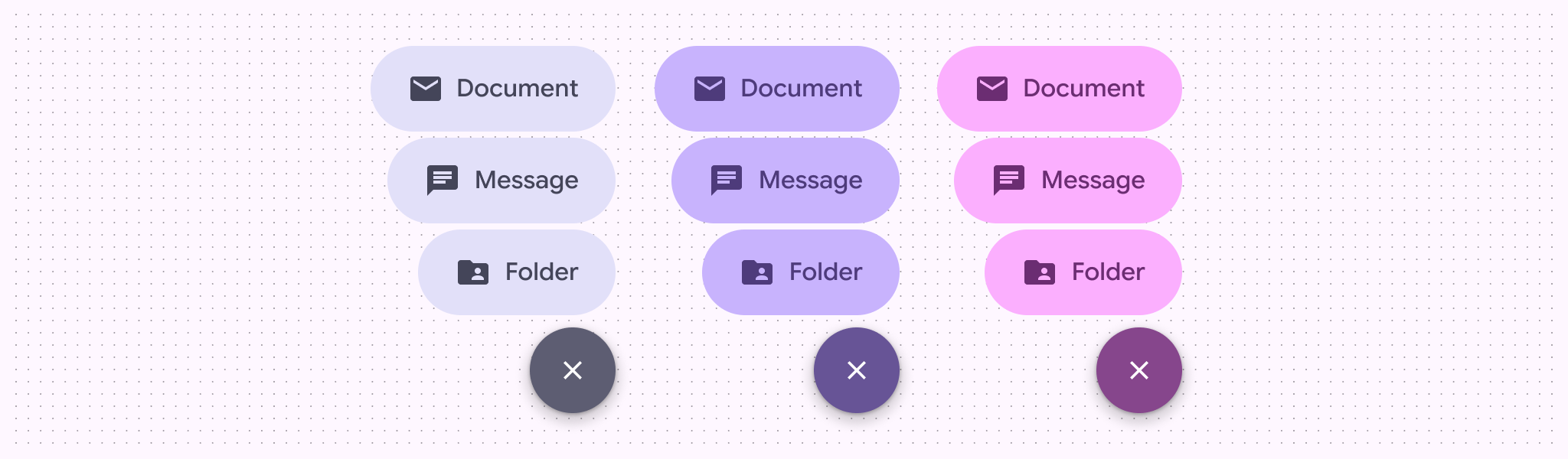
- プライマリ、セカンダリ、ターシャリのカラーセットをサポートします。
例
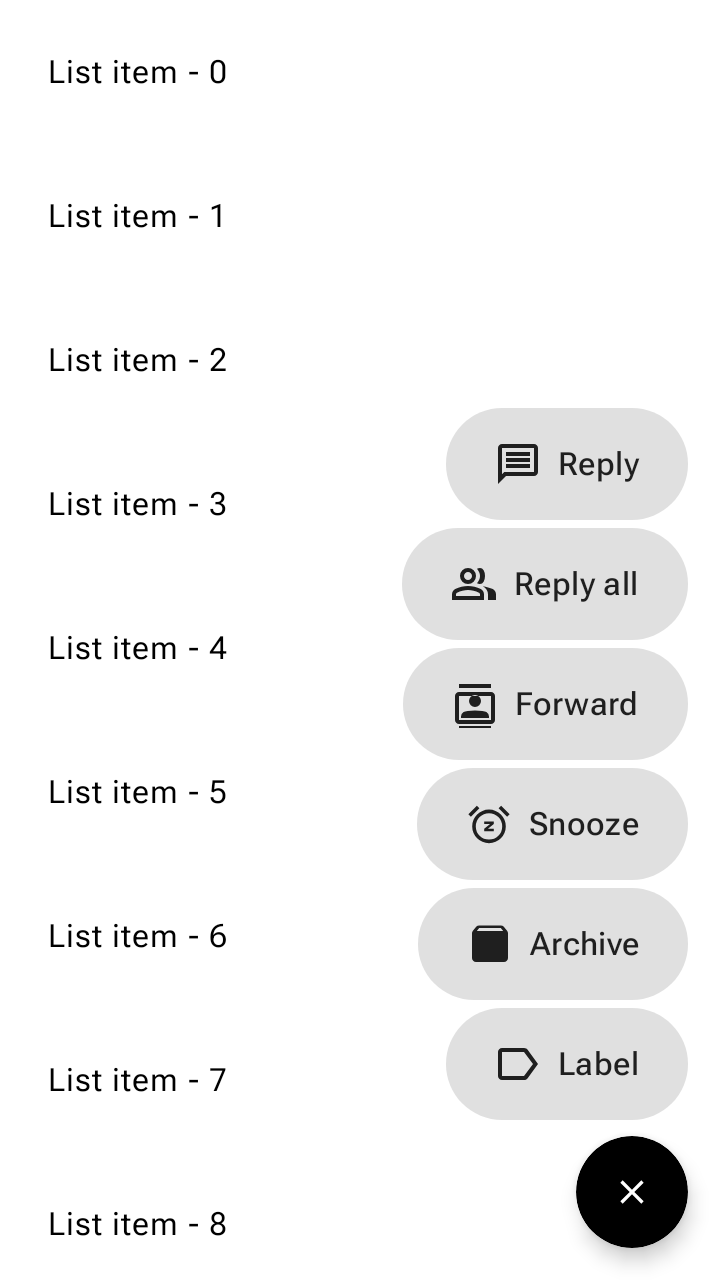
FAB メニューのサンプル
FloatingActionButtonMenu と ToggleFloatingActionButton を組み合わせて、FloatingActionButtonMenuItem アクションのリストを展開、折りたたみます。次のスニペットは、リストを下にスクロールすると切り替え FAB を非表示にし、タップするとメニューを開きます。
@Composable fun FloatingActionButtonMenuSample() { val listState = rememberLazyListState() val fabVisible by remember { derivedStateOf { listState.firstVisibleItemIndex == 0 } } Box { LazyColumn(state = listState, modifier = Modifier.fillMaxSize()) { for (index in 0 until 100) { item { Text(text = "List item - $index", modifier = Modifier.padding(24.dp)) } } } val items = listOf( AppIcons.Message to "Reply", AppIcons.People to "Reply all", AppIcons.Contacts to "Forward", AppIcons.Snooze to "Snooze", AppIcons.Archive to "Archive", AppIcons.Label to "Label", ) var fabMenuExpanded by rememberSaveable { mutableStateOf(false) } FloatingActionButtonMenu( modifier = Modifier.align(Alignment.BottomEnd), expanded = fabMenuExpanded, button = { ToggleFloatingActionButton( modifier = Modifier.semantics { traversalIndex = -1f stateDescription = if (fabMenuExpanded) "Expanded" else "Collapsed" contentDescription = "Toggle menu" } .animateFloatingActionButton( visible = fabVisible || fabMenuExpanded, alignment = Alignment.BottomEnd, ), checked = fabMenuExpanded, onCheckedChange = { fabMenuExpanded = !fabMenuExpanded }, ) { val imageVector by remember { derivedStateOf { if (checkedProgress > 0.5f) AppIcons.Close else AppIcons.Add } } Icon( painter = rememberVectorPainter(imageVector), contentDescription = null, modifier = Modifier.animateIcon({ checkedProgress }), ) } }, ) { items.forEach { item -> FloatingActionButtonMenuItem( onClick = { fabMenuExpanded = false }, icon = { Icon(painter = rememberVectorPainter(item.first), contentDescription = null) }, text = { Text(text = item.second) }, ) } } } }