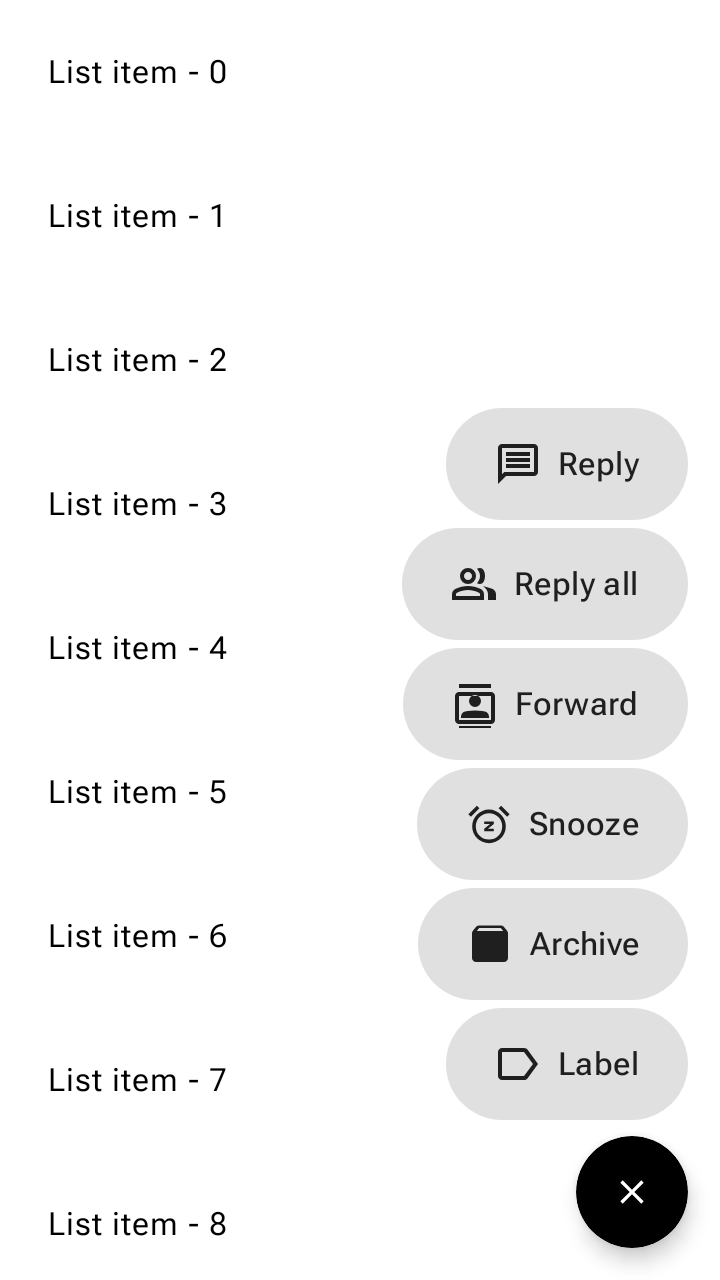
Trình đơn nút hành động nổi (FAB) mở ra từ một FAB để hiển thị nhiều hành động liên quan trong Material 3.
Thao tác này giúp bạn dễ dàng thực hiện các hành động chính, đồng thời giữ cho giao diện người dùng luôn gọn gàng bằng cách ẩn các hành động phụ khi không cần thiết, thay thế các nút quay số nhanh và các nút hành động nổi nhỏ xếp chồng lên nhau.
Sử dụng trình đơn FAB
- Mở từ một FAB để hiển thị từ 2 đến 6 hành động liên quan nổi trên màn hình.
- Sử dụng một kích thước trình đơn FAB cho tất cả các kích thước FAB.
- Không dùng với FAB mở rộng.
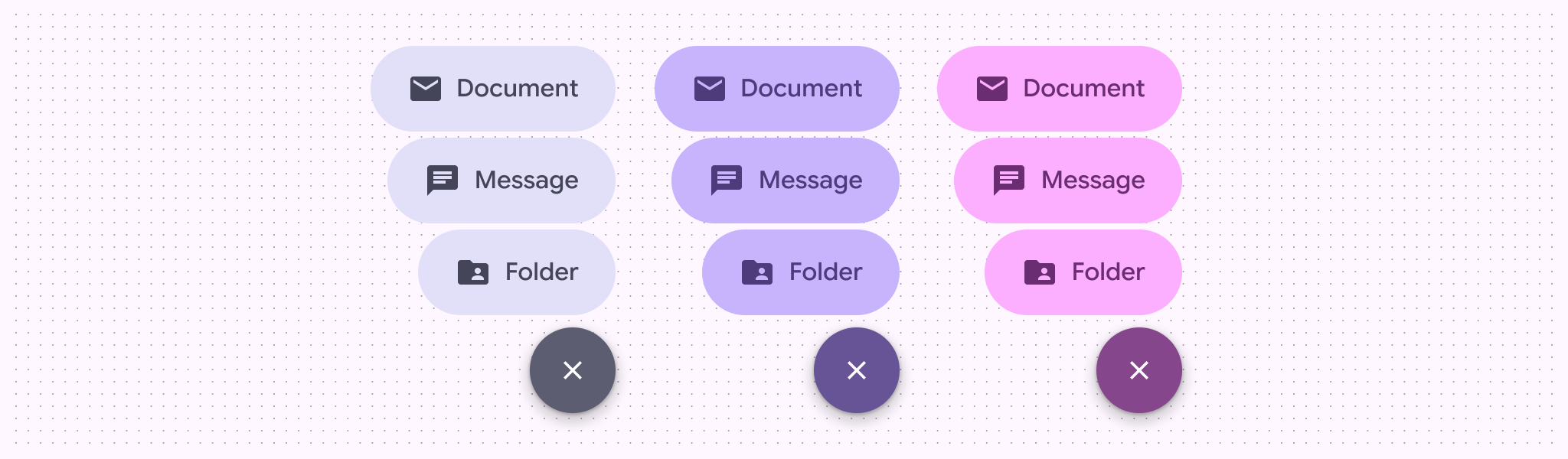
- Hỗ trợ các bộ màu chính, phụ và thứ ba.
Ví dụ
Mẫu trình đơn FAB
Ghép nối FloatingActionButtonMenu với ToggleFloatingActionButton để
mở rộng và thu gọn danh sách các thao tác FloatingActionButtonMenuItem. Đoạn mã sau đây ẩn FAB bật/tắt khi di chuyển xuống danh sách và mở rộng trình đơn khi được nhấn:
@Composable fun FloatingActionButtonMenuSample() { val listState = rememberLazyListState() val fabVisible by remember { derivedStateOf { listState.firstVisibleItemIndex == 0 } } Box { LazyColumn(state = listState, modifier = Modifier.fillMaxSize()) { for (index in 0 until 100) { item { Text(text = "List item - $index", modifier = Modifier.padding(24.dp)) } } } val items = listOf( AppIcons.Message to "Reply", AppIcons.People to "Reply all", AppIcons.Contacts to "Forward", AppIcons.Snooze to "Snooze", AppIcons.Archive to "Archive", AppIcons.Label to "Label", ) var fabMenuExpanded by rememberSaveable { mutableStateOf(false) } FloatingActionButtonMenu( modifier = Modifier.align(Alignment.BottomEnd), expanded = fabMenuExpanded, button = { ToggleFloatingActionButton( modifier = Modifier.semantics { traversalIndex = -1f stateDescription = if (fabMenuExpanded) "Expanded" else "Collapsed" contentDescription = "Toggle menu" } .animateFloatingActionButton( visible = fabVisible || fabMenuExpanded, alignment = Alignment.BottomEnd, ), checked = fabMenuExpanded, onCheckedChange = { fabMenuExpanded = !fabMenuExpanded }, ) { val imageVector by remember { derivedStateOf { if (checkedProgress > 0.5f) AppIcons.Close else AppIcons.Add } } Icon( painter = rememberVectorPainter(imageVector), contentDescription = null, modifier = Modifier.animateIcon({ checkedProgress }), ) } }, ) { items.forEach { item -> FloatingActionButtonMenuItem( onClick = { fabMenuExpanded = false }, icon = { Icon(painter = rememberVectorPainter(item.first), contentDescription = null) }, text = { Text(text = item.second) }, ) } } } }