

本頁說明如何實作基本的 Grid 版面配置。
設定專案
將
androidx.compose.foundation.layout程式庫新增至專案的lib.versions.toml。[versions] compose = "1.13.0-beta02" [libraries] androidx-compose-foundation-layout = { group = "androidx.compose.foundation", name = "foundation-layout", version.ref = "compose" }在應用程式的
build.gradle.kts中加入程式庫依附元件。dependencies { implementation(libs.androidx.compose.foundation.layout) }
建立基本格線
以下範例會建立基本的 2x3 格線,其中欄和列的大小固定為 100.dp。
Grid( config = { repeat(2) { column(100.dp) } repeat(3) { row(100.dp) } } ) { Card1(containerColor = PastelRed) Card2(containerColor = PastelGreen) Card3(containerColor = PastelBlue) Card4(containerColor = PastelPink) Card5(containerColor = PastelOrange) Card6(containerColor = PastelYellow) }
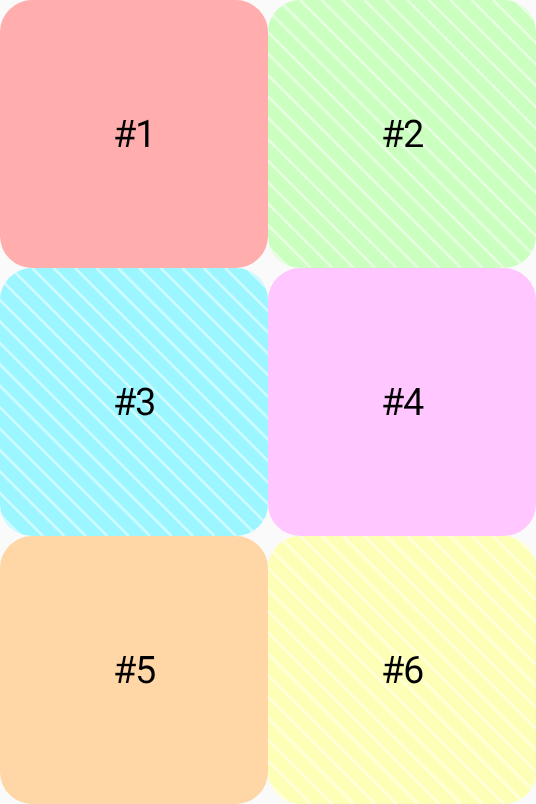
如要瞭解如何實作更進階的格線,請參閱「設定容器屬性」和「設定項目屬性」。