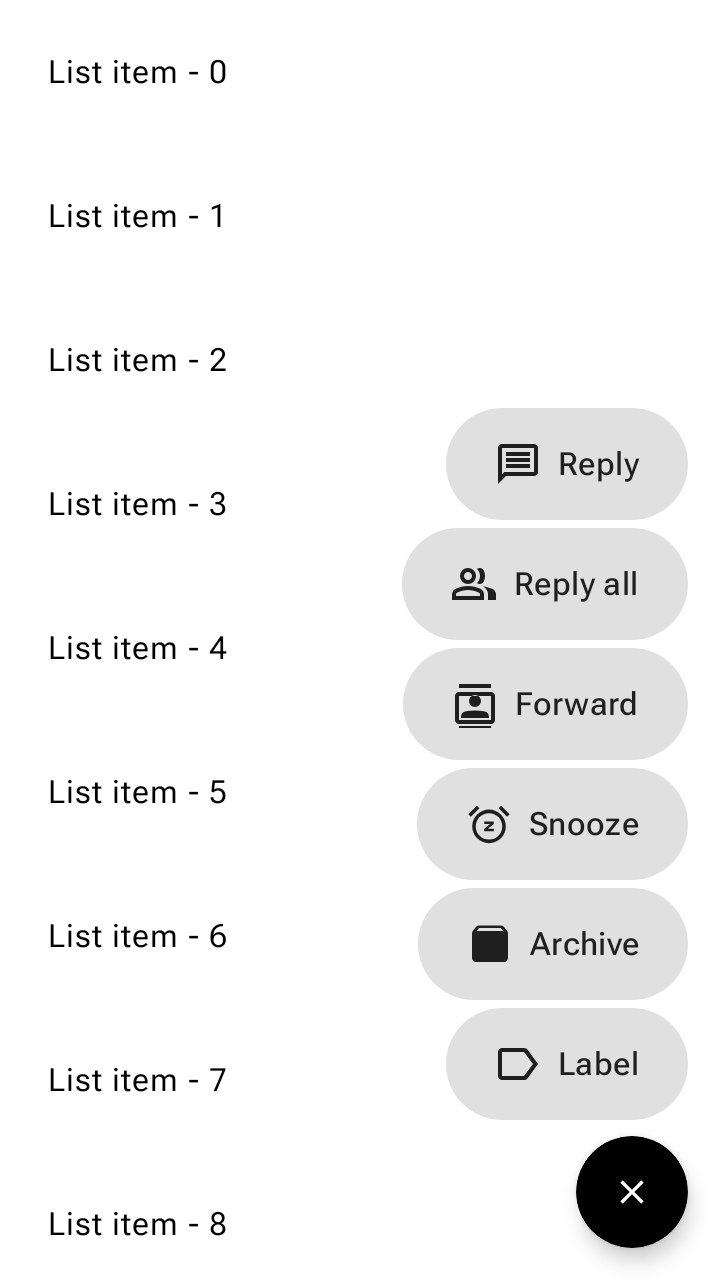
플로팅 작업 버튼(FAB) 메뉴는 FAB에서 열려 Material 3에서 여러 관련 작업을 표시합니다.
이렇게 하면 주요 작업에 액세스할 수 있는 상태를 유지하면서 필요하지 않을 때 보조 작업을 숨겨 UI를 깔끔하게 유지하고 단축키와 누적된 작은 FAB를 대체할 수 있습니다.
플로팅 작업 버튼 메뉴 사용
- FAB에서 열려 화면에 플로팅되는 2~6개의 관련 작업을 표시합니다.
- 모든 FAB 크기에서 하나의 FAB 메뉴 크기를 사용합니다.
- 확장 FAB에는 사용되지 않습니다.
- 기본, 보조, 3차 색상 세트를 지원합니다.
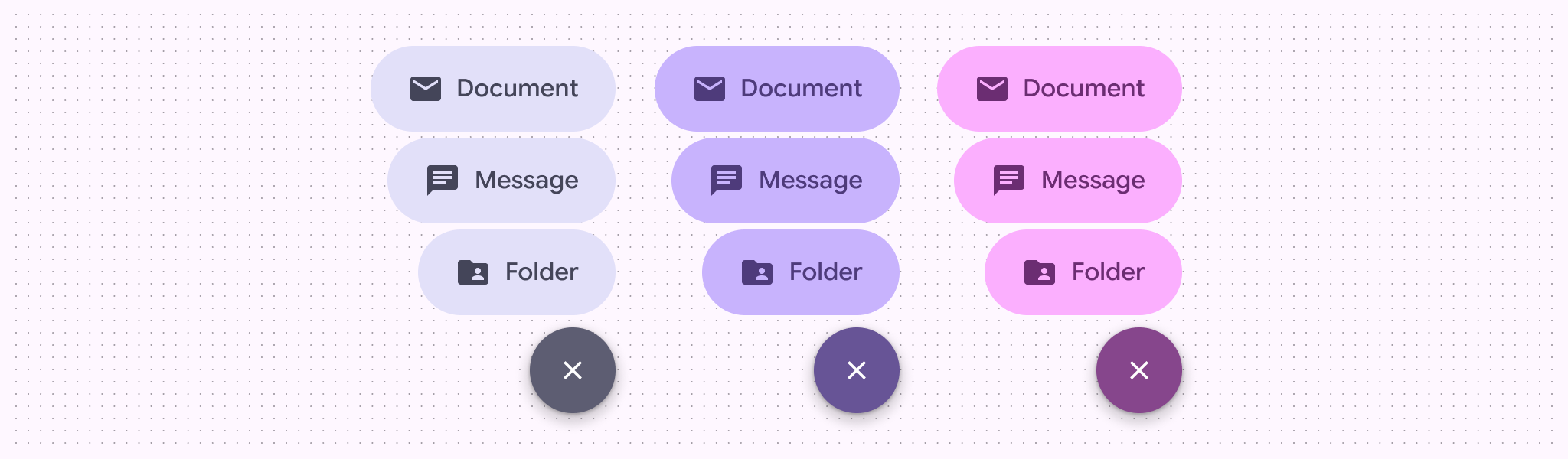
예
플로팅 작업 버튼 메뉴 샘플
FloatingActionButtonMenu를 ToggleFloatingActionButton와 페어링하여 FloatingActionButtonMenuItem 작업 목록을 펼치고 접습니다. 다음 스니펫은 목록을 아래로 스크롤할 때 전환 FAB를 숨기고 탭하면 메뉴를 펼칩니다.
@Composable fun FloatingActionButtonMenuSample() { val listState = rememberLazyListState() val fabVisible by remember { derivedStateOf { listState.firstVisibleItemIndex == 0 } } Box { LazyColumn(state = listState, modifier = Modifier.fillMaxSize()) { for (index in 0 until 100) { item { Text(text = "List item - $index", modifier = Modifier.padding(24.dp)) } } } val items = listOf( AppIcons.Message to "Reply", AppIcons.People to "Reply all", AppIcons.Contacts to "Forward", AppIcons.Snooze to "Snooze", AppIcons.Archive to "Archive", AppIcons.Label to "Label", ) var fabMenuExpanded by rememberSaveable { mutableStateOf(false) } FloatingActionButtonMenu( modifier = Modifier.align(Alignment.BottomEnd), expanded = fabMenuExpanded, button = { ToggleFloatingActionButton( modifier = Modifier.semantics { traversalIndex = -1f stateDescription = if (fabMenuExpanded) "Expanded" else "Collapsed" contentDescription = "Toggle menu" } .animateFloatingActionButton( visible = fabVisible || fabMenuExpanded, alignment = Alignment.BottomEnd, ), checked = fabMenuExpanded, onCheckedChange = { fabMenuExpanded = !fabMenuExpanded }, ) { val imageVector by remember { derivedStateOf { if (checkedProgress > 0.5f) AppIcons.Close else AppIcons.Add } } Icon( painter = rememberVectorPainter(imageVector), contentDescription = null, modifier = Modifier.animateIcon({ checkedProgress }), ) } }, ) { items.forEach { item -> FloatingActionButtonMenuItem( onClick = { fabMenuExpanded = false }, icon = { Icon(painter = rememberVectorPainter(item.first), contentDescription = null) }, text = { Text(text = item.second) }, ) } } } }