

Compose में वेक्टर को ऐनिमेट करने के लिए, कुछ अलग-अलग तरीके इस्तेमाल किए जा सकते हैं. इनमें से किसी भी तरीके का इस्तेमाल किया जा सकता है:
AnimatedVectorDrawableफ़ाइल फ़ॉर्मैटImageVectorको Compose के ऐनिमेशन एपीआई की मदद से बनाया गया है. इसके बारे में ज़्यादा जानने के लिए, Medium पर मौजूद यह लेख पढ़ें- Lottie जैसे तीसरे पक्ष के समाधान
ऐनिमेटेड वेक्टर ड्रॉएबल (एक्सपेरिमेंट के तौर पर उपलब्ध)
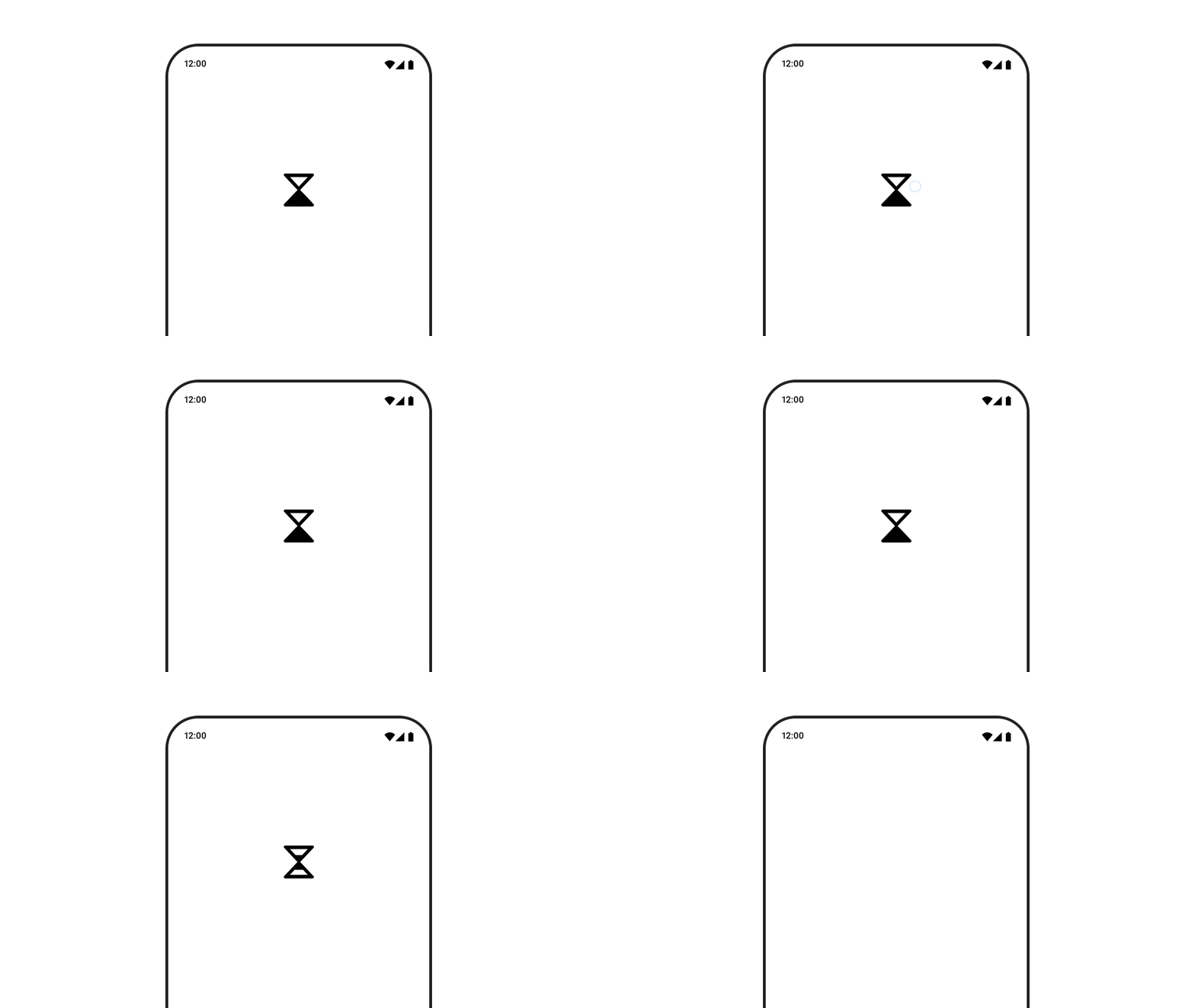
AnimatedVectorDrawable रिसॉर्स का इस्तेमाल करने के लिए, animatedVectorResource का इस्तेमाल करके ड्रॉएबल फ़ाइल लोड करें. इसके बाद, ड्रॉएबल के शुरू और खत्म होने की स्थिति के बीच स्विच करने के लिए, boolean को पास करें. इससे ऐनिमेशन दिखेगा.
@Composable fun AnimatedVectorDrawable() { val image = AnimatedImageVector.animatedVectorResource(R.drawable.ic_hourglass_animated) var atEnd by remember { mutableStateOf(false) } Image( painter = rememberAnimatedVectorPainter(image, atEnd), contentDescription = "Timer", modifier = Modifier.clickable { atEnd = !atEnd }, contentScale = ContentScale.Crop ) }
ड्रॉएबल फ़ाइल के फ़ॉर्मैट के बारे में ज़्यादा जानने के लिए, ड्रॉएबल ग्राफ़िक को ऐनिमेट करना लेख पढ़ें.
आपके लिए सुझाव
- ध्यान दें: JavaScript बंद होने पर, लिंक टेक्स्ट दिखता है
- इमेज लोड करना