

คุณสามารถเคลื่อนไหวเวกเตอร์ใน Compose ได้หลายวิธี คุณใช้ รายการใดก็ได้ต่อไปนี้
- รูปแบบไฟล์
AnimatedVectorDrawable ImageVectorด้วย Compose Animation API เช่น ในบทความนี้ใน Medium- โซลูชันของบุคคลที่สาม เช่น Lottie
Vector Drawable แบบเคลื่อนไหว (ทดลอง)
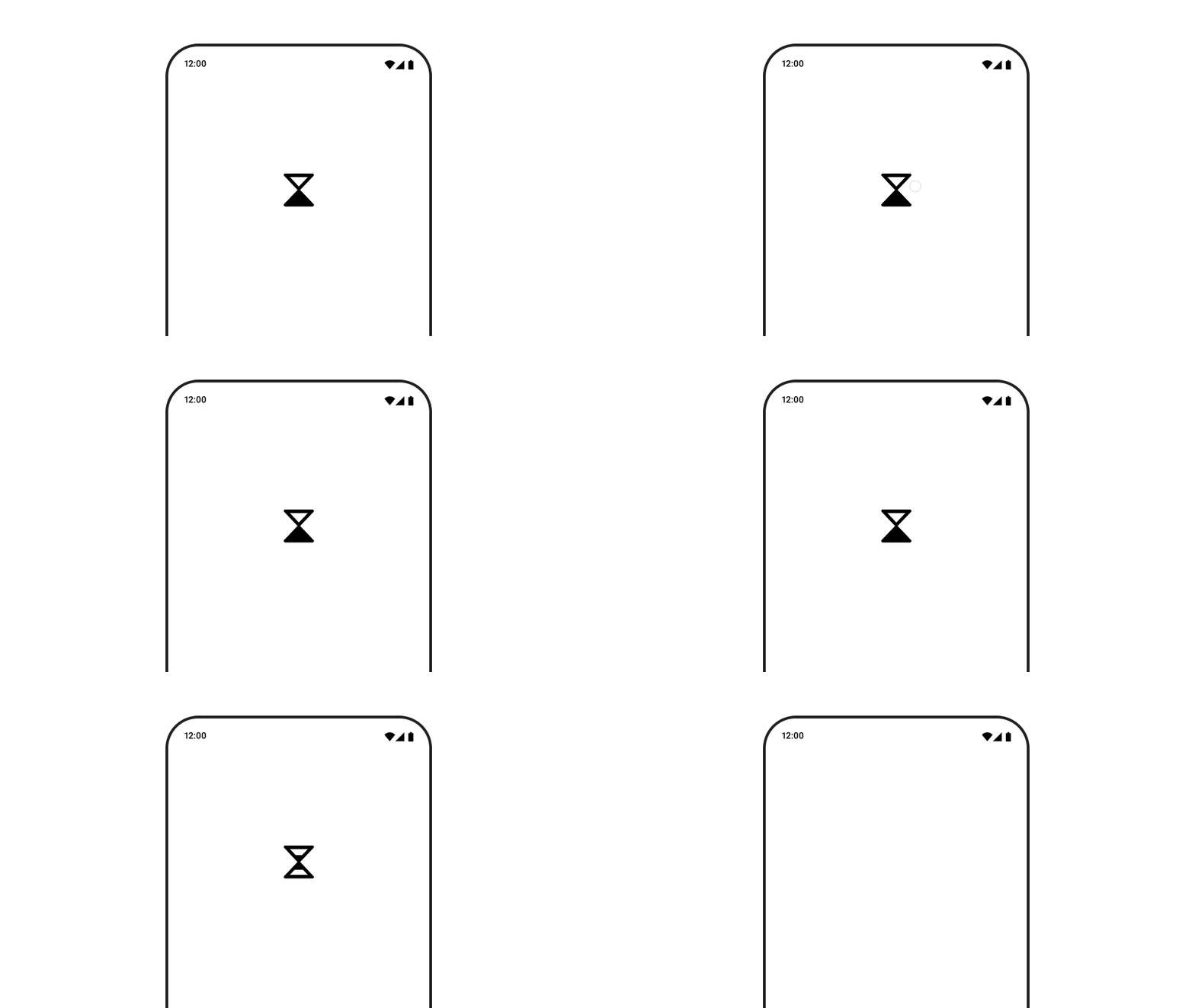
หากต้องการใช้ทรัพยากร AnimatedVectorDrawable ให้โหลดไฟล์ Drawable โดยใช้ animatedVectorResource แล้วส่ง boolean เพื่อสลับระหว่างสถานะเริ่มต้นและสถานะสิ้นสุดของ Drawable เพื่อทำการเคลื่อนไหว
@Composable fun AnimatedVectorDrawable() { val image = AnimatedImageVector.animatedVectorResource(R.drawable.ic_hourglass_animated) var atEnd by remember { mutableStateOf(false) } Image( painter = rememberAnimatedVectorPainter(image, atEnd), contentDescription = "Timer", modifier = Modifier.clickable { atEnd = !atEnd }, contentScale = ContentScale.Crop ) }
ดูข้อมูลเพิ่มเติมเกี่ยวกับรูปแบบของไฟล์ Drawable ได้ที่ภาพกราฟิก Drawable แบบเคลื่อนไหว
แนะนำสำหรับคุณ
- หมายเหตุ: ข้อความลิงก์จะแสดงเมื่อ JavaScript ปิดอยู่
- กำลังโหลดรูปภาพ