

在 Compose 中,您可以透過幾種不同方式為向量建立動畫。您可以使用下列任一方法:
AnimatedVectorDrawable檔案格式- 使用 Compose Animation API
ImageVector,如這篇 Medium 文章所示 - Lottie 等第三方解決方案
動畫向量可繪項目 (實驗功能)
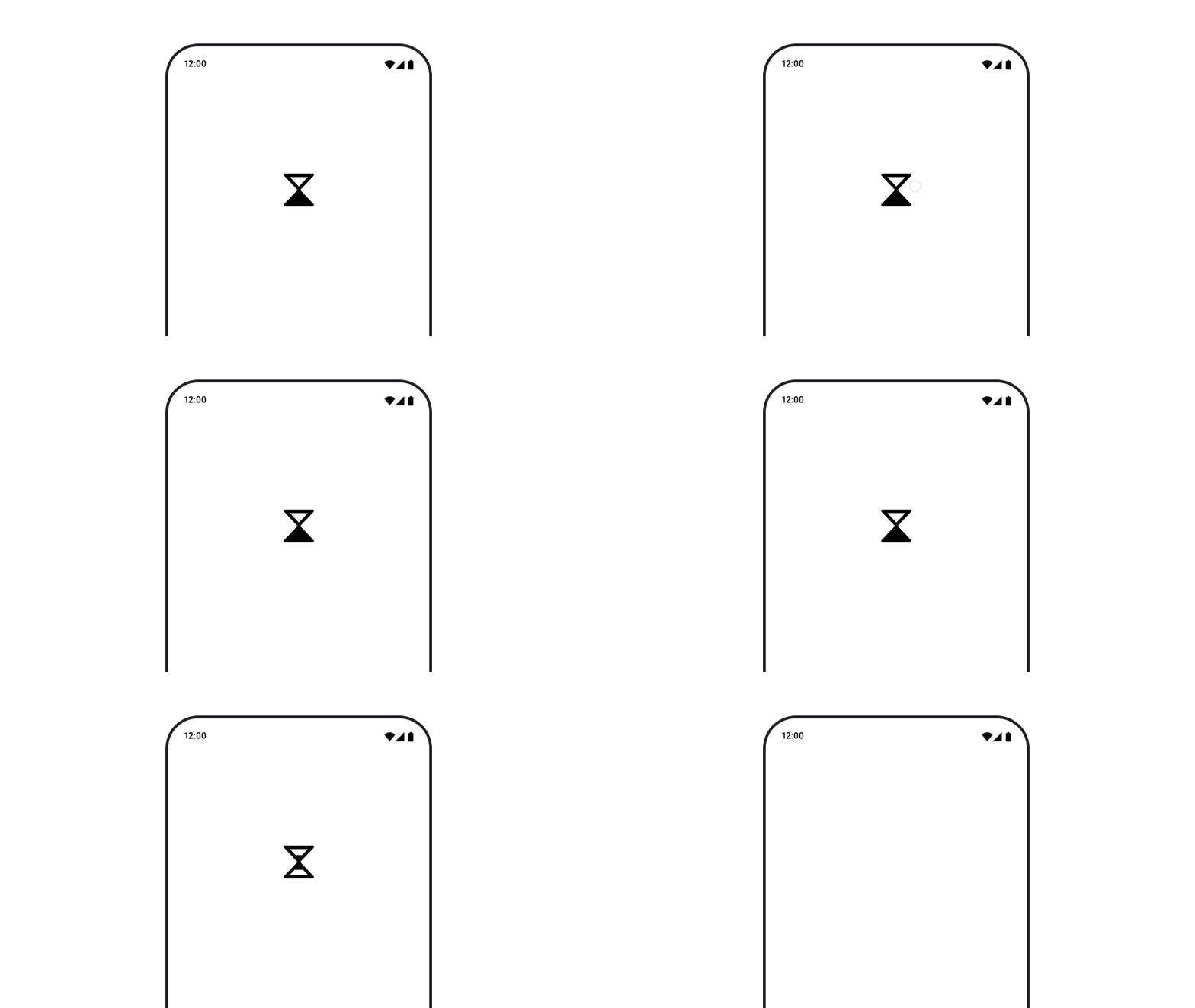
如要使用 AnimatedVectorDrawable 資源,請使用 animatedVectorResource 載入可繪項目檔案,然後傳遞到 boolean,以便讓可繪項目切換開始和結束狀態,執行動畫。
@Composable fun AnimatedVectorDrawable() { val image = AnimatedImageVector.animatedVectorResource(R.drawable.ic_hourglass_animated) var atEnd by remember { mutableStateOf(false) } Image( painter = rememberAnimatedVectorPainter(image, atEnd), contentDescription = "Timer", modifier = Modifier.clickable { atEnd = !atEnd }, contentScale = ContentScale.Crop ) }
如要進一步瞭解可繪項目檔案的格式,請參閱「以動畫方式呈現可繪項目圖形」。
為您推薦
- 注意:系統會在 JavaScript 關閉時顯示連結文字
- 載入圖片