

Compose में, वेक्टर में ऐनिमेशन जोड़ने के कुछ अलग-अलग तरीके हैं. इनमें से किसी भी तरीके का इस्तेमाल किया जा सकता है:
AnimatedVectorDrawableफ़ाइल फ़ॉर्मैटImageVectorCompose के ऐनिमेशन एपीआई के साथ. जैसे, इस Medium लेख में बताया गया है- तीसरे पक्ष का कोई समाधान, जैसे कि Lottie
ऐनिमेटेड वेक्टर ड्रॉएबल (यह सुविधा, प्रयोग के तौर पर उपलब्ध है)
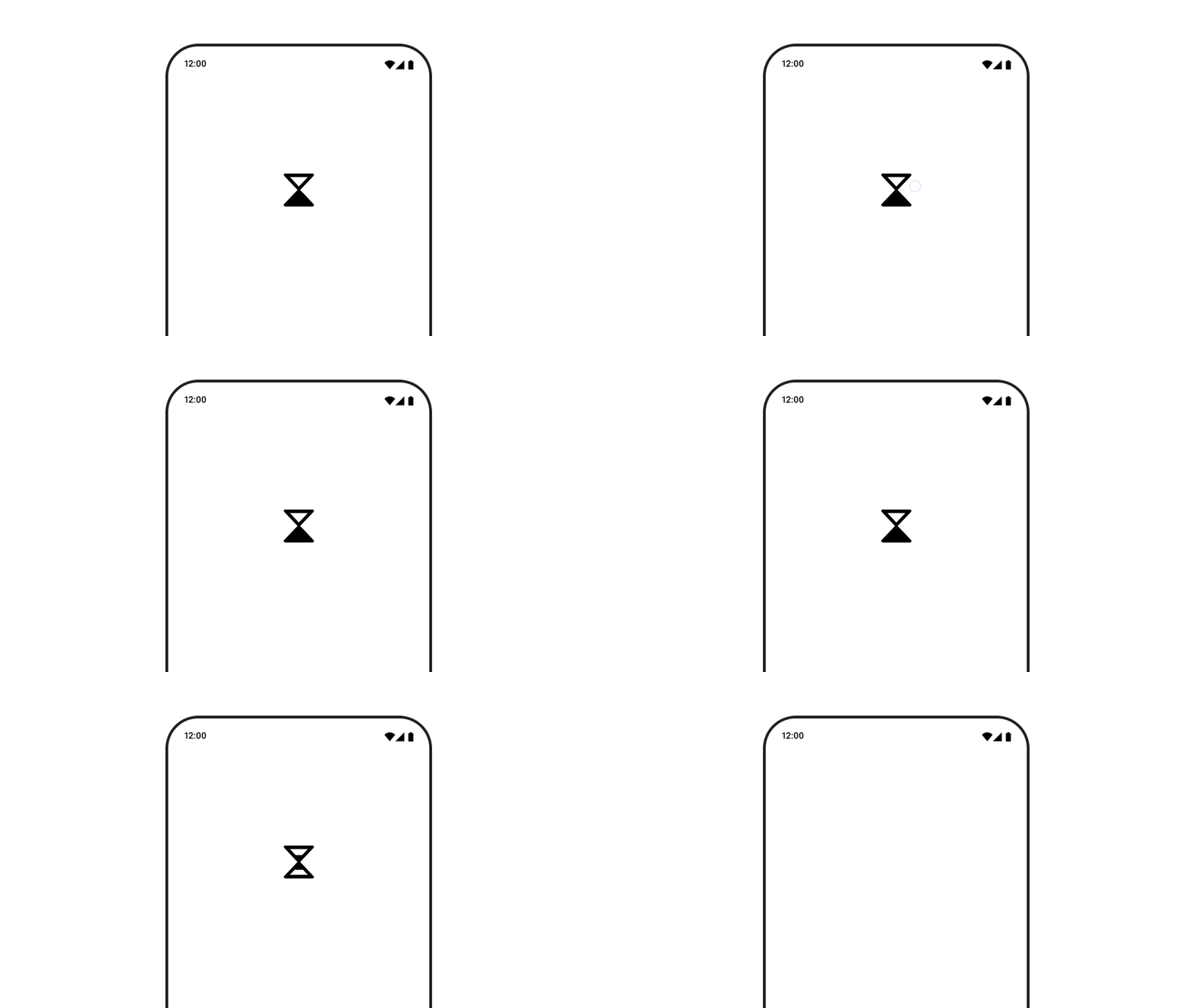
AnimatedVectorDrawable रिसॉर्स का इस्तेमाल करने के लिए, animatedVectorResource का इस्तेमाल करके ड्रॉएबल फ़ाइल लोड करें. इसके बाद, ड्रॉएबल की शुरुआती और आखिरी स्थिति के बीच स्विच करने के लिए, boolean पास करें. इससे ऐनिमेशन चालू हो जाएगा.
@Composable fun AnimatedVectorDrawable() { val image = AnimatedImageVector.animatedVectorResource(R.drawable.ic_hourglass_animated) var atEnd by remember { mutableStateOf(false) } Image( painter = rememberAnimatedVectorPainter(image, atEnd), contentDescription = "Timer", modifier = Modifier.clickable { atEnd = !atEnd }, contentScale = ContentScale.Crop ) }
ड्रॉएबल फ़ाइल के फ़ॉर्मैट के बारे में ज़्यादा जानने के लिए, ड्रॉएबल ग्राफ़िक्स में ऐनिमेशन जोड़ना लेख पढ़ें.
आपके लिए सुझाव
- ध्यान दें: JavaScript बंद होने पर, लिंक का टेक्स्ट दिखता है
- इमेज लोड हो रही हैं