


Material Design provides components and layouts that adapt for XR. Using the existing Material 3 library, components and adaptive layouts are enhanced with spatial UI behaviors.
You can adapt your current M3 implementation by adding the
EnableXrComponentOverrides wrapper. Add the XR Compose Material3 library
to your app's dependencies.
Use EnableXrComponentOverrides to adapt your existing app
All M3 Compose UI inside of the EnableXrComponentOverrides wrapper will
adapt on XR devices. This wrapper lets you choose any components you want to
exclude from this behavior.
Add the EnableXrComponentOverrides wrapper to adapt your app to Material
Design for XR.
Navigation rail
Navigation rail in any Compose layout, including NavigationSuiteScaffold
will automatically adapt to XR Orbiter. For more information, read Material
Design guidelines.
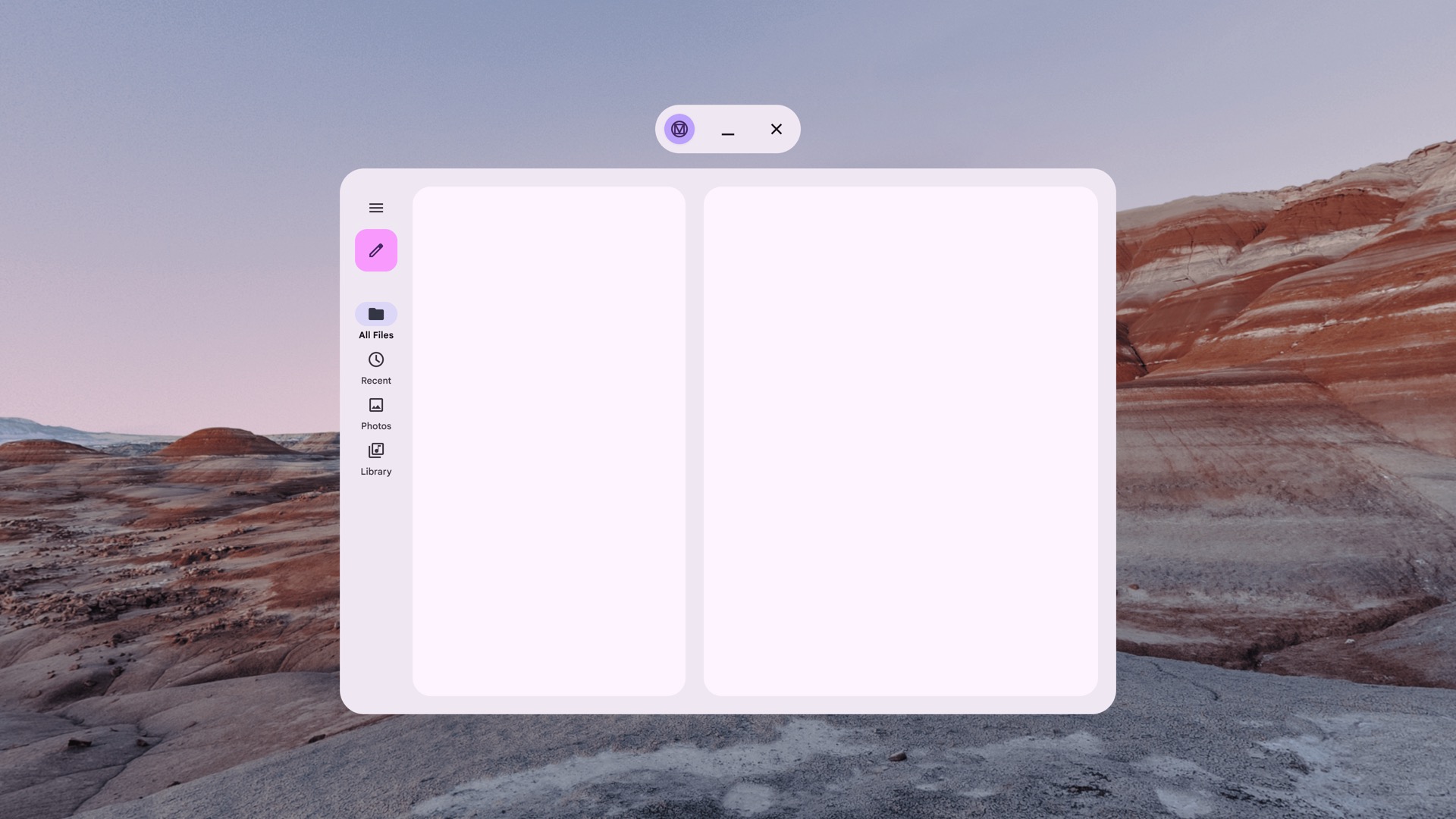
Non-spatialized navigation rail

Spatialized (XR-adapted) navigation rail
Navigation bar
Navigation bar in any Compose layout, including NavigationSuiteScaffold
will automatically adapt to XR orbiter. For more information, read Material
Design guidelines.

Non-spatialized navigation bar

Spatialized (XR-adapted) navigation bar
Dialogs
A BasicAlertDialog will adapt to XR, adding elevation to the component.
Learn more about Dialogs and adaptive design guidelines.
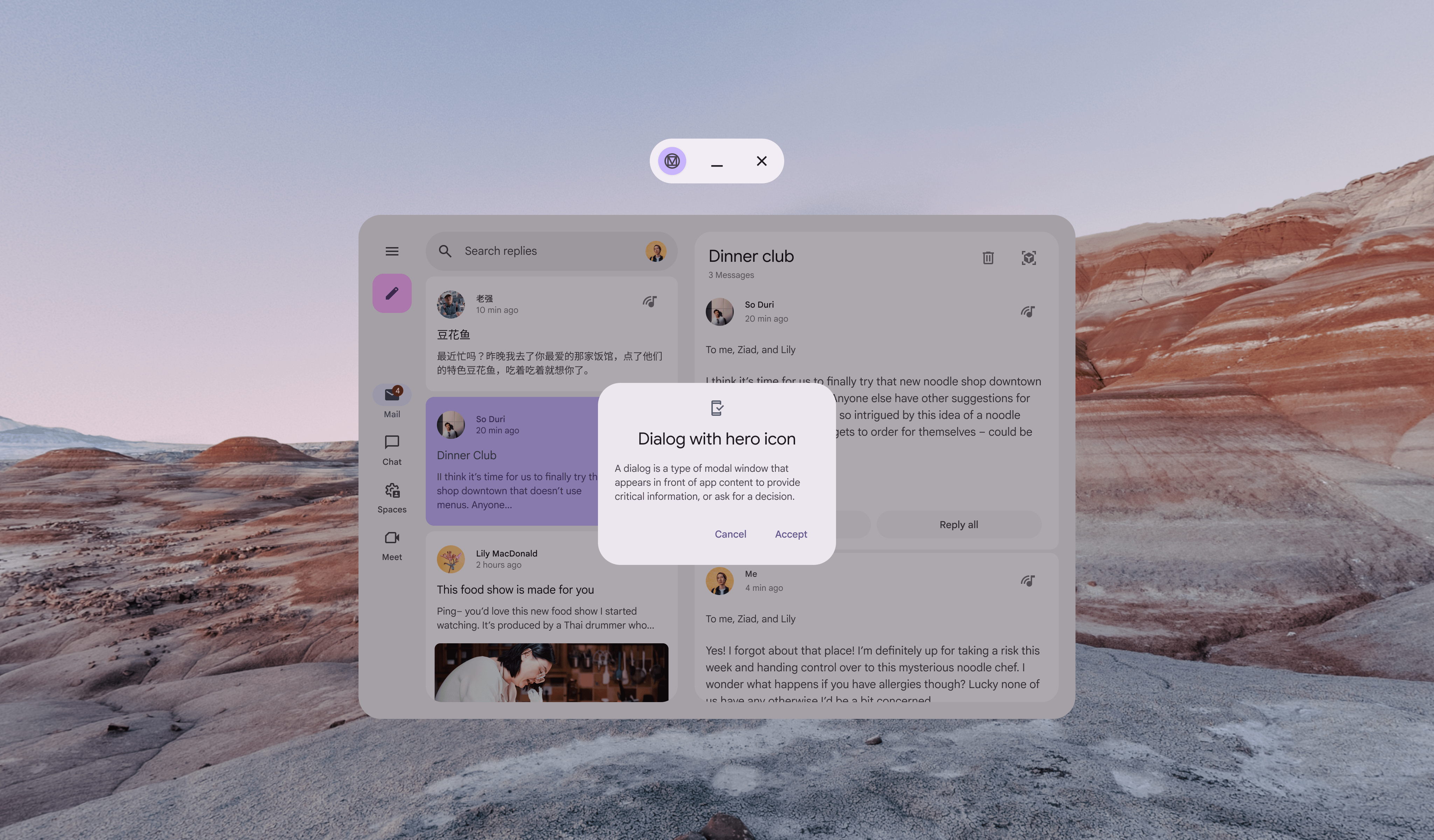
Non-spatialized dialog
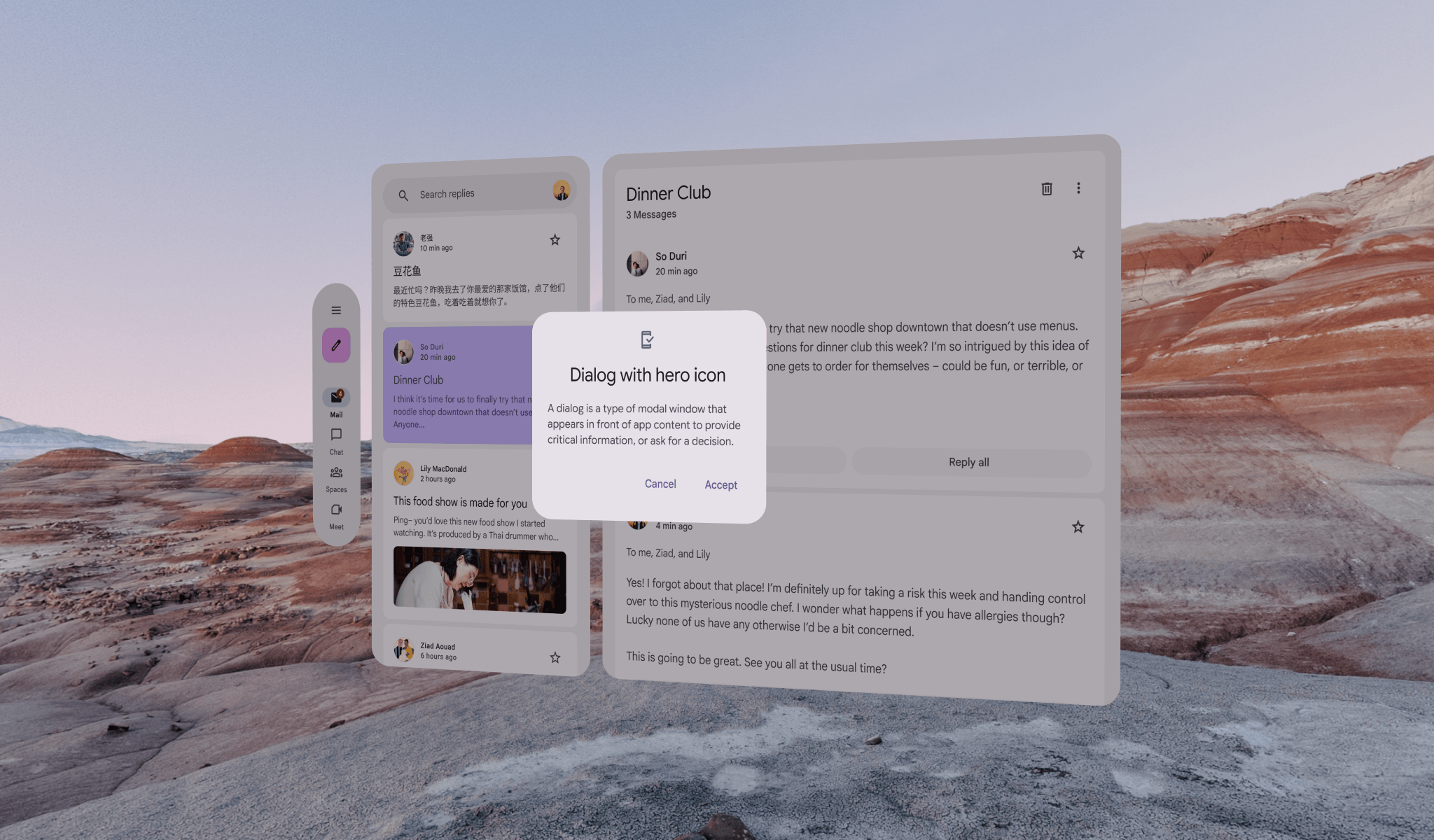
Spatialized (XR-adapted) dialog
Top app bars
A TopAppBar will automatically adapt to XR orbiter.
Learn more about Top app bars and adaptive design guidelines.
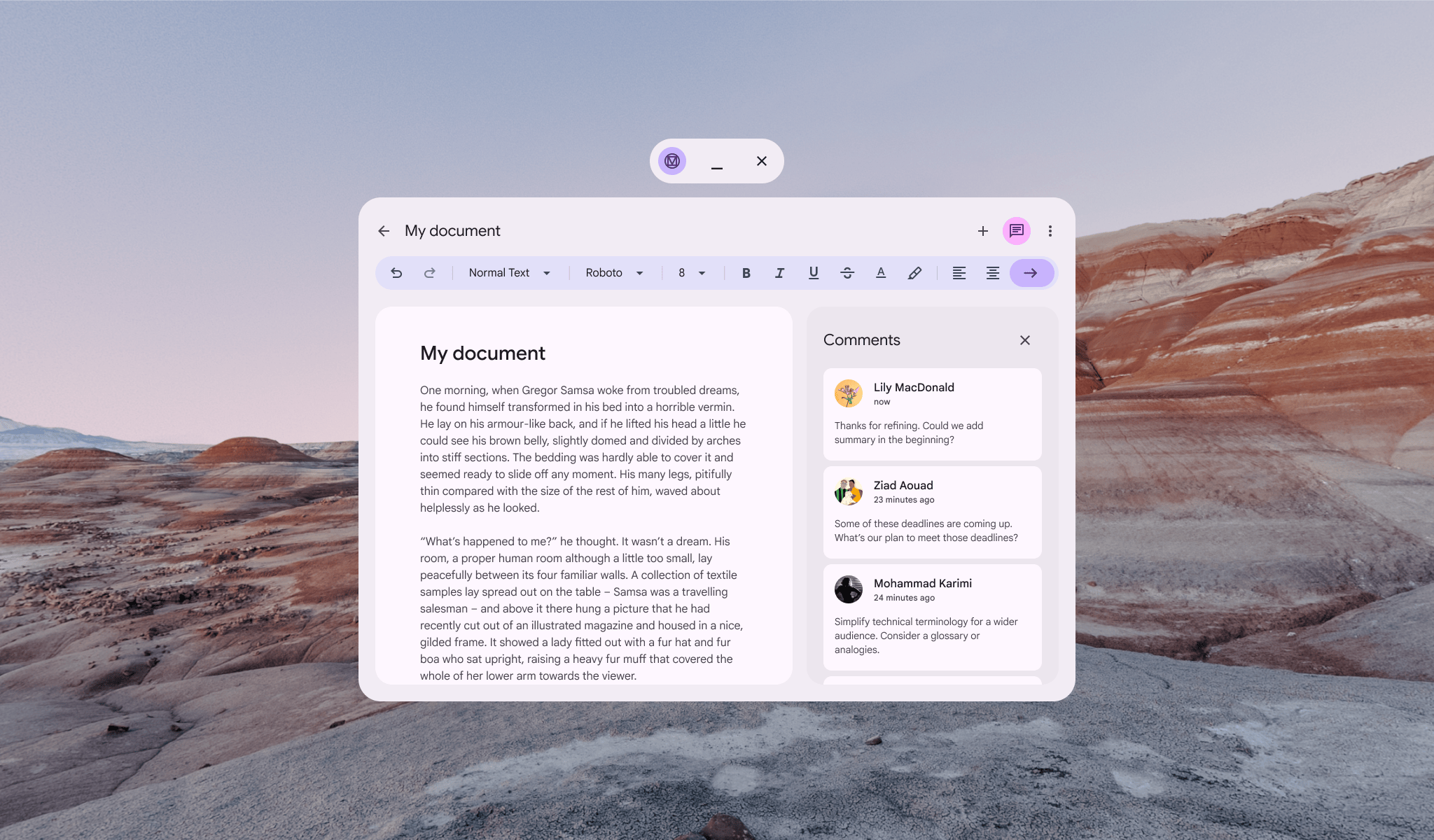
Non-spatialized top app bar
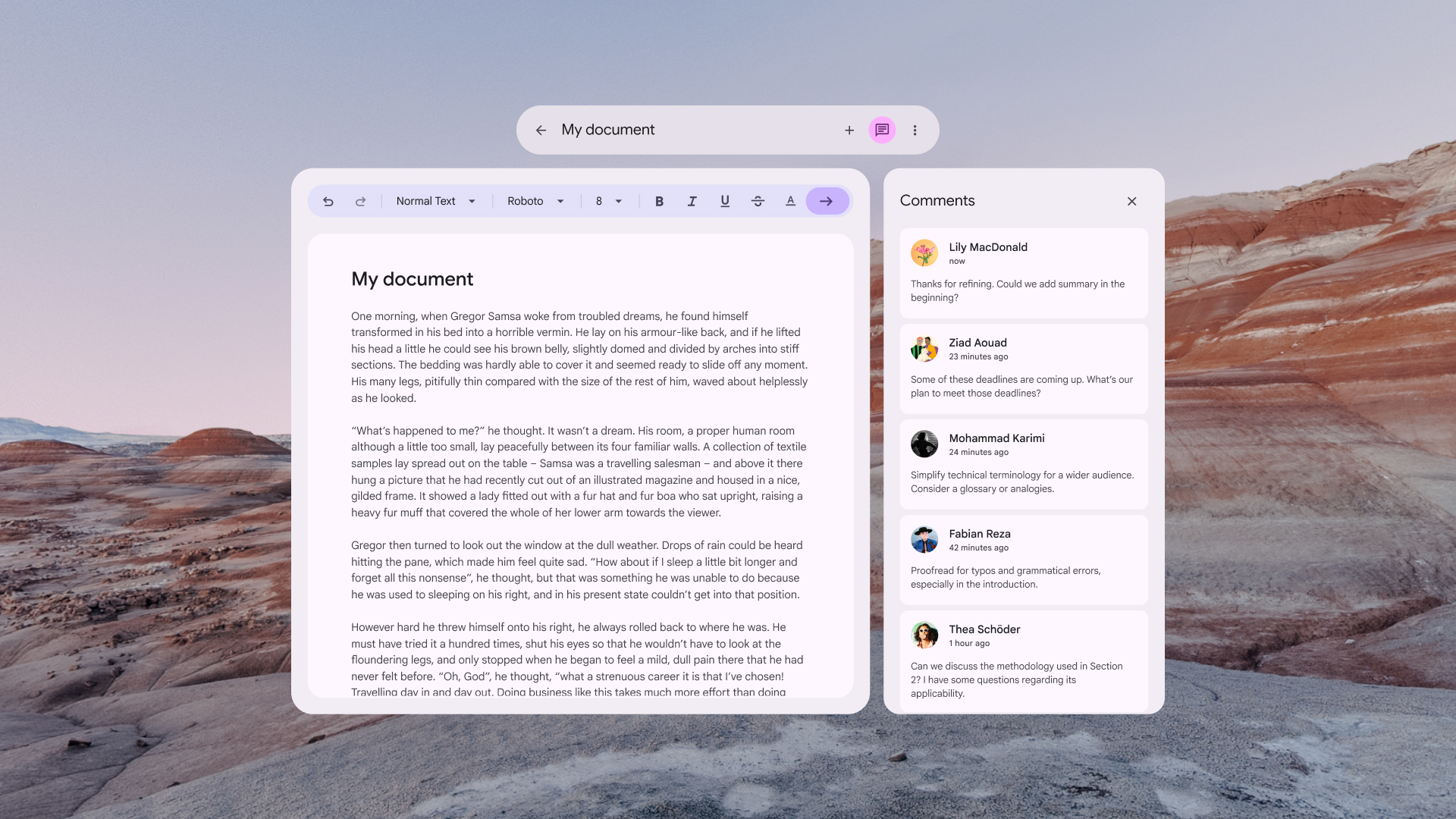
Spatialized (XR-adapted) top app bar
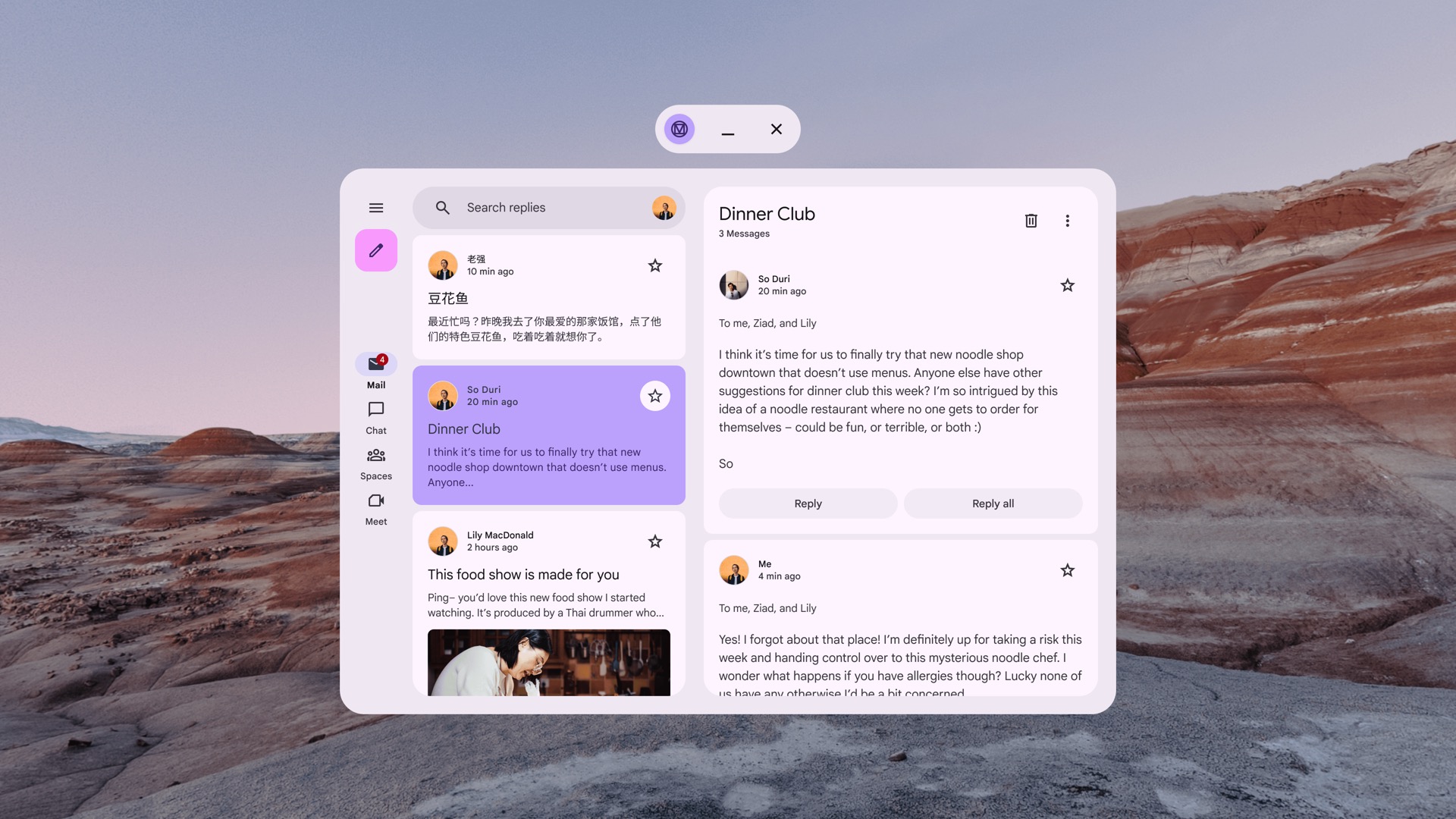
List-detail layout for XR
Compose Material 3 Adaptive Layouts in XR have a 1:1 mapping where each
pane is placed inside its own XR spatial panel. Learn more about
ListDetailPaneScaffold and adaptive design guidelines.
Non-spatialized ListDetailPaneScaffold

Spatialized (XR-adapted) ListDetailPaneScaffold
Support pane layout for XR
Compose Material 3 Adaptive Layouts in XR have a 1:1 mapping where each
pane is placed inside its own XR spatial panel. Learn more about
SupportingPaneScaffold and adaptive design guidelines.

Non-spatialized SupportingPaneScaffold

Spatialized (XR-adapted) SupportingPaneScaffold
Start designing with the Material 3 Design Kit for Figma
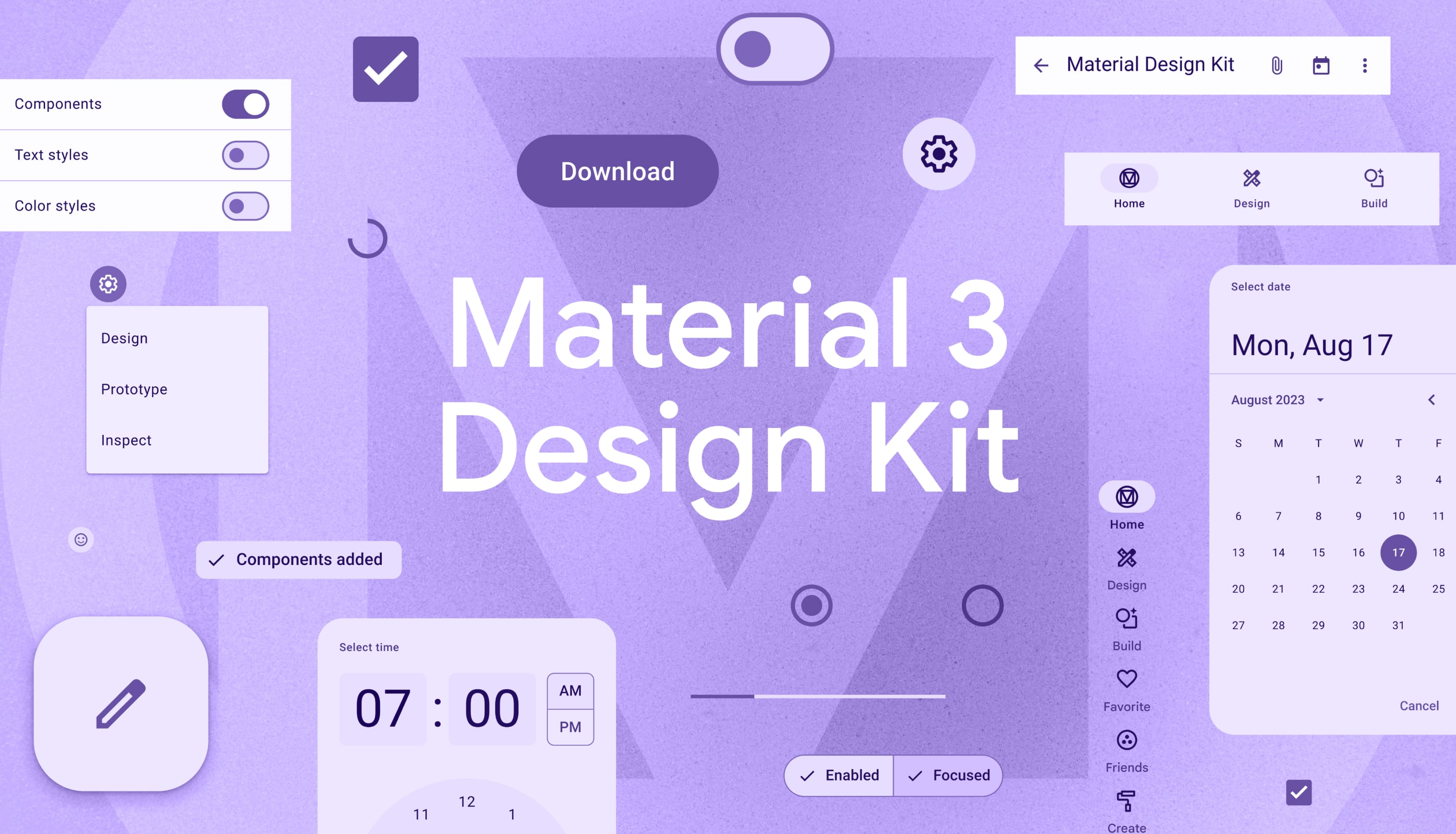
Download the Material 3 Design Kit to get started