
Live updates provide a summary of important updates so users can track progress without opening the app. Users can temporarily dismiss or demote a live update notification to a standard notification. Live update notifications should follow notification principles for delivering brief, timely, and relevant information.
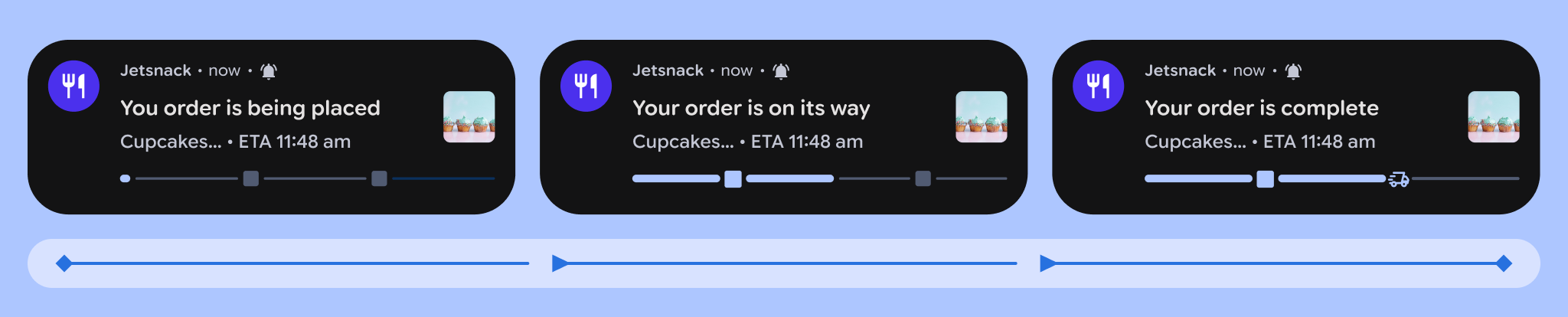
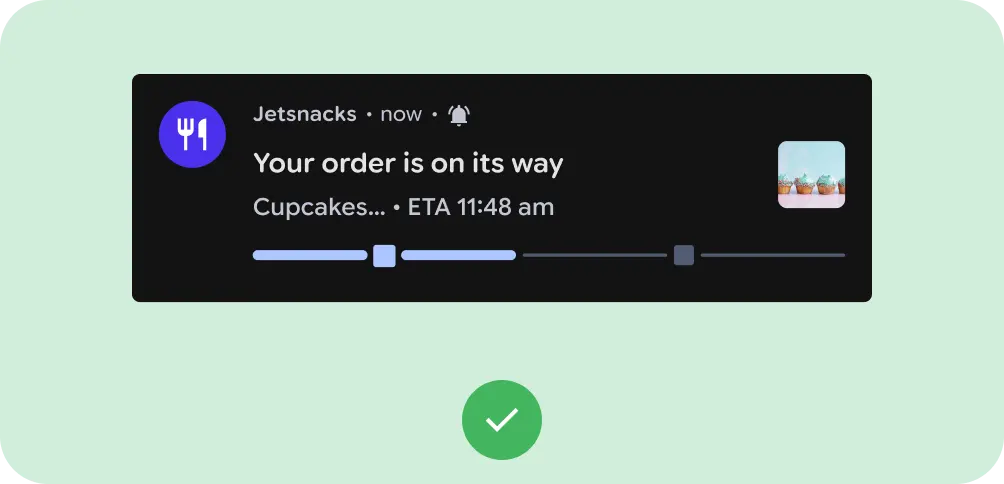
Do
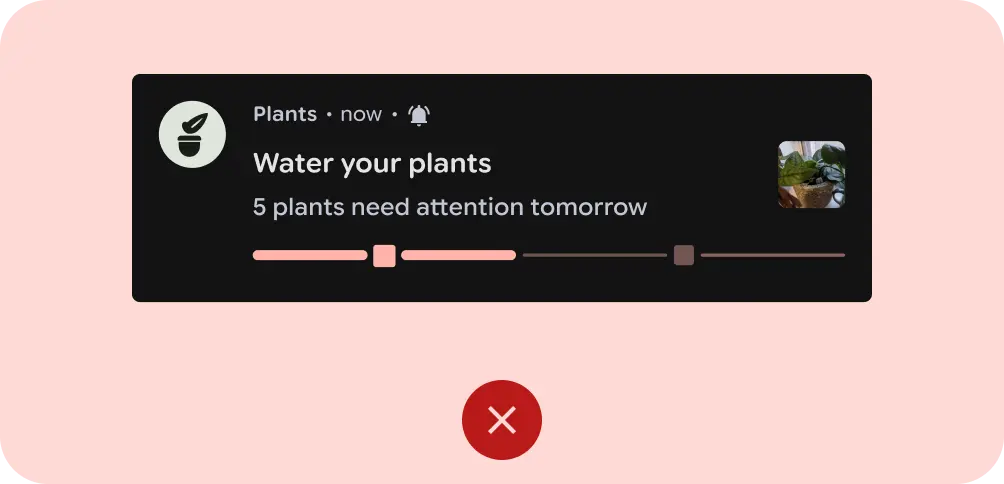
Don't
Live updates don't work well in the following situations:
- If information in the notification is bundled from multiple applications.
- If the notification is meant to provide recommendations to users.
- If it requires bespoke visuals, animations, or unique data structures to communicate.
The following sections are recommendations to assist with consistency, clarity, and prevent user frustration.
Alert behavior
In order to eliminate phantom alerts and reduce notification fatigue, alert only for critical status changes. Don't alert for minor variable adjustments. For example, alert for driver arrived, but don't alert for a shift in ETA.
If you do alert, the UI should provide immediate visual evidence of why.
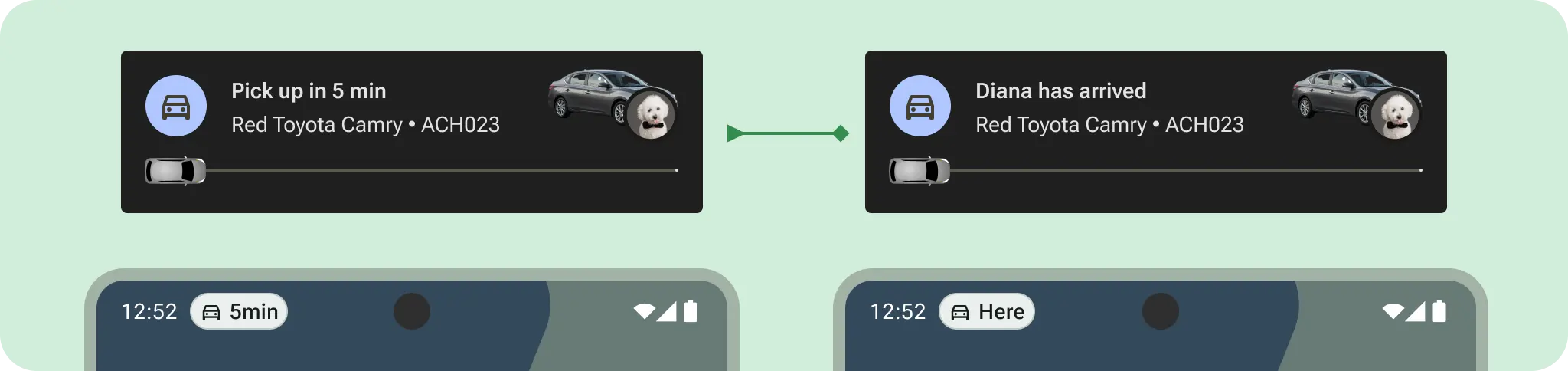
Do
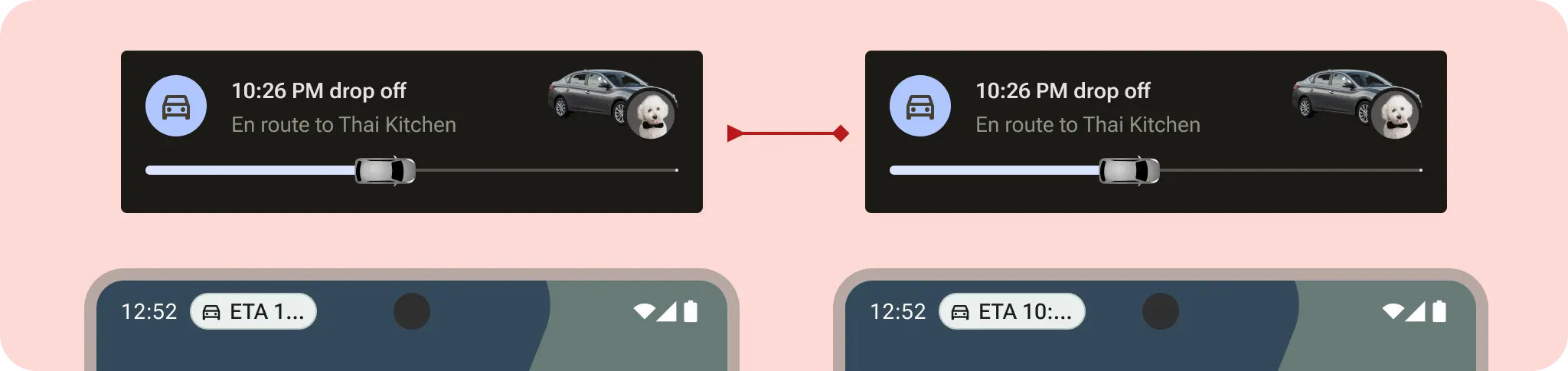
Don't
Progress bar semantics
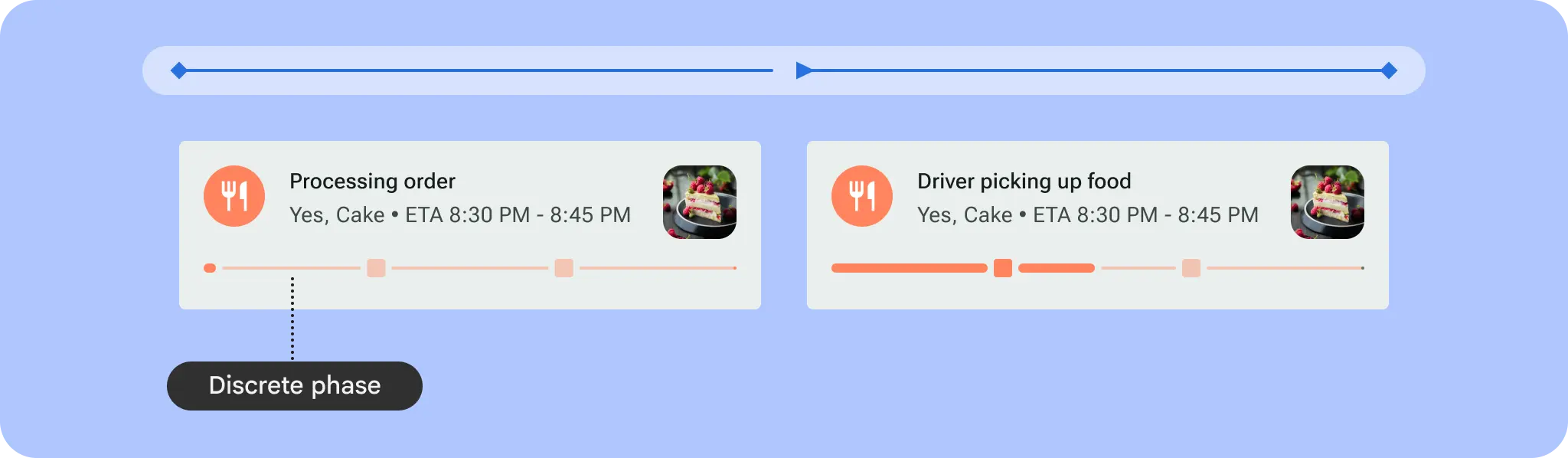
Show the status at a glance. If using discrete steps, clearly label the distinct phases to show progress. If using a standard progress bar, make sure the fill matches the remaining time or distance.
Timestamp consistency
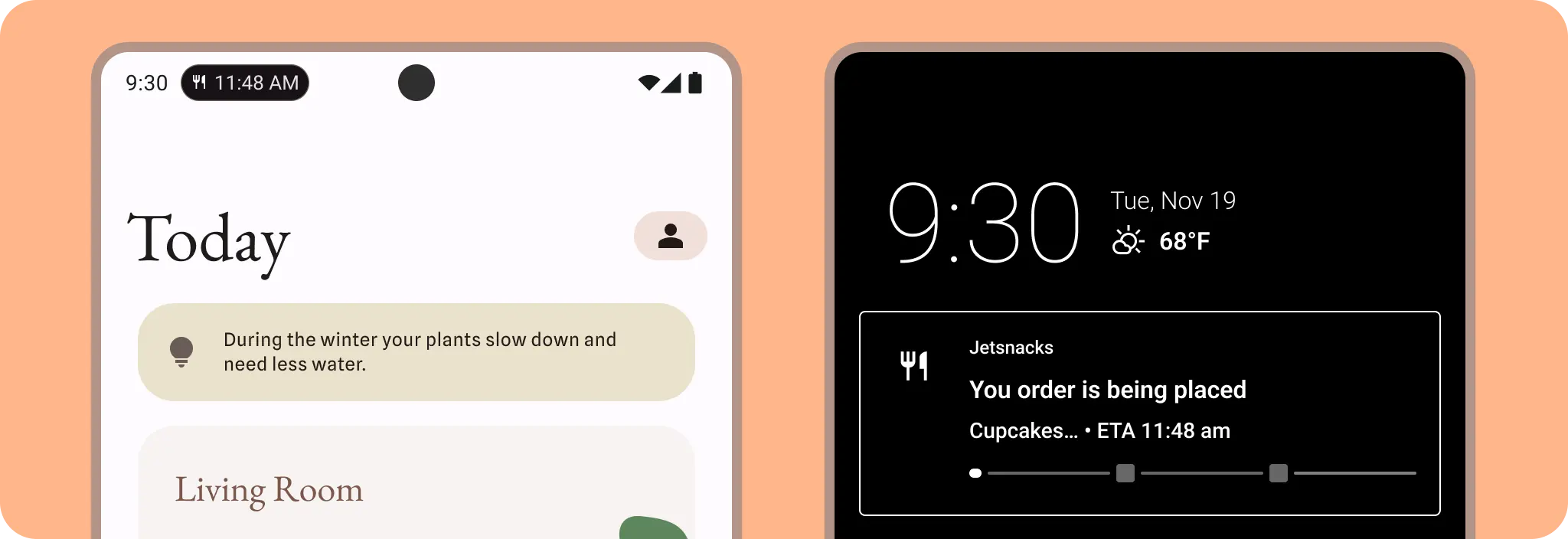
When transitioning between views, use the same timestamp or duration format in the collapsed Status Bar view as the expanded card view. Mismatch here can cause unnecessary friction.
Template specialization
For key templates such as Rideshare, Delivery or Maps, data should be displayed predictably. Apps within the same vertical should use similar fields for similar data points. For example, the content title includes the most critical information to help users scan quickly.
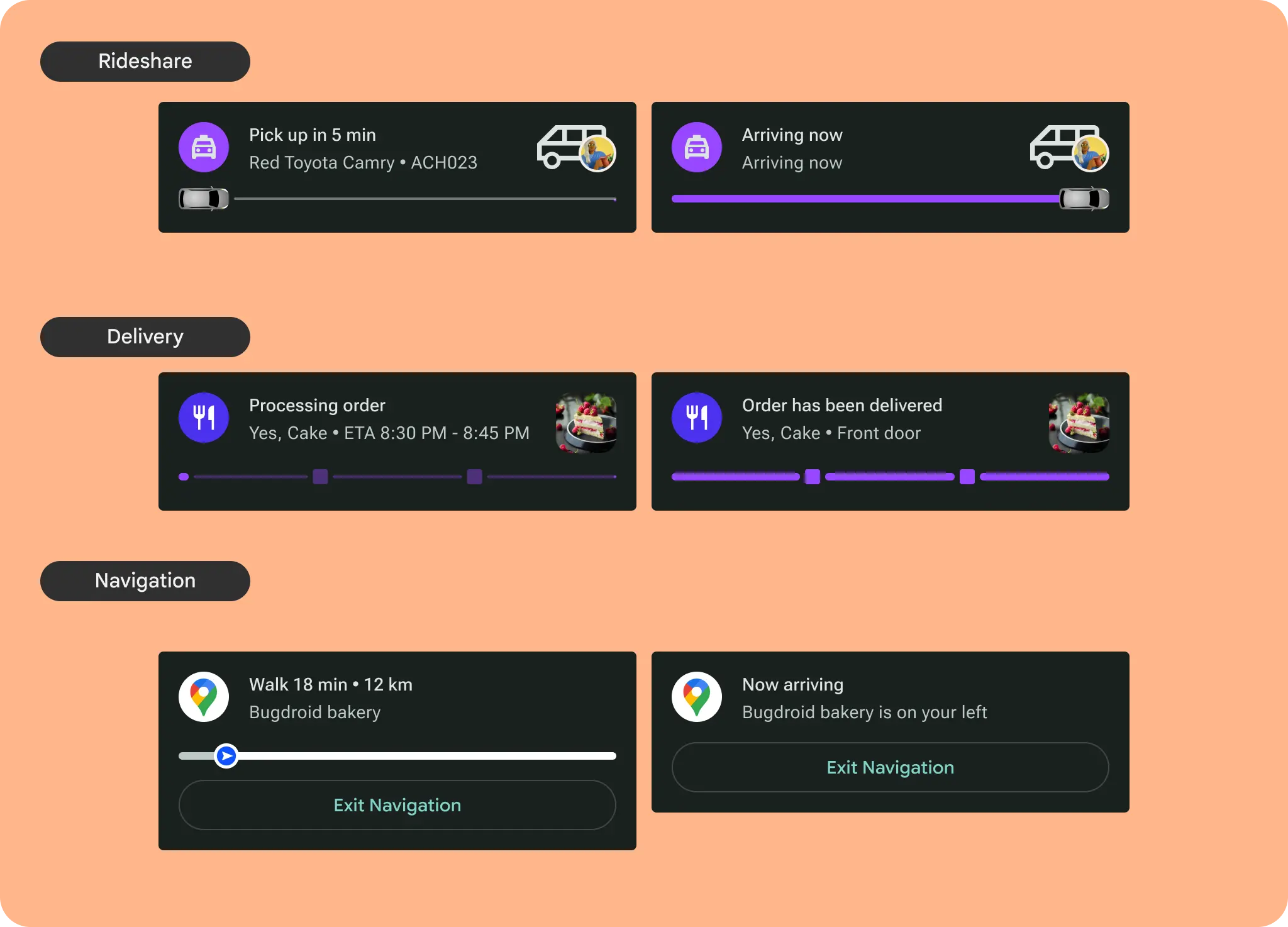
Explore use case templates in more detail and create your own with the Android UI Kit.