
If your app contains multiple destinations for users to traverse, we recommend employing layout and navigation pairings that are commonly used by other apps. Because many users already possess the mental models for these pairings, your app will be more intuitive for them.
Layout and navigation pairings
The navigation bar and modal navigation drawer are used as primary navigation patterns for parent layout views and primary navigation destinations.

The navigation bar can hold three to five navigation destinations across the same hierarchy level. This component translates to the navigation rail for large screens.
Although the navigation drawer can hold more than five navigation destinations, the pattern isn't as ideal as the navigation bar. This is because users must reach for the top bar on compact sizes.

Material 3 Tabs and the bottom app bar are secondary navigation patterns that you can use to supplement primary navigation or appear on child views.
Here, tabs act as a secondary navigation layer to group sibling content.
Layout actions
Provide controls to enable users to accomplish actions. Common patterns include top bar actions, floating action button (FAB), and menus.
For actions of the highest importance, a FAB provides a large and prominent button for the user. Provide only one action at a time at this level. A FAB can appear in multiple sizes and an expanded form, which includes a label. Use Scaffold to pin a FAB, to ensure it's always visible even when scrolling.
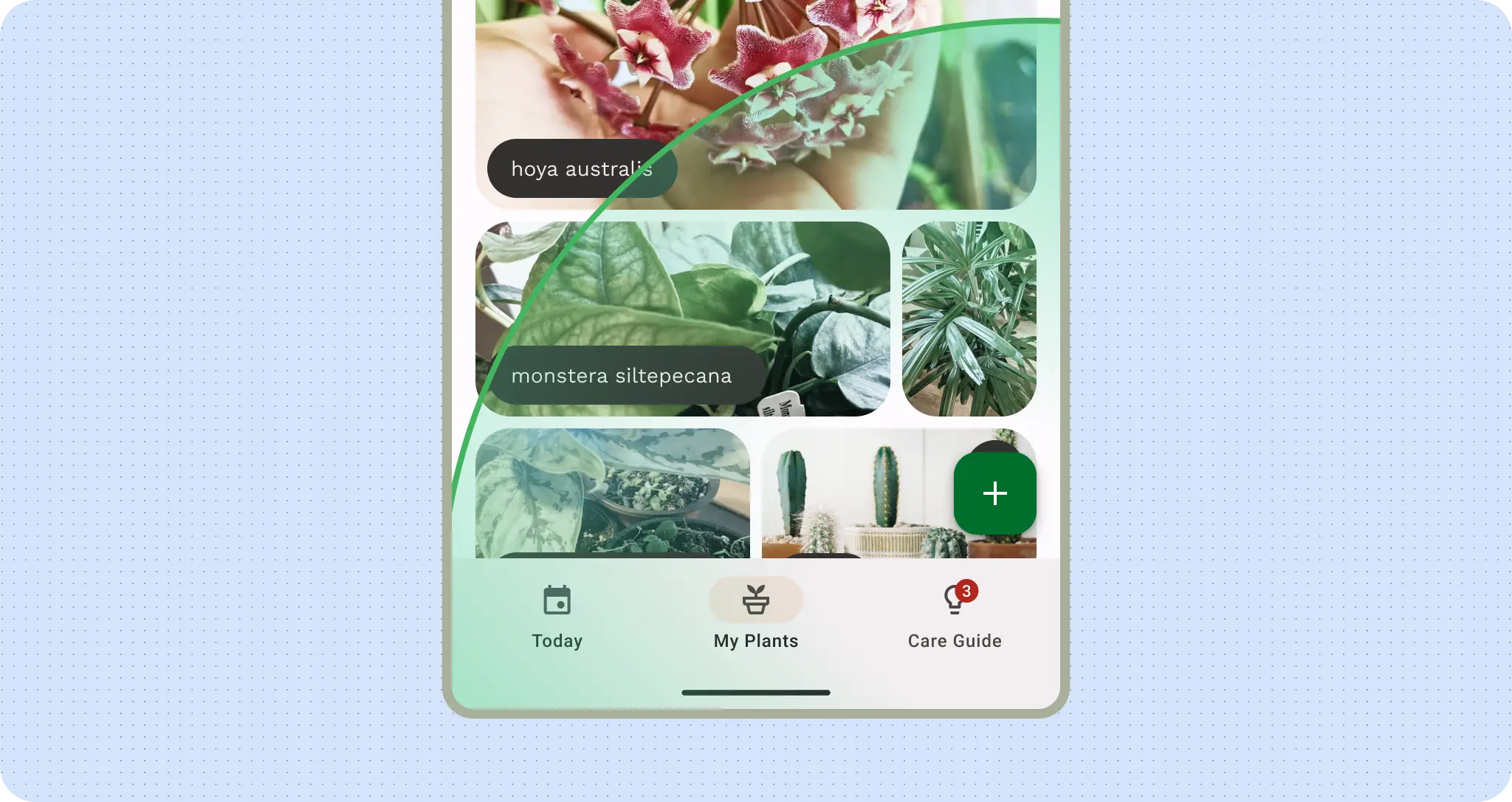
A floating action button (FAB) that lets users add plants to the plant gallery
You can place secondary actions within the top bar or, if it's grouped near related content, within the page.
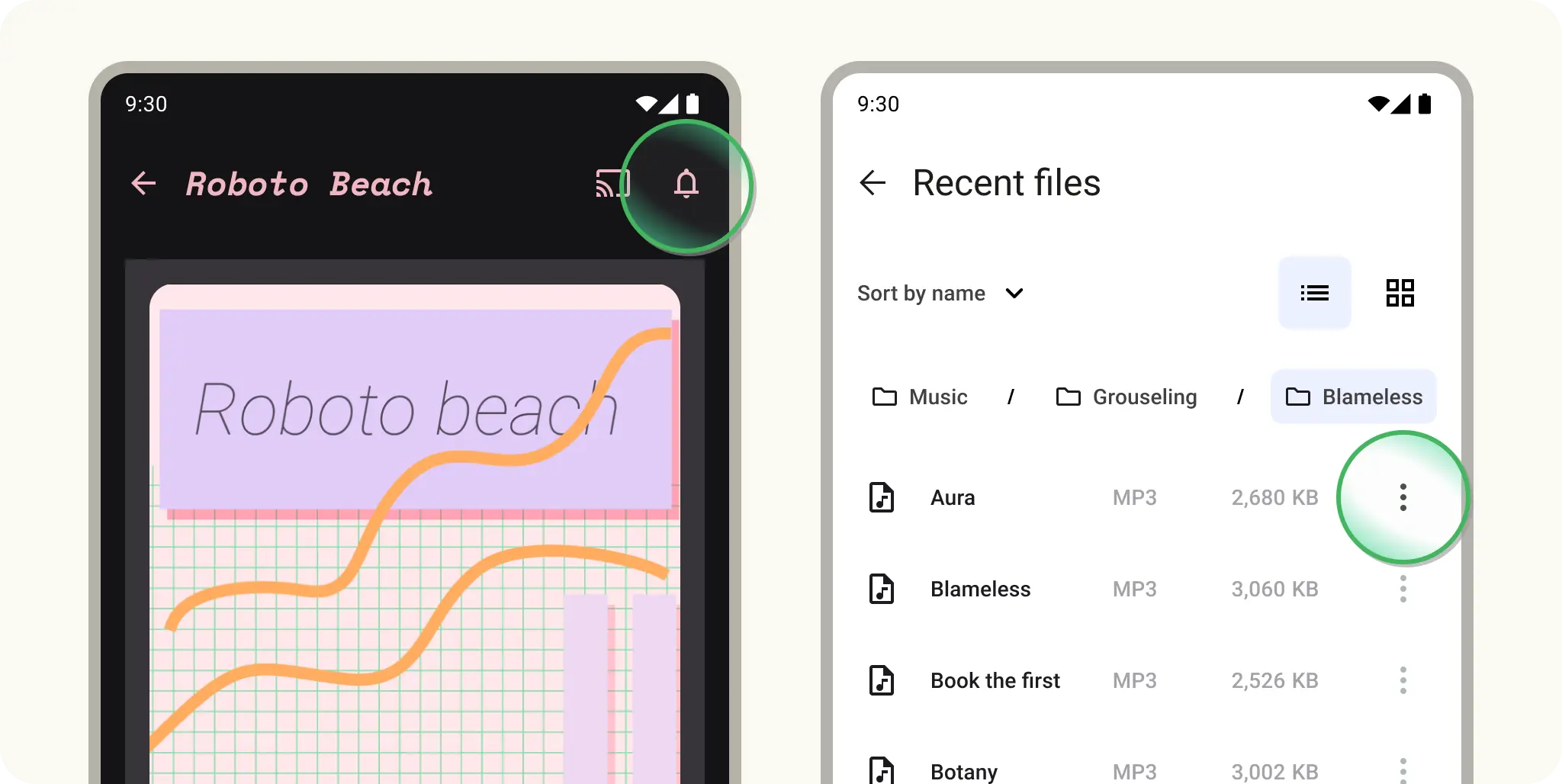
For any additional actions that aren't promptly or frequently needed, add those actions in an overflow menu.
Adaptive navigation
Use the right layout for the window size class. Avoid using the same bottom navigation bar across sizes.
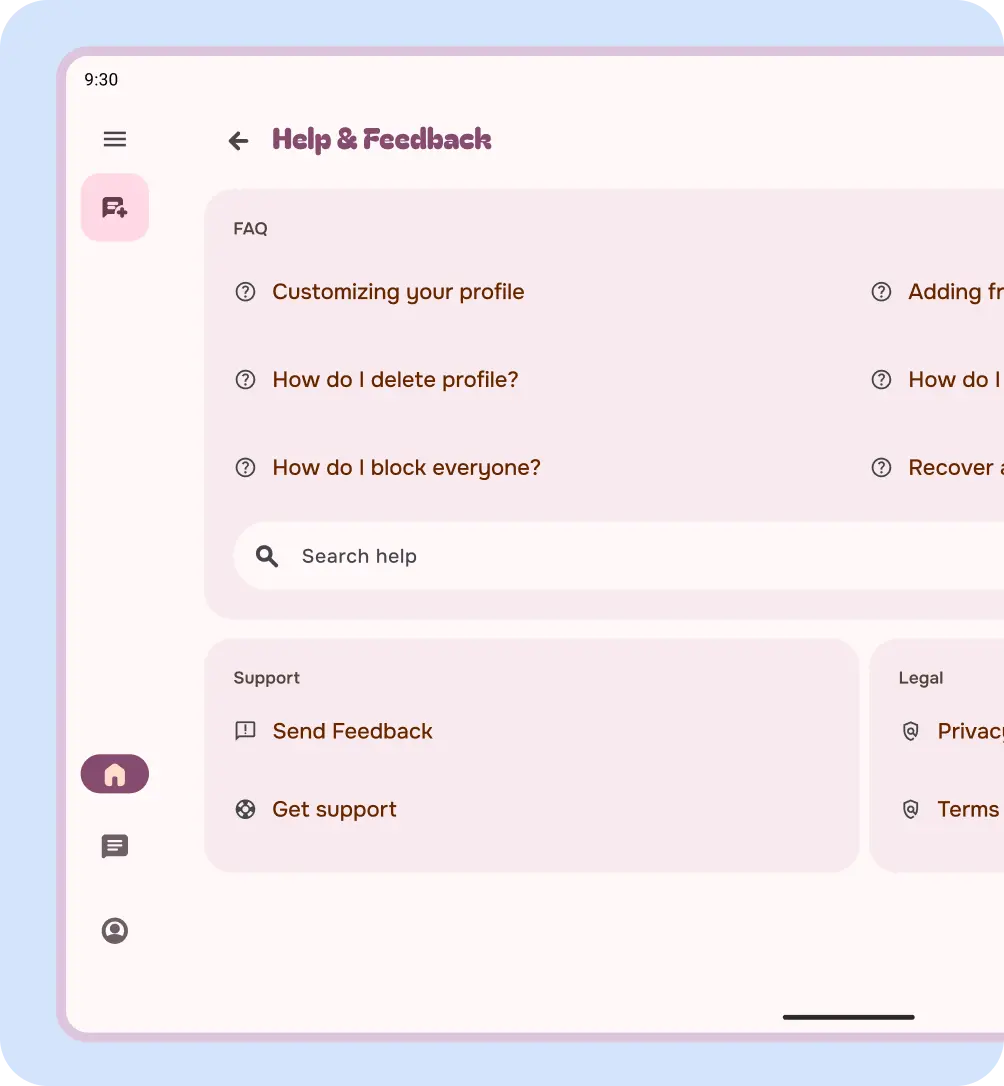
Do
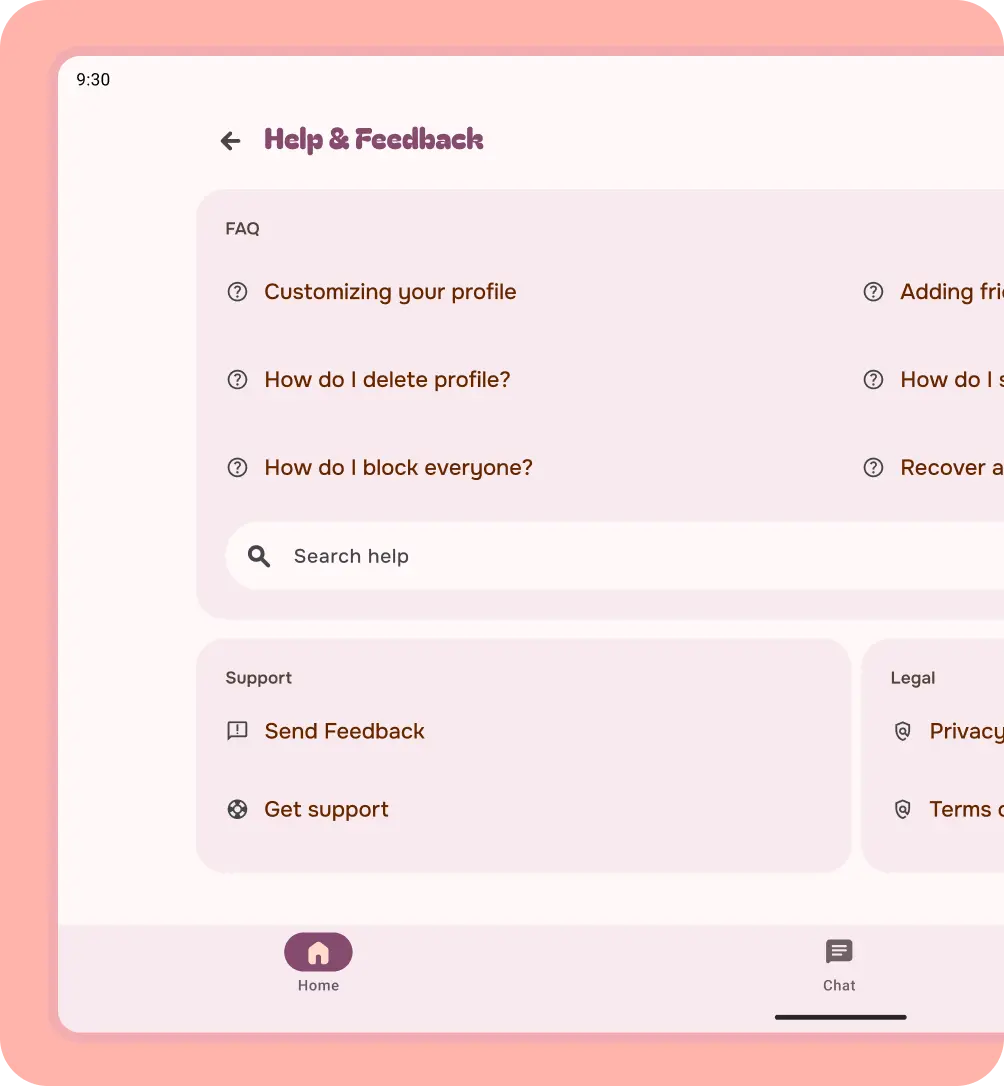
Don't
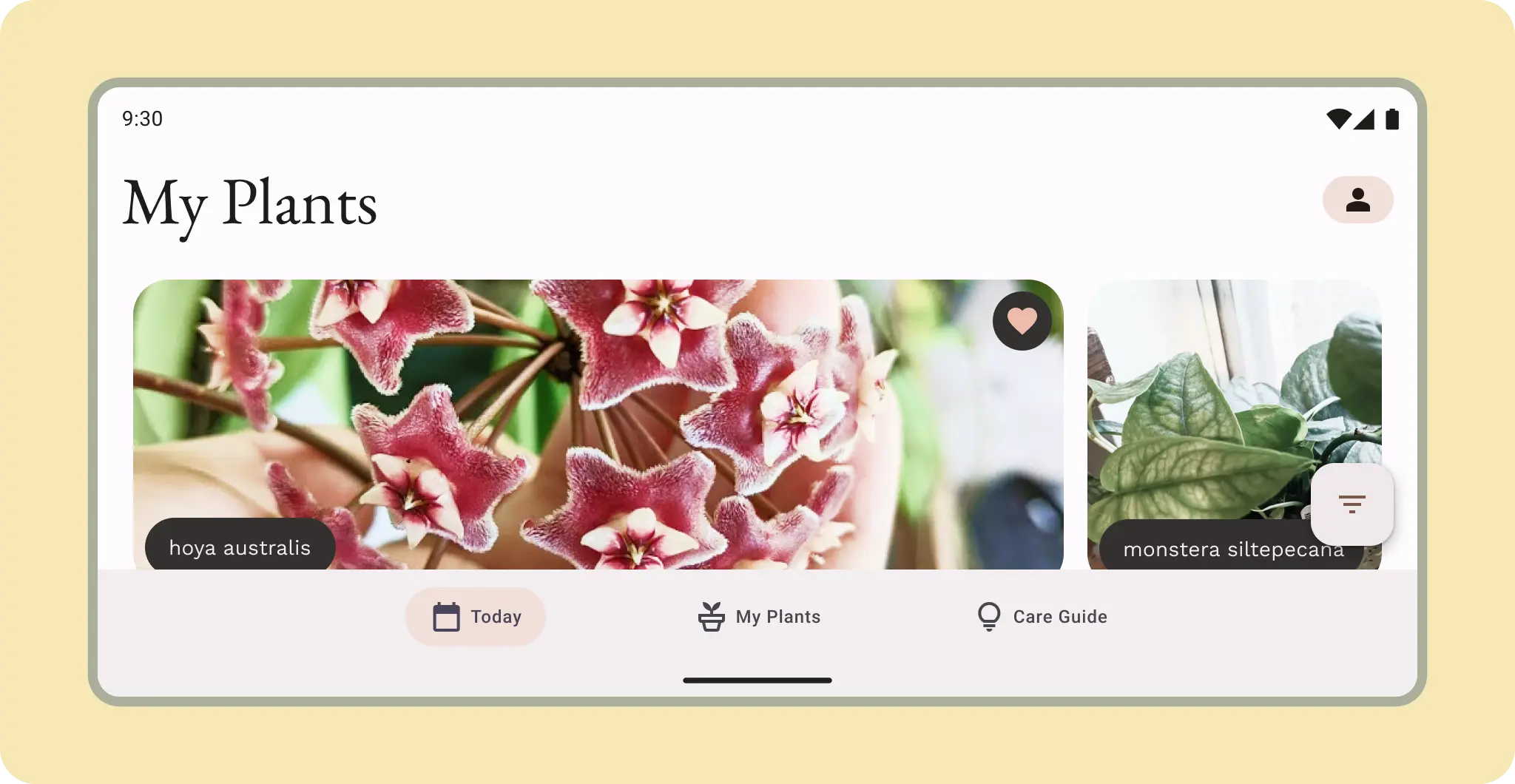 Medium sizes can use the nav rail or horizontal navigation items.
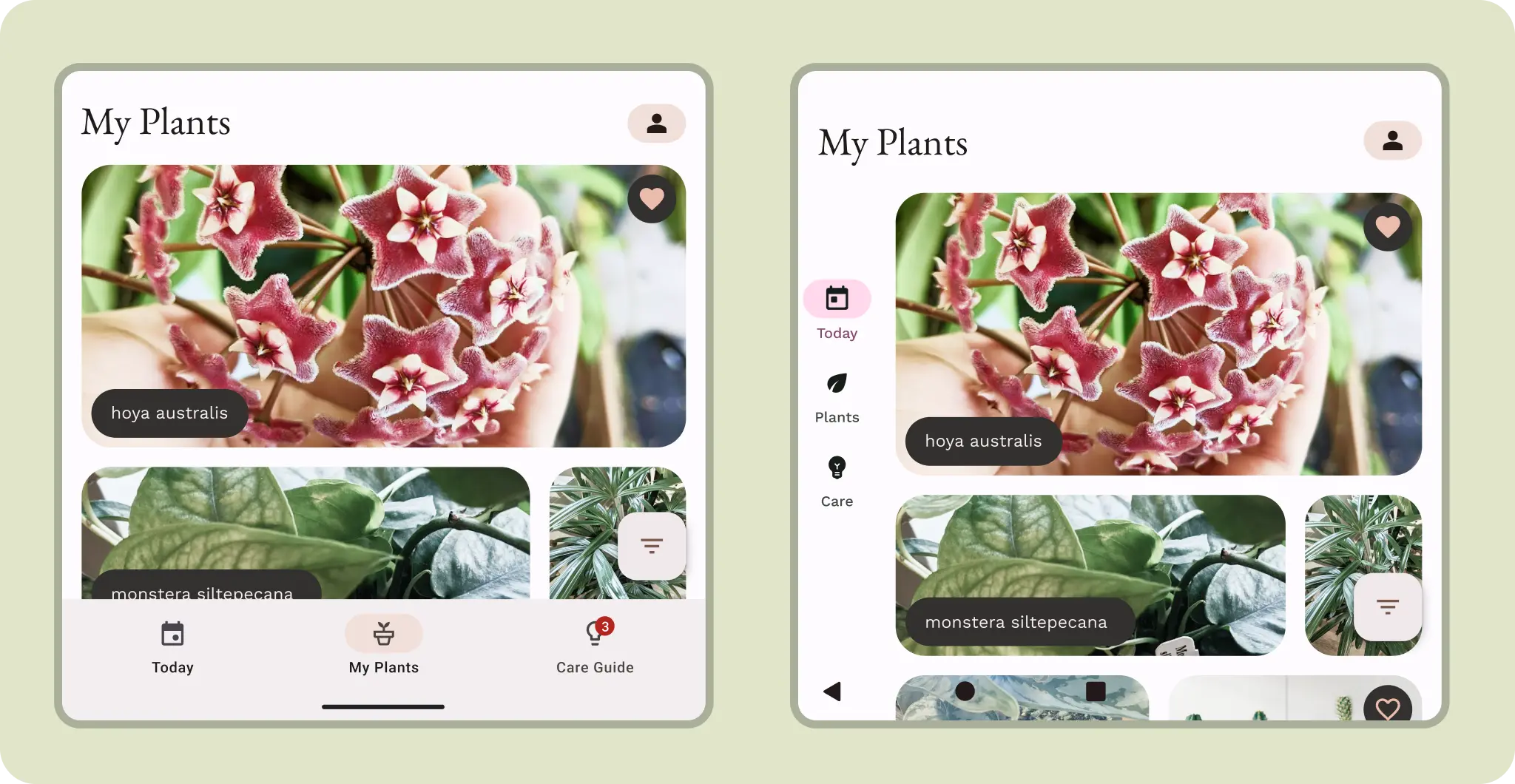 Although compact, a navigation rail might be more ergonomic on a cover screen.
Larger covers could take advantage of either navigation orientation. Consider
how the user might interact with the content.
Although compact, a navigation rail might be more ergonomic on a cover screen.
Larger covers could take advantage of either navigation orientation. Consider
how the user might interact with the content.