


A SpatialPanel is a subspace composable that lets you display your
app's content–for example, you could display video playback, still images, or
any other content in a spatial panel.
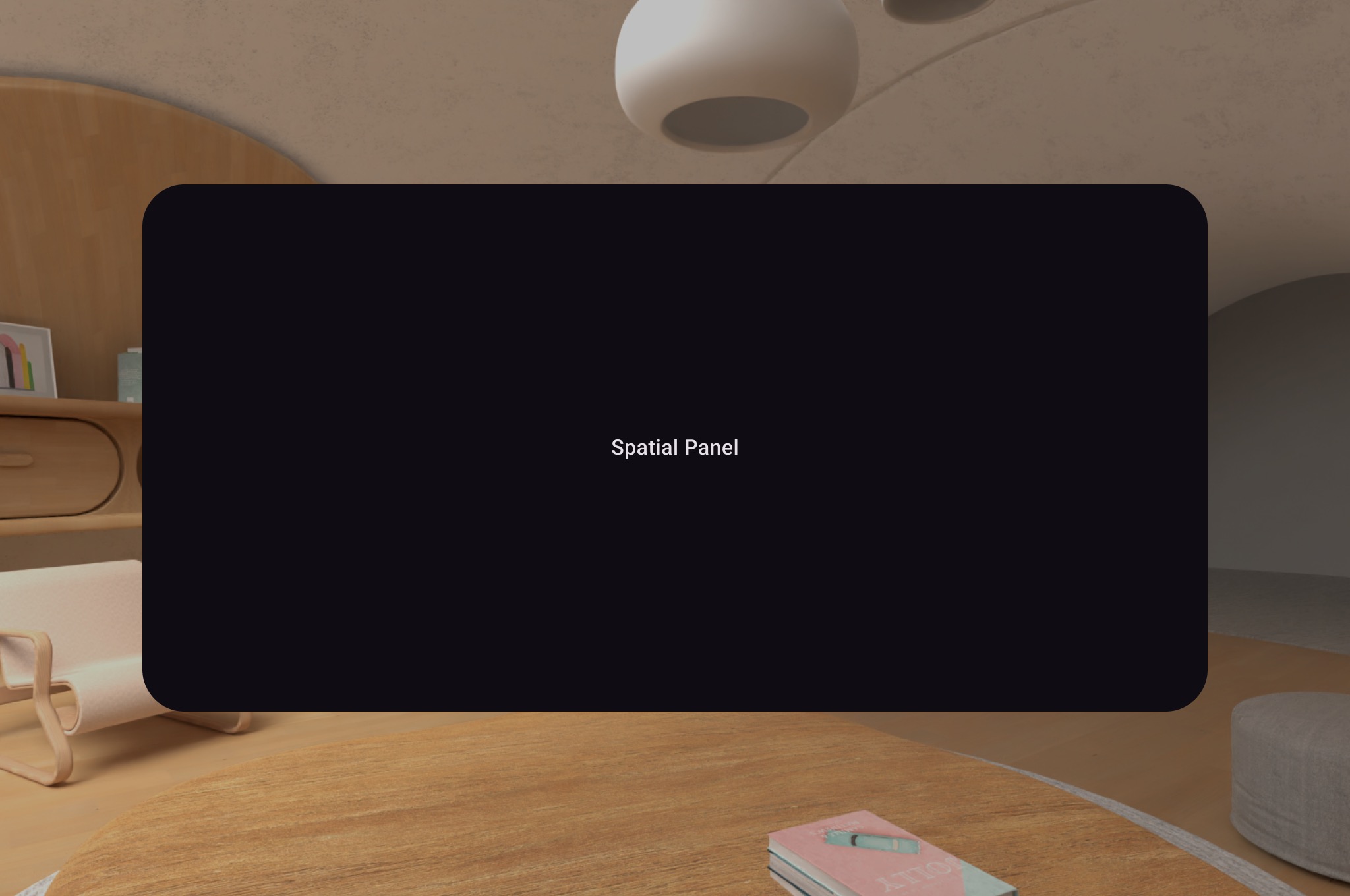
You can use SubspaceModifier to change the size, behavior, and positioning of
the spatial panel
Create a spatial panel
The following example shows how to create a spatial panel.
Subspace { SpatialPanel( SubspaceModifier .height(824.dp) .width(1400.dp) .movable() .resizable(), ) { SpatialPanelContent() } }
@Composable fun SpatialPanelContent() { Box( Modifier .background(color = Color.Black) .height(500.dp) .width(500.dp), contentAlignment = Alignment.Center ) { Text( text = "Spatial Panel", color = Color.White, fontSize = 25.sp ) } }
Key points about the code
- Because
SpatialPanelAPIs are subspace composables, you must call them insideSubspace. Calling them outside of a subspace throws an exception. - The size of the
SpatialPanelhas been set using theheightandwidthspecifications on theSubspaceModifier. Omitting these specifications lets the size of the panel be determined by the measurements of its contents. - Allow the user to move a panel by adding a
movablesubspace modifier. - Allow the user to resize a panel by adding a
resizablesubspace modifier. - See our spatial panel design guidance for details on sizing and positioning. See our reference documentation for more specifics on code implementation.
How the movable modifier works
As a user moves a panel away from them, by default, the movable modifier
scales the panel in a similar way to how panels are resized by the system in
home space. All children content inherit this behavior. To disable this,
set the shouldScaleWithDistance parameter to false.
Add multiple spatial panels to a spatial layout
You can create multiple spatial panels and place them within a spatial layout
using SpatialRow, SpatialColumn, SpatialBox, and
SpatialSpacer.
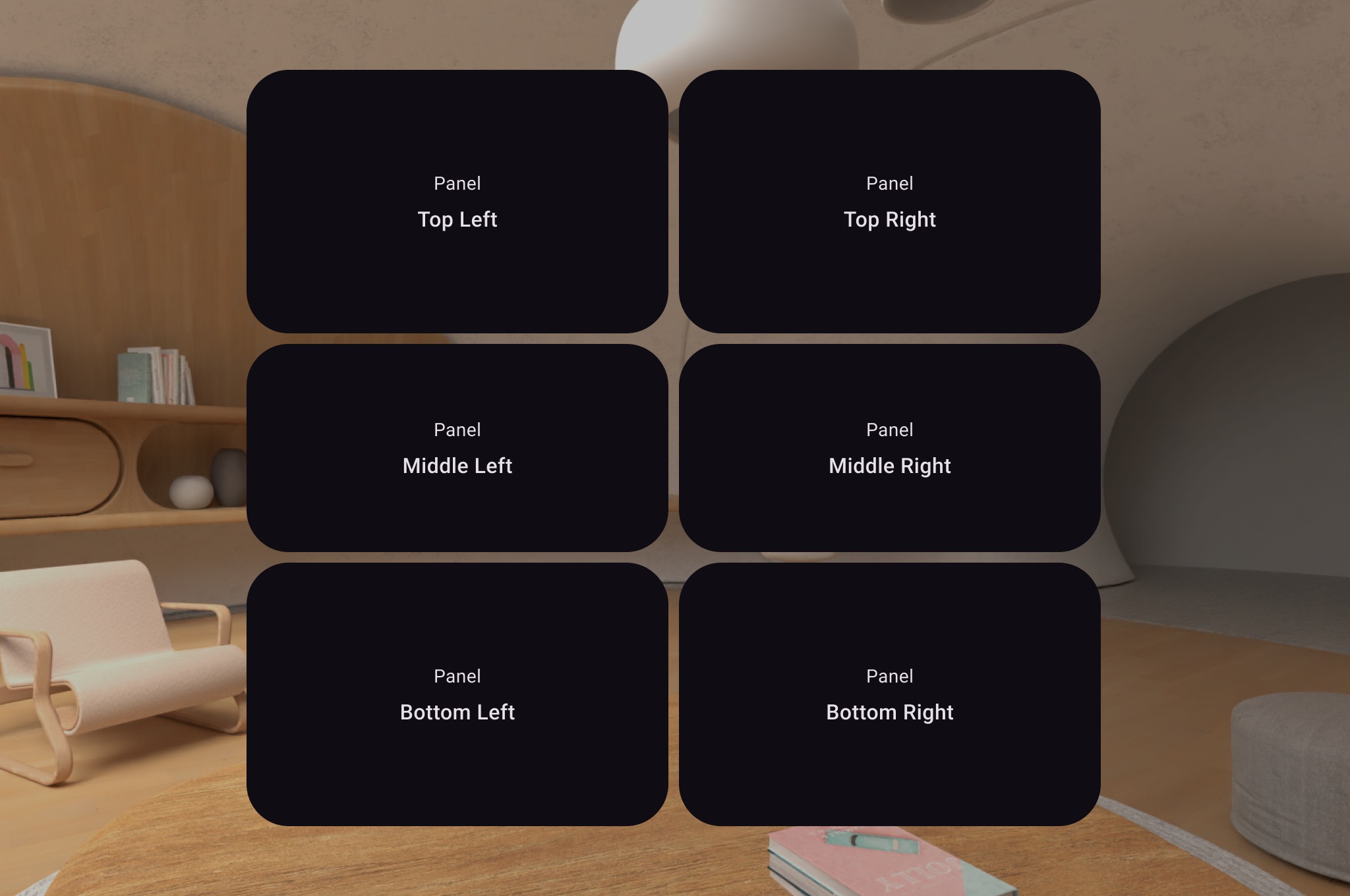
The following code example shows how to do this.
Subspace { SpatialRow { SpatialColumn { SpatialPanel(SubspaceModifier.height(250.dp).width(400.dp)) { SpatialPanelContent("Top Left") } SpatialPanel(SubspaceModifier.height(200.dp).width(400.dp)) { SpatialPanelContent("Middle Left") } SpatialPanel(SubspaceModifier.height(250.dp).width(400.dp)) { SpatialPanelContent("Bottom Left") } } SpatialColumn { SpatialPanel(SubspaceModifier.height(250.dp).width(400.dp)) { SpatialPanelContent("Top Right") } SpatialPanel(SubspaceModifier.height(200.dp).width(400.dp)) { SpatialPanelContent("Middle Right") } SpatialPanel(SubspaceModifier.height(250.dp).width(400.dp)) { SpatialPanelContent("Bottom Right") } } } }
@Composable fun SpatialPanelContent(text: String) { Column( Modifier .background(color = Color.Black) .fillMaxSize(), horizontalAlignment = Alignment.CenterHorizontally, verticalArrangement = Arrangement.Center ) { Text( text = "Panel", color = Color.White, fontSize = 15.sp ) Text( text = text, color = Color.White, fontSize = 25.sp, fontWeight = FontWeight.Bold ) } }
Key points about the code
SpatialRow,SpatialColumn,SpatialBox, andSpatialSpacerare all subspace composables and must be placed within a subspace.- Use
SubspaceModifierto customize your layout. - For layouts with multiple panels in a row, we recommend setting a curve
radius of 825dp using a
SubspaceModifierso the panels will surround your user. See our design guidance for details.
Create custom panels and layouts
To create custom panels that are not supported by Compose for XR, you can work
directly with PanelEntity instances and the scene graph using the
SceneCore APIs.