
The external content links program lets you link users in the US to external content outside of your Google Play distributed app. The external links enable app users to purchase in-app digital items or download apps that are not managed by the Google Play Store. For more details, see the program requirements.
Glossary of terms
Term conventions followed by this guide:
- External content links APIs: APIs used to direct the user outside of the app to purchase an in-app digital item or download an app.
- External transaction: A qualifying transaction that occurs outside of the app as defined by the program requirements. This includes digital content purchases and app downloads.
- External transaction token: A token provided by the Play Billing Library for developers to use when the user completes an external transaction. This token is used to notify Google Play of a successful purchase.
- External transaction ID: A unique identifier generated by app developers to identify an external transaction.
Support external content links
If you want to include the external content links in your app, you must fulfill the following criteria:
- Review the eligibility requirements for external content links and complete the onboarding steps outlined in the program requirements.
- Integrate Play Billing Library 8.2.1 or higher.
Configure in Play Console
To configure external content links in Play Console, follow the steps outlined in the program requirements. Links to external app downloads as well as apps available to download on the landing page need to be registered and approved in the Play Developer Console before use.
Link to external content
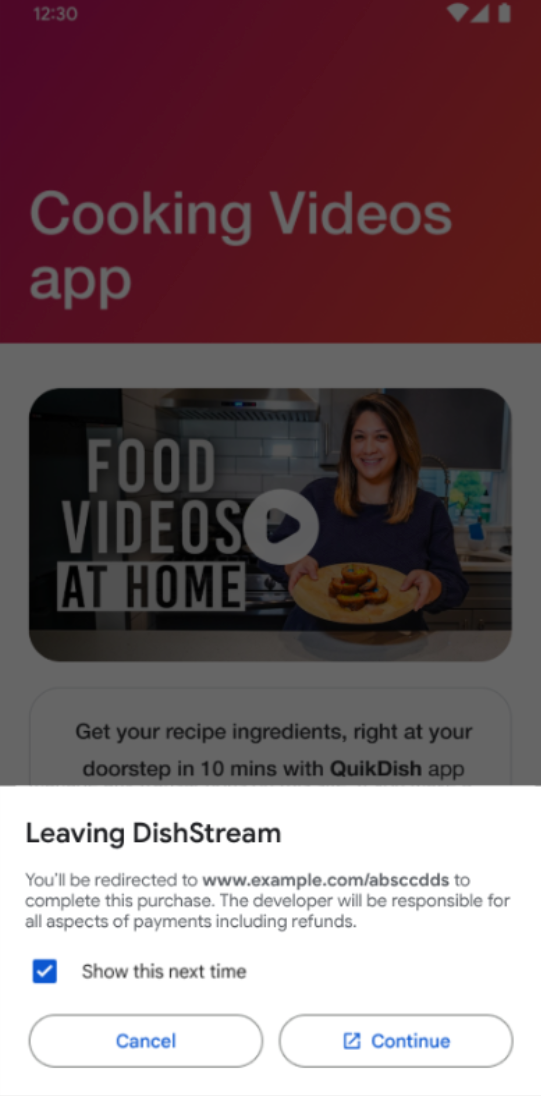
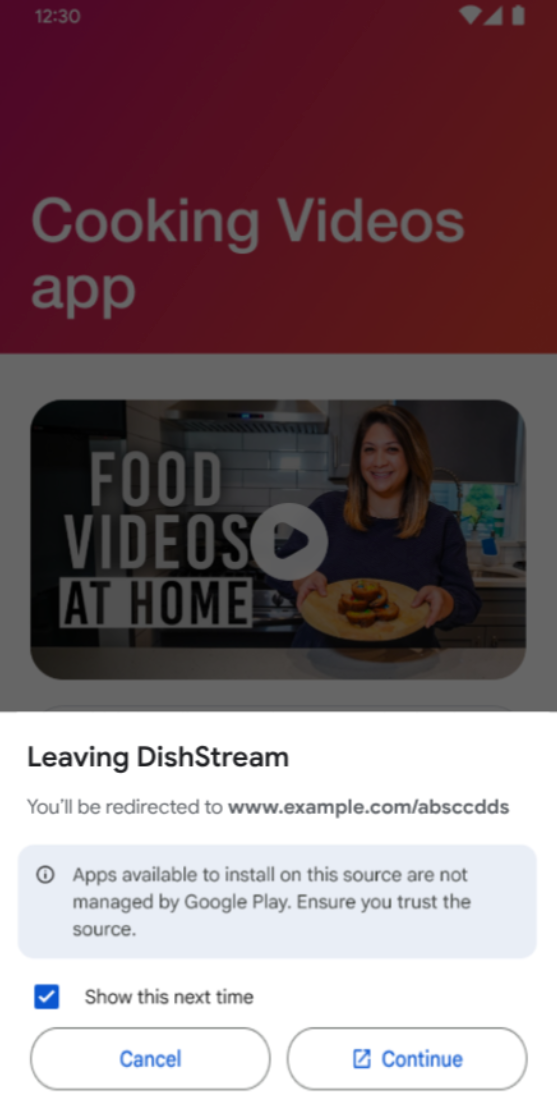
Before linking to digital content offers or app downloads, an information screen
is shown to help users understand that they are about to be linked outside of
your app.
Next steps
To begin integrating the external offers APIs, follow the in-depth in-app integration guide.