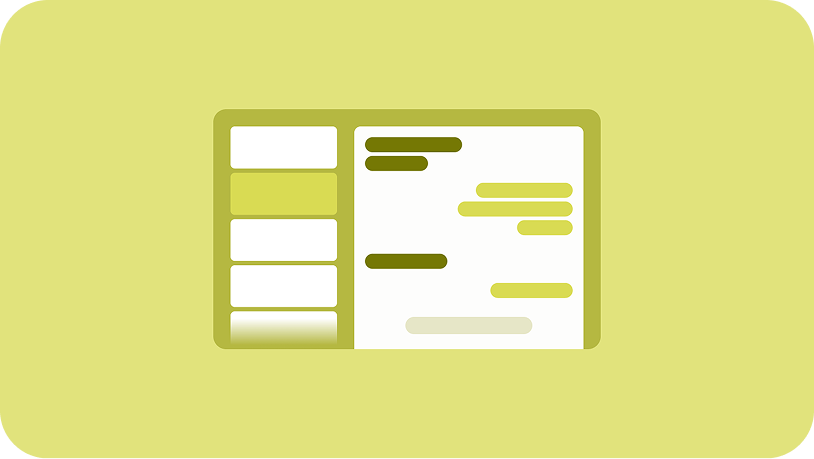
Help users keep an eye on multiple workflows at once by supporting multi-tasking features like picture-in-picture and multi-window.
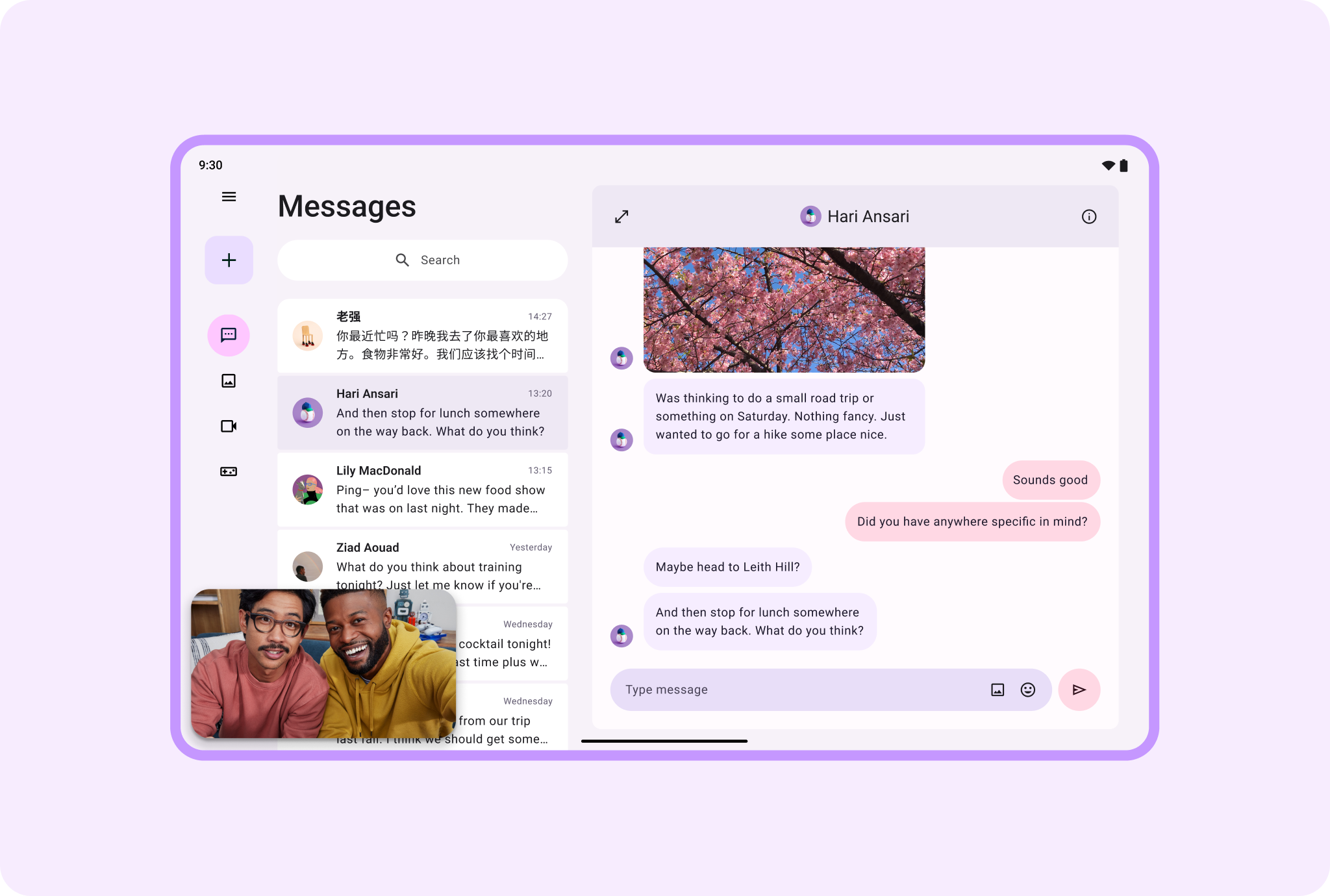
Picture-in-picture
Display picture-in-picture videos or video calls in the ample space of large screen layouts. Provide a productive, pleasurable user experience with plenty of room for viewing and doing at the same time.
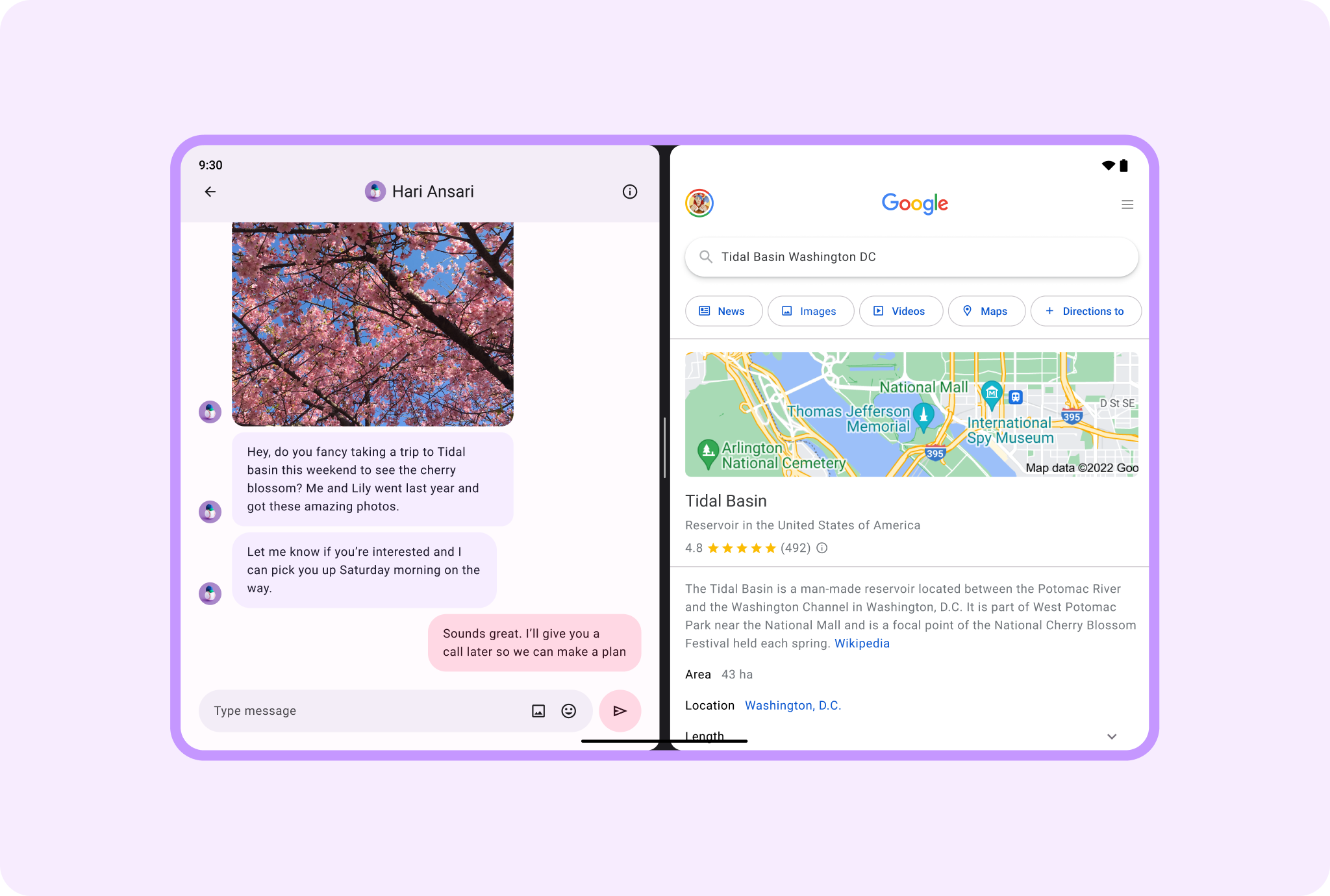
Multi-window
It's like two devices in one. Double device usability with side-by-side apps in multi-window or multi-instance scenarios. Enable users to research while writing, search while chatting, schedule while video calling.
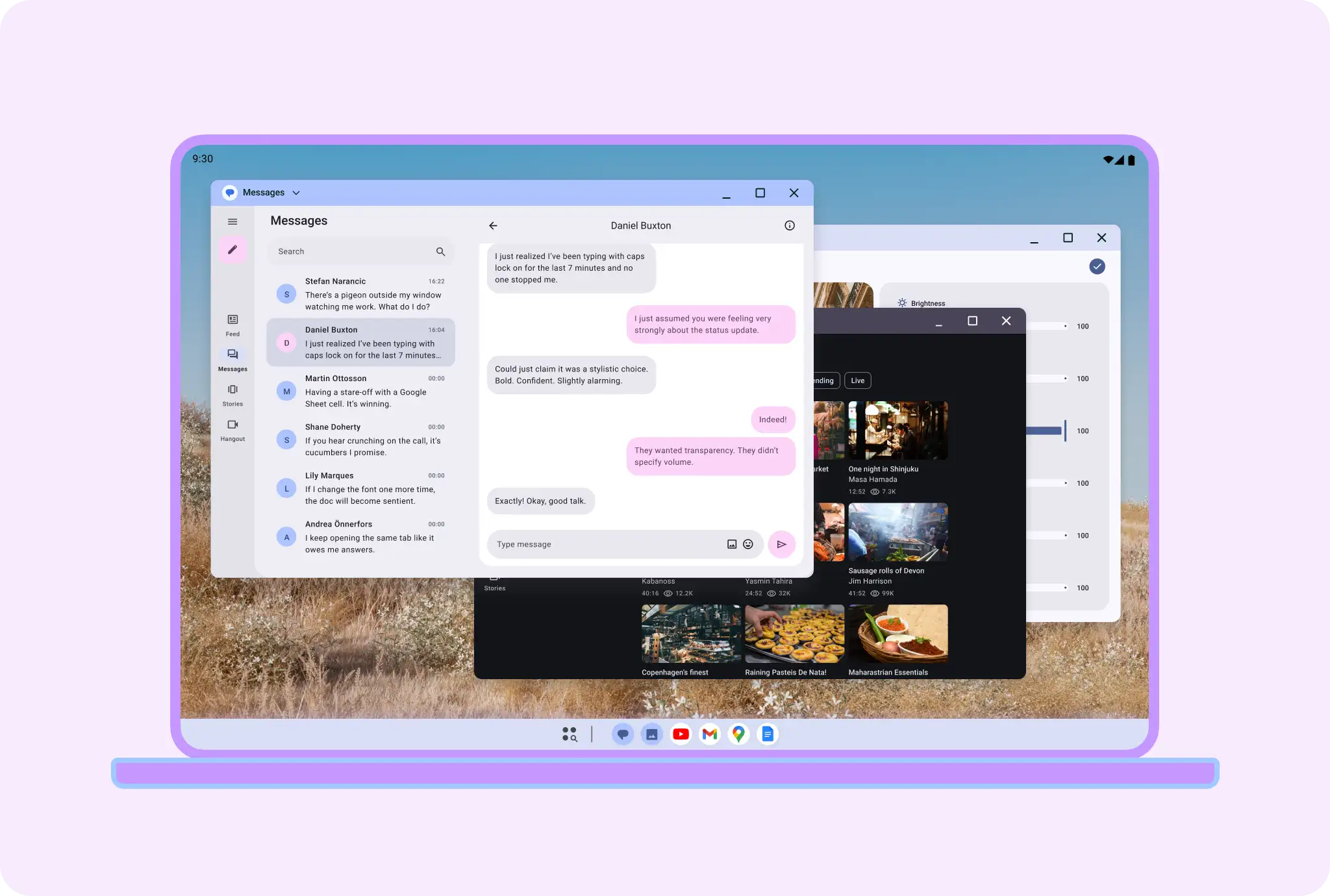
On desktop experiences, apps can become windowed for more flexibility. Apps can also be resized in these windows.
Android AdaptiveUI Samples
Explore inspiring, optimized designs for large screen devices. Browse UI/UX templates for popular app categories, including media, creativity, games, and more.
Implement a supporting pane
A mobile view may require supporting content or controls, typically in the form of sheets or dialogs, to help the primary view stay focused and uncluttered.
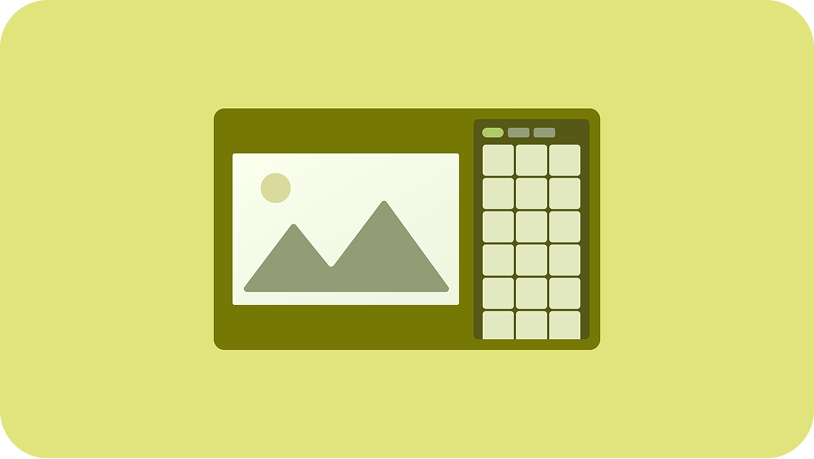
Implement a list-detail
A list-detail layout enables users to explore lists of items that have descriptive, explanatory, or other supplementary information—the item detail.