Browsing
Stay organized with collections
Save and categorize content based on your preferences.
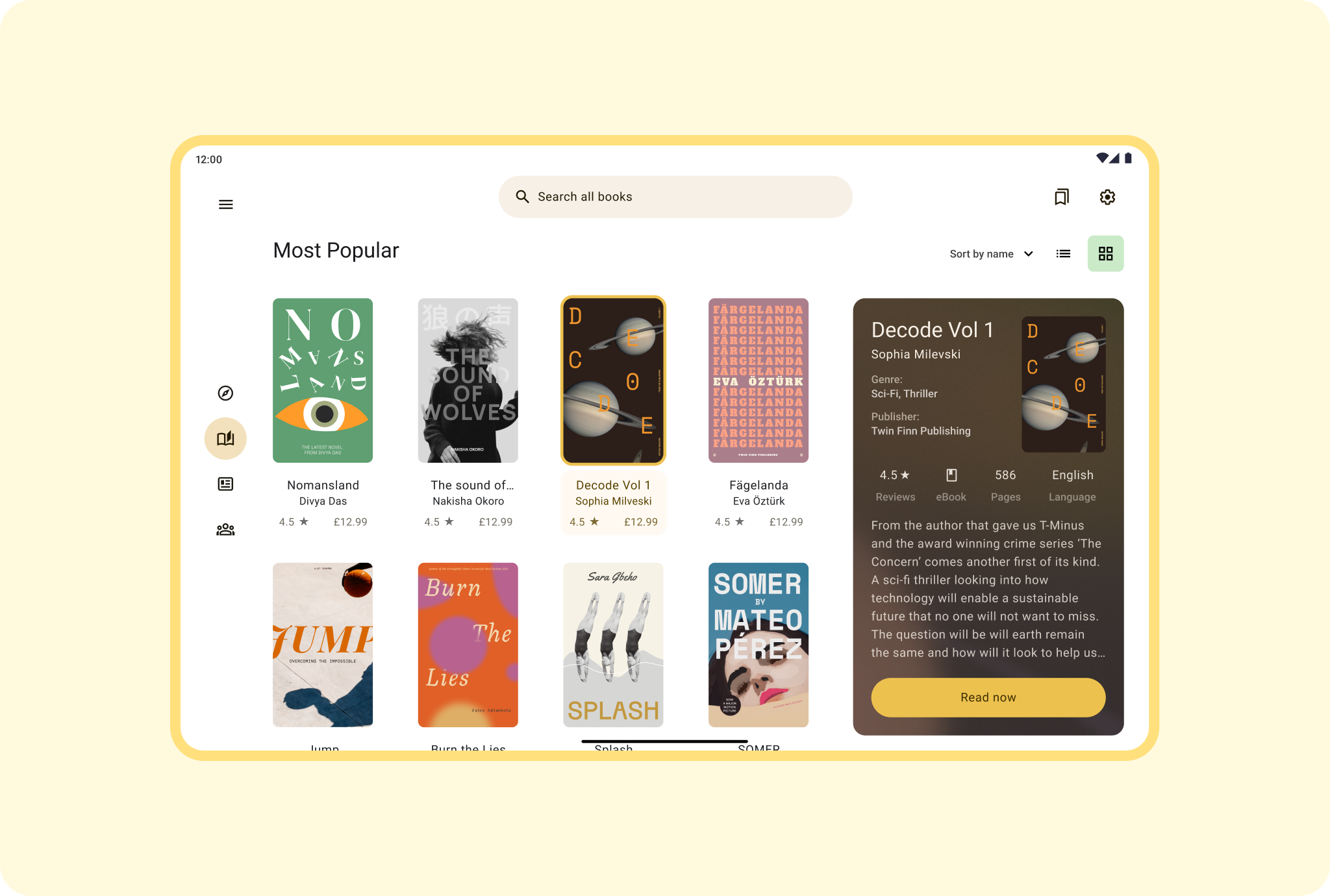
Enable book buyers to scan row after row of the latest editions in a large
multi-column grid that showcases best sellers or best bargains with prominent
size and position. Categorize books in rows or columns for easy identification.
Include side navigation to put stacks of paperbacks at shoppers' tapping or
mouse-clicking fingertips.
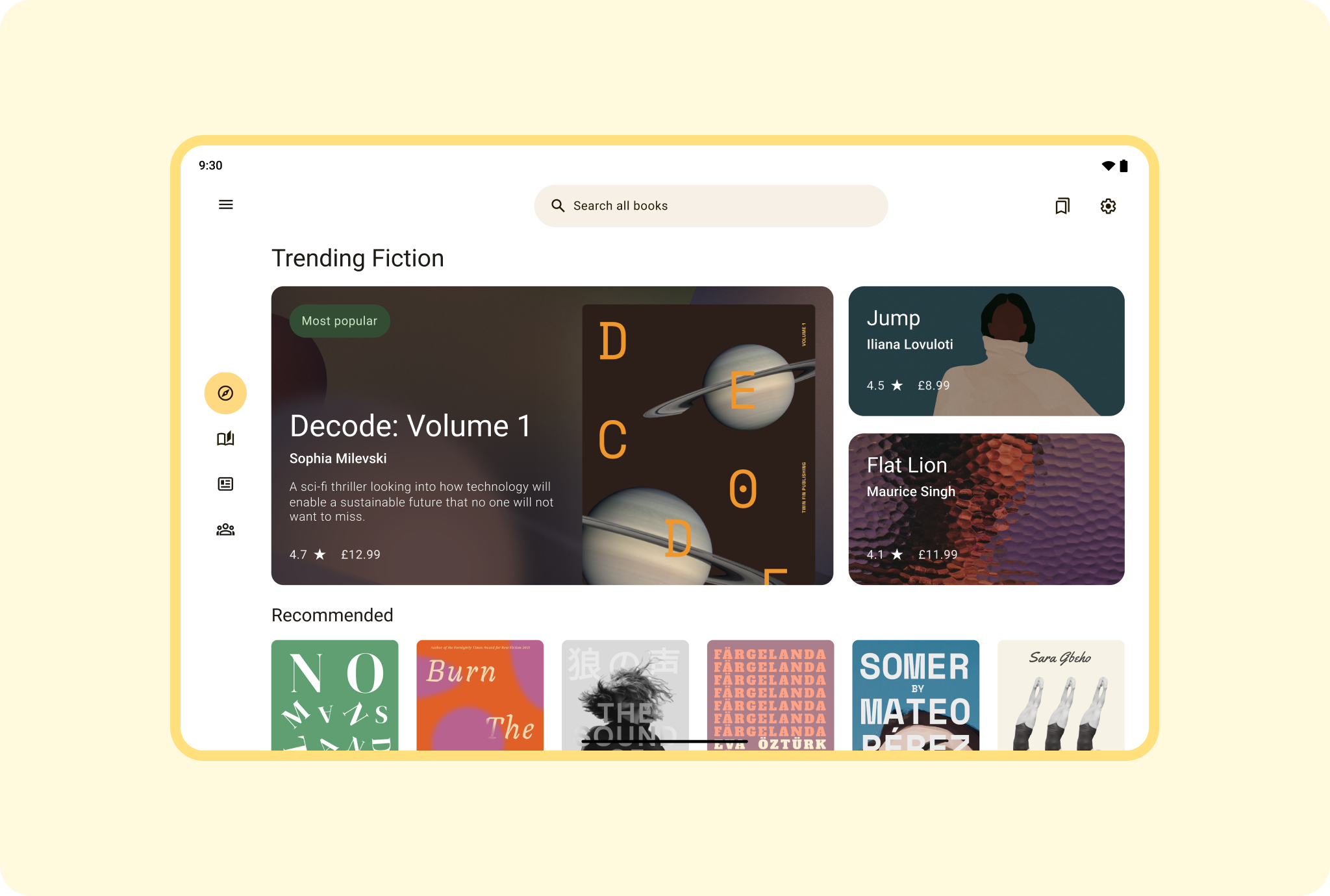
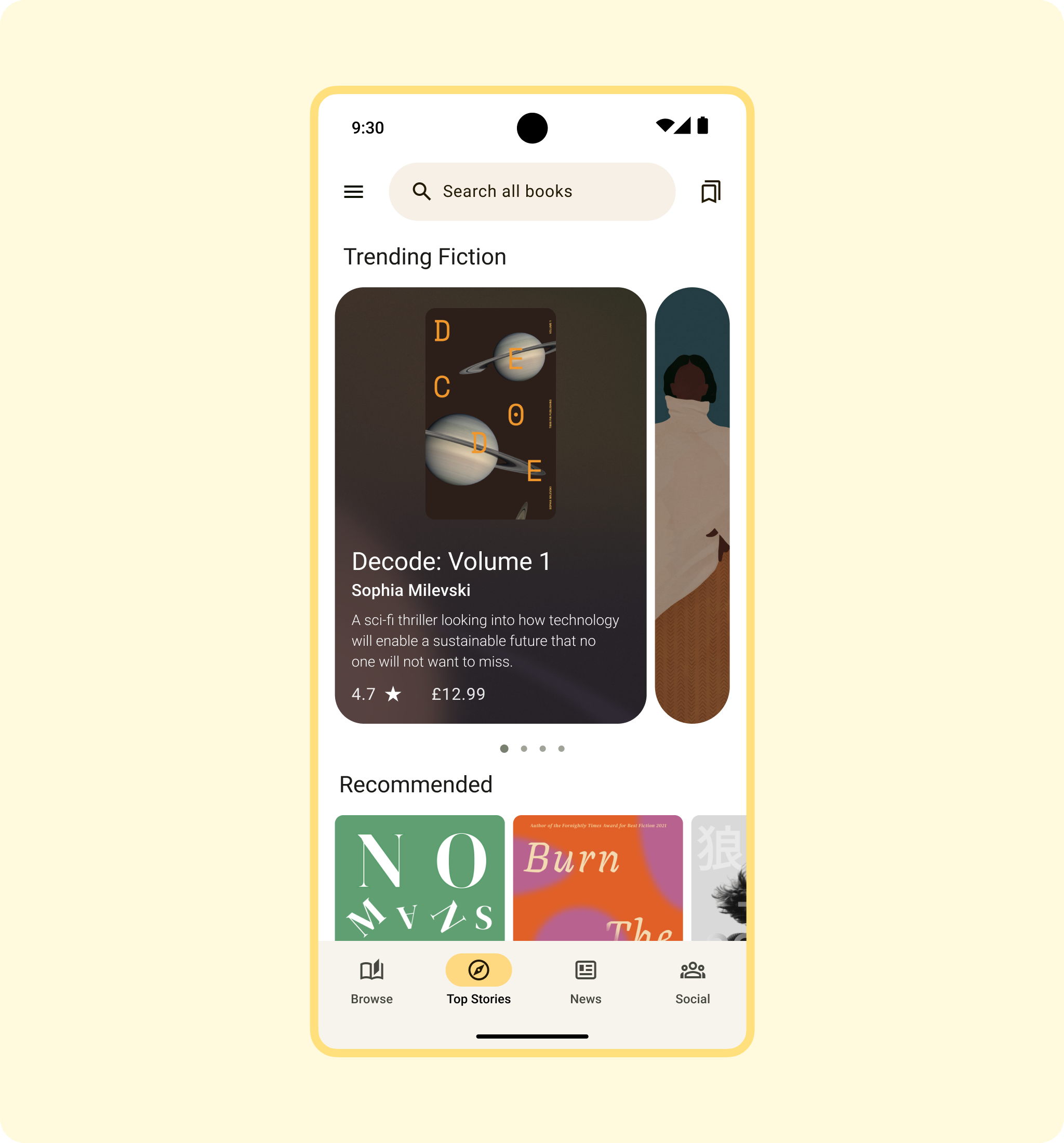
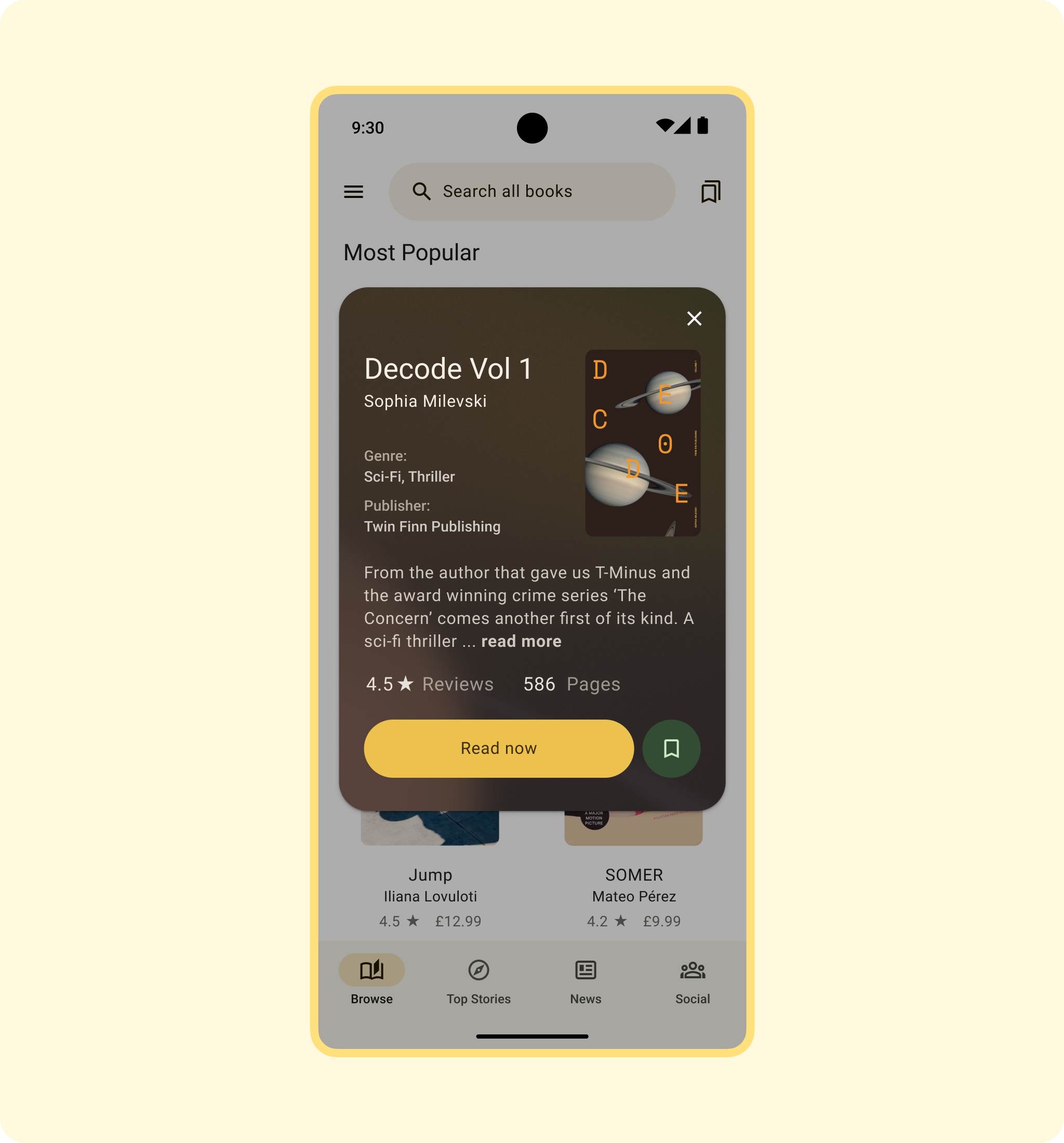
Make book browsing informative and engaging by including synopses or text
excerpts for select titles in multi-title book listings.
Android AdaptiveUI Samples
Explore inspiring, optimized designs for large screen devices. Browse UI/UX
templates for popular app categories, including media, creativity, games, and
more.
View Figma
Kit
Implement a feed
A feed layout arranges equivalent content elements in a configurable grid for
quick, convenient viewing of a large amount of content.
Learn
more
Material Design
website
Content and code samples on this page are subject to the licenses described in the Content License. Java and OpenJDK are trademarks or registered trademarks of Oracle and/or its affiliates.
Last updated 2026-08-11 UTC.
[[["Easy to understand","easyToUnderstand","thumb-up"],["Solved my problem","solvedMyProblem","thumb-up"],["Other","otherUp","thumb-up"]],[["Missing the information I need","missingTheInformationINeed","thumb-down"],["Too complicated / too many steps","tooComplicatedTooManySteps","thumb-down"],["Out of date","outOfDate","thumb-down"],["Samples / code issue","samplesCodeIssue","thumb-down"],["Other","otherDown","thumb-down"]],["Last updated 2026-08-11 UTC."],[],[]]