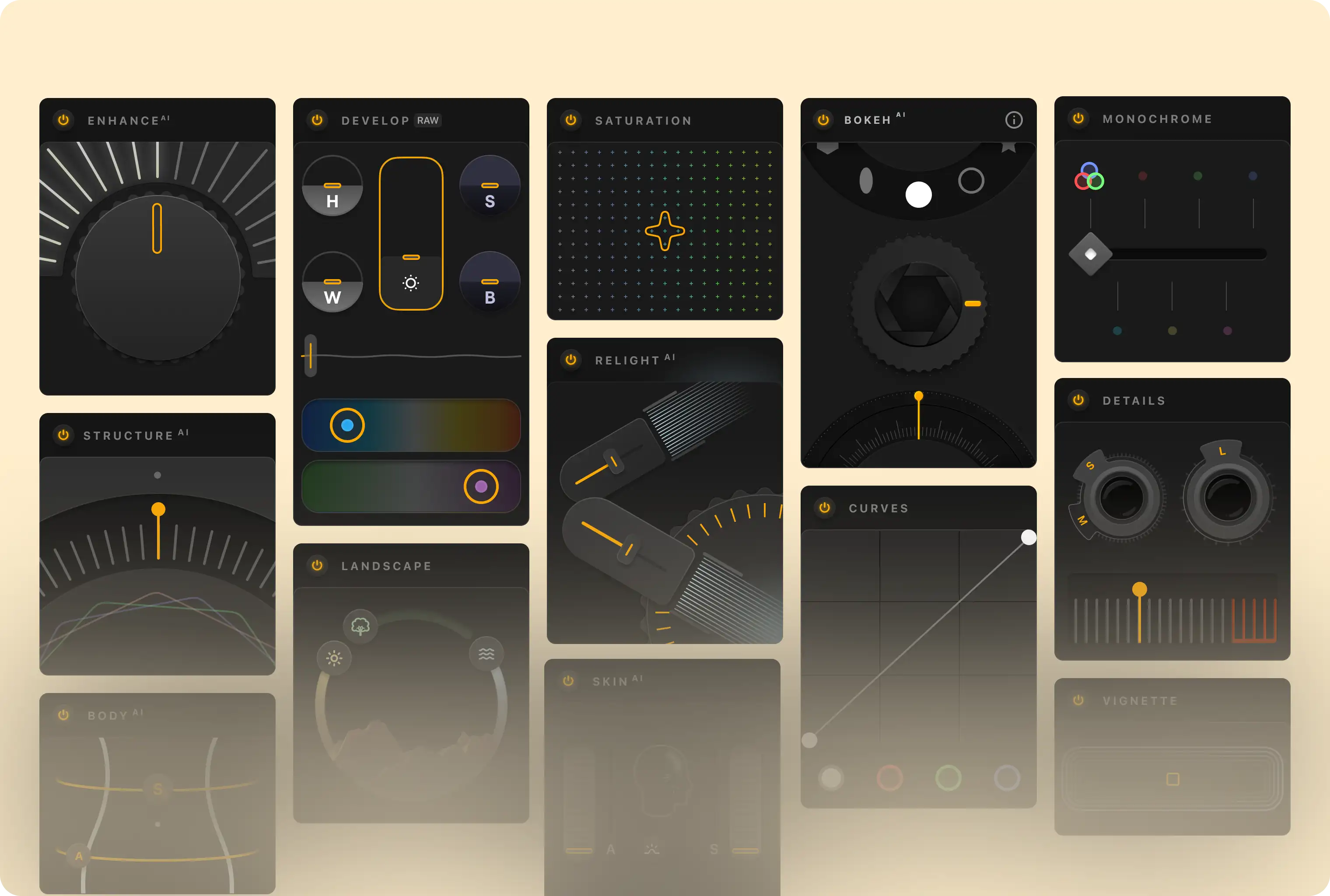
Designed with Android's flexibility in mind, Luminar delivers a seamless editing experience across phones, tablets, and large screens. The interface moves beyond standard controls, introducing photo-centric sliders, tactile gestures, and immersive feedback that keep the image at the center of every interaction. Whether you're refining details or exploring creative directions, you stay in a continuous, fluid editing flow.
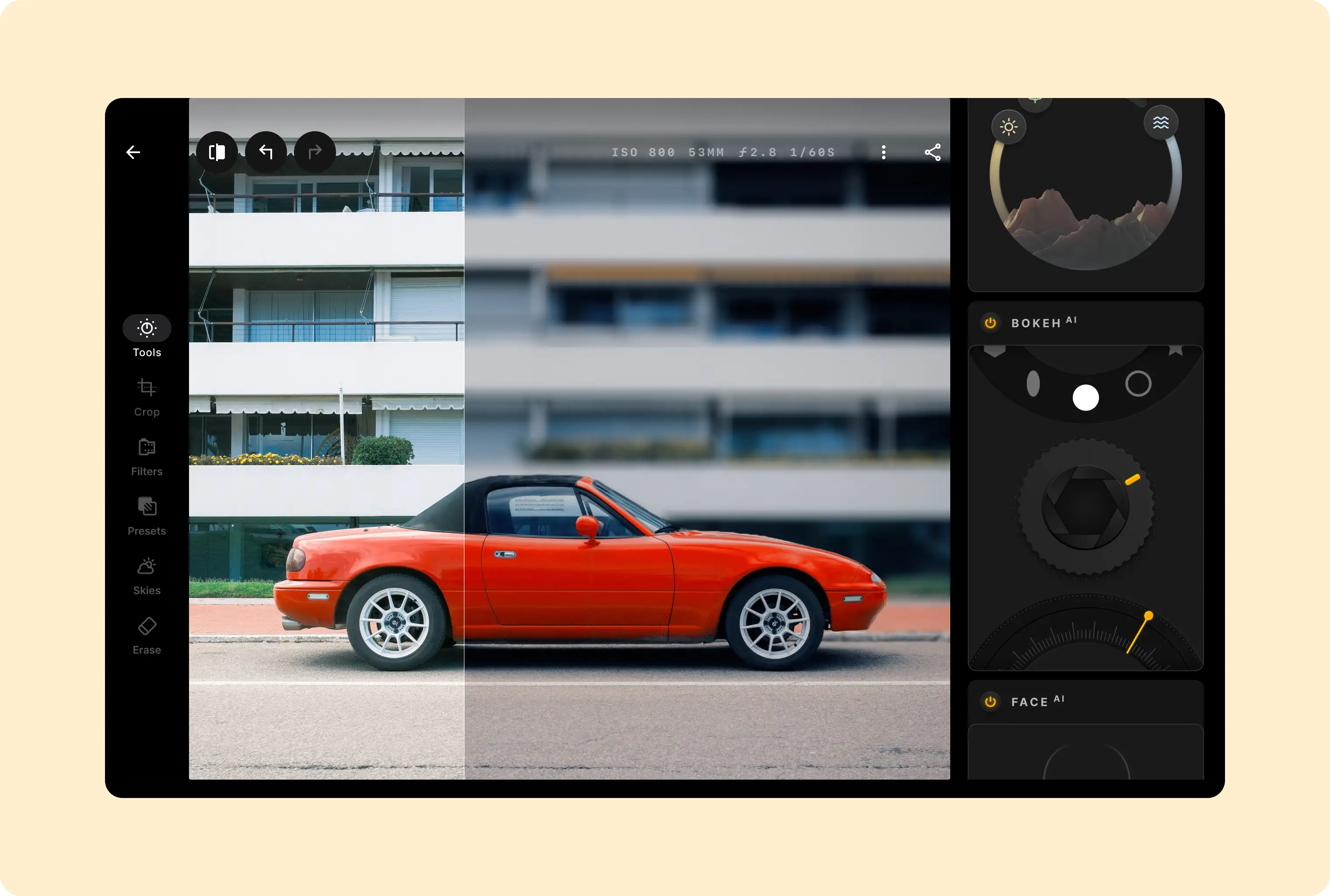
Playful, intuitive interactions and film-inspired visual language deepen engagement, making presets feel tangible and familiar. Subtle sound design reinforces each action, providing responsive feedback without disrupting focus.
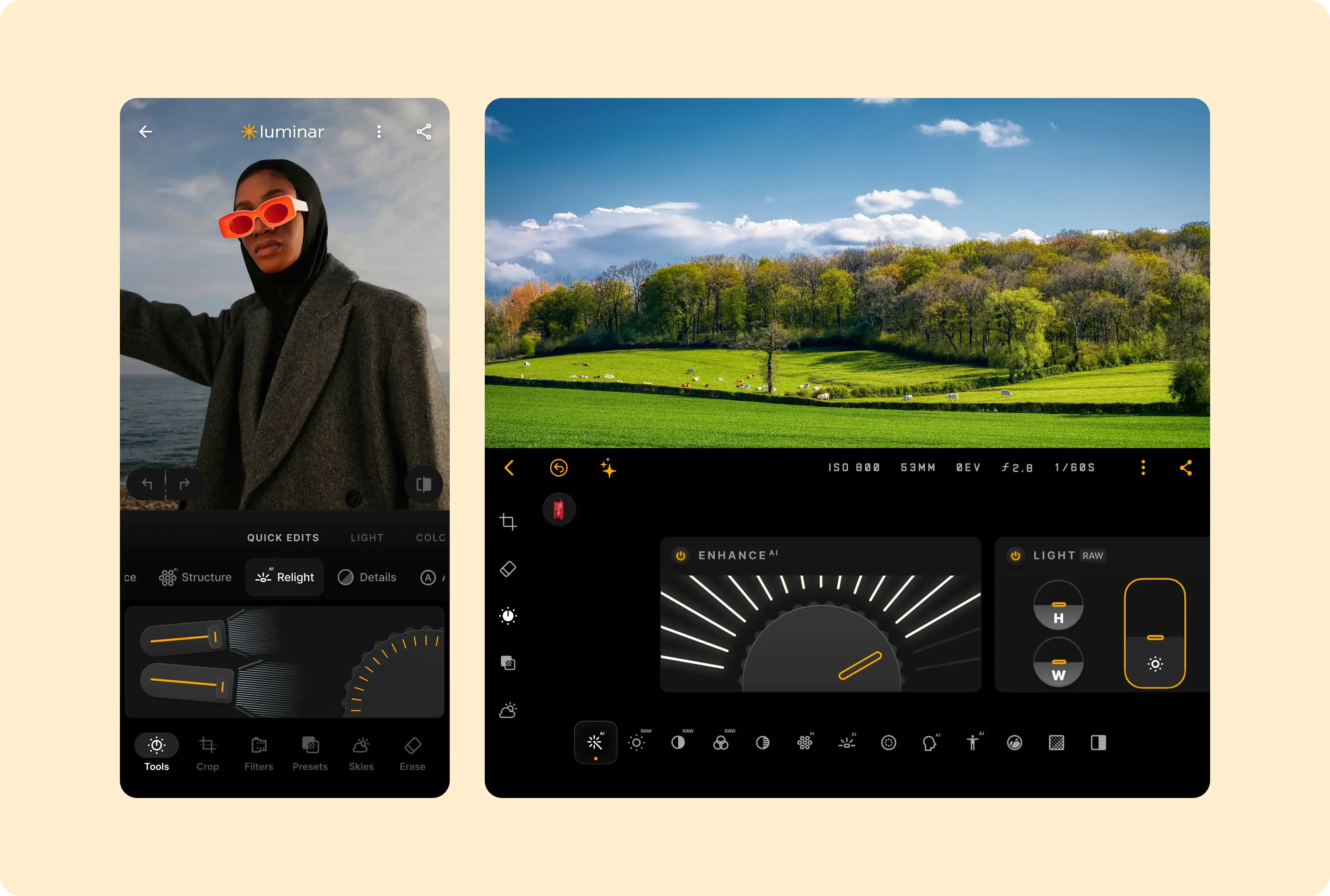
Together, these elements create an experience that balances precision with experimentation, guiding you from the first adjustment to the final image.
Implement a supporting pane
A mobile view may require supporting content or controls, typically in the form of sheets or dialogs, to help the primary view stay focused and uncluttered.