Create a layout that lets users view contextual information during an immersive media session.
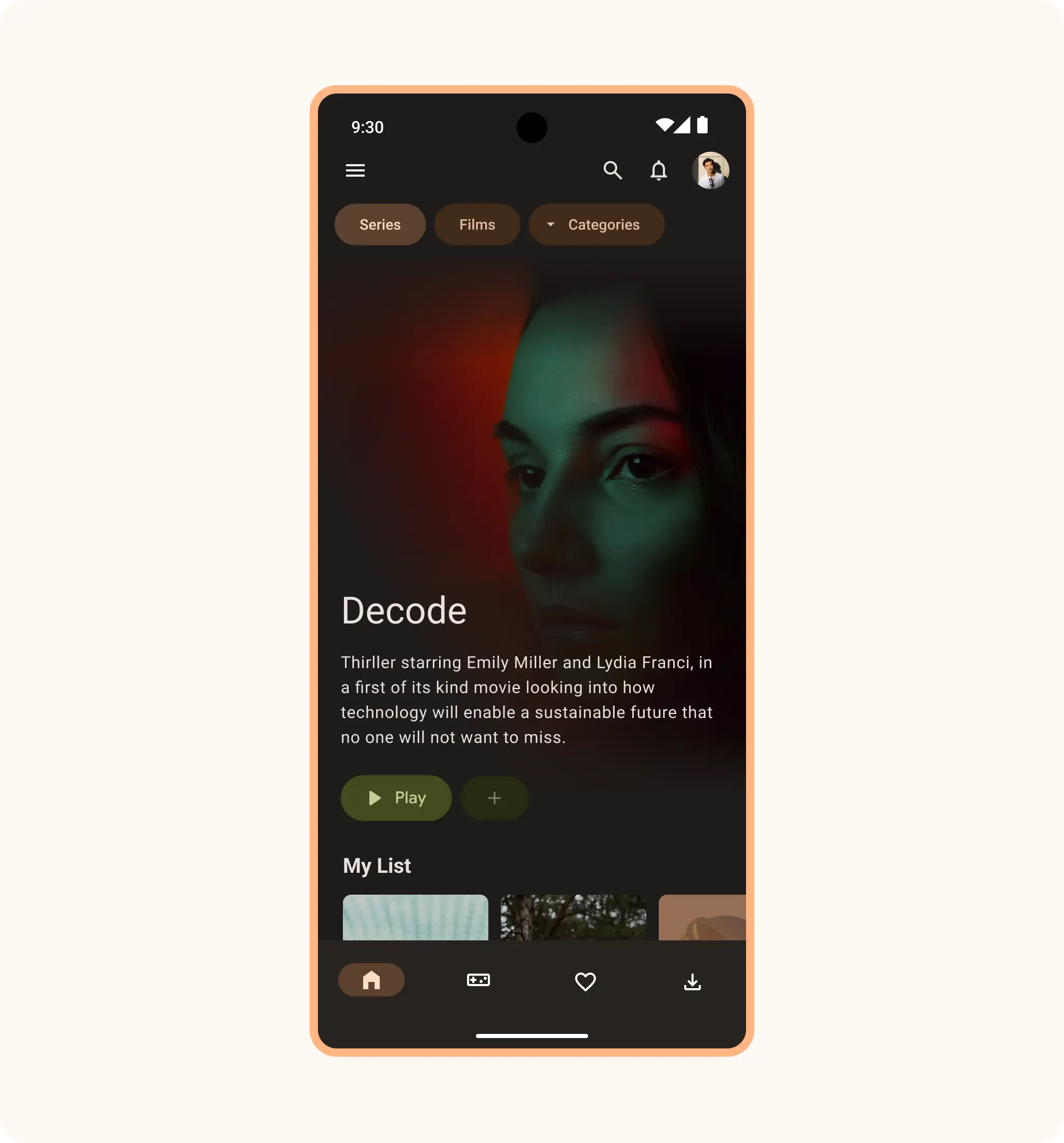
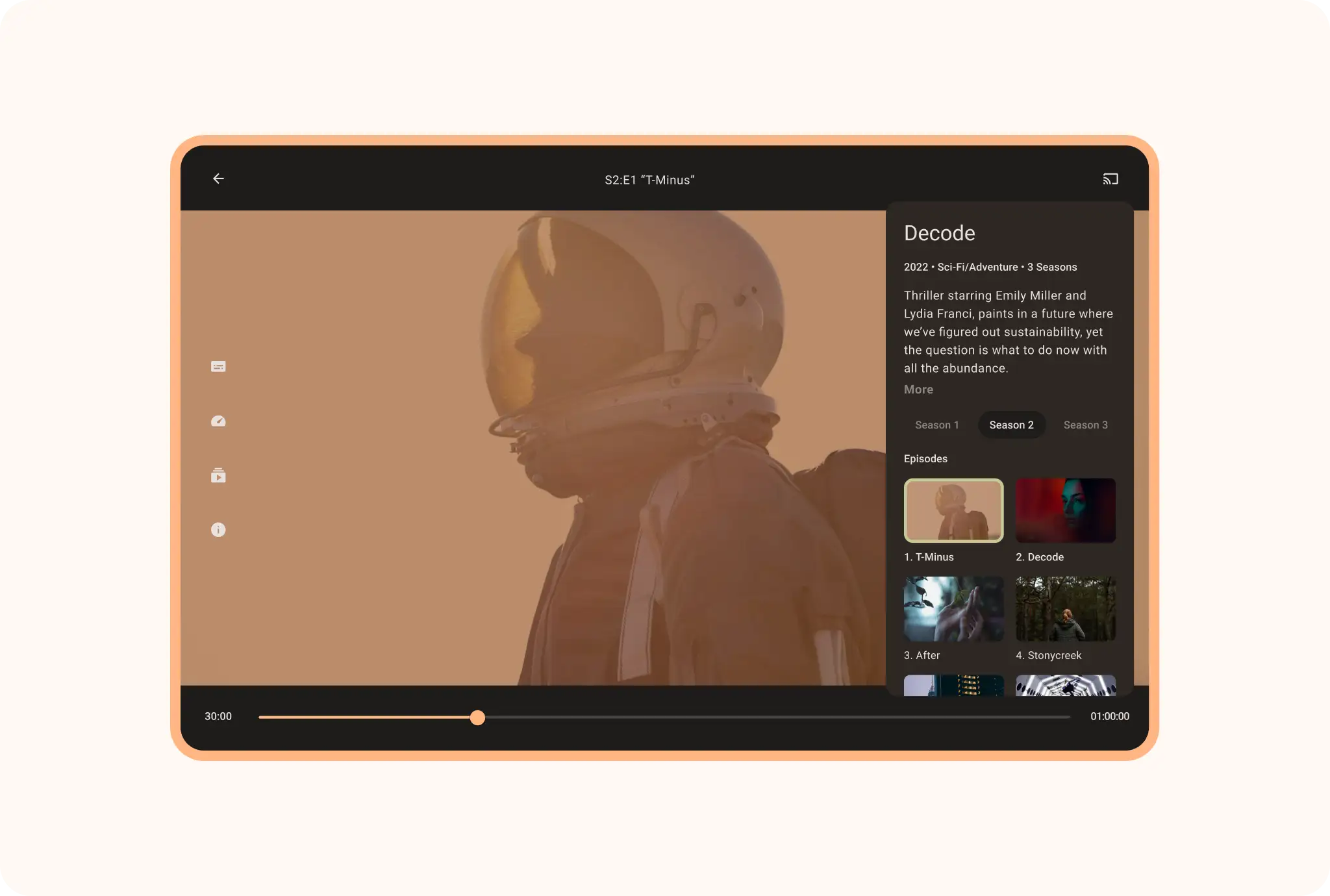
Enhance the media viewing or listening experience in the expanded space of large screens with a scrolling list of similar titles, published reviews, or additional works by the same artists or actors.
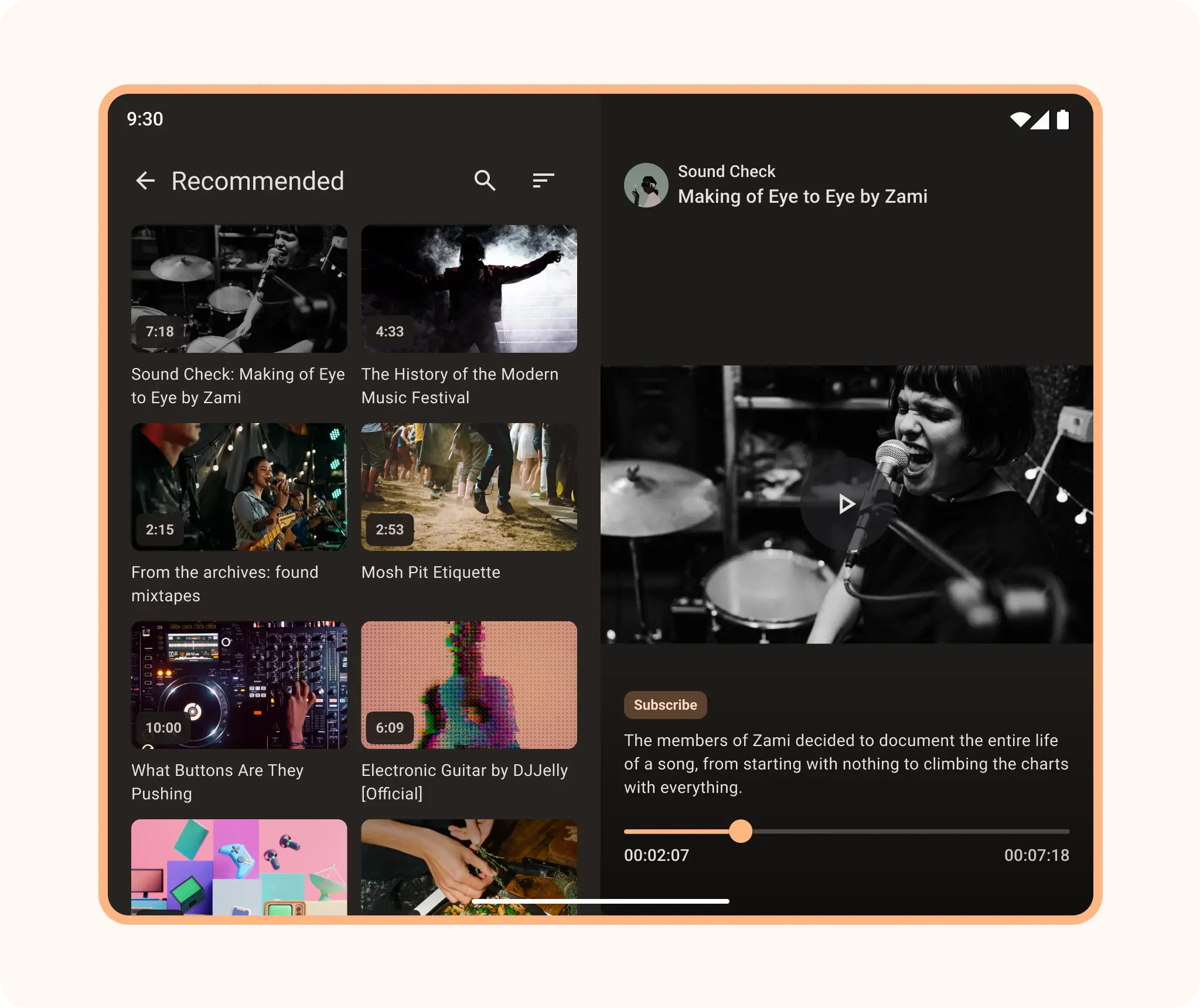
Create an interactive media browser to make media searches productive and engaging. Let users browse while watching or listening. With a large-screen layout, display a collection of media titles side by side with a playing video or audio file to give users a preview or sample of selection after selection.
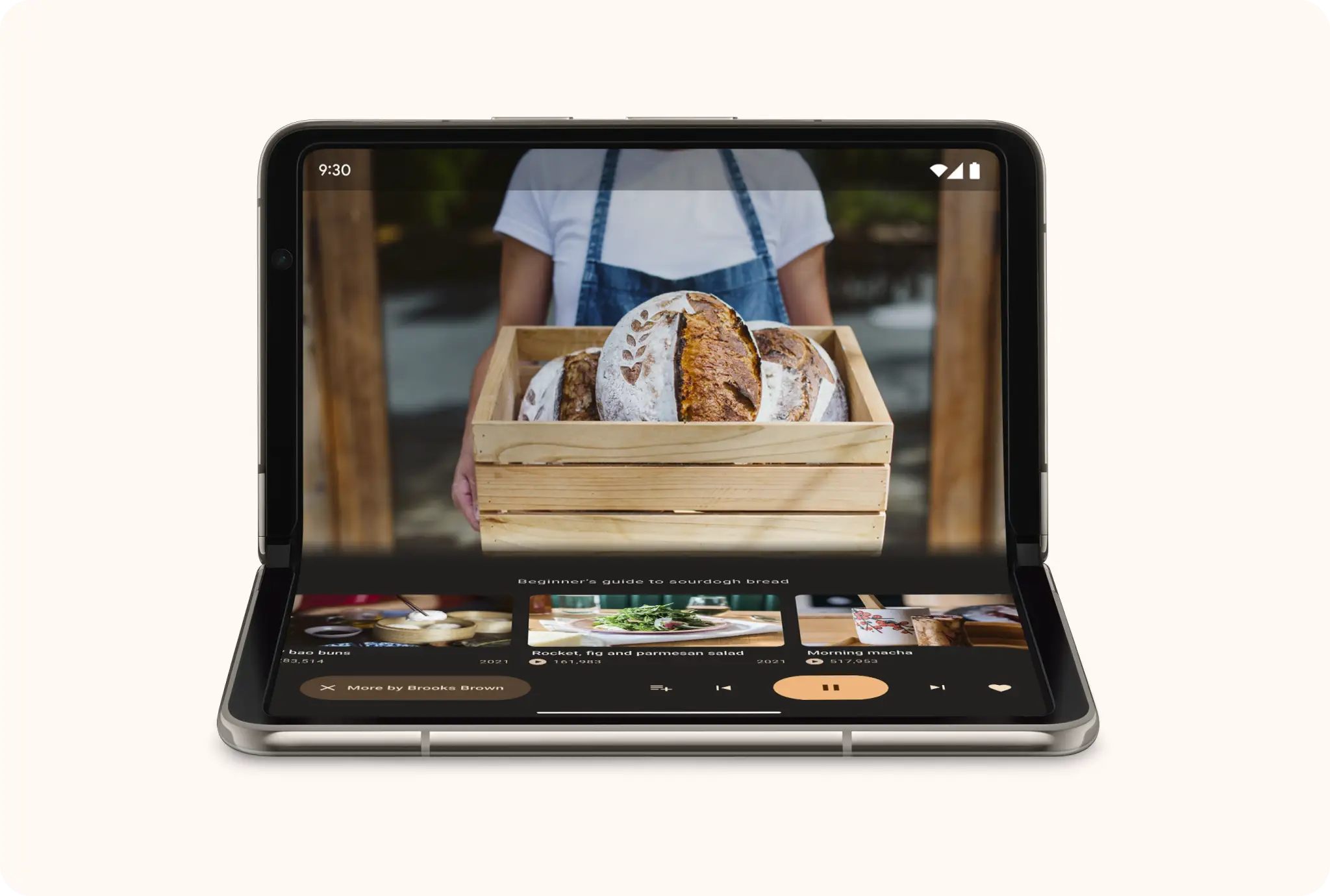
Let users lean back and enjoy their favorite content with tabletop posture on foldables. Place playback media above the fold, controls and supplementary content below the fold, for a hands-free viewing or listening experience.
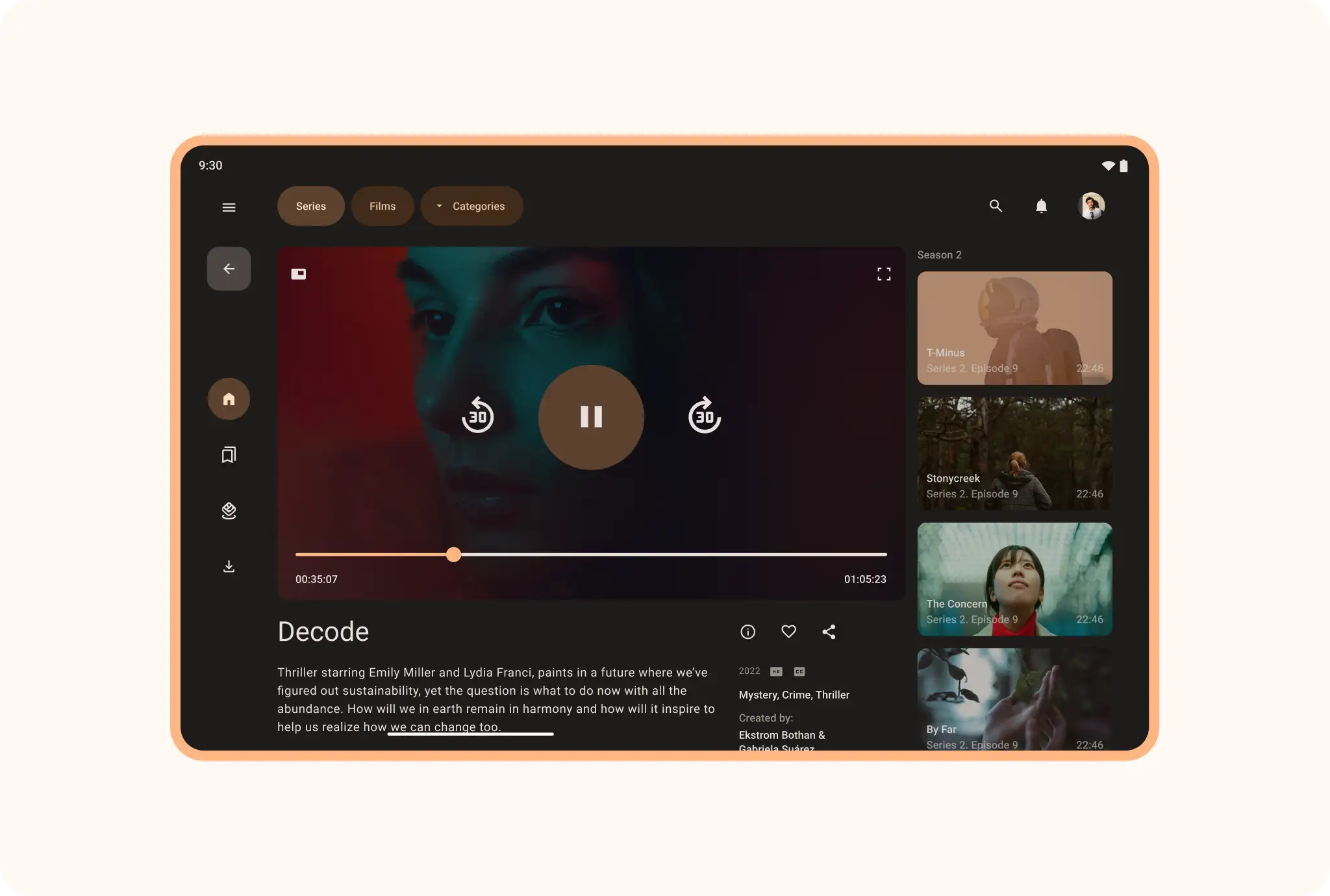
Embed a supporting panel for context, relevance, or reference while maintaining an immersive viewing experience.
Implement a list-detail
A list-detail layout enables users to explore lists of items that have descriptive, explanatory, or other supplementary information—the item detail.