Split the screen to enable users to multitask with media apps.
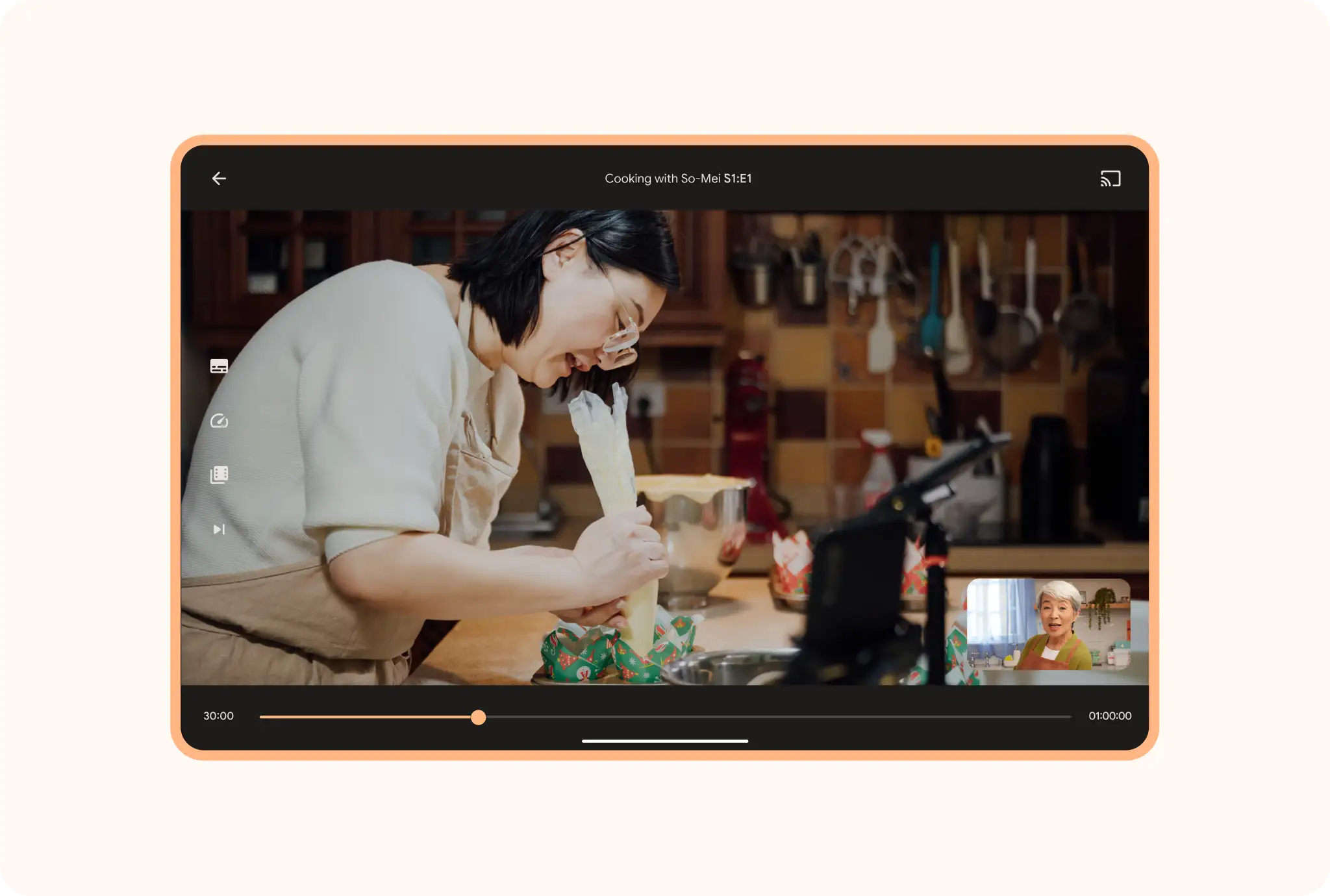
Picture-in-picture
Bring the small screen to the big screen so users can watch and work, learn and do at the same time.
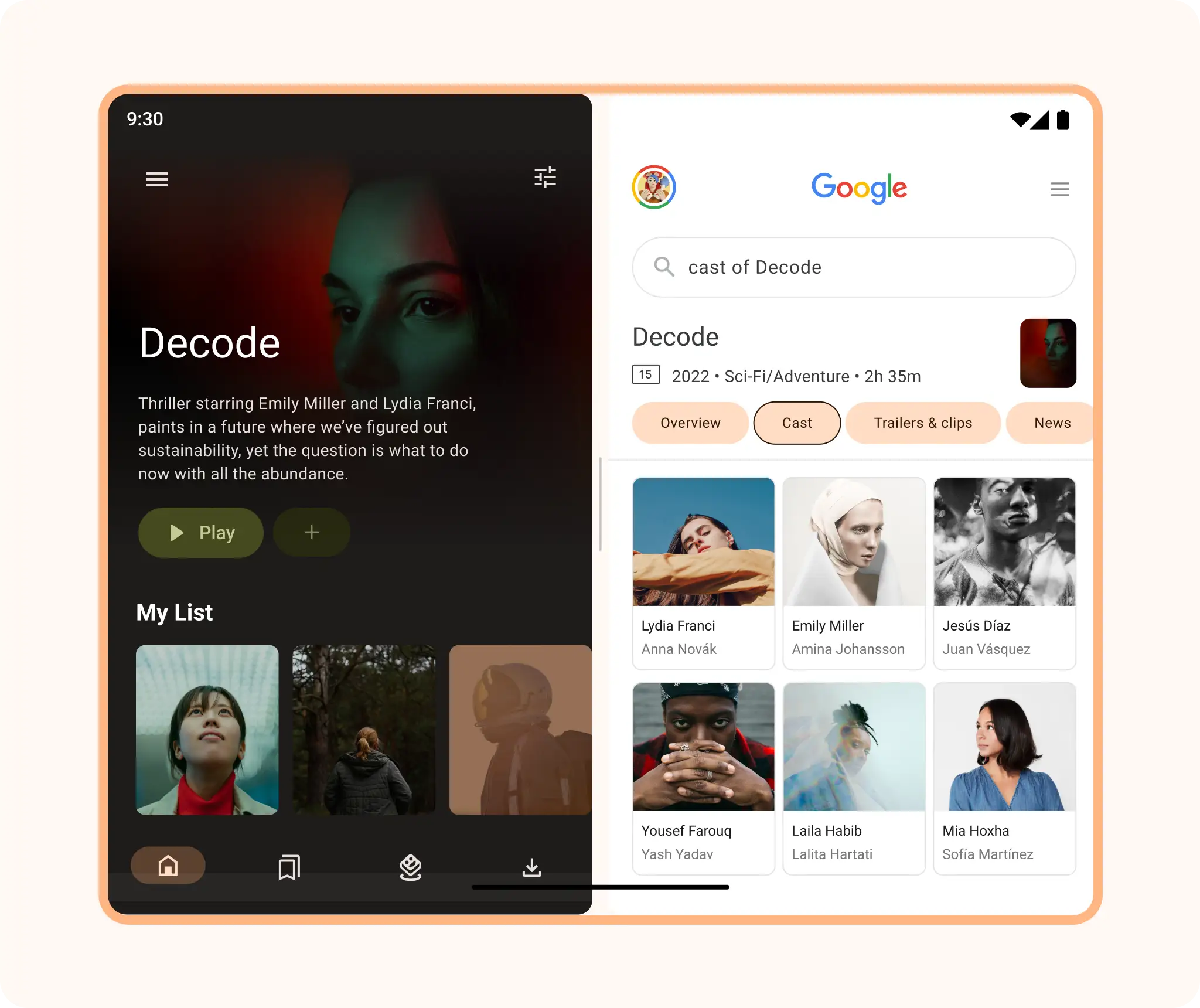
Multi-window
Let users multitask with two apps side by side to browse a collection of movies while checking out casts and characters, or listen to music while searching for covers or music news and reviews.
Android AdaptiveUI Samples
Explore inspiring, optimized designs for large screen devices. Browse UI/UX templates for popular app categories, including media, creativity, games, and more.
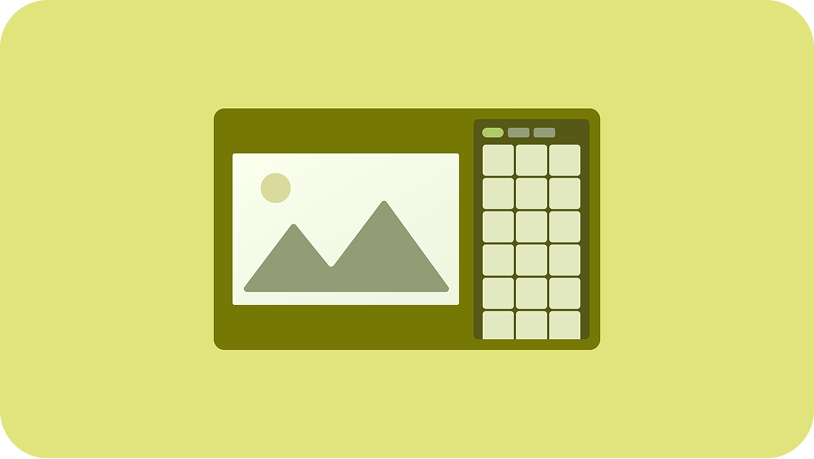
Implement a supporting pane
A mobile view may require supporting content or controls, typically in the form of sheets or dialogs, to help the primary view stay focused and uncluttered.
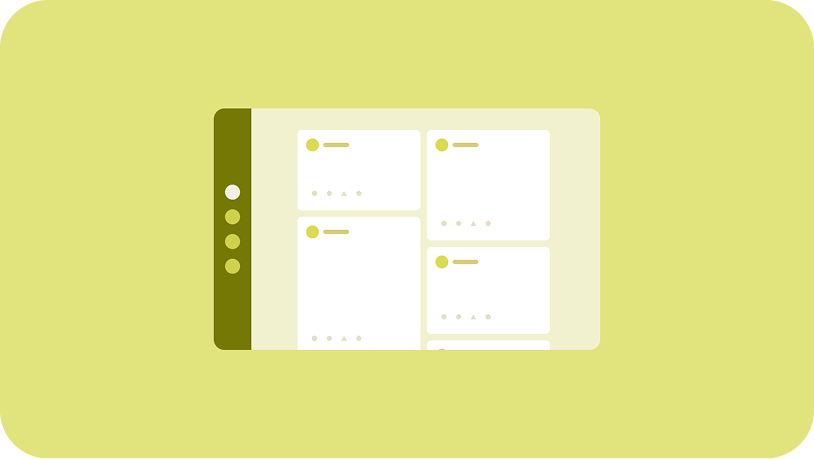
Implement a feed
A feed layout arranges equivalent content elements in a configurable grid for quick, convenient viewing of a large amount of content.