Keyboard and pointer on desktop
Stay organized with collections
Save and categorize content based on your preferences.
Laptops provide precise and productive input controls with more interaction
states and keyboard shortcuts.
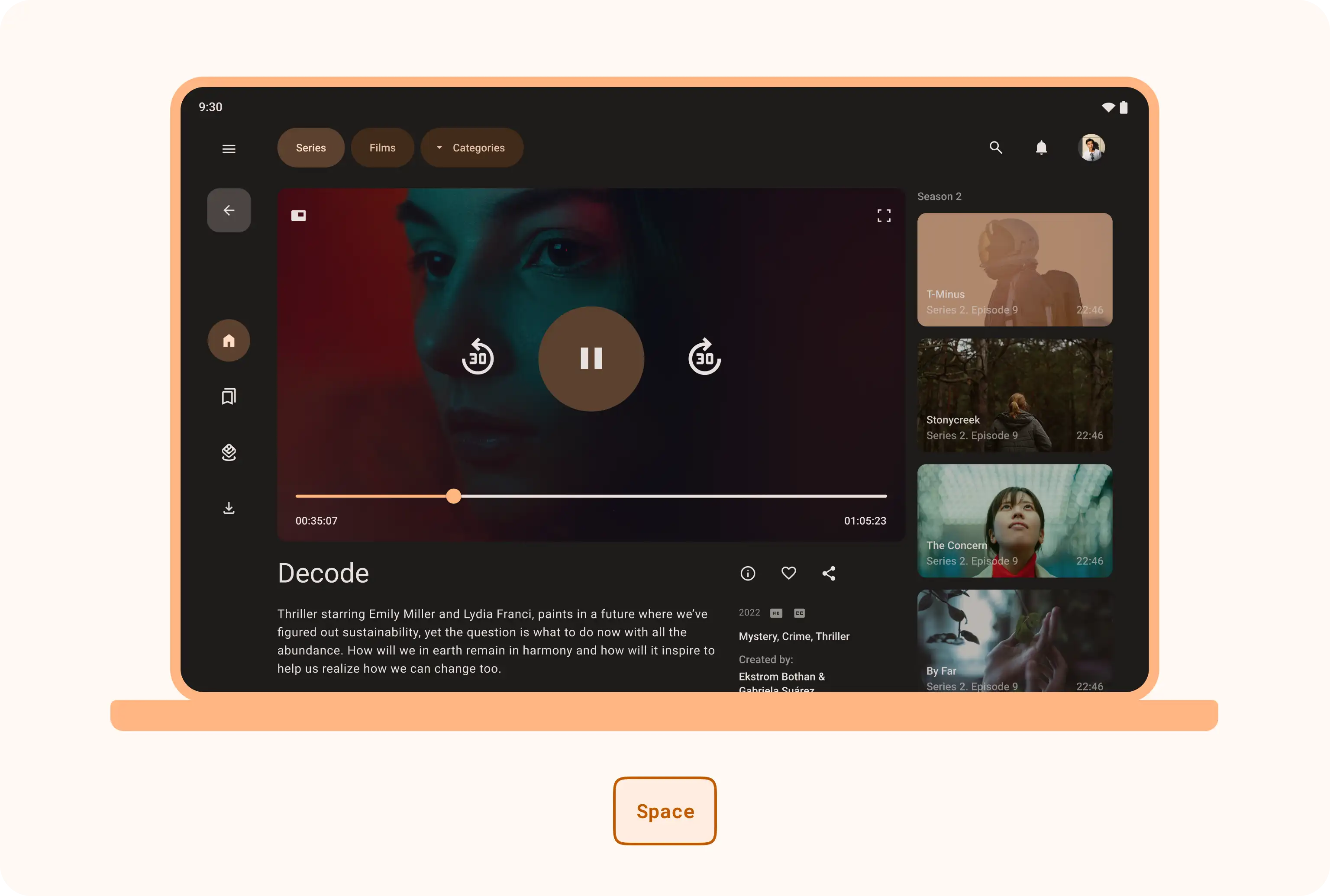
In media apps, the Space bar can control playback.
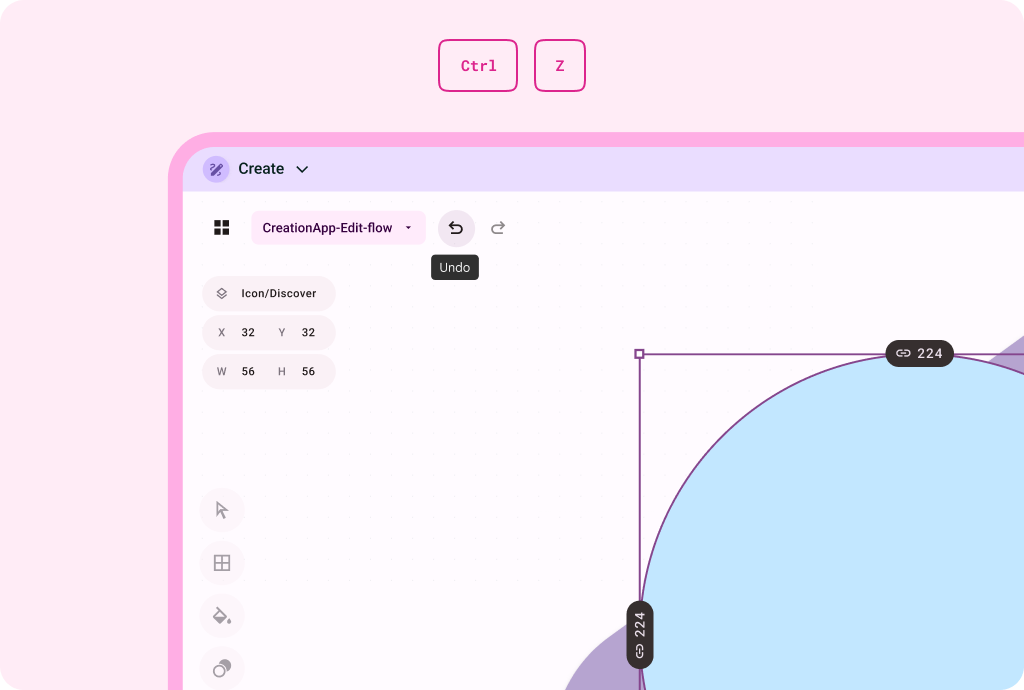
Keyboard shortcuts make creativity apps more efficient.
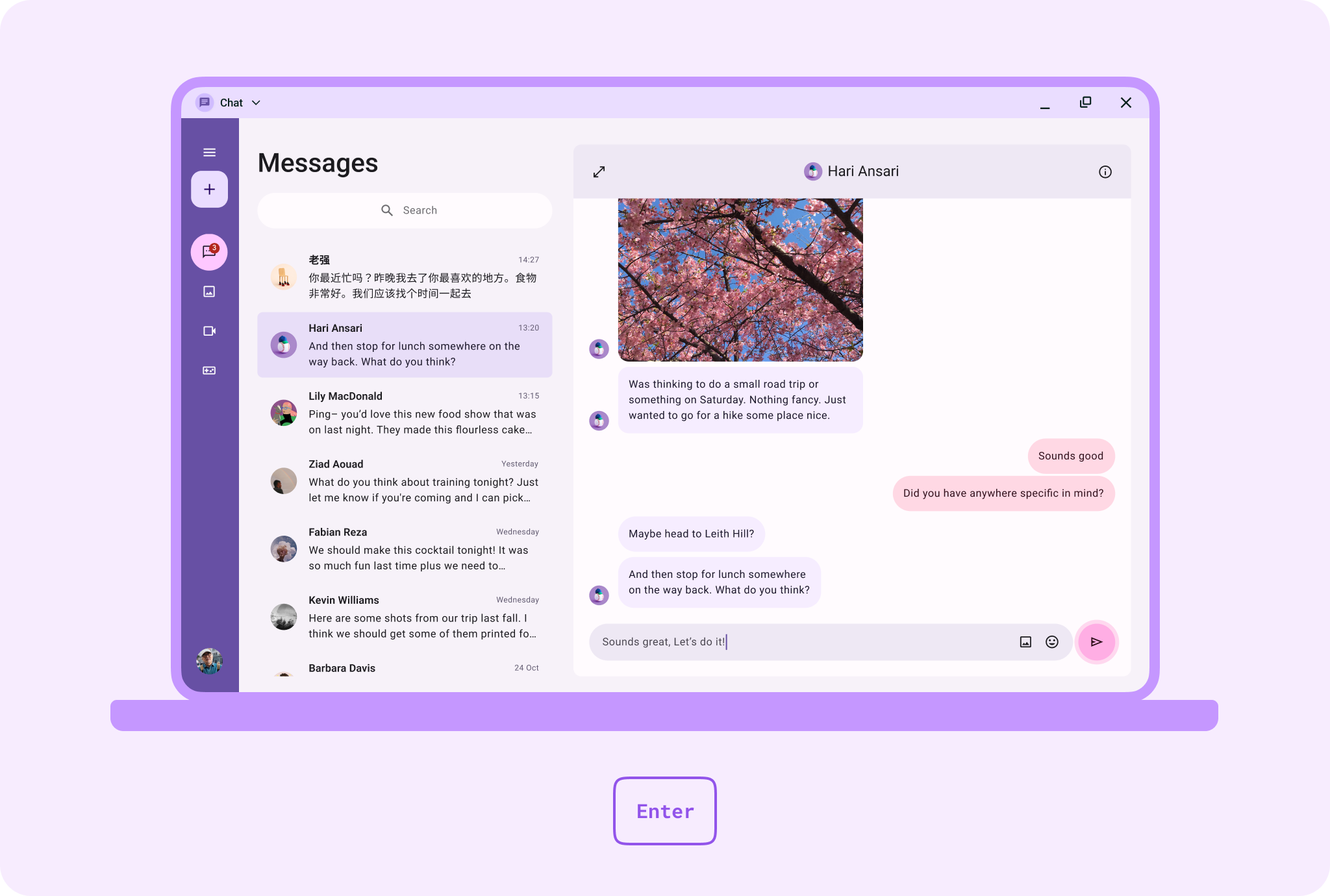
In social apps, pressing Enter sends messages faster.
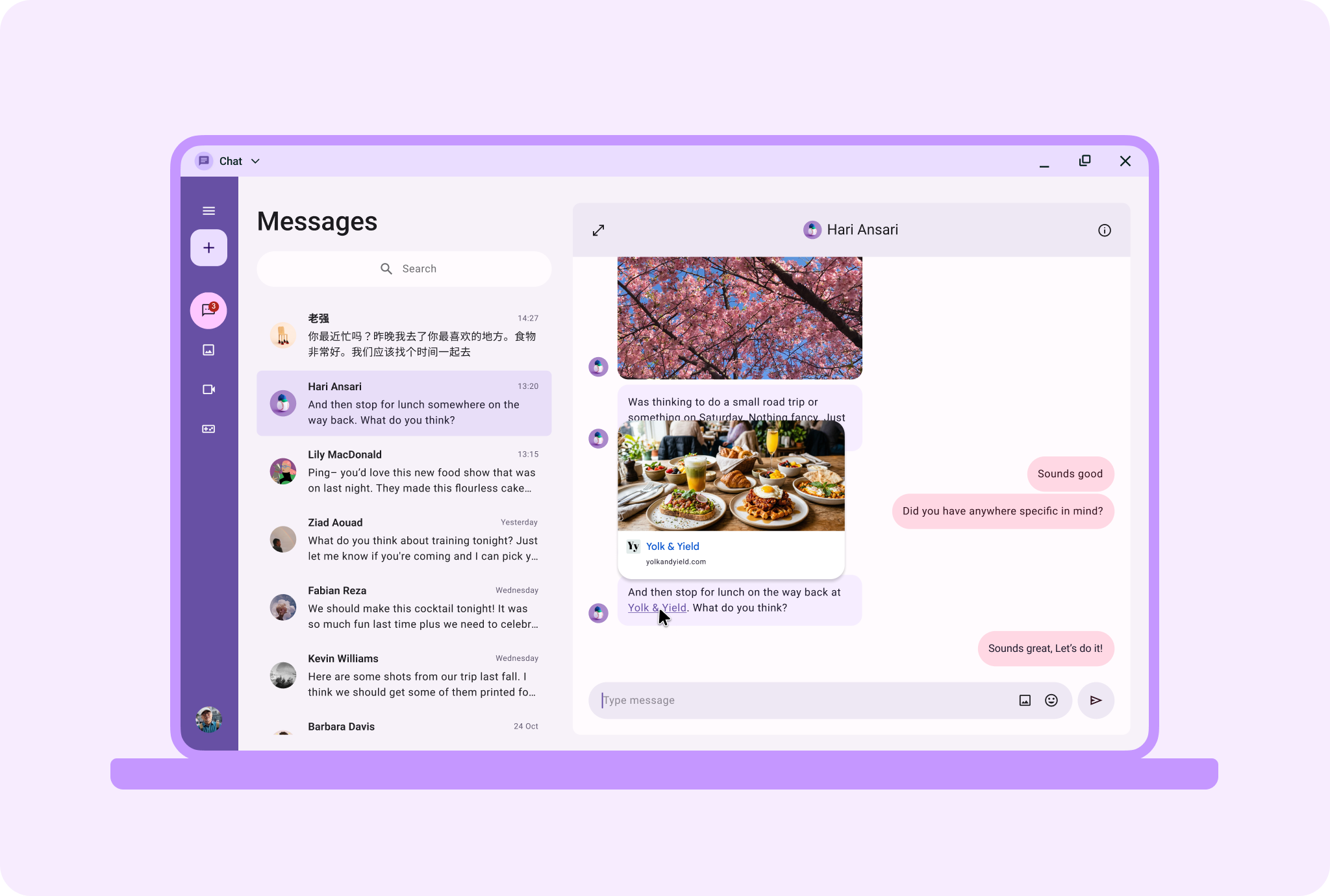
Custom hover states make links more informative.
Android AdaptiveUI Samples
Explore inspiring, optimized designs for large screen devices. Browse UI/UX
templates for popular app categories, including media, creativity, games, and
more.
View Figma
Kit
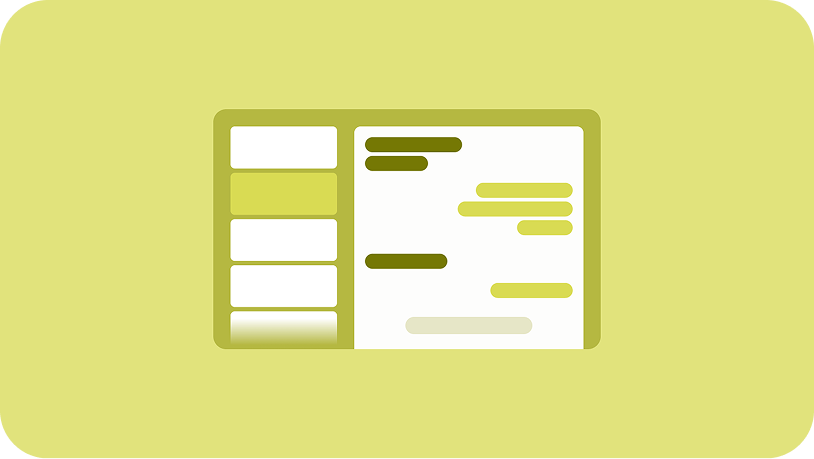
Implement a list-detail
A list-detail layout enables users to explore lists of items that have
descriptive, explanatory, or other supplementary information—the item detail.
Learn more
Material Design website
Content and code samples on this page are subject to the licenses described in the Content License. Java and OpenJDK are trademarks or registered trademarks of Oracle and/or its affiliates.
Last updated 2026-06-16 UTC.
[[["Easy to understand","easyToUnderstand","thumb-up"],["Solved my problem","solvedMyProblem","thumb-up"],["Other","otherUp","thumb-up"]],[["Missing the information I need","missingTheInformationINeed","thumb-down"],["Too complicated / too many steps","tooComplicatedTooManySteps","thumb-down"],["Out of date","outOfDate","thumb-down"],["Samples / code issue","samplesCodeIssue","thumb-down"],["Other","otherDown","thumb-down"]],["Last updated 2026-06-16 UTC."],[],[]]