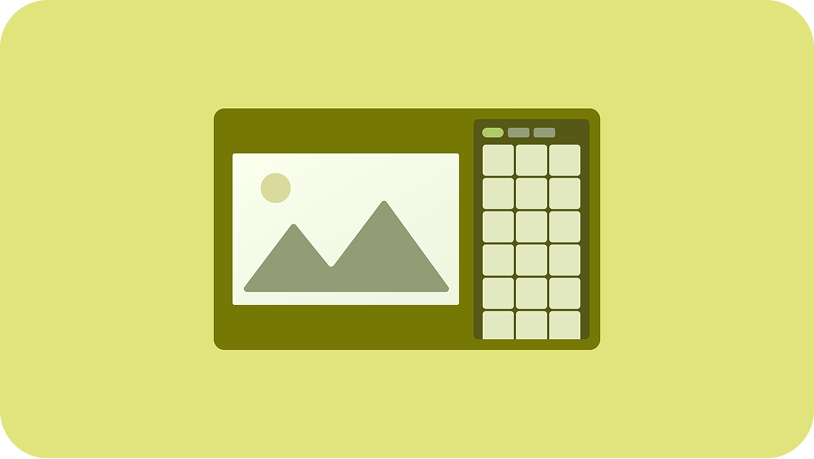
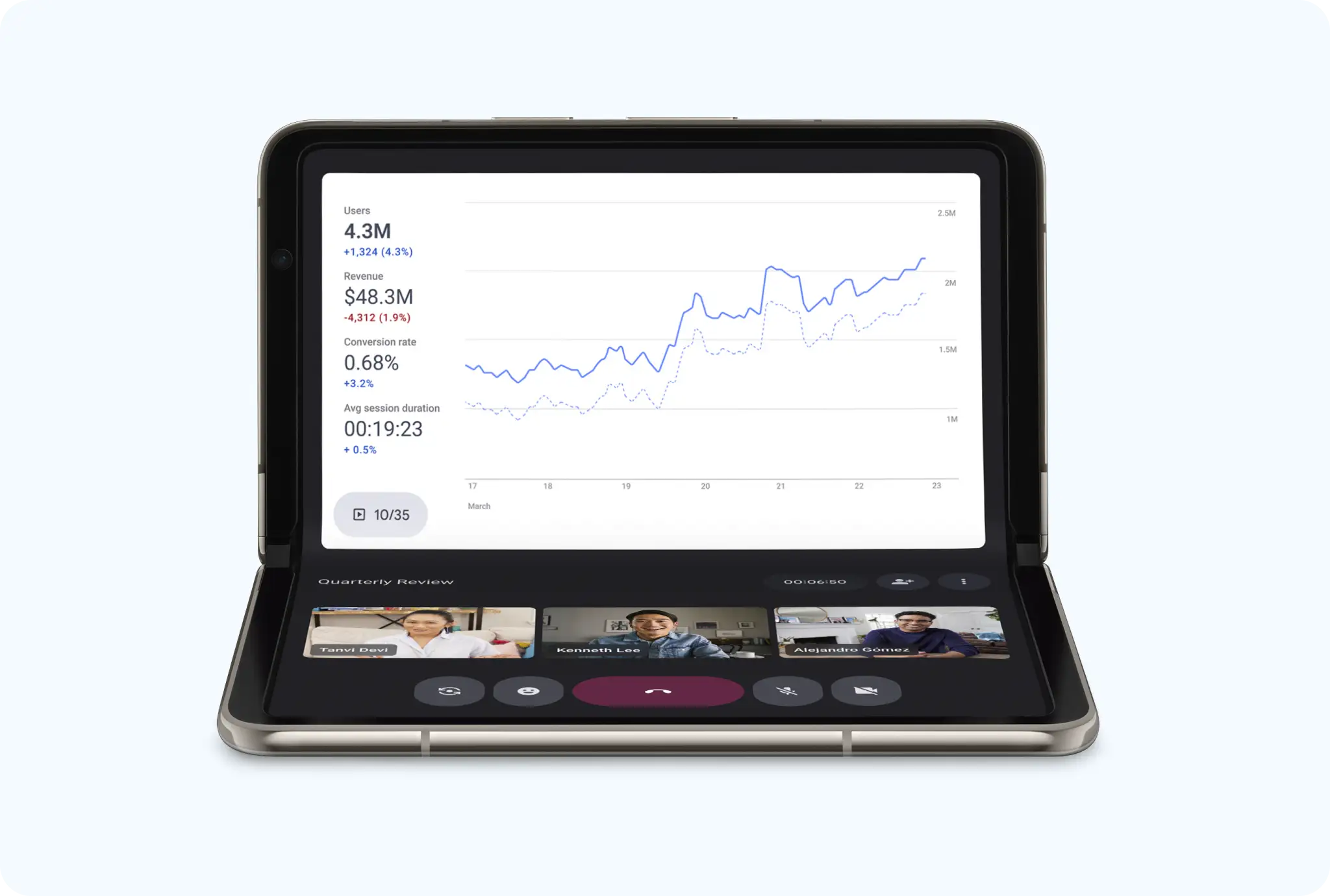
Design tabletop layouts that let users pause their work and focus on what's important—a colleague's presentation, a video conference call—while still having access to other content and app controls hands-free.
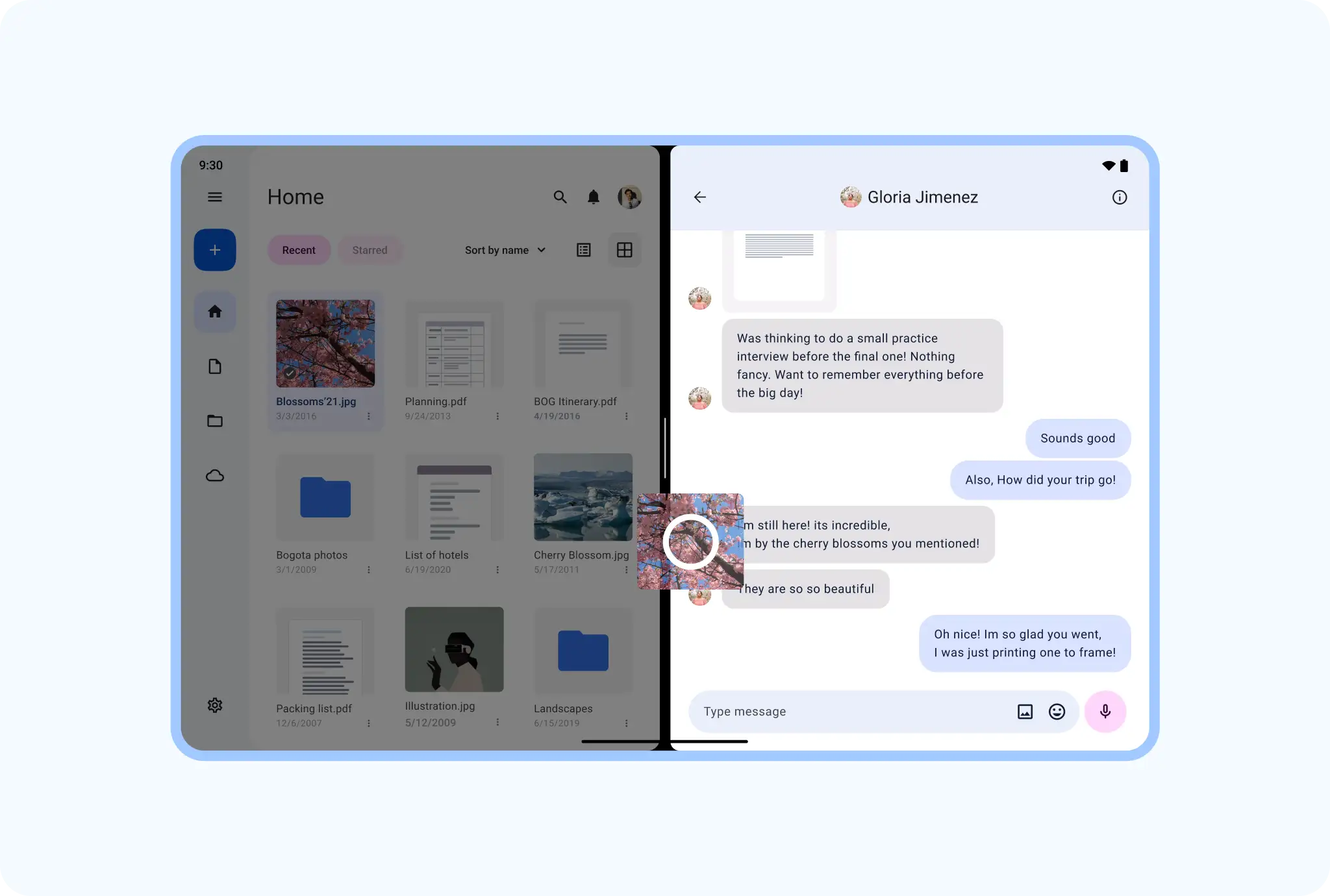
Drag
Let users intuitively share content in a large, unconfined workspace that makes dragging natural and comfortable—between widespread views in the same app or, in multi-window mode, between apps.
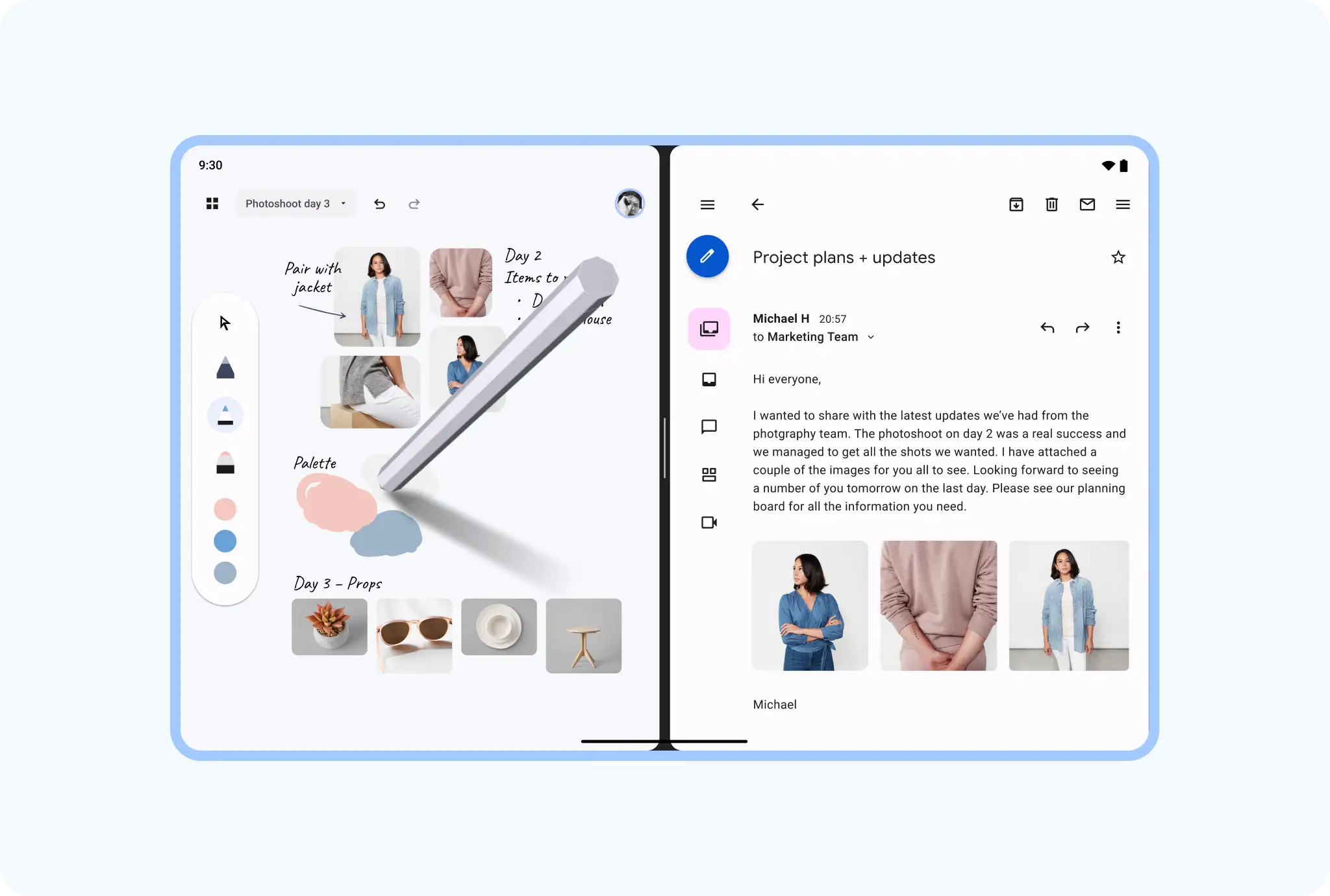
Multi-window
Get apps working together side by side in multi-window mode, with space for note-taking while reading an article or watching a video across any device size, such as phones, foldables, and tablets.

Android AdaptiveUI Samples
Explore inspiring, optimized designs for large screen devices. Browse UI/UX templates for popular app categories, including media, creativity, games, and more.
Implement a supporting pane
A mobile view may require supporting content or controls, typically in the form of sheets or dialogs, to help the primary view stay focused and uncluttered.