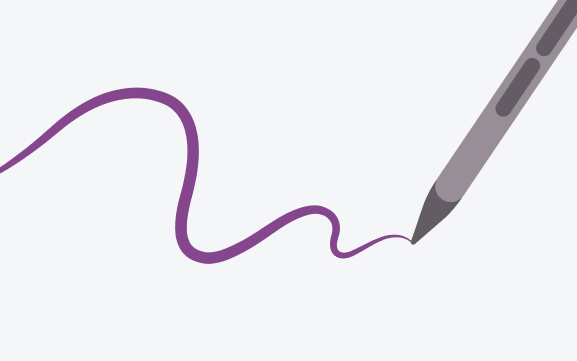
Low latency
Low latency input turns the stylus into a precision tool, providing a natural, organic writing or drawing experience.
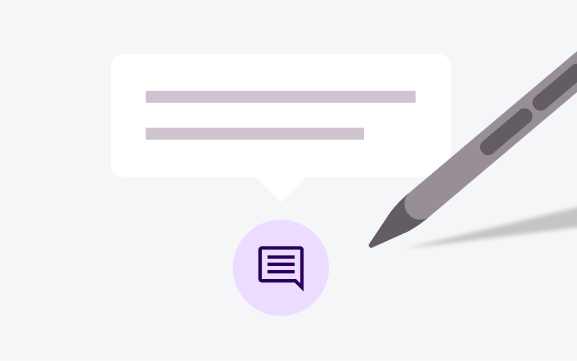
Hover
Stylus hover enables contextual information and feedback, such as tooltips, UI highlighting, and messaging.
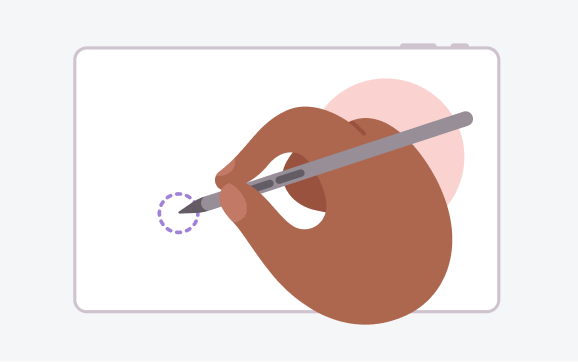
Palm rejection
Palm detection and rejection eliminate inadvertent screen touches for comfortable, natural stylus control.
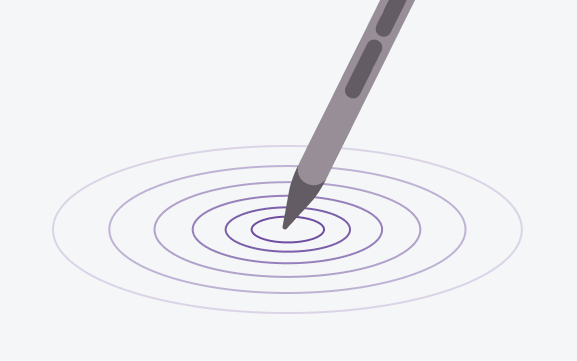
Tilt and pressure
Tilt and pressure support enable advanced input capabilities, such as variation in stroke width, color saturation, or touch intensity.
Hover to display
Instantly display media playbacks and file previews with stylus hover.
Hover to preview
Hover the stylus over the canvas to preview the selected brush size and shape.
Android AdaptiveUI Samples
Explore inspiring, optimized designs for large screen devices. Browse UI/UX templates for popular app categories, including media, creativity, games, and more.
Implement a supporting pane
A mobile view may require supporting content or controls, typically in the form of sheets or dialogs, to help the primary view stay focused and uncluttered.