Multi-tasking for creatives
Stay organized with collections
Save and categorize content based on your preferences.
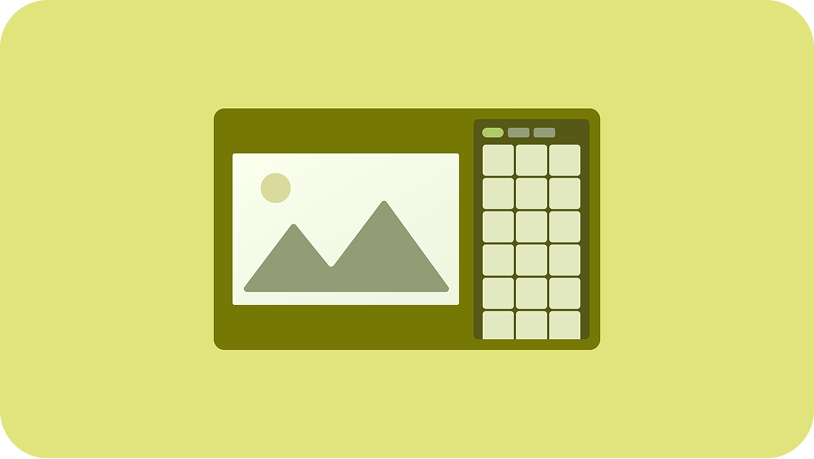
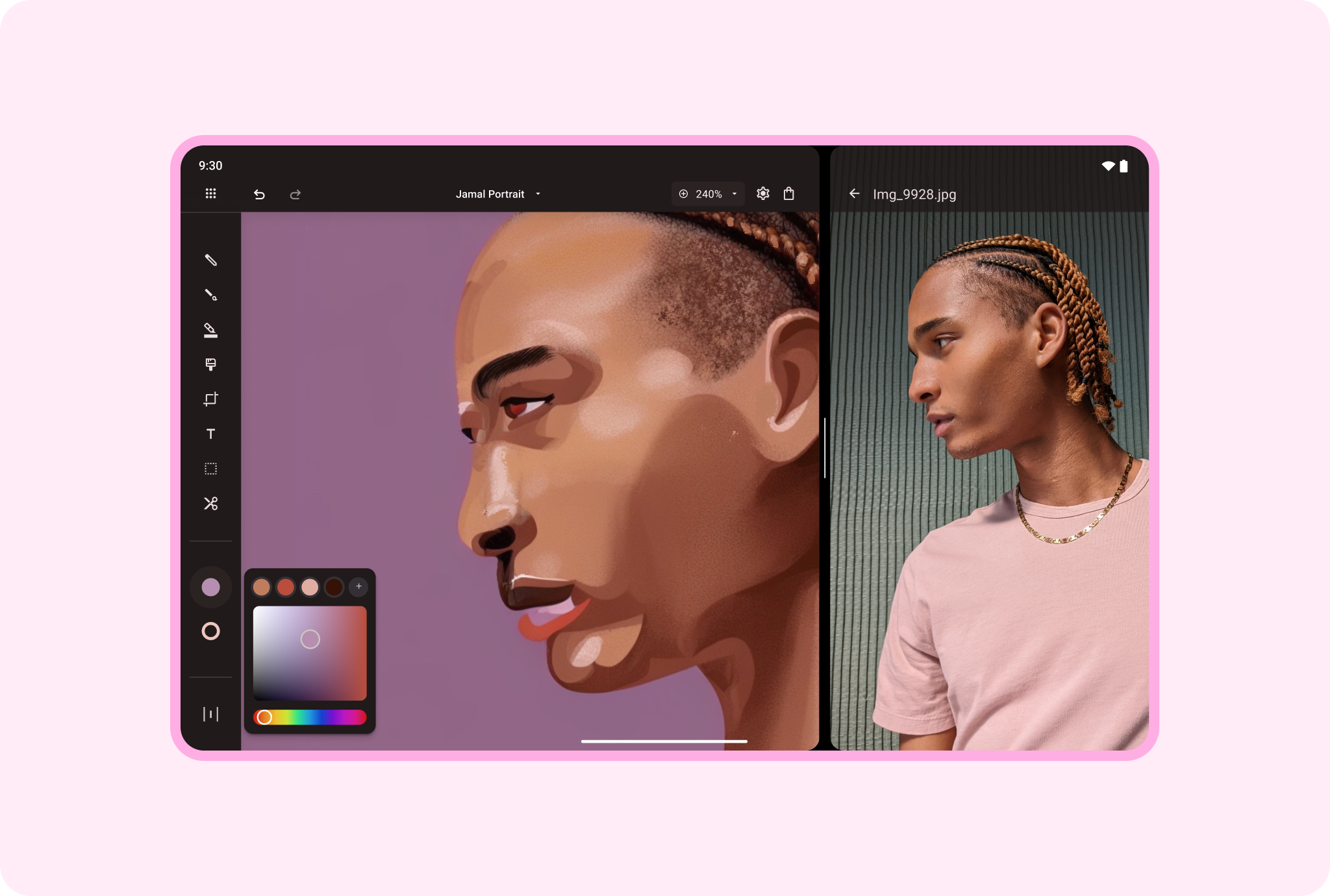
Display a reference model on one side of the screen, a drawing app on the other;
a photograph on one side, an image editor and edited photo on the other. Enable
users to maintain their frame of reference with multi-window mode on large
screens.
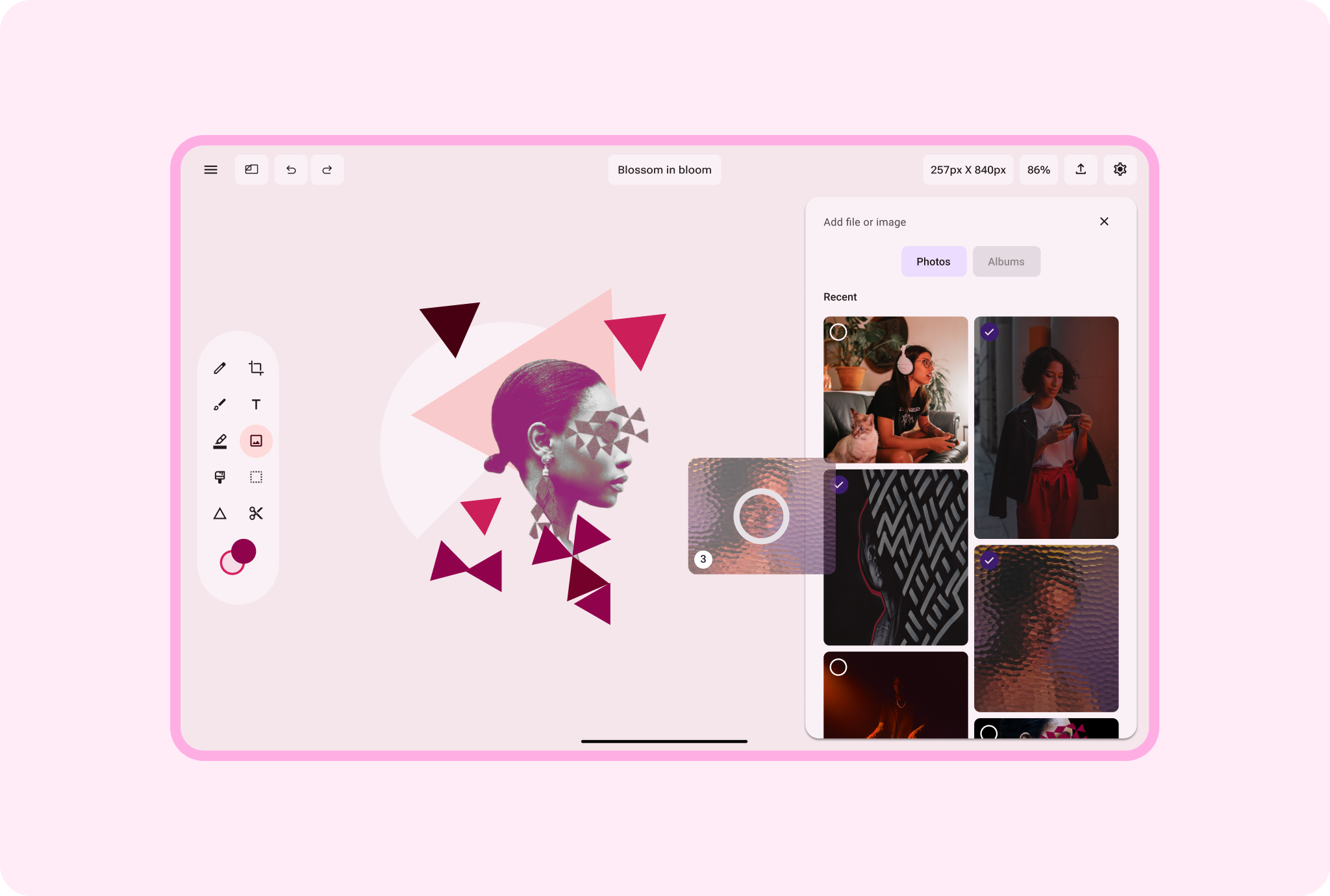
Import, export, borrow, share. Let content creators drag and drop
content within and between apps for fast, easy content publication and
repurposing.
Android AdaptiveUI Samples
Explore inspiring, optimized designs for large screen devices. Browse UI/UX
templates for popular app categories, including media, creativity, games, and
more.
View Figma
Kit
Implement a supporting pane
A mobile view may require supporting content or controls, typically in the form
of sheets or dialogs, to help the primary view stay focused and uncluttered.
Learn
more
Material Design
website
Content and code samples on this page are subject to the licenses described in the Content License. Java and OpenJDK are trademarks or registered trademarks of Oracle and/or its affiliates.
Last updated 2026-08-11 UTC.
[[["Easy to understand","easyToUnderstand","thumb-up"],["Solved my problem","solvedMyProblem","thumb-up"],["Other","otherUp","thumb-up"]],[["Missing the information I need","missingTheInformationINeed","thumb-down"],["Too complicated / too many steps","tooComplicatedTooManySteps","thumb-down"],["Out of date","outOfDate","thumb-down"],["Samples / code issue","samplesCodeIssue","thumb-down"],["Other","otherDown","thumb-down"]],["Last updated 2026-08-11 UTC."],[],[]]