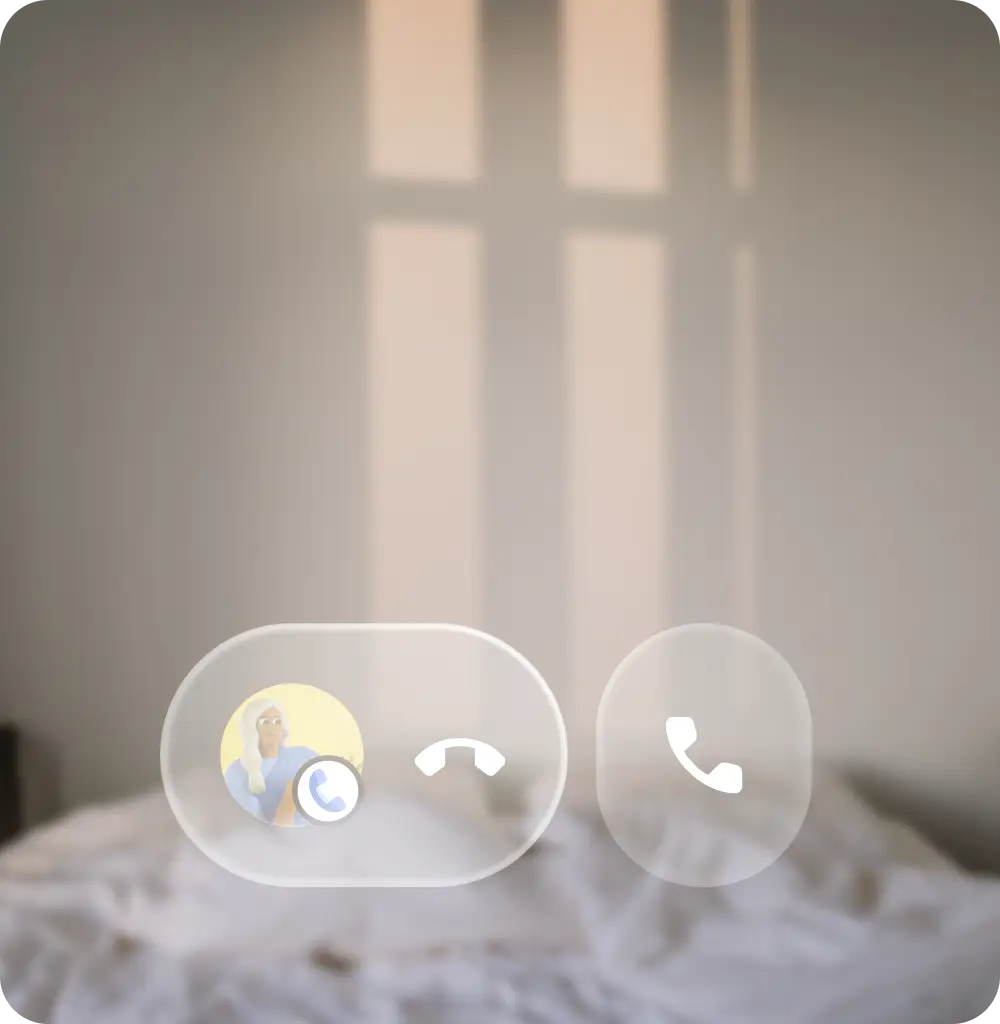
Glasses have multiple sources and types of interaction inputs, including hardware and touch, physical gesture, and voice.
Hardware controls
Glasses controls can vary depending on device model, but most will include a camera button, touchpad, display button, and power switch or button. Hardware controls have default interactions, and some can be remapped for your app. Consider that inputs for glasses are more 1-dimensional, where users can make one control input at a time, compared to touchscreen inputs. The glasses hardware controls have default interaction mapping, some of which are handled by the app, and others that are handled by the system.
The system will handle the following inputs:
- Camera button single press to take photos and camera button hold to take videos
- Swiping with two fingers on the touchpad for volume
- Touch & hold on the touchpad and the wake word on the microphone will launch Gemini
- System interprets swipe down on display glasses as system back.
Your app has access to the glasses:
- Single-finger swipe on touchpad
- Microphone
- Point-of-View (POV) camera
- Inertial Measurement Unit (IMU)
- Camera button double-press
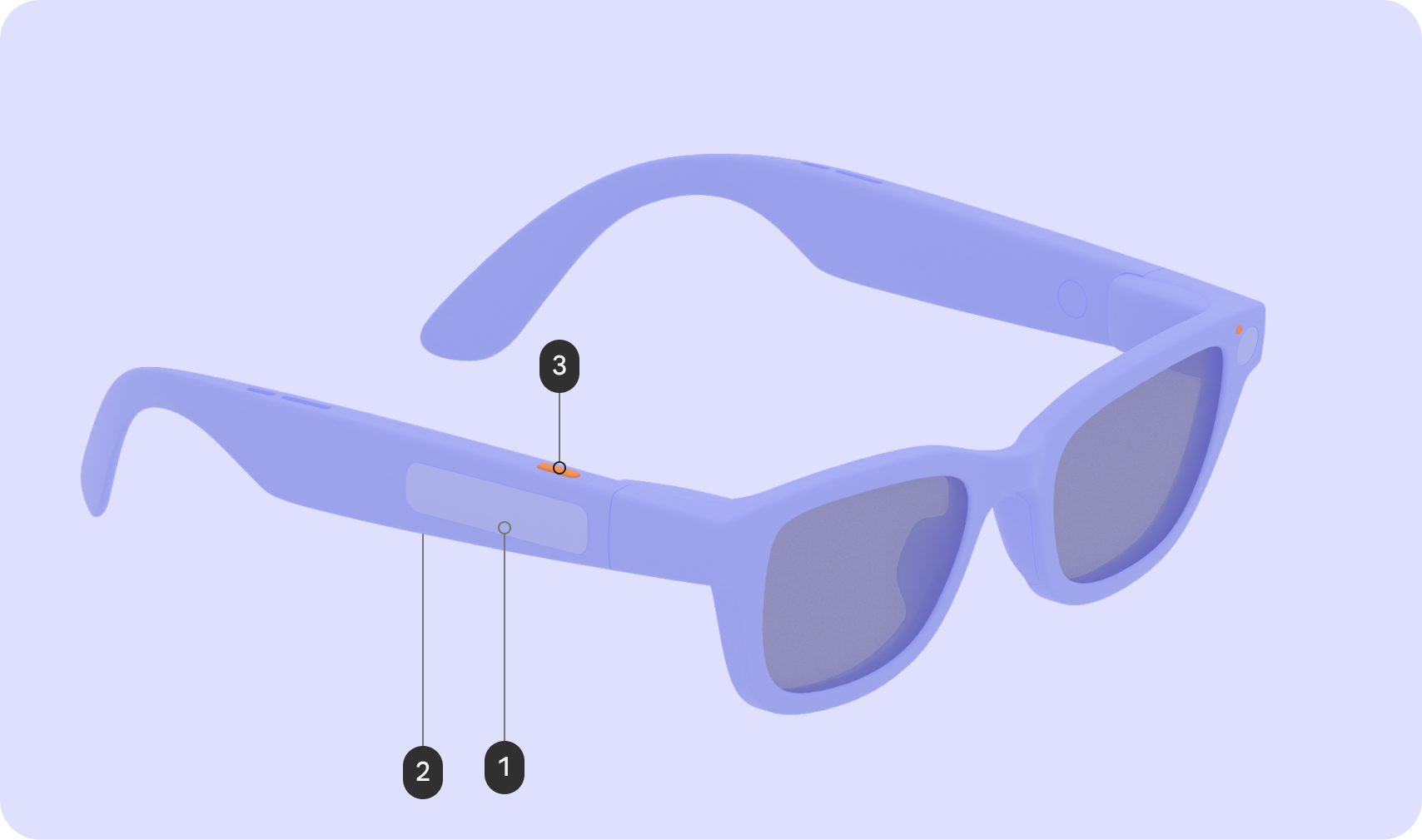
Audio glasses
| Input | Gesture | Interaction affect |
|---|---|---|
| Touchpad (1) | Tap | Play / Pause / Confirm |
| Swipe | Next/Previous/Dismiss | |
| Swipe down | N/A | |
| Touch & hold | Invoke AI | |
| 2-finger swipe | Volume | |
| Display button (2) | Press | N/A |
| Camera button (3) | Press | Photo / Video end |
| Touch & hold | Video start | |
| Double press | Camera |
Display glasses
| Input | Gesture | Interaction affect |
|---|---|---|
| Touchpad (1) | Tap | Play / Pause / Confirm |
| Swipe | UI Navigation | |
| Swipe down | Back | |
| Touch & hold | Invoke AI | |
| 2-finger swipe | Volume | |
| Display button (2) | Press | Wake/Sleep |
| Camera button (3) | Press | Photo / Video end |
| Touch & hold | Video start | |
| Double press | Camera |
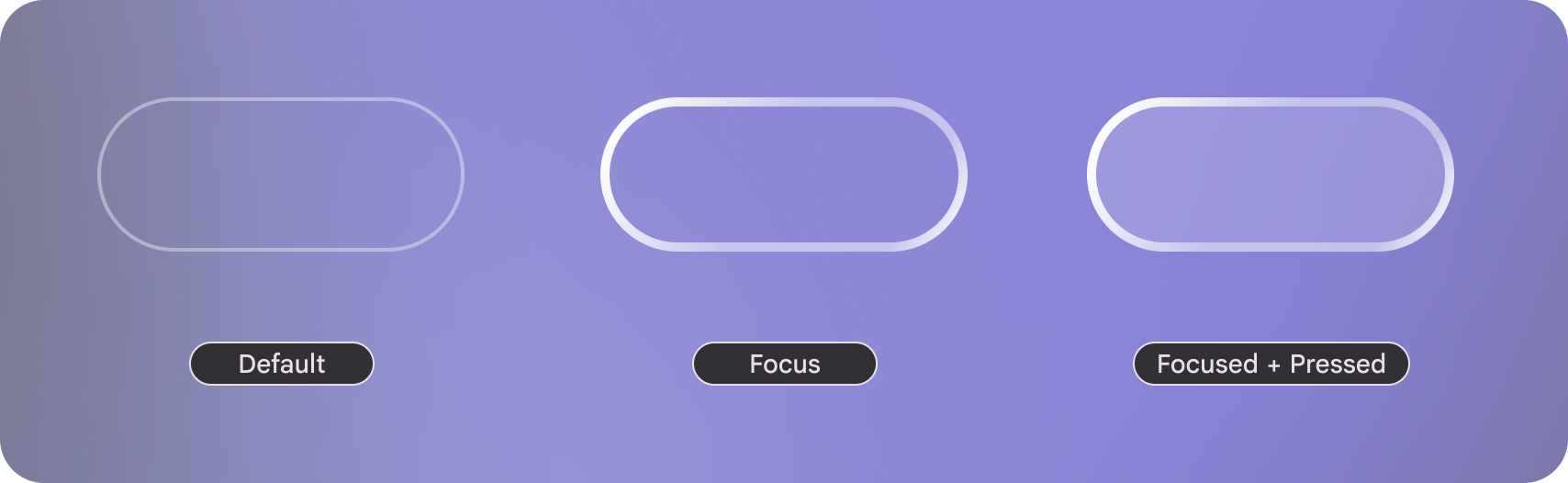 On
display focus states have a visual affordances.
On
display focus states have a visual affordances.
Usability principles
Use the following principles when designing for glasses inputs:
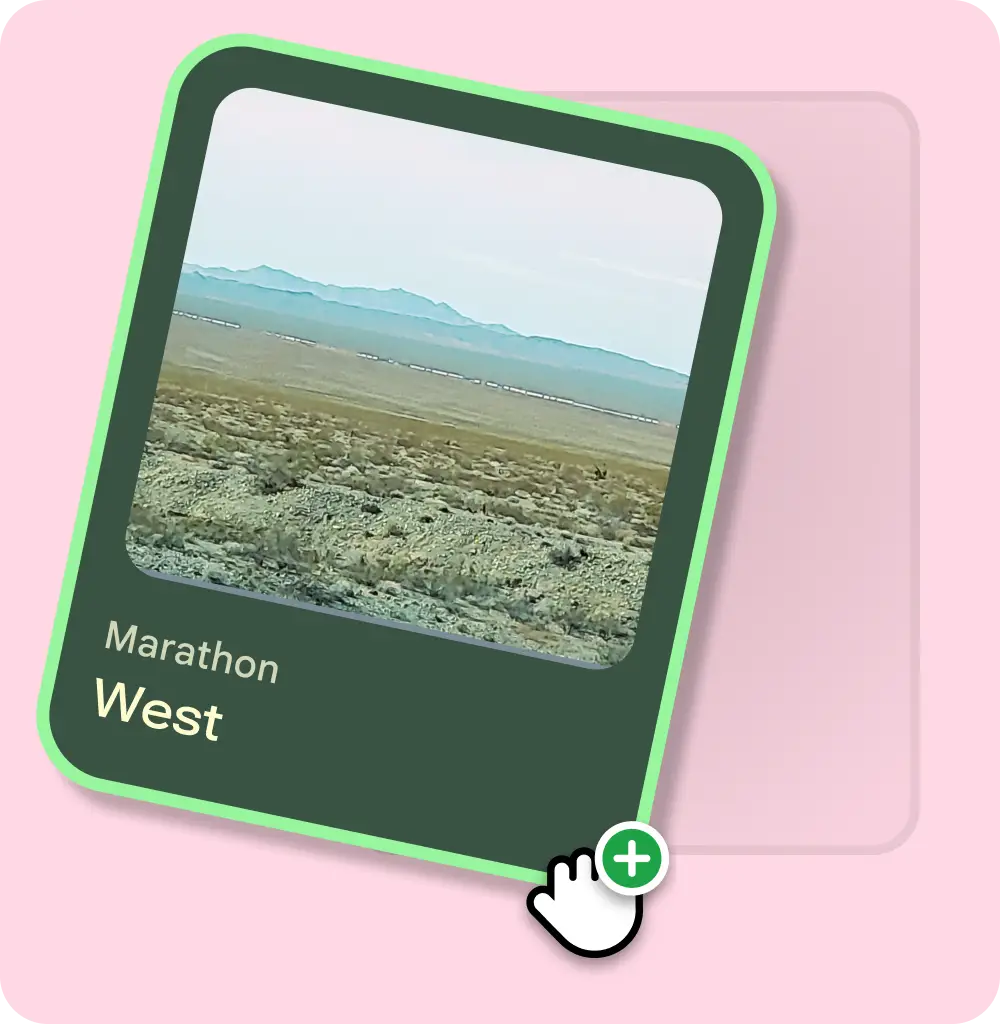
Input interaction is quick & discreet
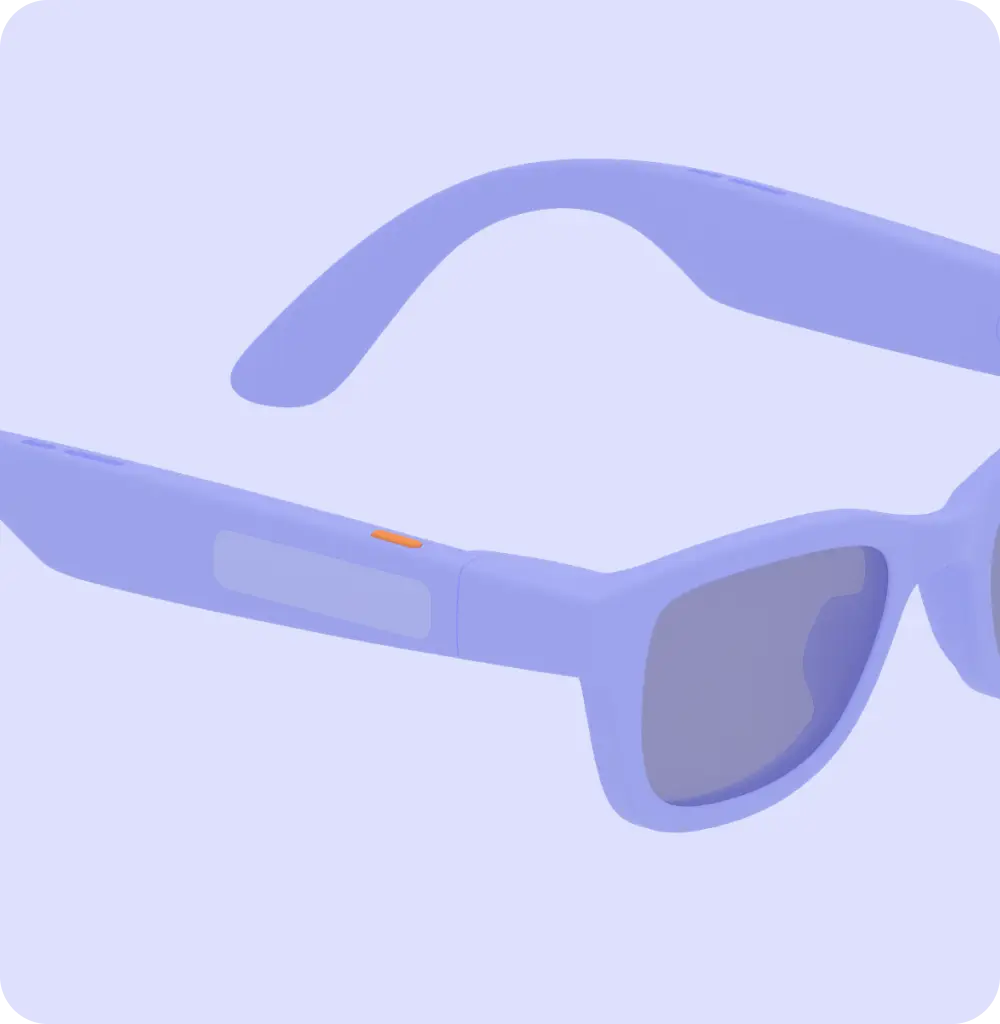
Audio and display glasses are designed around short and quick gestures rather than complex and precise controls.
Do
Don't
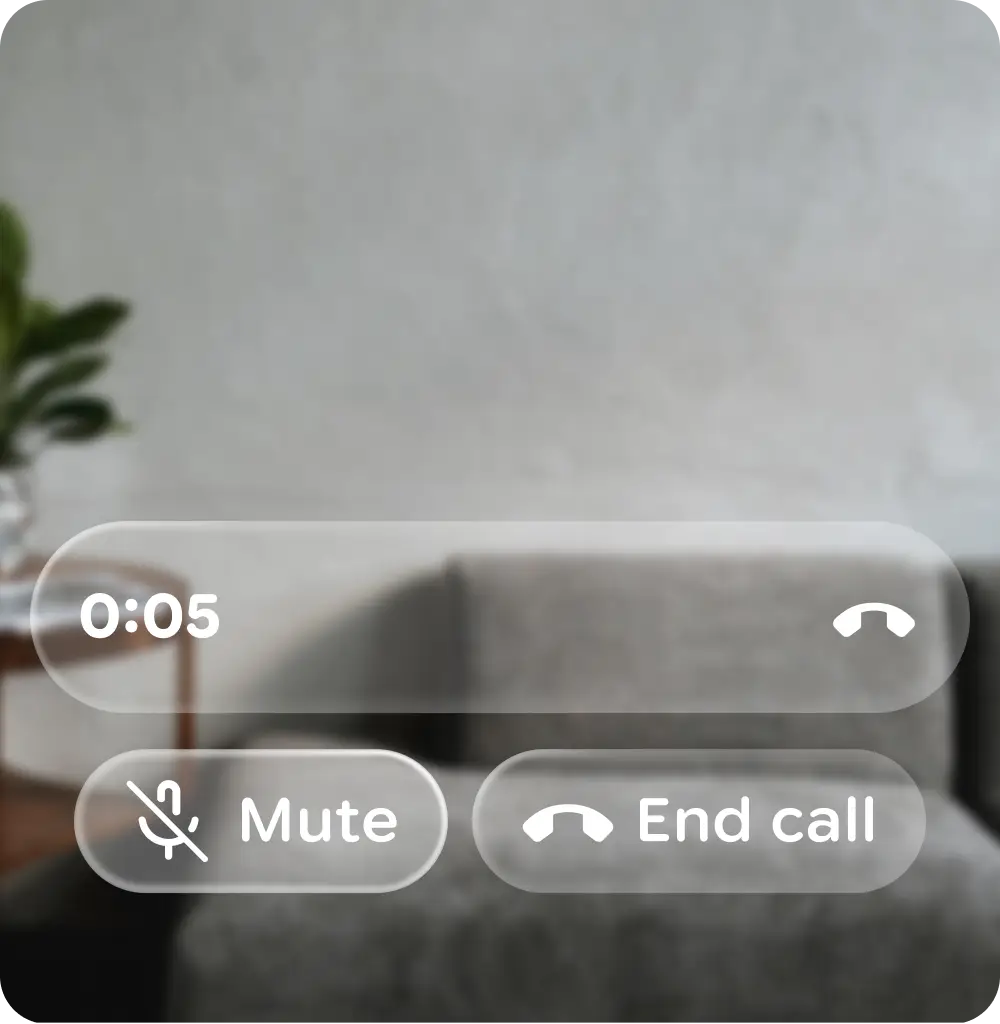
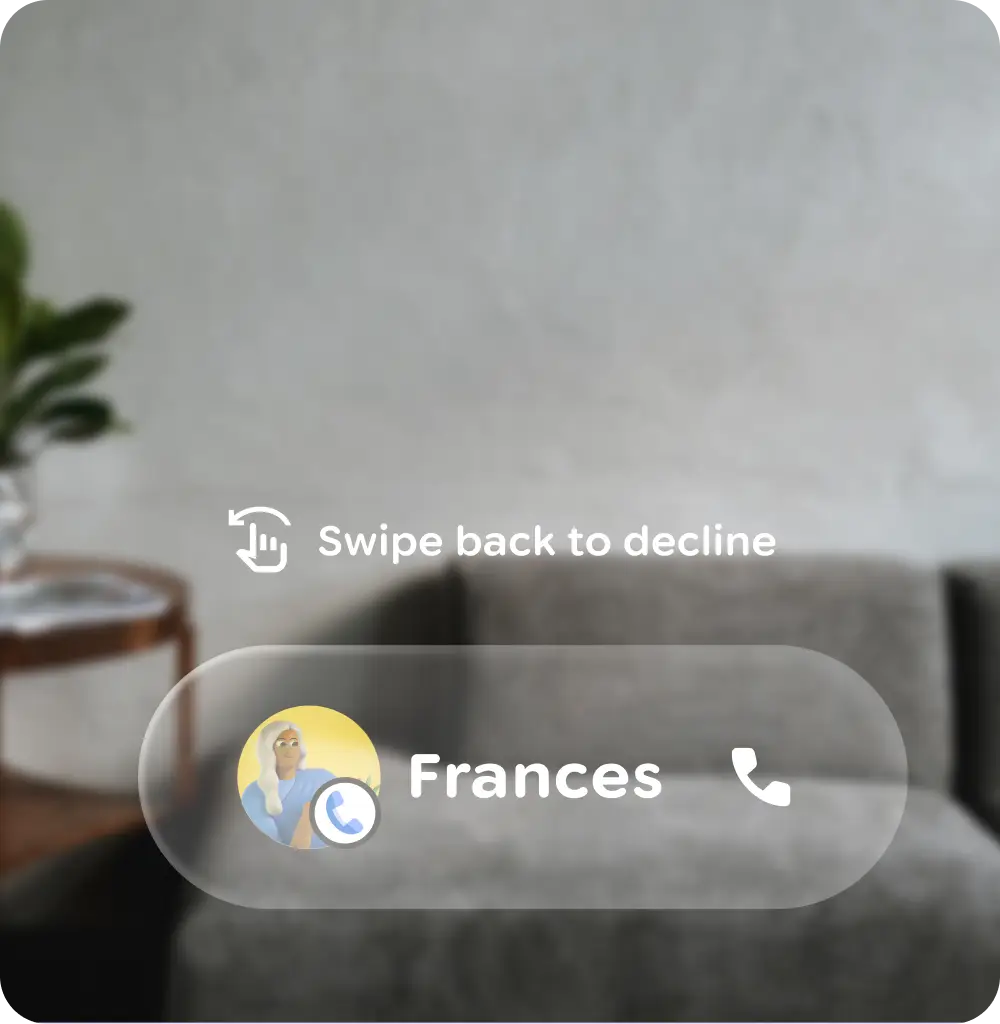
Recognition rather than recall for display glasses
Limit the number of gestures that the user needs to remember, and take advantage of existing user mental models.
Do
Don't
Always provide an immediate exit for users
A user should be able to exit an experience on their glasses at any point.
Provide immediate, clear feedback about detected gesture and action taken
For audio glasses, both audio output and earcons are crucial for gesture feedback. Earcons should be played immediately after a gesture, be audible, and be distinct in various environments.
For display glasses, immediate visual feedback significantly enhances usability due to the indirect interaction paradigm.
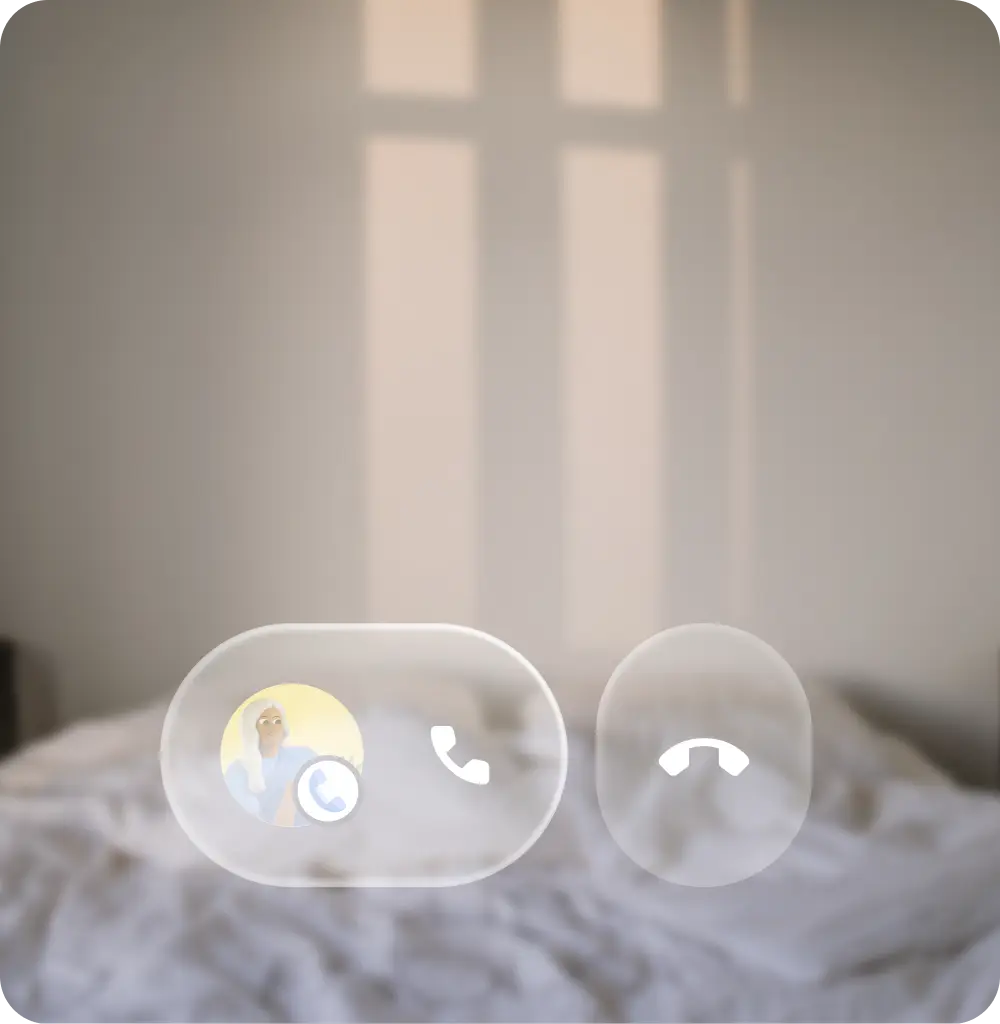
Promote a smooth experience
Help users avoid mistakes by:
- Removing memory burdens
- Accounting for possible accidental slips
- Supporting undo actions
- Warning users before important actions
Do