
Voice input indicator visualizes audio input from the user.

Principles
Clear Feedback: The indicator provides immediate feedback to show the user the microphone is receiving input.
Consistent: All indicators should share a core visual language to be instantly recognizable.
Usage & Placement
The voice input indicator communicates whether the app is actively accessing the microphone. The indicator doesn't control the microphone.
Both contained and uncontained indicators can be used independently without any accompanying surface, like a card.
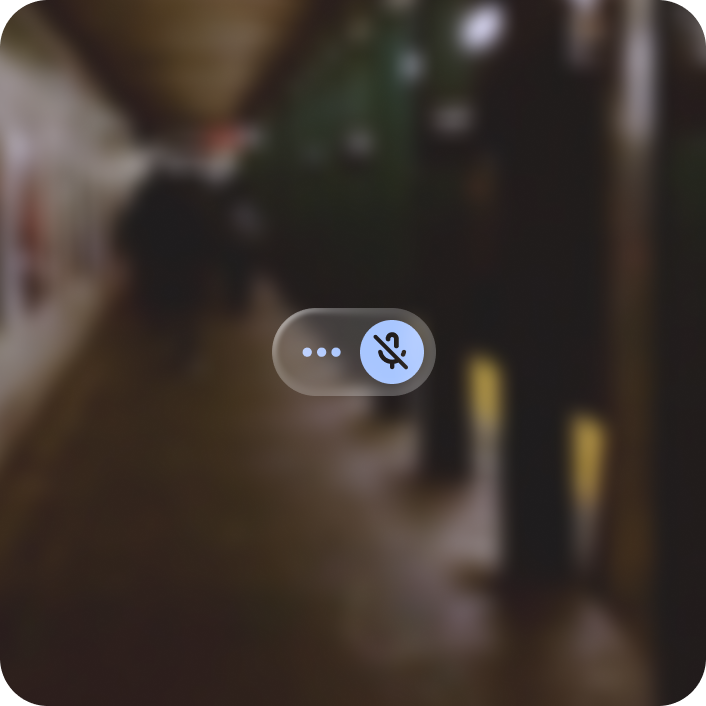
Do
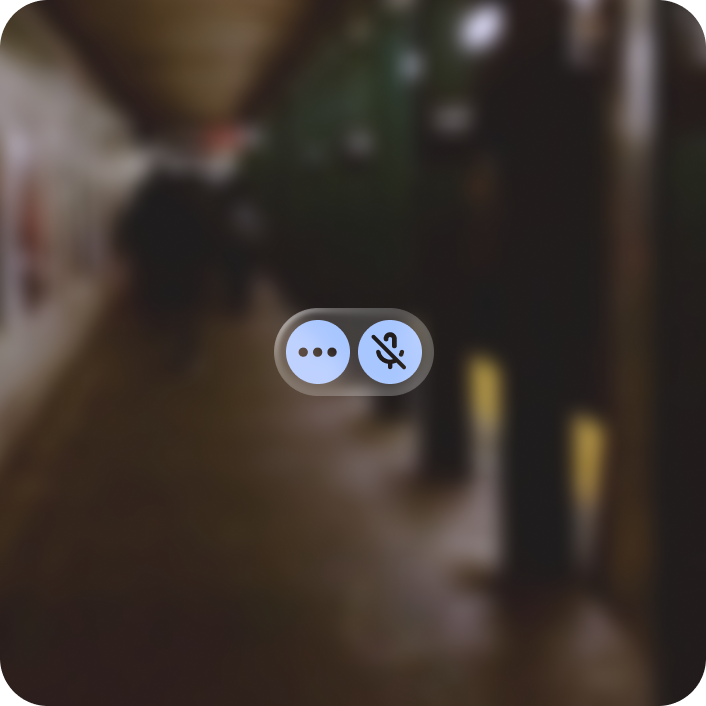
Don't
If displayed on a card
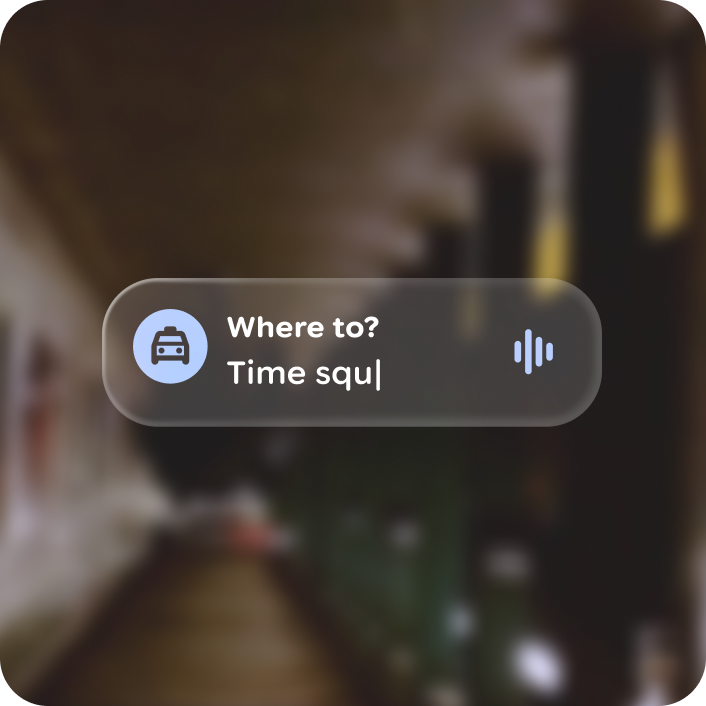
Align the voice input indicator to the vertical center if there are 1 or 2 content rows.

Anchor the voice input indicator to the top right corner of the card if there are 2 or more content rows.

Do

Warning
Anatomy

Voice indicator with container and without container
Customization
The voice indicator container and color can be customized depending on placement and branding.
| Properties | Customization | Defaults |
|---|---|---|
| Show container | Yes | False |
| Color | Yes | Primary |