
The external payments program lets you lead users in Japan, including through external payment links, to your in-app digital features or services that are available for purchase outside your apps. When linking users to purchases, they must be given a side by side choice of making the purchase with Google Play Billing or completing the purchase on the developer's website. This guide covers the APIs required to enable external payments. For more details, see the program requirements.
Glossary of terms
Term conventions followed by this guide:
- External payments APIs: APIs used to link the user outside of the app to purchase in-app digital items.
- External transaction: A qualifying transaction that occurs outside of the app as defined by the program requirements.
- External transaction token: A token provided to the developer through the Play Billing Library for you to use when the user completes an external transaction. This token is used to notify Google Play of a successful purchase.
- External transaction ID: A unique identifier generated by you to identify an external transaction.
Support external payments
If you want to include the external payments in your app, you must fulfill the following criteria:
- Review the eligibility requirements for external payments and complete the enrollment steps outlined in the program requirements
- Integrate Play Billing Library 8.3 or higher.
Configure in Play Console
To configure external payments in Play Console, follow the steps outlined in the program requirements
User experience
The client-side APIs enable the following functionality:
- Google Play renders and manages the applicable information and user choice screens
- If the user chooses to use Google Play's billing system, the billing flow continues using Google Play's billing standard interface.
- If the user chooses your billing system, the user will be directed to an external website or a payment app already installed on the user's device. You may decide whether Google Play or your app will direct the user to the website.
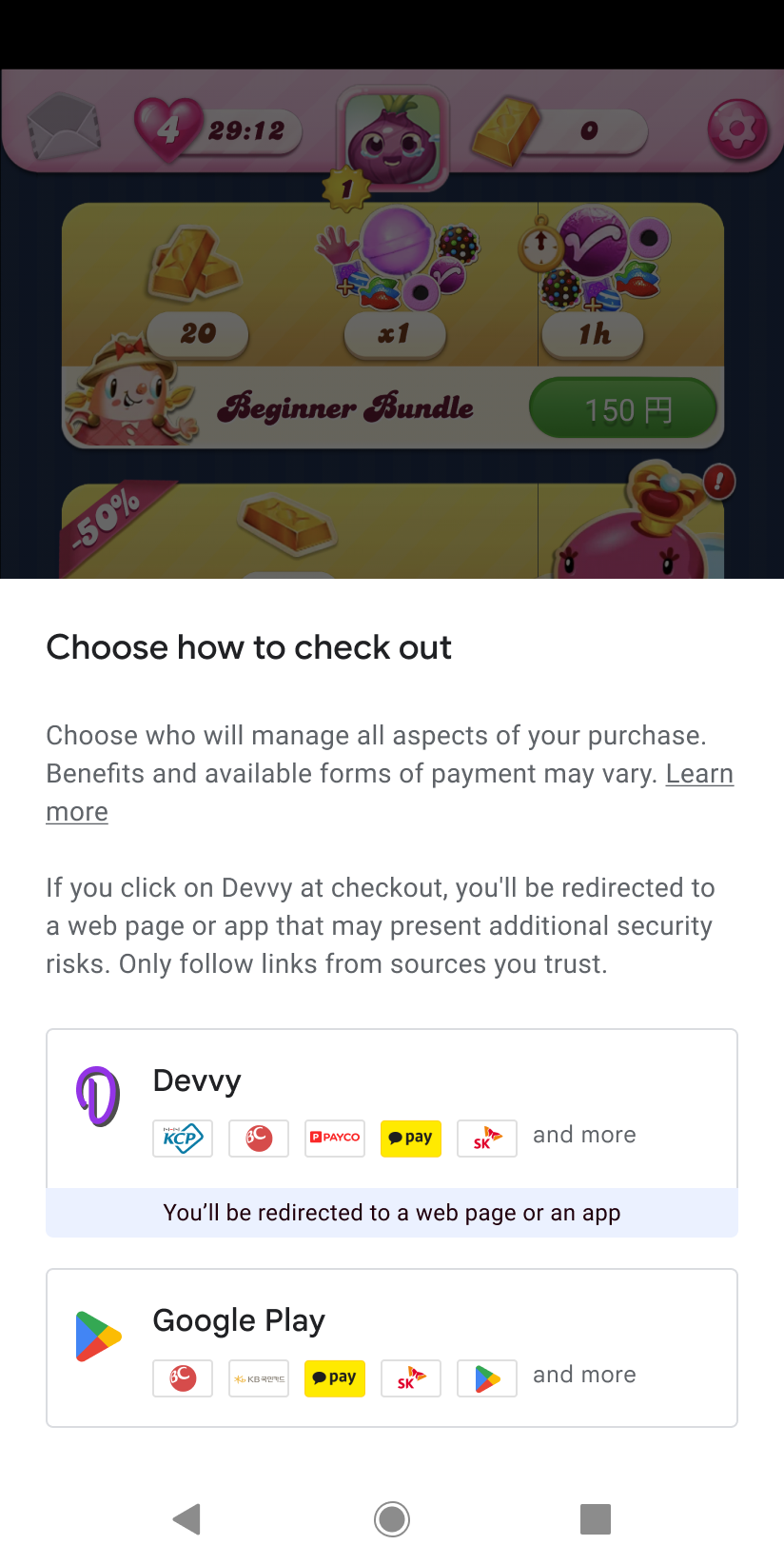
Billing choice screen. |
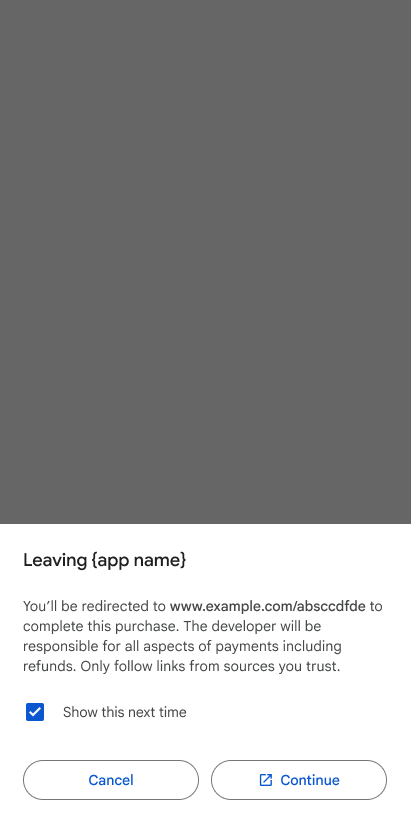
Redirection page. |
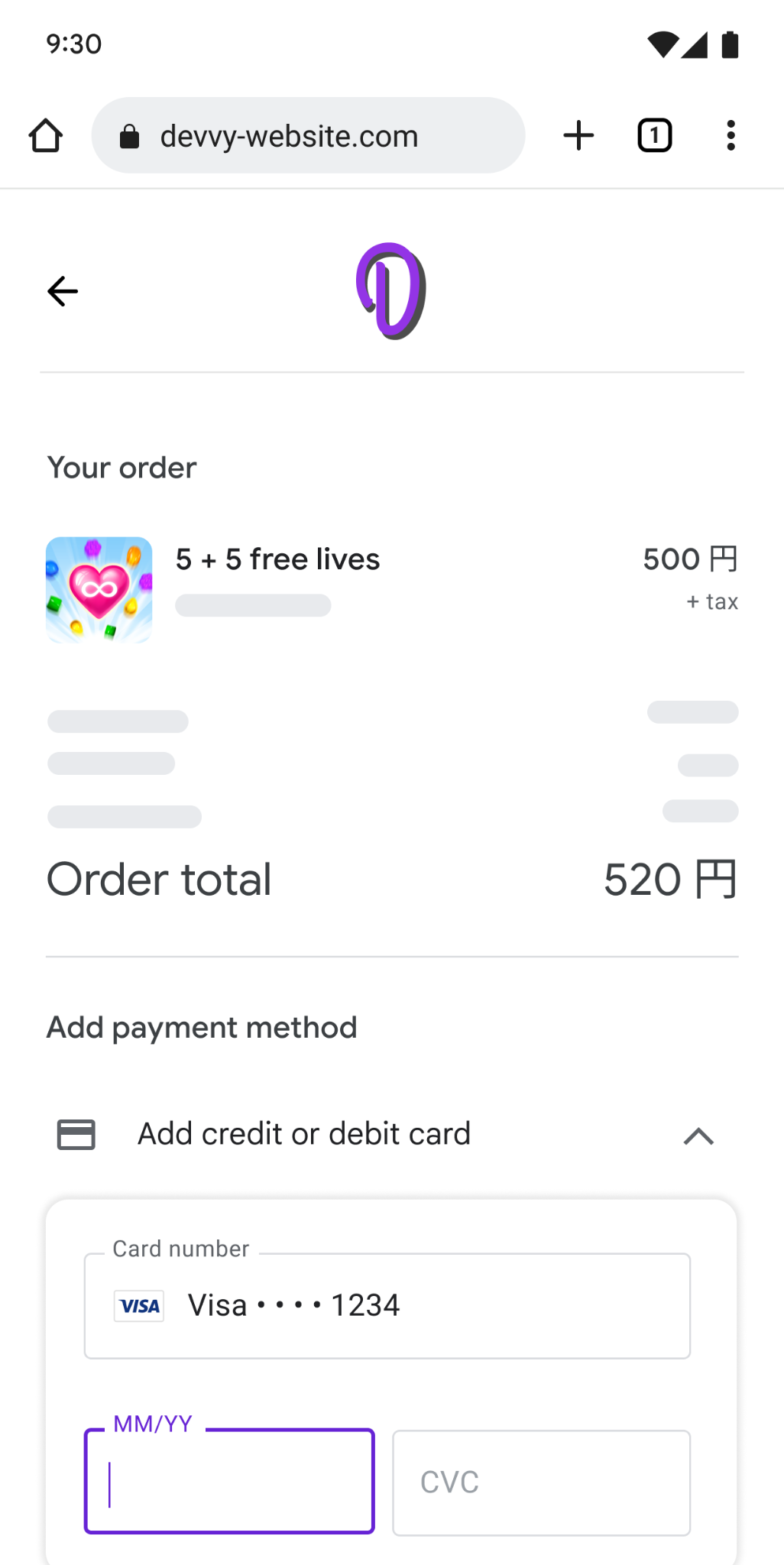
Developer's website. |
Example for illustrative purposes only.
User choice screen
The user choice screen presents users with the option to use either the developer's billing system or Google Play's billing system.
Anatomy of an external payments option
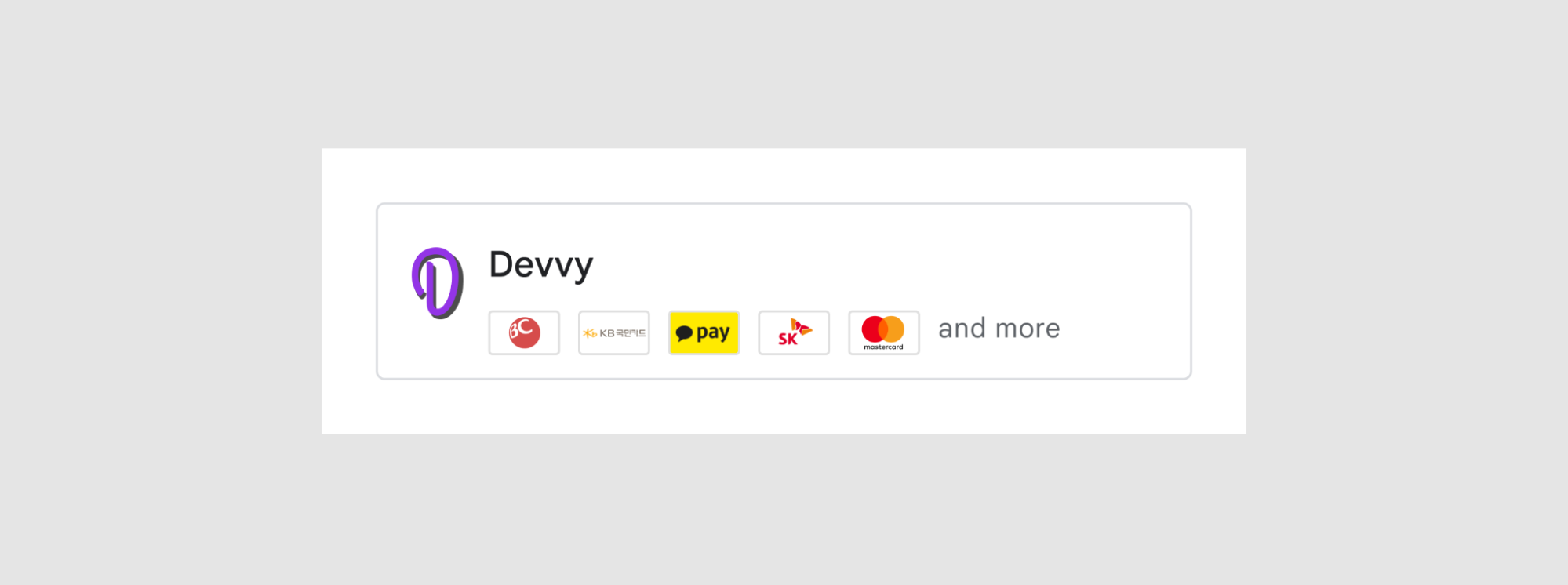
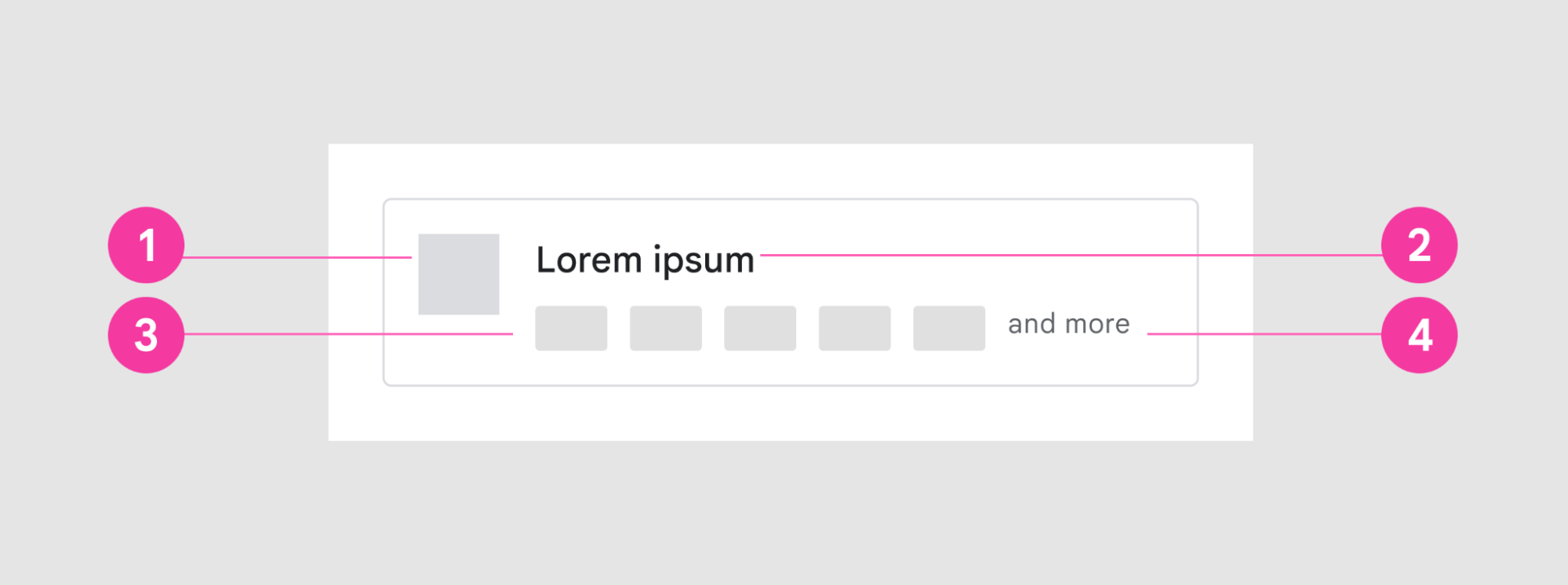
The external payments option on the user choice screen includes the following UI elements:
- App icon.
- App name.
- Image asset that includes payment methods offered by the developer.
- Additional indicator (and more UI element is not part of the image asset).
Image asset for payment methods
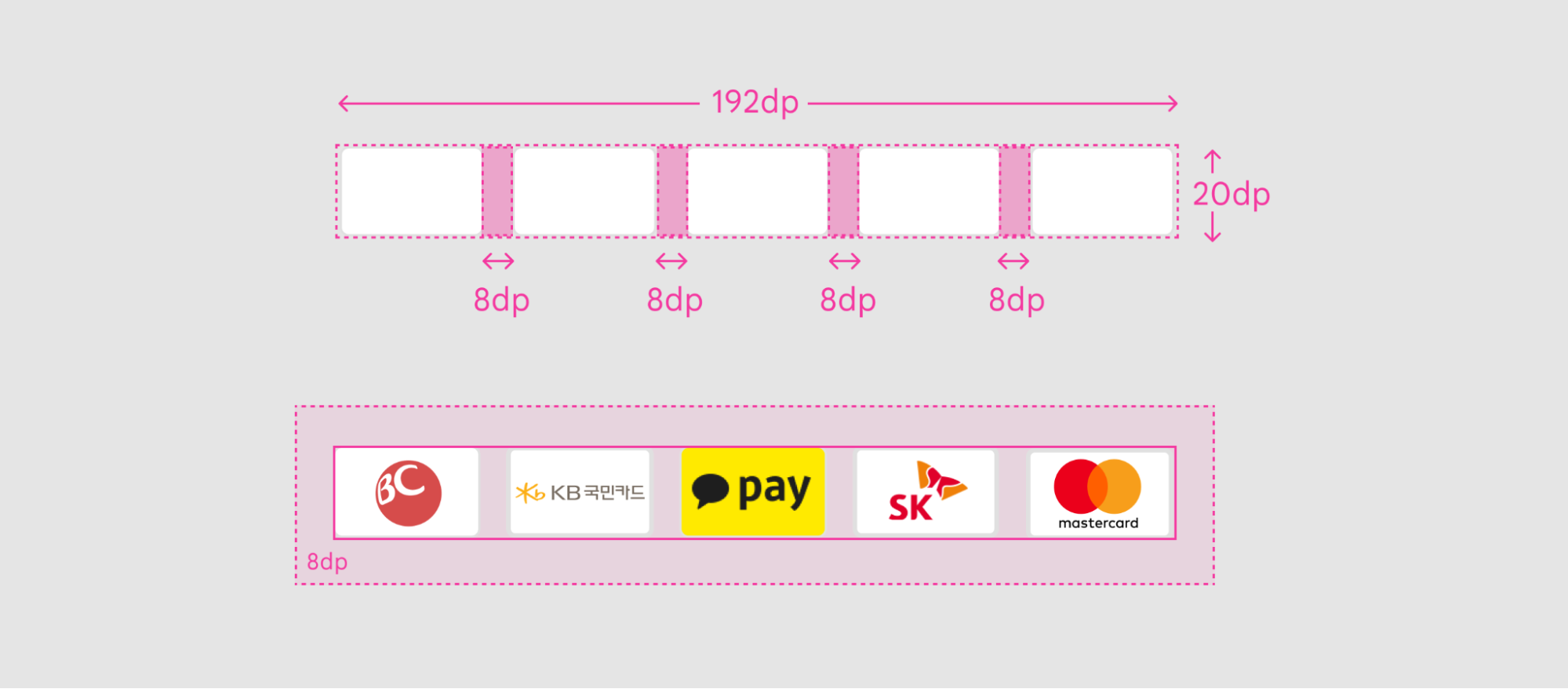
The single image asset is made up of multiple payment method cards and must follow the specifications defined in these guidelines.
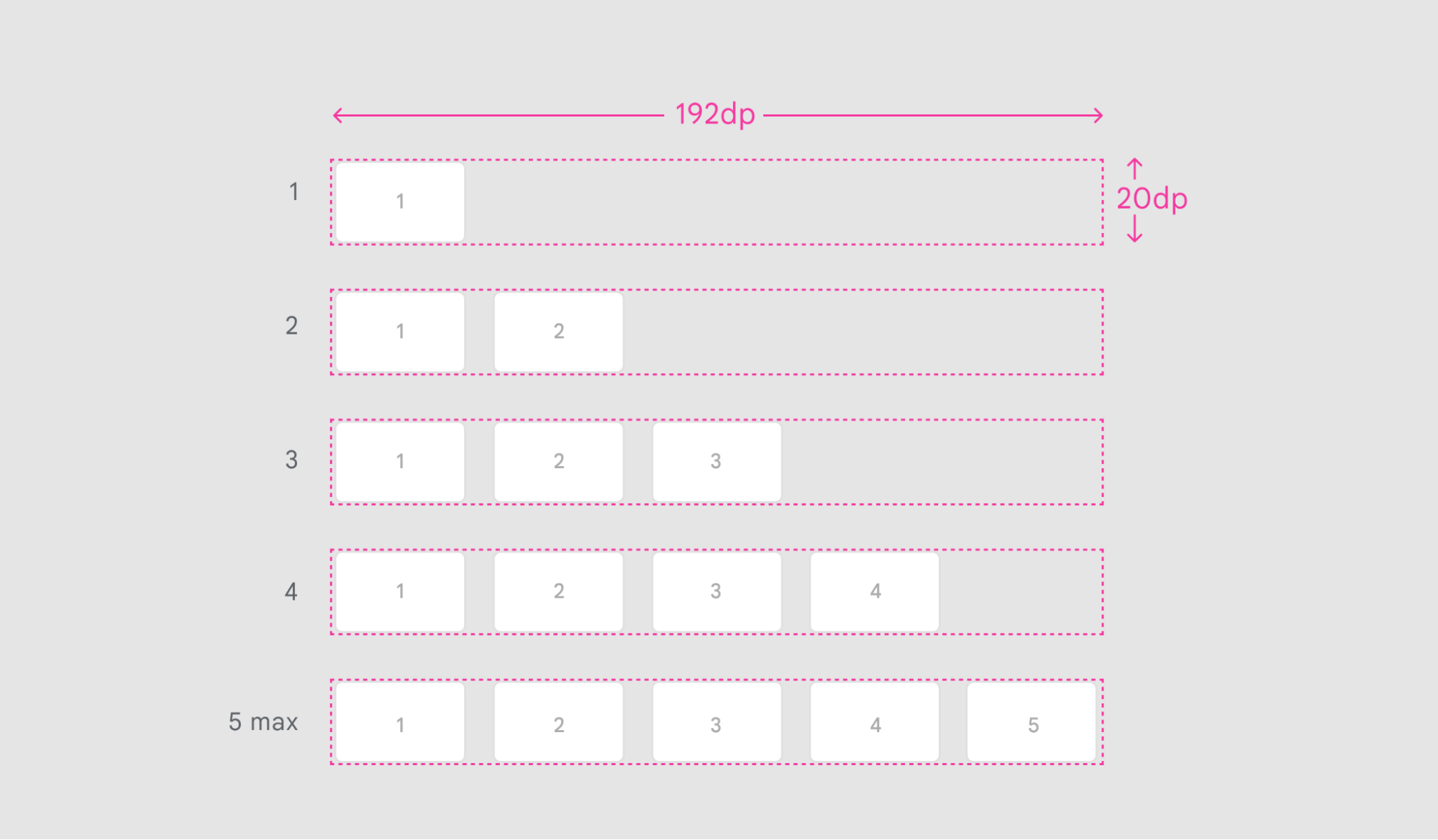
Dimensions |
192dp X 20dp |
Card spacing |
8dp |
File format |
PNG, transparent background |
Payment method variations
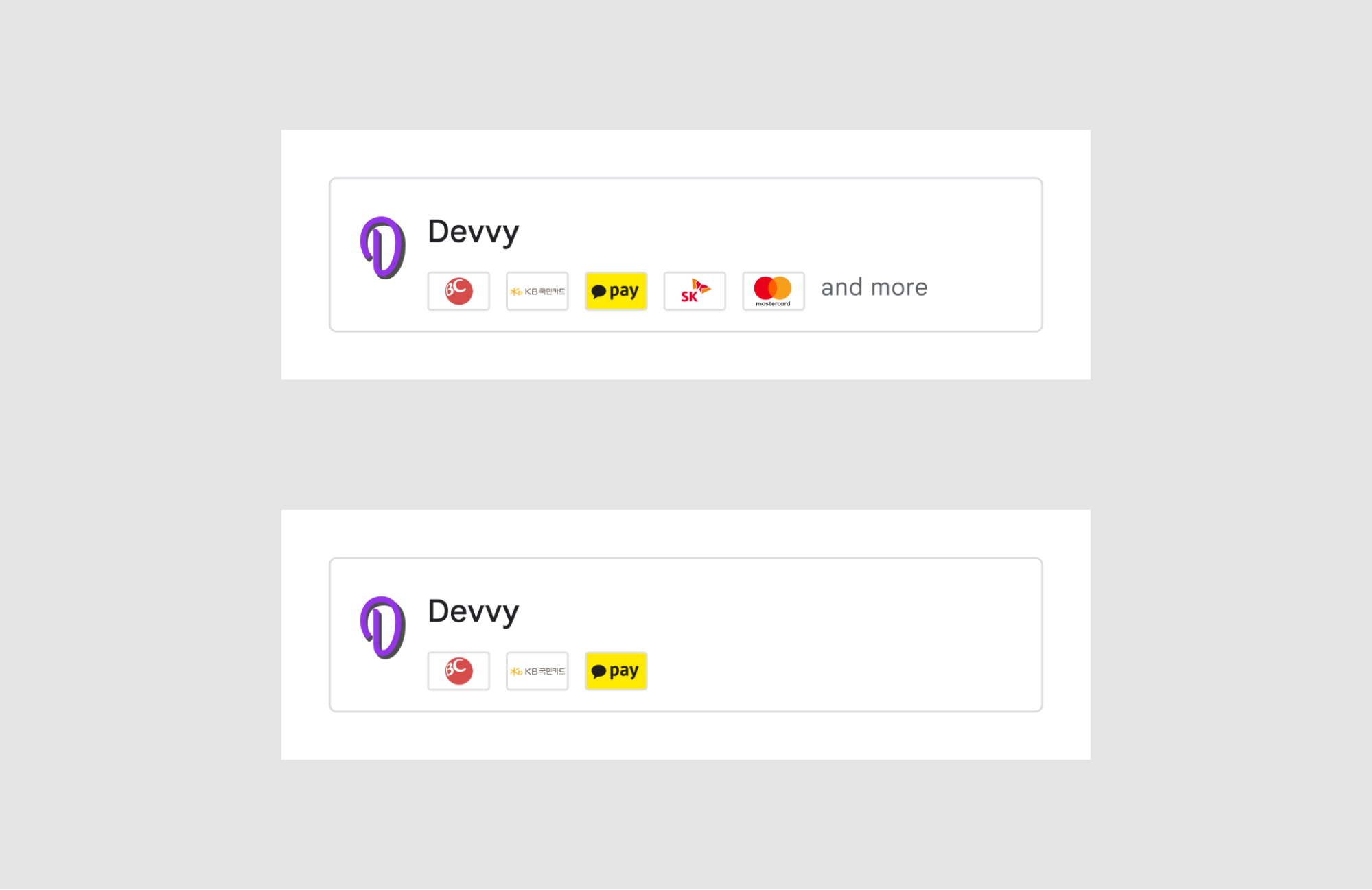
Developers can choose the number of available payment method icons they wish to include in the image asset, up to a maximum of 5.
No other images or text should be included in the image.
Card specifications
The payment method cards included in the image asset must follow the following guidelines for size, spacing, and style.
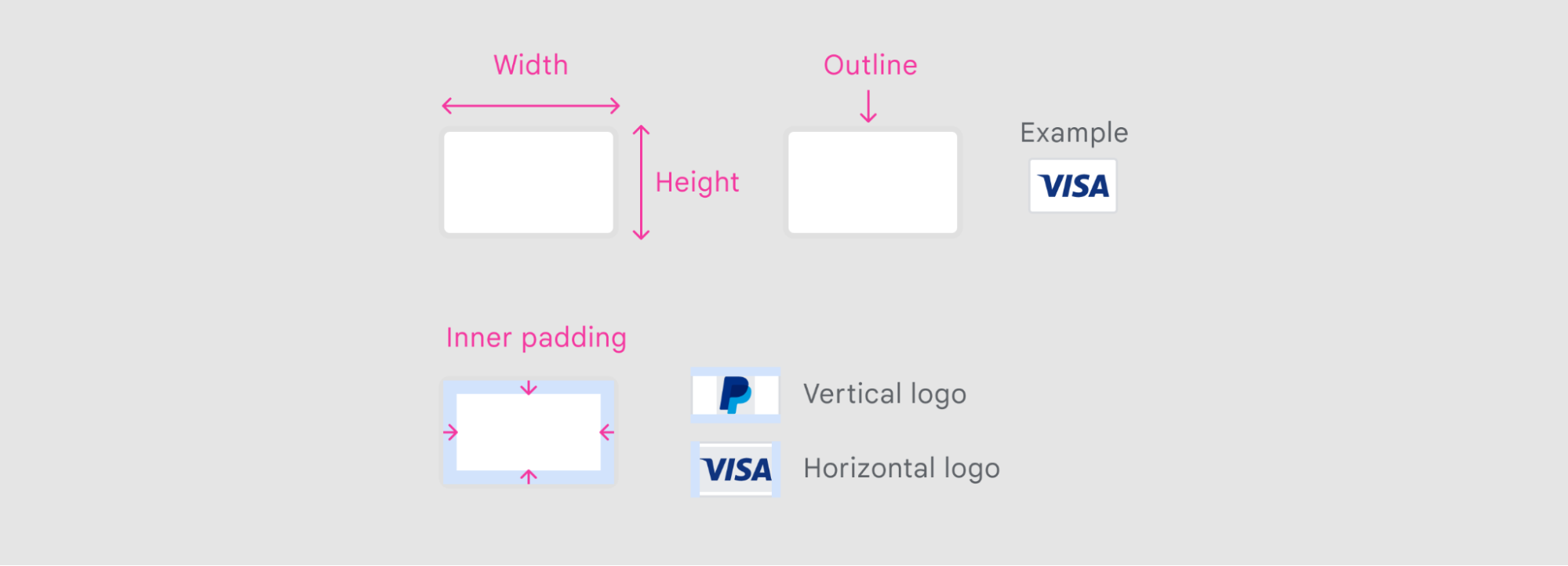
| Card dimensions | 32dp X 20dp |
| Inner padding | 3dp |
| Outline | 1dp (inner stroke included in dimensions), Radius 2dp, #E0E0E0 |
| Card background | Solid color (preferably white) |
Next steps
To begin integrating the external payments APIs, follow the in-depth guides for both in-app integration and backend integration.