
Design adaptable Android widgets that scale across screen sizes and grids. Test your layouts to make sure that users can read and use your widget at any size.
Default sizes
Optimize your layout for multiple size classes or breakpoints to support resizable widgets. Because cell sizes vary by device and screen orientation, design adaptive widgets instead of fixed-size widgets.
Define the targetCellWidth and targetCellHeight attributes for both handheld
and tablet devices so the widget picker places and displays your widget
accurately. For cell spans and minimum dp dimensions, see
Determine a size for your widget.
Breakpoints
Breakpoints are essential for crafting adaptable, user-friendly resizable widgets. By testing your design, you can pinpoint size thresholds where layout adjustments are necessary. Implement breakpoints to trigger these changes, ensuring your widget maintains visual appeal and functionality at any size.
Breakpoints also offer the flexibility to conditionally include or exclude supplemental content, optimizing space utilization based on the widget's dimensions.

Widgets across form factors
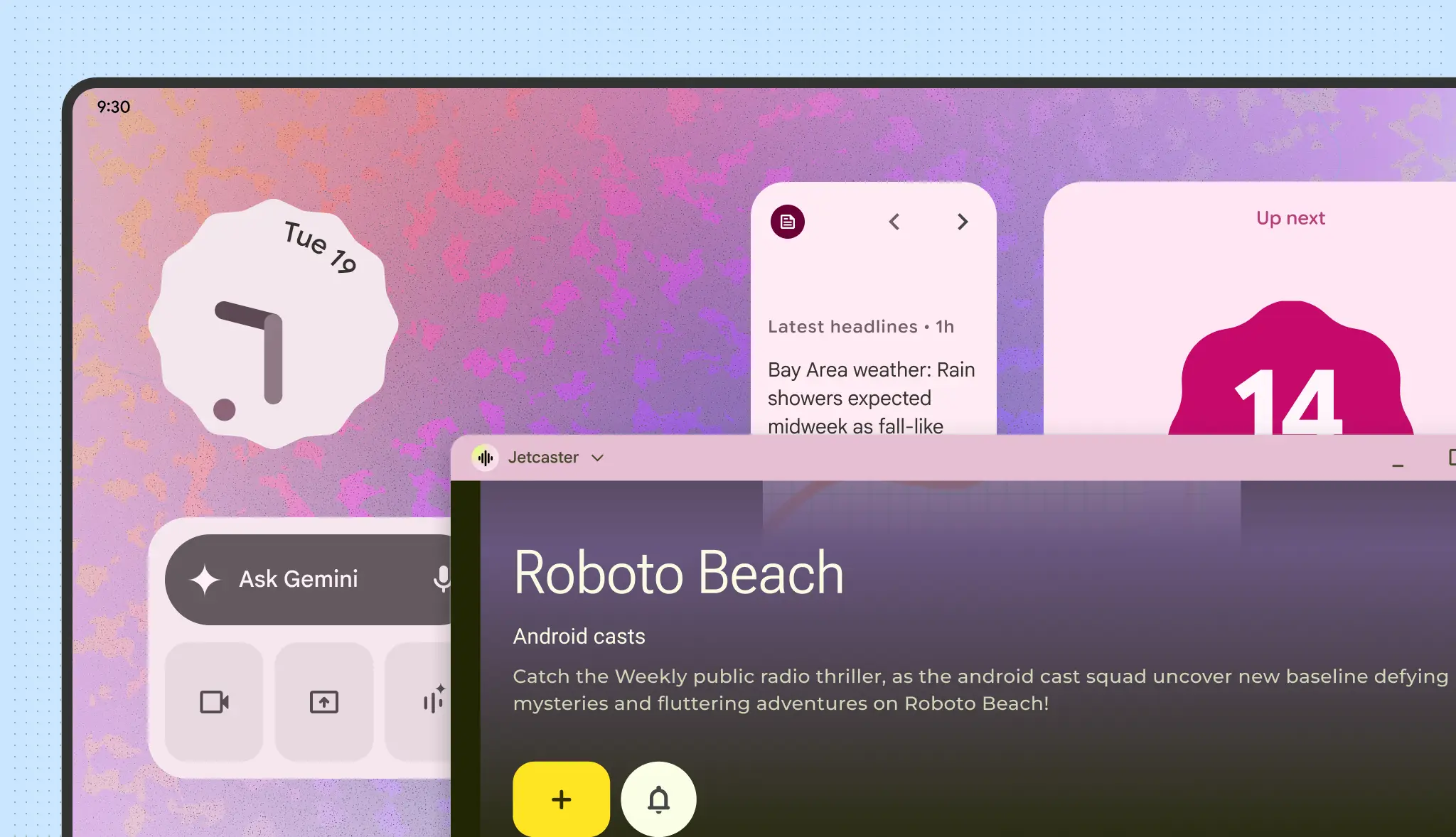
Tablets and desktops share widget design principles with phones, but have different input expectations. Other form factors, such as cars, have specific glanceability requirements or adapt widgets automatically. For more information, see Adapt widgets across form factors.
Fill the bounds
One of the primary reasons users remove widgets is due to misalignment with other home screen elements. To prevent this, ensure your widget always fills its allocated grid space completely.

Do

Don't

Do
