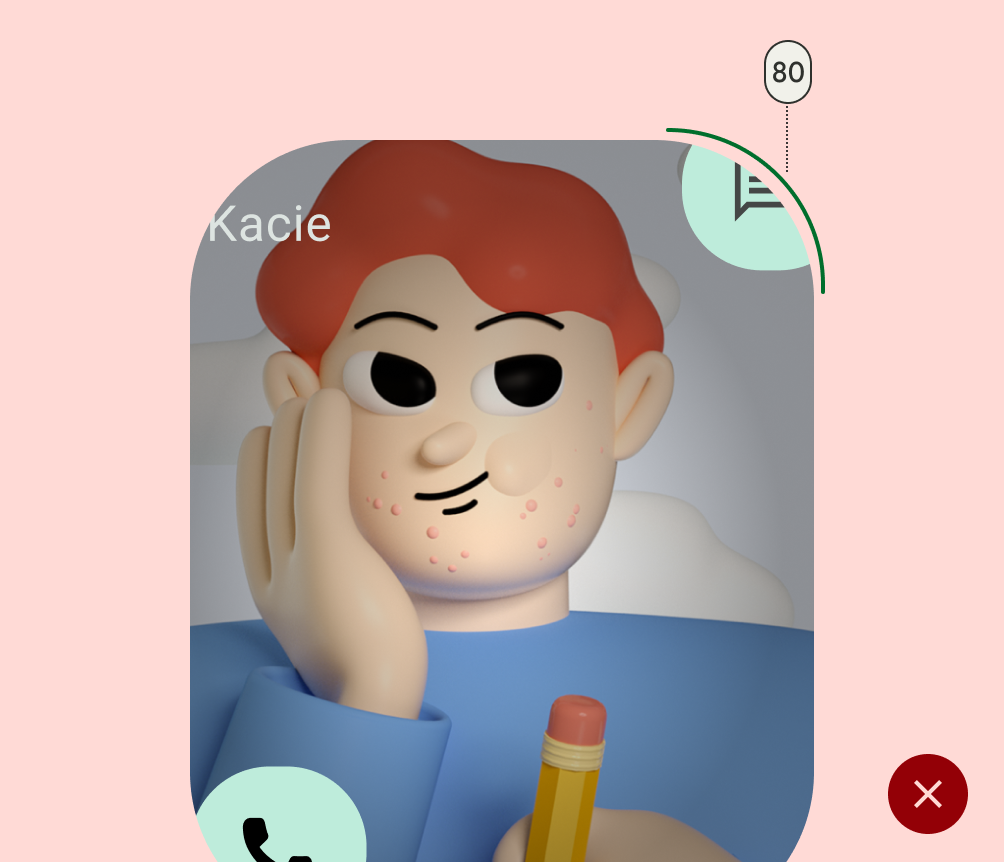
Widgets are a critical component for customizing a user's home screen. Often, users can achieve a critical user journey for an app with a single tap using widgets or get a quick summary of important updates. Users can also customize widgets to tailor them to individual preferences.
Widget compatibility checklists
Widget quality affects user engagement with your app content and features. The compatibility checklists define criteria to help you assess the quality of your widget. Tiers include the following:

TIER 3 - Low quality
These widgets fail to meet the minimum quality bar and offer a poor user experience. A widget is deemed low quality if it doesn't meet standard layout, color, discovery, and content criteria.

TIER 2 - Standard
These widgets are helpful, usable, and provide a quality experience.To be considered standard, the widget meets all of the following layout, color, discovery, and content criteria.

TIER 1 - Differentiated
These are exemplary widgets that offer personalized hero experiences and that help users create unique and productive homescreens.
TIER 3
Low quality widget characteristics
If your widget can be described by any of the following, it is considered low quality:
| Category | ID | Description |
|---|---|---|
| Layout | WL-1 | When a user places the widget on the host surface, the widget does not fill the bounds of the host grid. |
| WL-1.1 | Widget doesn't touch at least 2 opposing edges of the grid. In other words, widgets don't need to all be rectangular, they can have custom shapes, so long as the edges of the shape touch at least 2 edges of the grid. |
|
| Color | WC-3 | Widget text and icon buttons have insufficient color contrast ratios to meet accessibility requirements. |
| Discovery | WD-4.2 | Widget name isn't included in the widget design. |
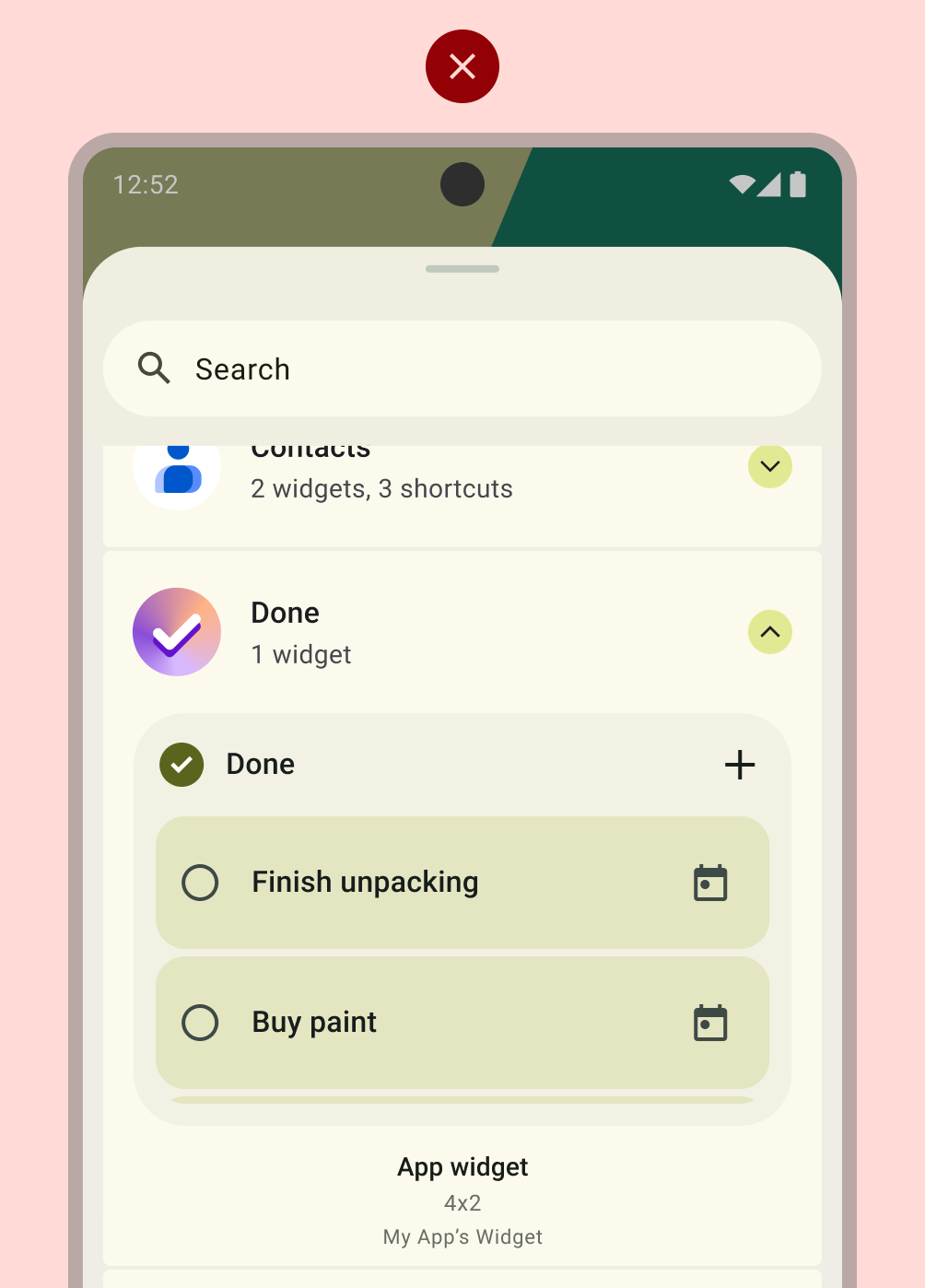
| WD-4.3 | Widget has no preview image. |
|
| Content | WT-3 | Widget content is consistently stale or untimely. |
| WT-3.1 | Widget doesn't update after user completes an action from the widget. |
|
| WT-3.2 | Widget doesn't update after user completes a related action from within the app. |
|
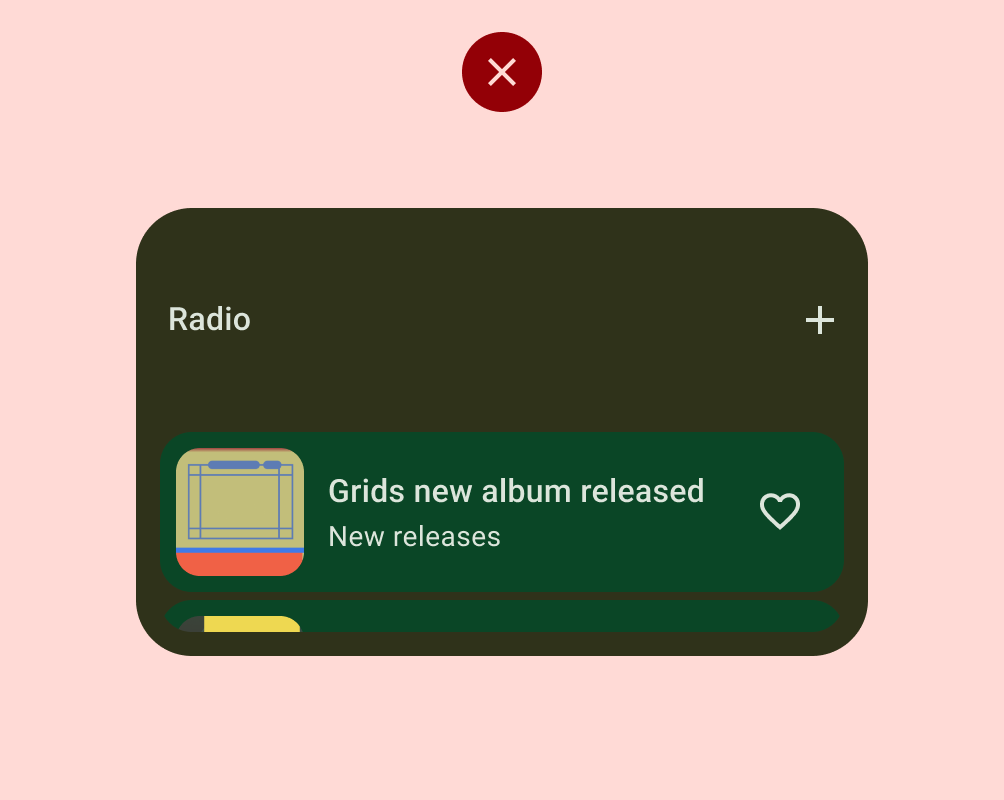
| WT-4 | Widget UI isn't functional or content is cropped. |
TIER 2
Standard widget requirements
Widgets that meet this baseline quality bar are considered standard, but aren't considered showcase widgets that will be featured or recommended.
| Category | ID | Description |
|---|---|---|
| Layout | WL-1 | The widget aligns with other host elements on the vertical or horizontal axis and does not occupy extra space. |
| WL-1.2 | All shapes should hit at least 2 opposing edges of the bounds of the grid. |
|
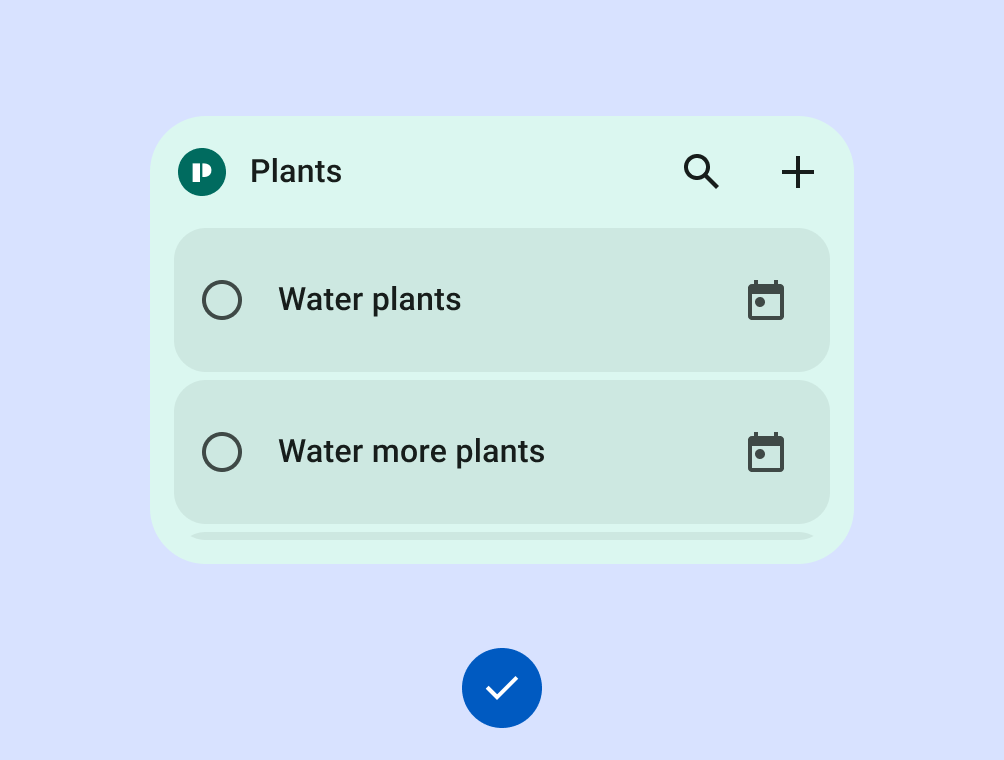
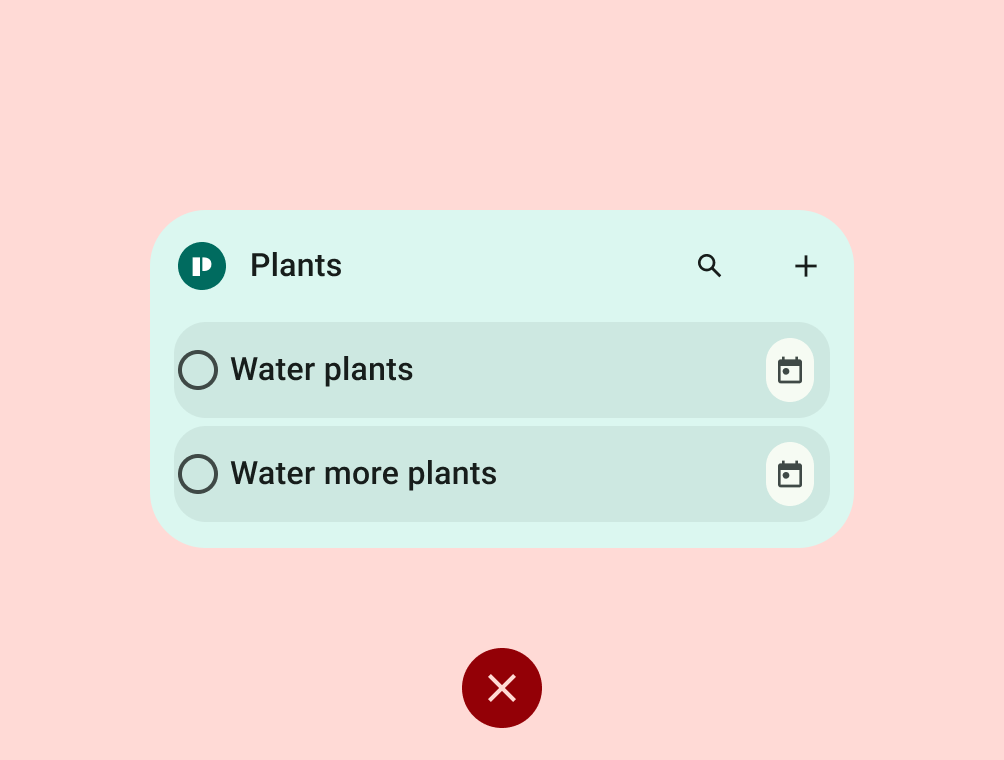
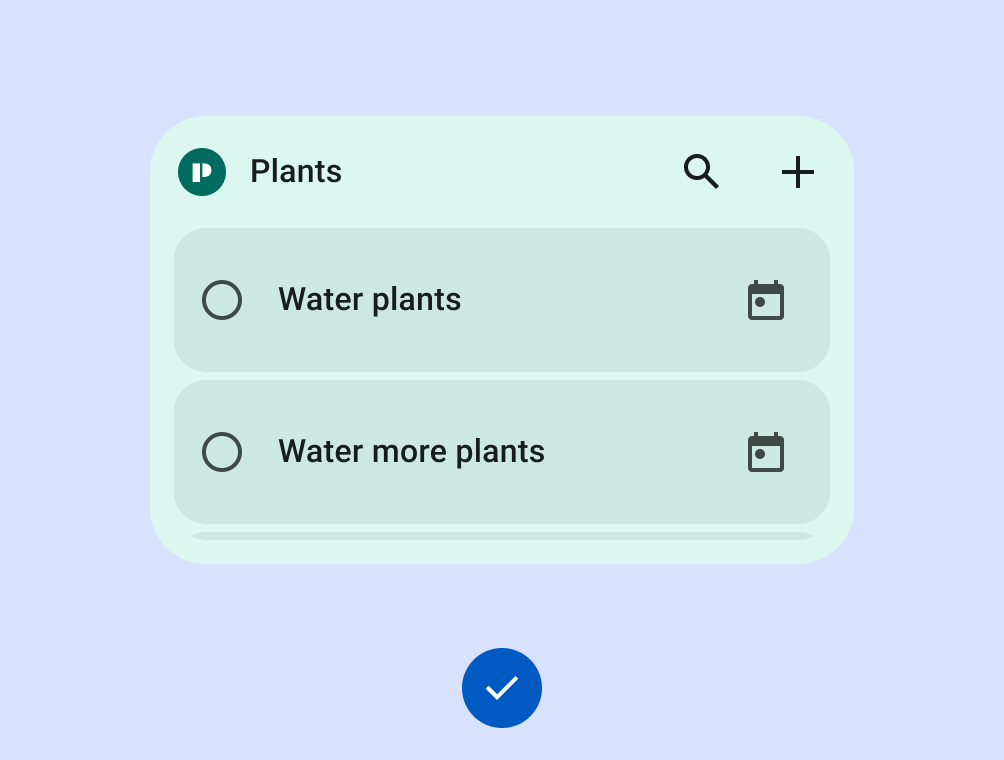
| WL-4 | If a widget is resizable, define a minimum and maximum size. Rearrange the layout to show more content as the widget grows. Don't scale text and icons linearly. |
|
| WL-4.1 | If a larger widget size only adds blank space, set a maximum width or height. When a larger widget shows more content, such as a taller scrolling list, allow unrestricted resizing. |
|
| WL-4.2 | The minimum widget size must be large enough to show a clear use case and meet the 48x48 dp touch target requirement. The system can scale touch targets for desktop or car screens. |
|
| Discovery | WD-4 | Widget should have accurate previews in the widget picker (static asset). |
| Content | WT-1 | Zero and empty states must scale to larger widget bounds without sparse areas. When a user installs the widget before logging in, the widget must show a distinct use case or a call to action. |
| WT-2 | Widget allows users to manually refresh content if there is an expectation that the data refreshes more frequently than the UI. |
Do
Don't
Do
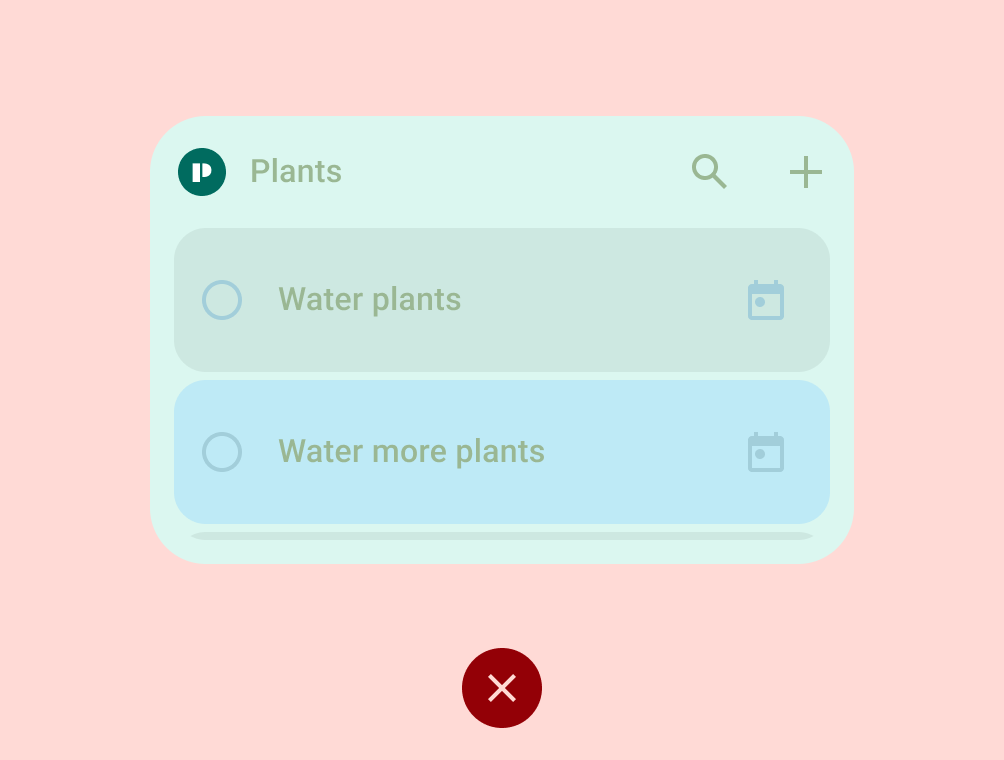
Don't
TIER 1
Differentiated widget requirements
These widgets support premium homescreen customizations and will be recommended to users and featured to developers as best practice. Differentiated widgets offer hero experiences, and are leveraged by Android to inspire and invigorate the ecosystem. They meet all of the differentiated layout, color, discovery, and content criteria.
| Category | ID | Description |
|---|---|---|
| Layout | WL-1 | The widget aligns with other host elements on the vertical or horizontal axis and does not occupy extra space. |
| WL-1.1 | All rectangular widgets MUST hit all four edges of the bounds of the grid. All custom shaped widgets MUST hit all 4 edges of the bounds of a square grid. If the size is 4x1, and contains a search bar, it is permitted to hit only 2 edges. |
|
| WL-2 | Users can resize the widget to 2x1 and at least two of these sizes: 1x1, 2x2, 4x2, 4x4. |
|
| WL-3 | Widget header is used and applied consistently.
|
|
| WL-5 | Collection and feed widgets support vertical scrolling containers. At larger sizes such as 4x2 and 4x4, these widgets show more items and more detail per item. |
|
| Color | WC-1 | Widget supports color theming based on a device or app context. |
| WC-2 | Widget supports light theme and dark theme palettes. |
|
| Discovery | WD-1 | The preview shows the layout proportions for the target form factor and includes user content, applies a system theme, or both. |
| WD-4.4 | Widget has a description that helps users understand the value of the widget. |
|
| WD-4.5 | Widget name is descriptive and unique from the app's other widgets. |
|
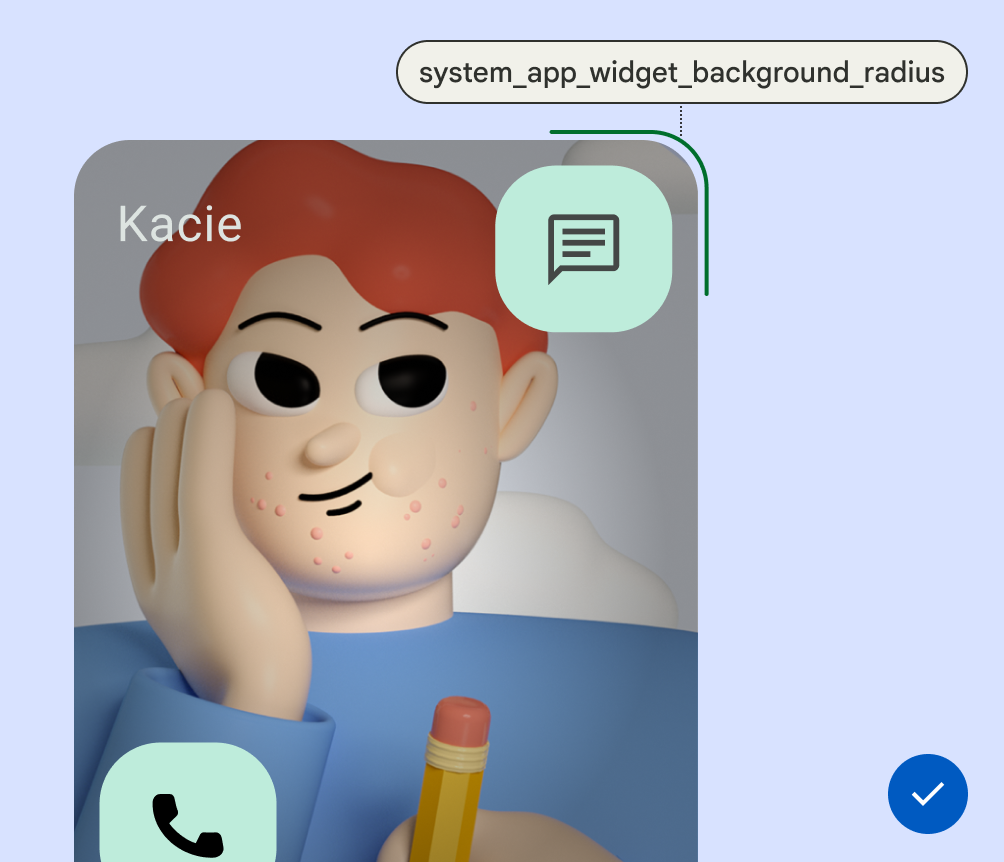
| System Coherence | WS-2 | Rectangular widgets must use the corner radius provided by system (OEM specific). |
| WS-3 | The widget uses the loading state specification and shows errors directly on the widget UI. |
|
| WS-4 | Widget uses system configuration instead of a custom widget settings entry point. |
|
| WS-5 | Widget uses system launch transition when entering/exiting app from widget. |
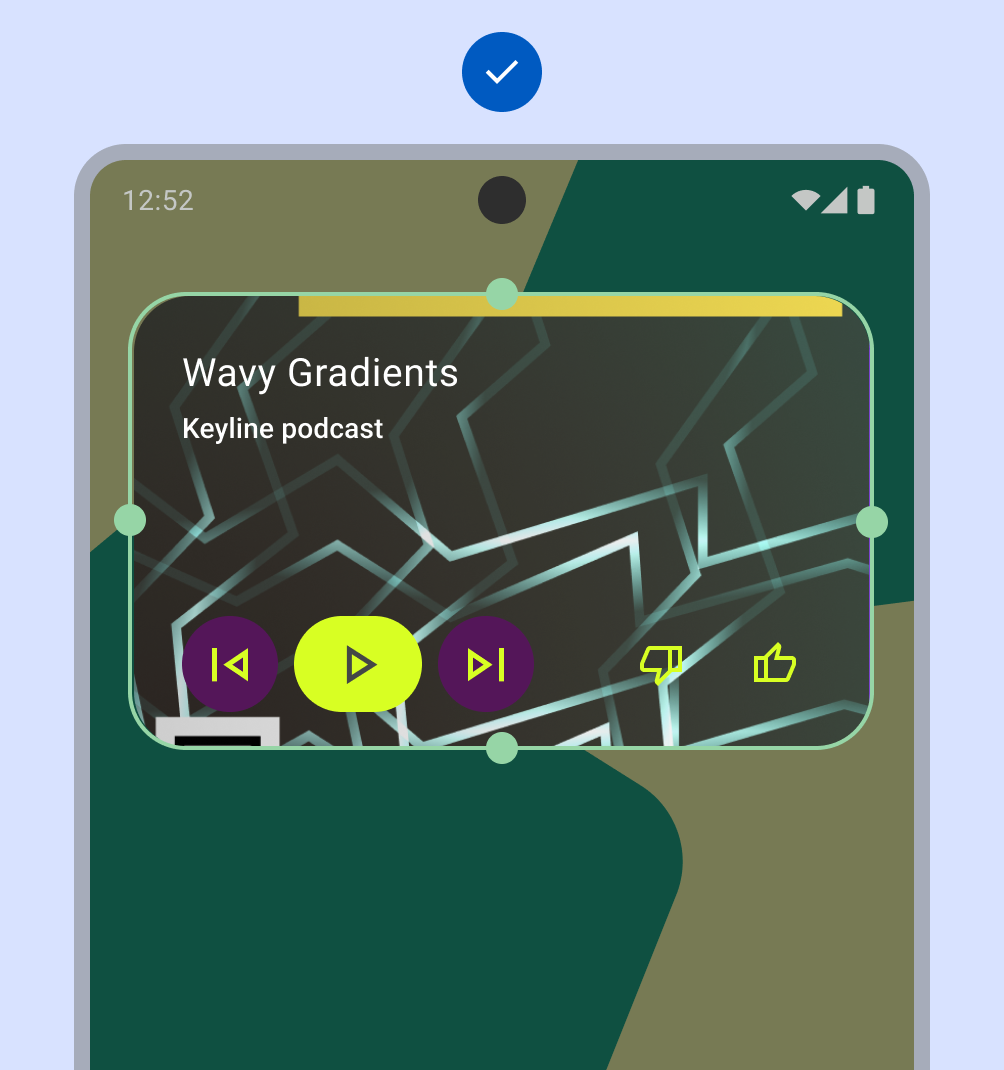
Do
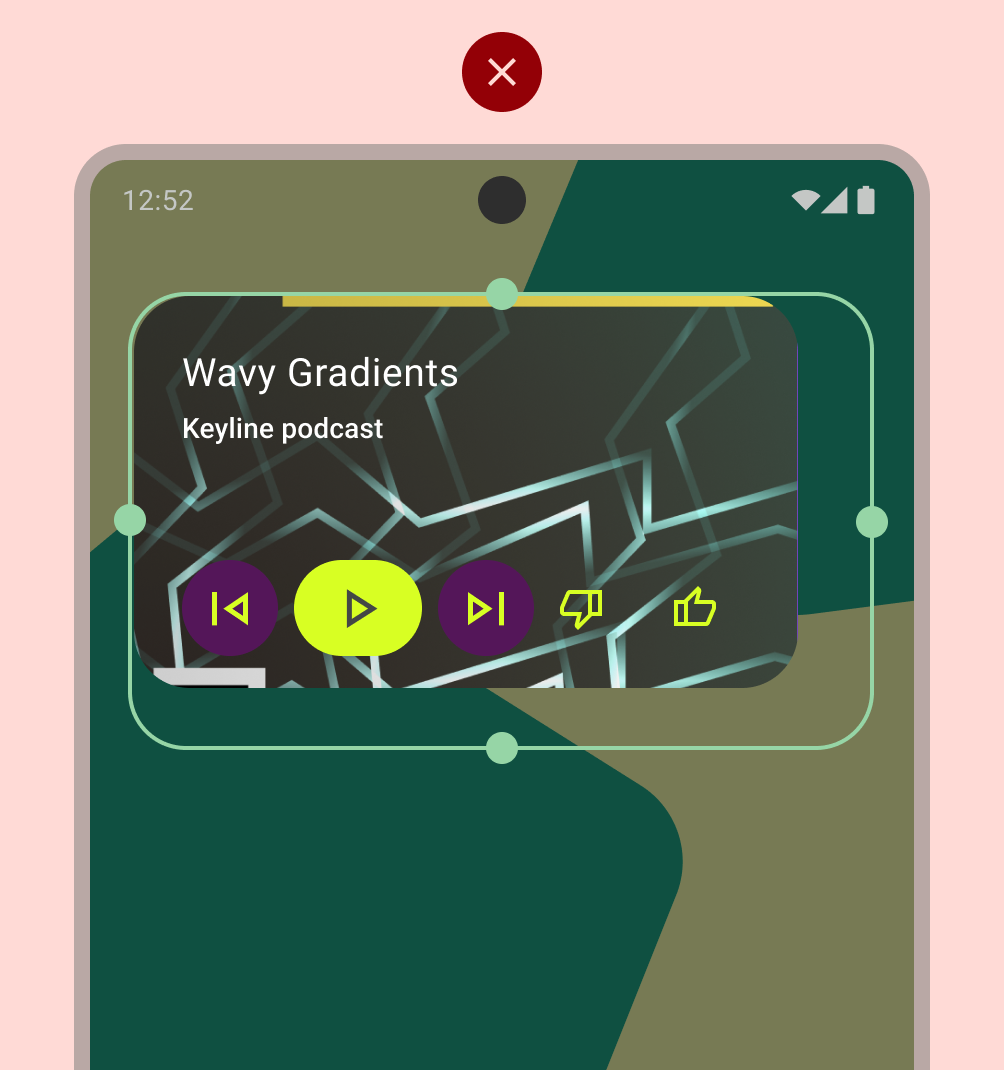
Don't
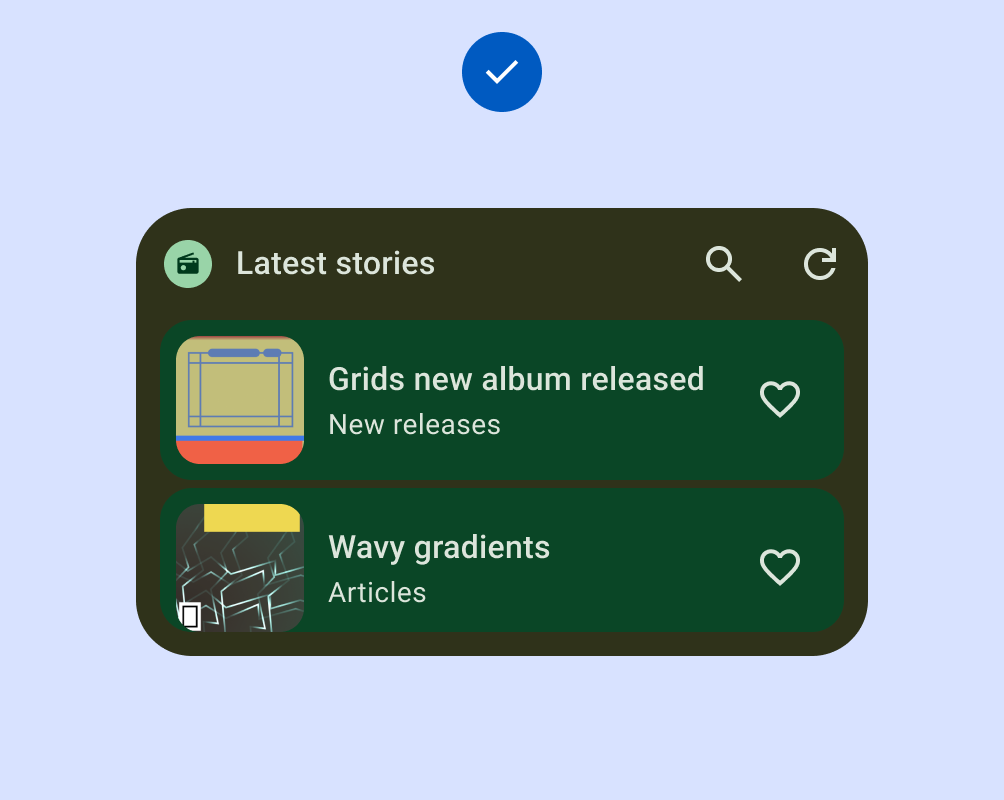
Do
Don't

Do
Don't
Do