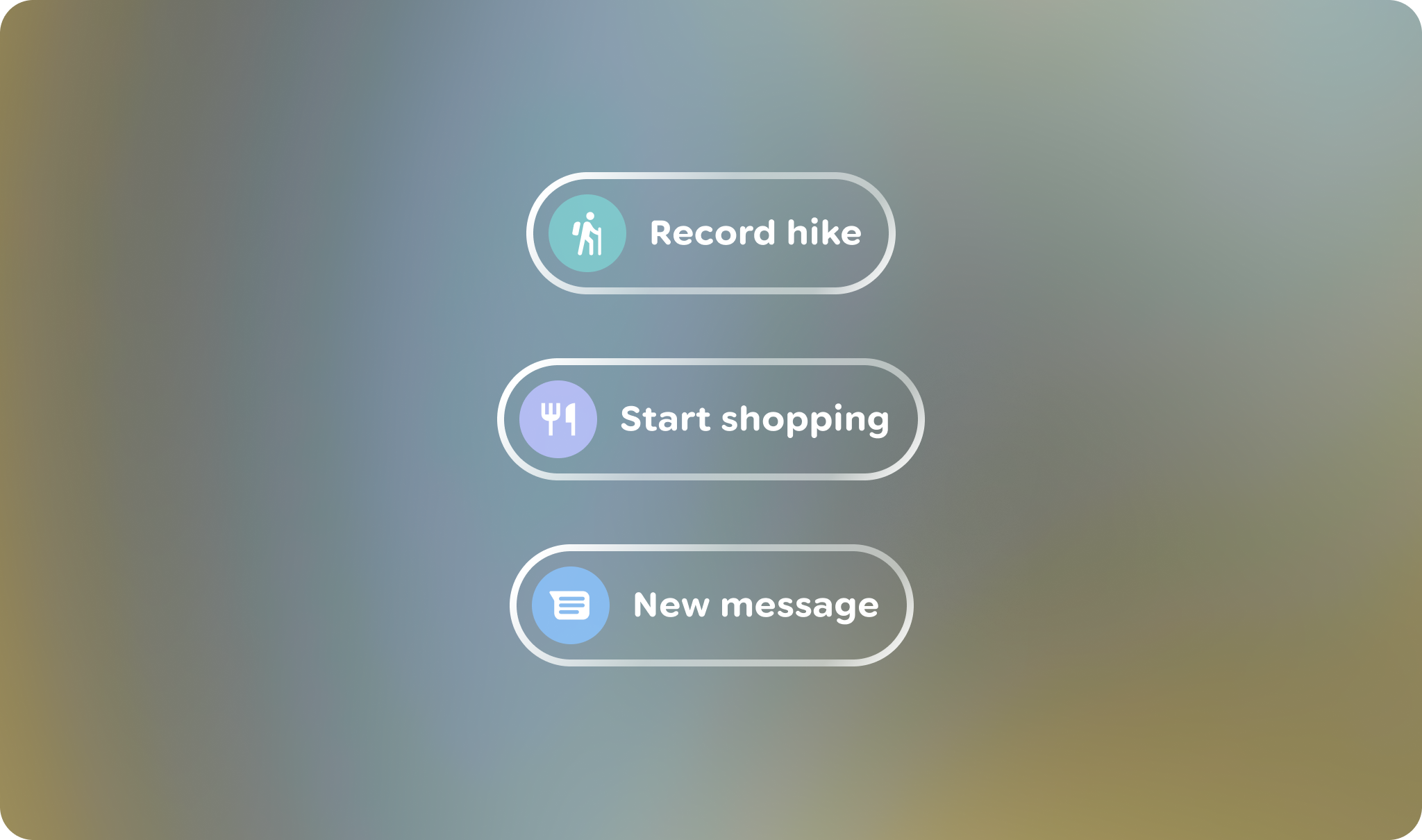
When designing for AI Glasses, it's crucial to consider various surfaces and contexts. These include the Glasses System UI (Home and Notifications), your app projected on Glasses, and the seamless handoff experience integrated within your mobile application.
Design surfaces can be described in three states: Home, App view, and system bar.
Home
Inspired by the phone's lock screen, home acts as a familiar base for your user. It provides minimal, contextual information and actions.
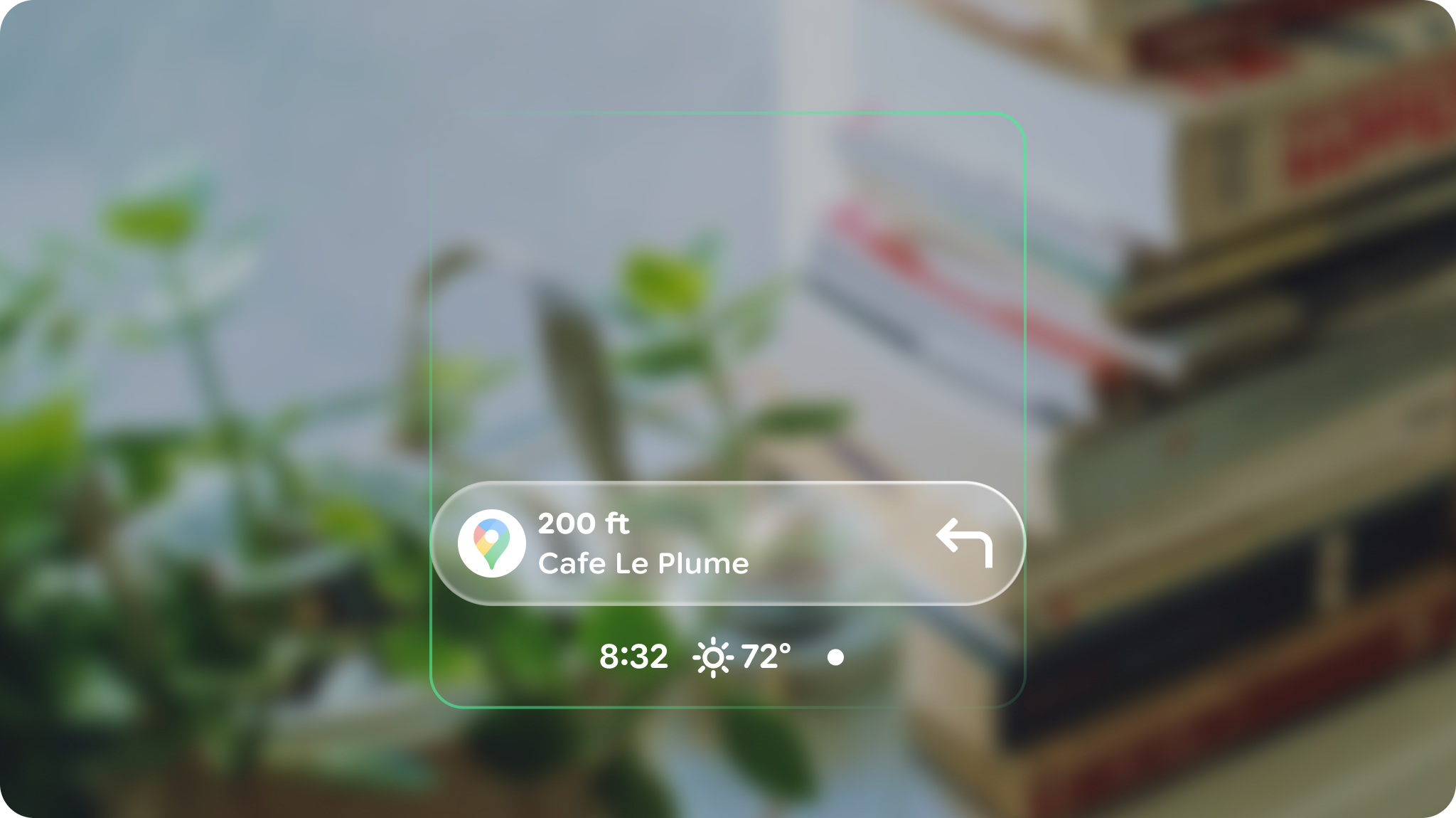
App view
The app view is the canvas for your app's UI. The system bar is empty by default to allow for system alerts to be less intrusive for the user's line of sight.
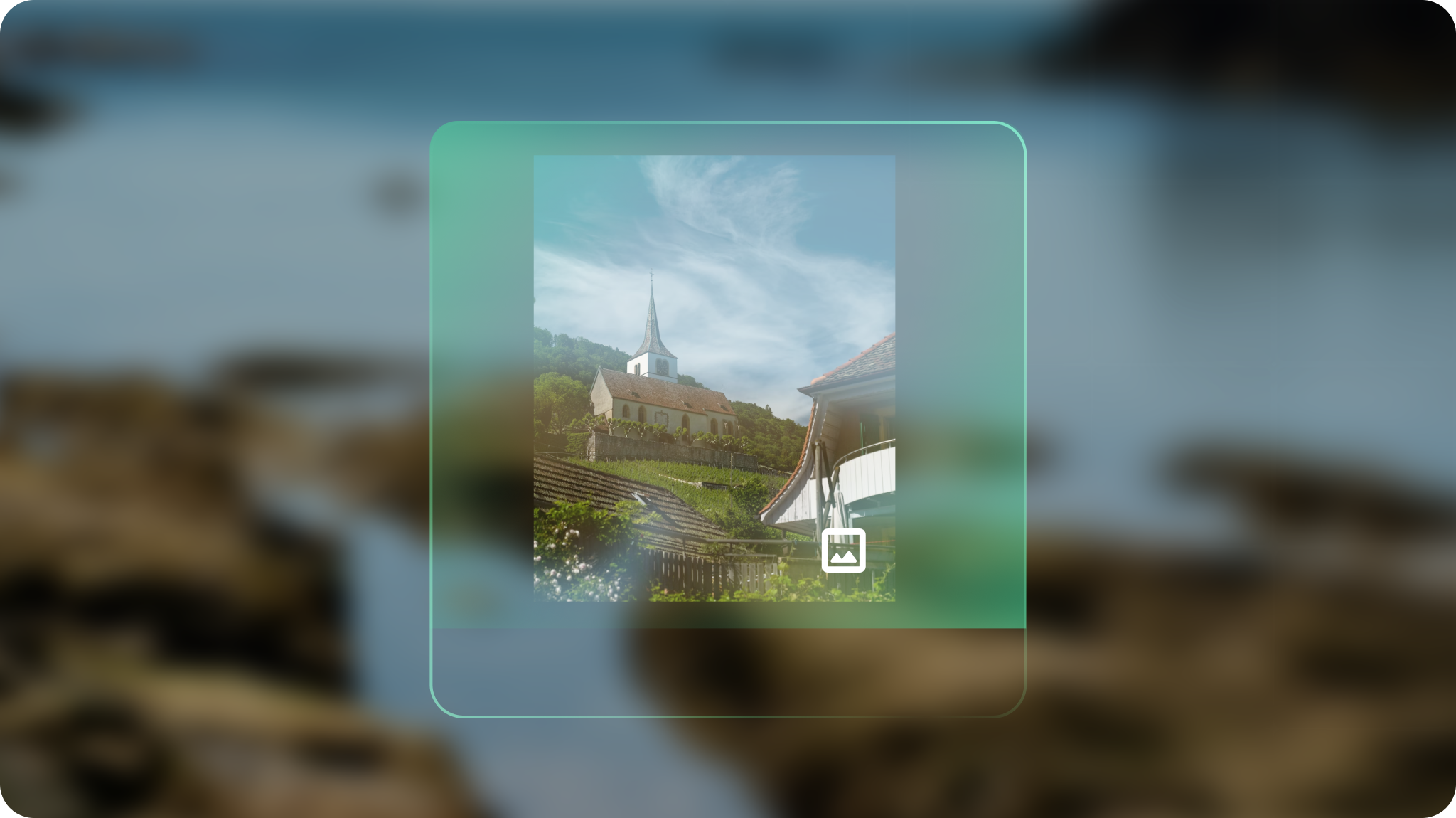
System bar
System bar elements temporarily display as needed. This can include Gemini, Notifications, system alerts, device controls, etc.
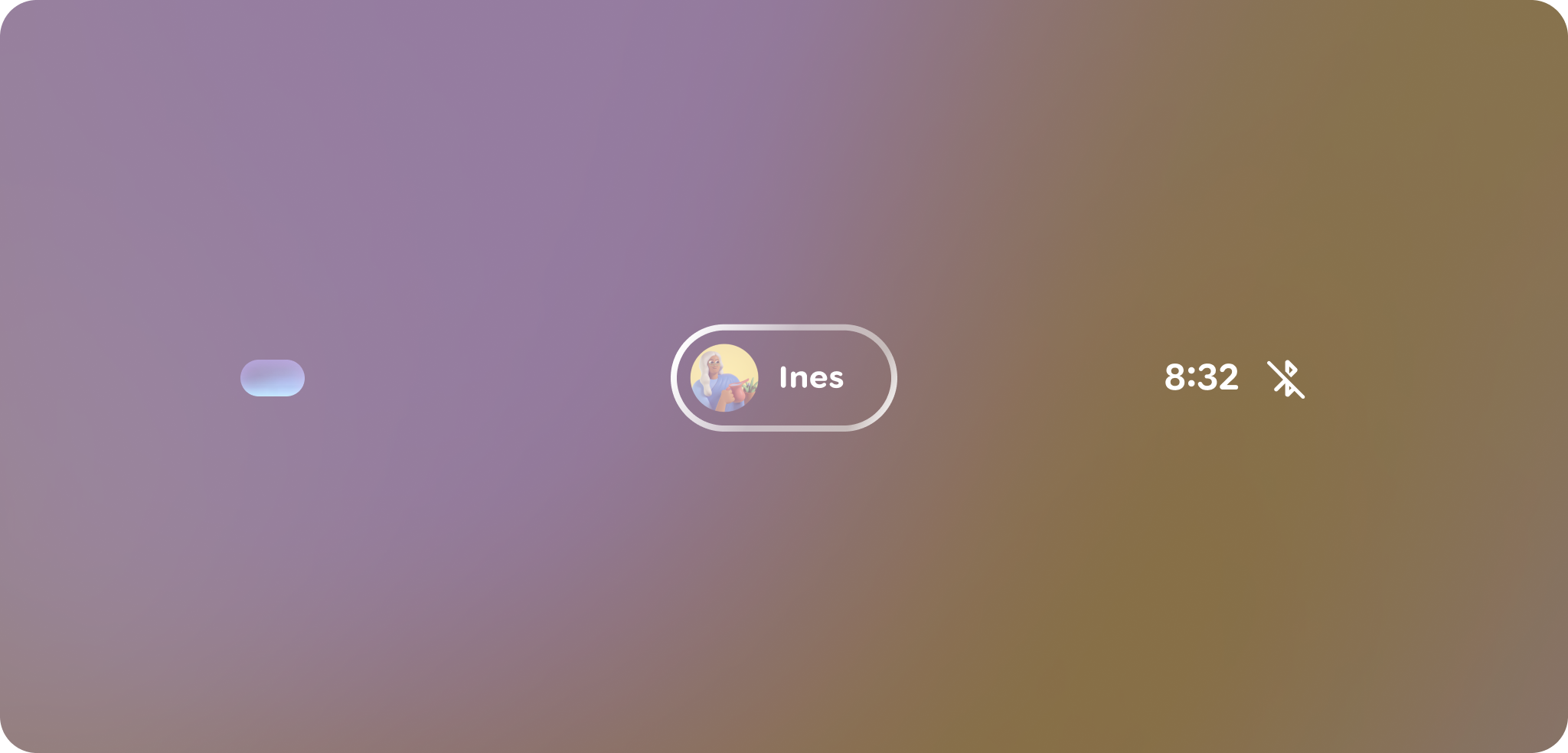
Customize system surfaces
Customization is limited for interface surfaces, while system UI utilizes templated APIs for a visually cohesive and unobtrusive user experience in real-world settings and effortless developer experience. Content on notification extensions must follow system-defined templates, allowing only minimal brand accents for consistency.
System icons are a color branding opportunity.