Build for an expanding lineup of Android XR devices with production-ready tools from Android Developer Summit
3 min read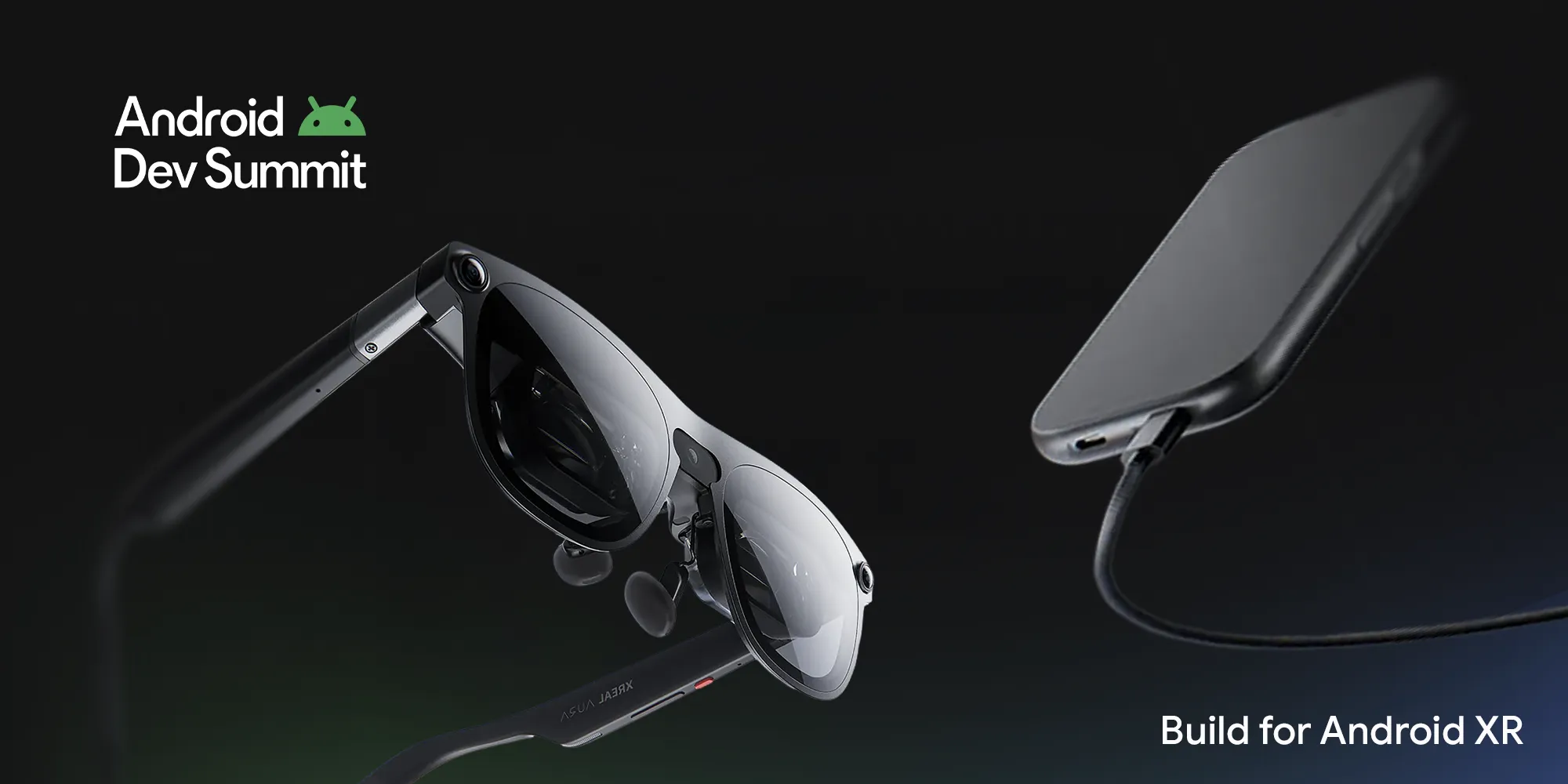

From full immersion at home to glanceable experiences on the go, building on Android XR lets you meet users wherever they are. At Android Developer Summit, we marked an exciting milestone with the launch of XREAL AURA, the first wired XR glasses powered by Android XR. Designed for lightweight comfort at under 95 grams with a portable compute puck, XREAL AURA leverages a shared Android foundation so your existing apps work out of the box on day one, giving you the perfect starting point to expand into richer spatial interactions.
To help you build for this expanding hardware landscape, we're delivering production-grade tools across the entire platform stack. We've graduated core Jetpack XR libraries and device emulators to stable, added real-world anchoring in ARCore for Jetpack XR, streamlined 3D engine workflows across Unity, Godot, and Unreal Engine.
Read the highlights of our announcements here, and head over to the Android Developer Summit XR Session Playlist to watch all technical walkthroughs on demand.
Stabilizing core Jetpack XR foundations and developer tooling
For developers building native experiences with Kotlin and Compose, production readiness begins at the platform layer. The core Jetpack XR SDK libraries have officially graduated to stable, providing long-term API stability and production performance. This stable release includes Jetpack SceneCore for building and manipulating the Android XR scene graph with 3D content, ARCore for Jetpack XR to handle environment perception, and XR Runtime for standardized session management. Alongside these libraries, Android XR emulators in Android Studio are now stable, letting you build, iterate, and visually validate layouts across XR devices directly from your laptop without needing physical hardware.
To see how these foundation APIs translate into real-world applications, watch Moving beyond 2D with custom 3D geometry in the Jetpack XR SDK. Discover how to animate glTF models, manipulate subnodes, use custom PBR materials at runtime, and generate real-time procedural 3D meshes in Kotlin using Jetpack SceneCore.
Anchoring digital experiences to the physical world
The Geospatial APIs in ARCore for Jetpack XR are now stable, enabling you to anchor digital content to real-world coordinates with high precision and robust local tracking. These capabilities unlock contextual, location-aware experiences across wired XR glasses by combining visual positioning services with local device perception.
In Build world anchored experiences for XREAL AURA wired XR glasses, you will learn how to design glanceable optical see-through UIs with Jetpack Compose Glimmer and anchor them to real-world locations. For teams building in game engines, Architecting Spatial Content on Android XR with Unity explores how to map physical spaces, persist 3D placements across sessions, and synchronize shared multi-user experiences in Unity using Spatial Entities, Cloud Anchors, and ARCore Geospatial APIs.
Scaling across familiar 3D engines
Android XR meets developers wherever they already build, including rich interactive environments crafted in dedicated real-time engines. The Android XR Engine Hub is now stable, streamlining setup, configuration, and optimization pipelines across Unity, Godot, and Unreal Engine. The Engine Hub simplifies project scaffolding with pre-configured OpenXR extensions and validated project settings so you can start creating immediately. It also delivers native profiling workflows to help you capture and inspect system traces, thermal limits, and frame budgets across CPU and GPU cores directly within your engine interface.
To see how these runtime systems connect directly with Android UI, watch Elevate immersive experiences with 3D Engines in Jetpack Compose for XR and see how to embed Godot and Unity as libraries inside native Jetpack Compose apps using OpenXR Spatial Containers.
Supporting familiar engines makes it seamless to adapt existing 3D titles for Android XR form factors. Teams like Contract XR are already leveraging this pipeline with their ported Unity game, Jigsaw Night, on XREAL AURA, creating a collaborative space where players can walk around, pass pieces, and solve puzzles together, demonstrating how lightweight XR glasses and engine workflows unlock natural, multi-user mixed reality experiences.
Designing multimodal interactions with on-device audio
As the device lineup expands into audio interactions, we are introducing new tools to architect lightweight, multimodal experiences. Developers can now leverage the ML Kit Gen AI Text to Speech API to generate natural-sounding voices powered by on-device AI. We have launched new design guidance around best practices for sound, including Earcons, to guide users through audio-first and augmented environments. To see these pieces in action, watch Building audio-first experiences for intelligent eyewear with Gemini Nano 4 to learn how to combine Jetpack Projected, ML Kit, and on-device Gemini Nano into hands-free, conversational apps.
Get started with the latest tools
With these updates to our core SDKs, emulators, and engine tools, you have the foundation to build immersive and augmented experiences across the Android XR ecosystem. Update to the latest stable release of Android Studio today to set up and test Android XR virtual devices for glasses form factors, add the stable Jetpack XR dependencies to your build files, or install the Android XR Engine Hub plugin for your preferred 3D engine. With new devices like XREAL AURA now available now, it’s the perfect time to build for Android XR. Head over to our Android XR Developer Site for the stable libraries, tools, and guides you need to get started today.
To explore all of our technical sessions and deep dives from the Android Dev Summit, check out the complete Android XR Session Playlist.
-
 Product News
Since introducing the Android XR SDK, developers have transformed their ideas into innovative immersive experiences across headsets and wired XR glasses.
-

 Product News
From augmented overlays to fully immersive environments, the Android XR ecosystem is expanding rapidly, with the Samsung Galaxy XR already available today.
Stevan Silva, Vinny DaSilva • 2 min read -
 Product News
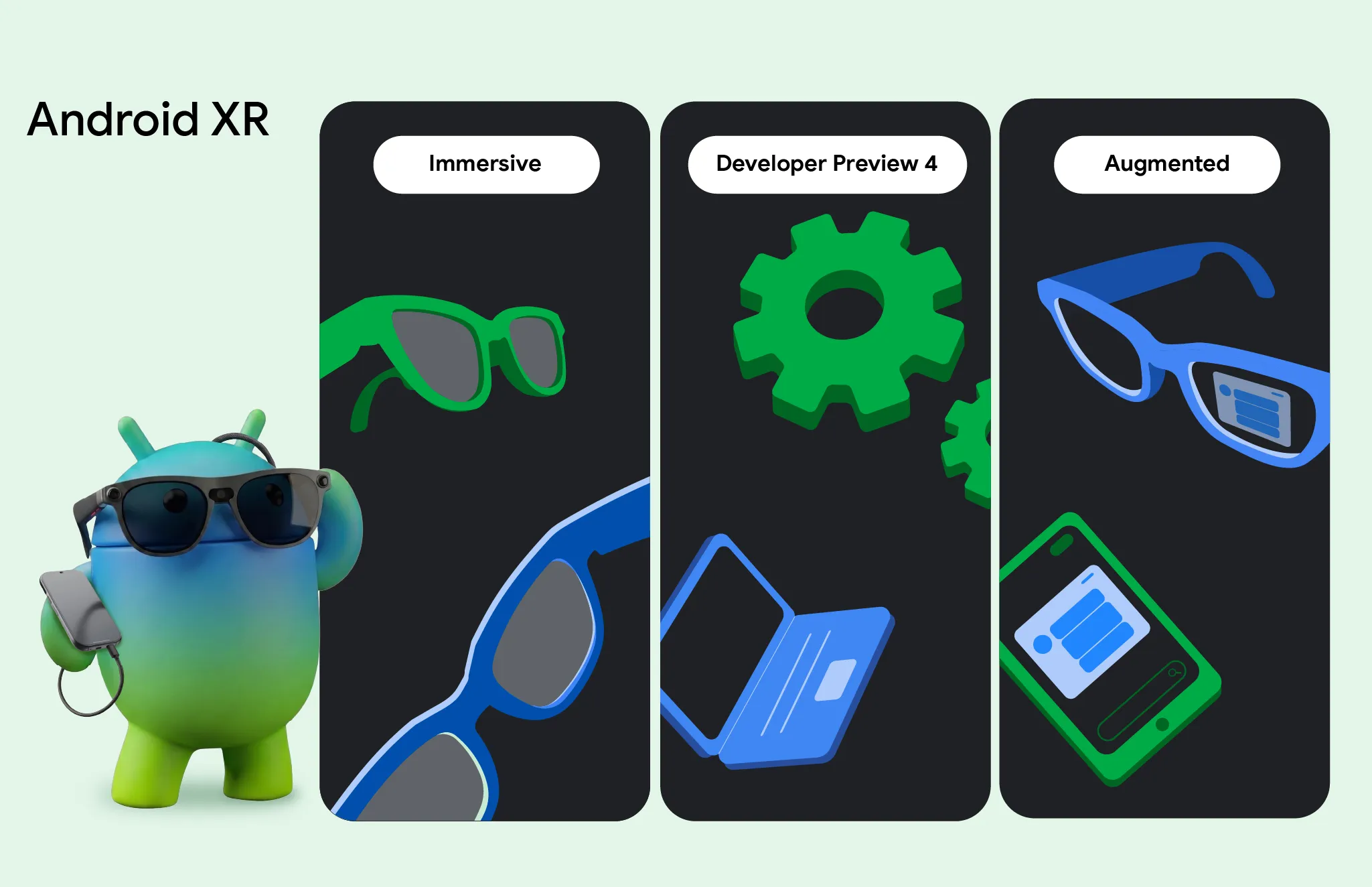
We're excited to launch Developer Preview 4 of the Android XR SDK, continuing our focus on unifying cross-device development for headsets, wired XR glasses, and intelligent eyewear.
Get the latest Android development insights delivered to your inbox weekly.