The Latest
Stay up to date with the latest announcements, feature rollouts, and updates across Android tools, libraries, and platforms.
-

 Product News
Modern camera apps are defined by powerful, overlapping features. Users expect to record video with stunning HDR, capture fluid motion at 60 FPS, and get buttery-smooth footage with Preview Stabilization—often all at the same time.
Tahsin Masrur • 6 min read -


 Product News
Adding custom images to your app can significantly improve and personalize user experience and boost user engagement.
Thomas Ezan, Mozart Louis • 5 min read -

 Product News
We're excited to announce that Jetpack WindowManager 1.5.0 is now stable! This release builds on the strong foundation of adaptability in WindowManager, making it even easier to create polished, adaptive UIs that look great on all screen sizes.
Francesco Romano • 2 min read -

 Product News
Android Studio Narwhal 4 Feature Drop is now stable and ready for you to use!
Paris Hsu • 5 min read -

 Community
In our latest #WeArePlay stories, we meet the founders building apps and games that are making finance simple for everyone, everywhere. From providing first-time loans in Myanmar to digitizing piggy banks for young savers in Nigeria, these founders are breaking down traditional financial barriers.
Robbie McLachlan • 1 min read -
Community
In our latest #WeArePlay film, which celebrates the people behind apps and games on Google Play, we meet Bryan, Jeremy and Elias, the co-founders of Geocaching.
Robbie McLachlan • 2 min read -

 Product News
Battery life is a crucial aspect of user experience and wake locks play a major role. In this blog post we’ll explore what wake locks are, what are some best practices for using them and how you can better understand your own app’s behavior with the Play Console metric.
Alice Yuan • 7 min read -

 Community
Android recently announced developer verification, an extra layer of security that deters bad actors and makes it harder for them to spread harm.
Matthew Forsythe • 2 min read -

 Product News
Welcome to the second installment of our three-part series on media preloading with Media3. This series is designed to guide you through the process of building highly responsive, low-latency media experiences in your Android apps.
Mayuri Khinvasara Khabya • 9 min read -
 Product News
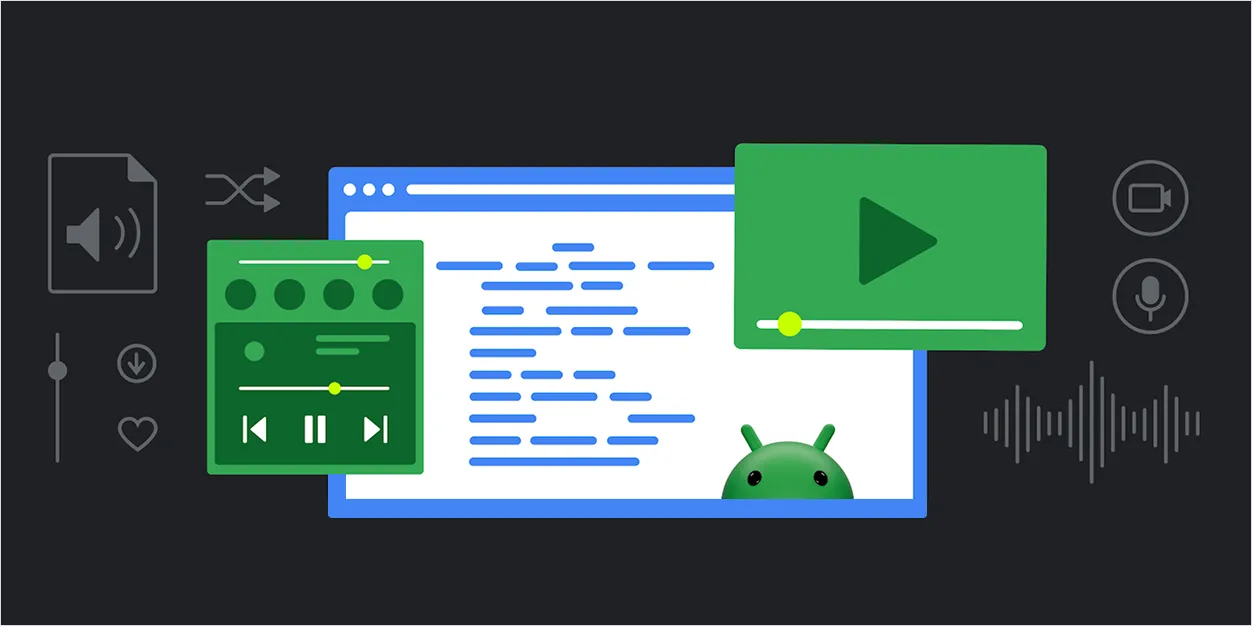
In today's media-centric apps, delivering a smooth, uninterrupted playback experience is key to a delightful user experience. Users expect their videos to start instantly and play seamlessly without pauses.
Mayuri Khinvasara Khabya • 8 min read -


 How-tos
For Android developers, the Credential Manager API helps you guide your users towards using passkeys while ensuring continued support for traditional sign-in mechanisms, such as passwords.
Niharika Arora, Vinisha Athwani • 6 min read -


 Product News
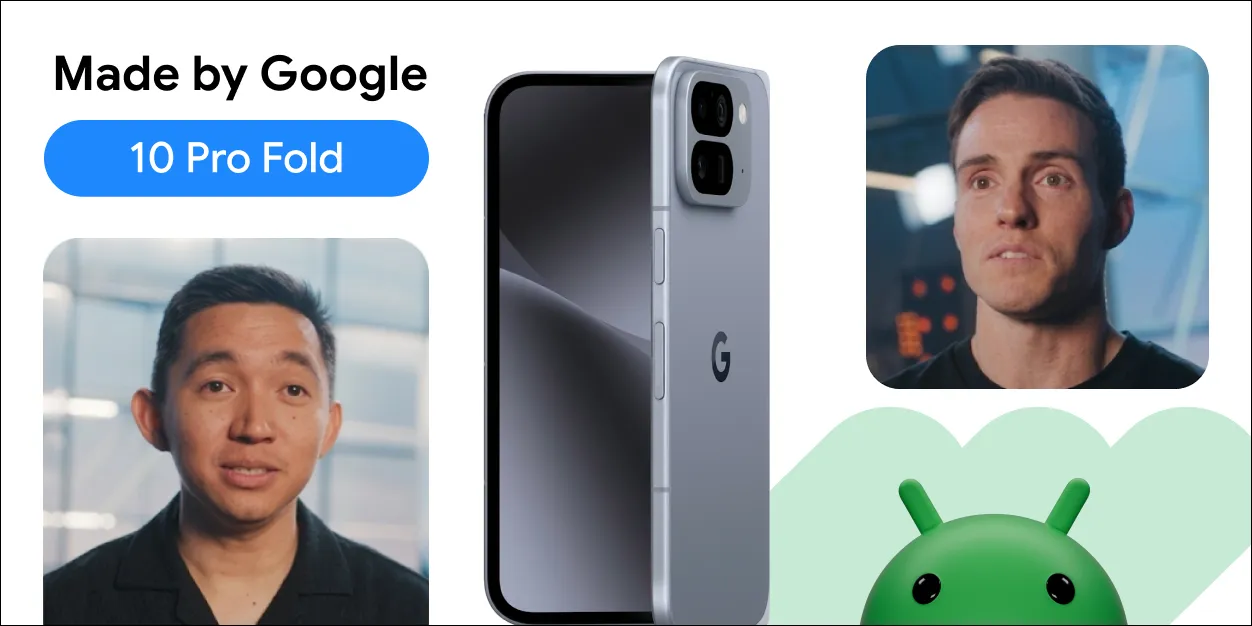
With new form factors like the Pixel 10 Pro Fold joining the Android ecosystem, adaptive app development is essential for creating high-quality user experiences across phones, tablets, and foldables.
Fahd Imtiaz, Miguel Montemayor • 3 min read -
 Product News
This includes the start of Android 16's rollout, with details for both developers and users, a Developer Preview for enhanced Android desktop experiences with connected displays, and updates for Android users across Google apps and more, plus the June Pixel Drop.
Fahd Imtiaz • 6 min read -

 Product News
Since launching the Android XR SDK Developer Preview alongside Samsung, Qualcomm, and Unity last year, we’ve been blown away by all of the excitement we’ve been hearing from the broader Android community.
Matthew McCullough • 4 min read -
 Product News
At Google I/O this year, we are exploring how adaptive development isn’t just a good idea, but essential to building apps that shine across the expanding Android device ecosystem.
Fahd Imtiaz • 5 min read -

 Case Studies

Zoho, a comprehensive cloud-based software suite focused on security and seamless experiences, achieved significant improvements by adopting passkeys in their OneAuth Android app.
Niharika Arora, Joseph Lewis • 10 min read -


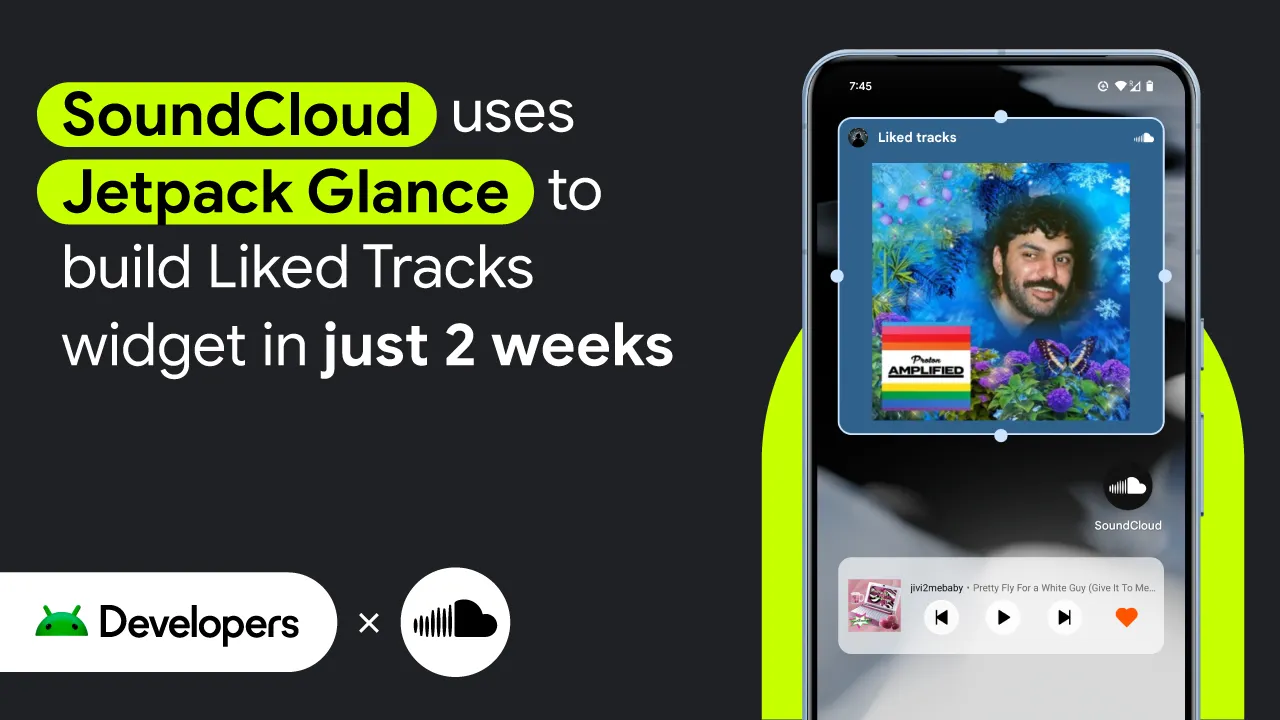 Case Studies
To make it even easier for users to listen on Android, developers at SoundCloud — an artist-first music platform — turned to Jetpack Glance to create a Liked Tracks widget for their highly-rated app, which boasts 4.6 stars and over 100 million downloads.
Summers Pittman, Tracy Agyemang • 3 min read -

 How-tos
In this post, we’ll dive into something a bit more visually engaging — implementing a spotlight effect on top of our camera preview, using face detection as the basis for the effect.
Jolanda Verhoef • 8 min read -
 Product News
Today, we're launching the developer preview of the Android XR SDK - a comprehensive development kit for Android XR. It's the newest platform in the Android family built for extended reality (XR) headsets (and glasses in the future!).
Matthew McCullough • 5 min read -
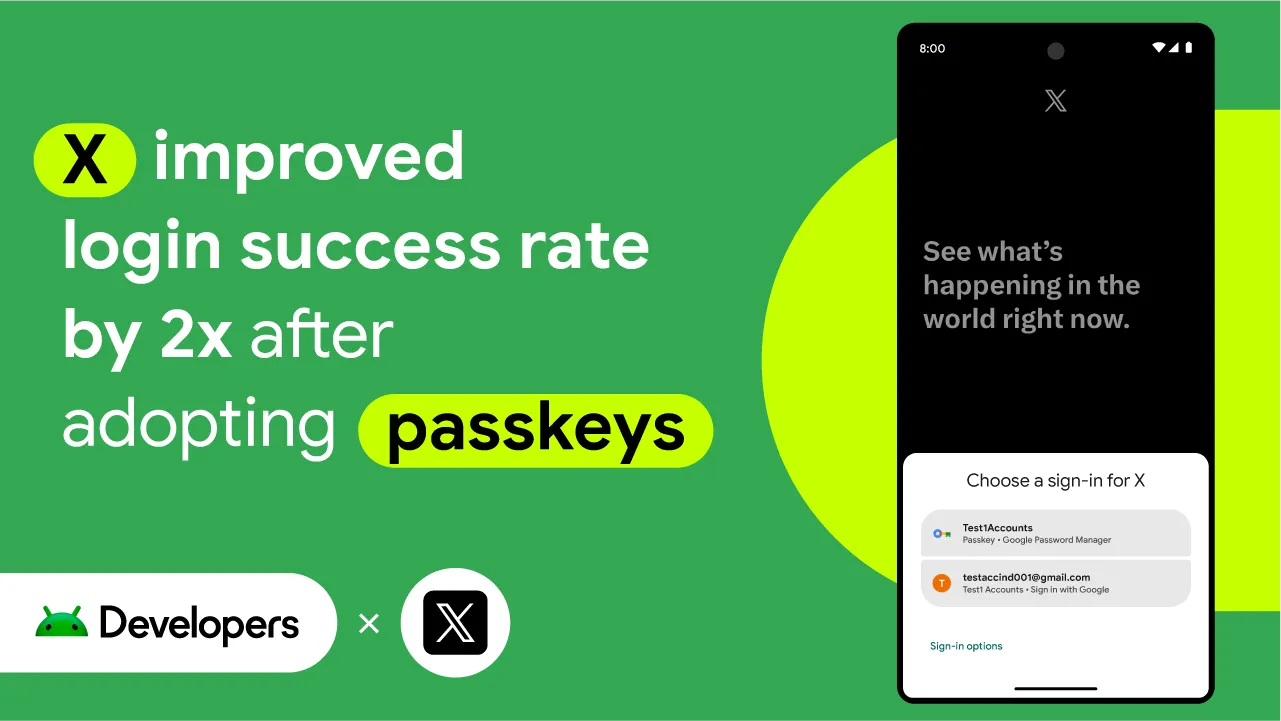 Case Studies
From breaking news and entertainment to sports and politics, X is a social media app that aims to help nearly 500 million users worldwide get the full story with all the live commentary.
Niharika Arora, Tracy Agyemang • 3 min read
Popular Topics
- #Android
- #Android Studio
- #Google I/O
- #Compose
- #Performance
- #Adaptive & Differentiated
- #Android XR
- #Agentic Android development
- #Jetpack Compose
- #Android 17
- #Wear OS
- #Adaptive development
- #Intelligent Apps
- #R8
- #Adaptive apps
- #Mobile App Development
- #Jetpack Navigation
- #Automotive OS
- #AppFunctions
- #Android XR SDK
- #Google Play
- #Memory
- #Android Skills
- #Jetpack
- #Widgets
- #made by google
- #Android Auto
- #Googlebook
- #Idling Resources
- #identity
- #Nav3
- #Now In Android
- #Android 16
- #Foldables
- #beta
- #Generative AI
- #Developer Preview
- #Unity
- #Play Console
- #Android Developers
- #Agent Skills
- #Gemini features
- #Engage SDK
- #On-device
- #Game engine development
- #intelligent eyewear
- #Wired XR glasses
- #Profiling Manager
- #Developer Preview 4
- #coroutines
- #Gemini in Android Studio
- # Quail 2
- #AI-assisted coding
- #Media3
- #ExoPlayer
- #pixel watch
- #Wear OS 7
- #Gemini Nano 4
- #ML Kit Prompt API
- #Jetpack XR SDK
- #App Memory Limits
- #Android Vitals
- #Multi-Process Architecture
- #Security
- #Passkeys
- #Wireless Debugging
- #ADB Wi-Fi 2.0
- #Android Automotive OS
- #Compose-first
- #Google Play subscriptions
- #Android Bench
- #authentication
- #CredentialManager
- #Large Screens
- #Layouts
- #Window Size Classes
- #usage-based billing GenAI apps
- #Remote Compose
Get the latest Android development insights delivered to your inbox weekly.