
We've heard feedback that developers want to access AI features in stable channels as soon as possible. You can now discover and try out the latest AI experimental features through the Studio Labs menu in the Settings menu starting with Narwhal stable release.
You can get a first look at AI experiments, share your feedback, and help us bring them into the IDE you use everyday. Go to the Studio Labs tab in Settings and enable the features you would like to start using. These AI features are automatically enabled in canary releases and no action is required.
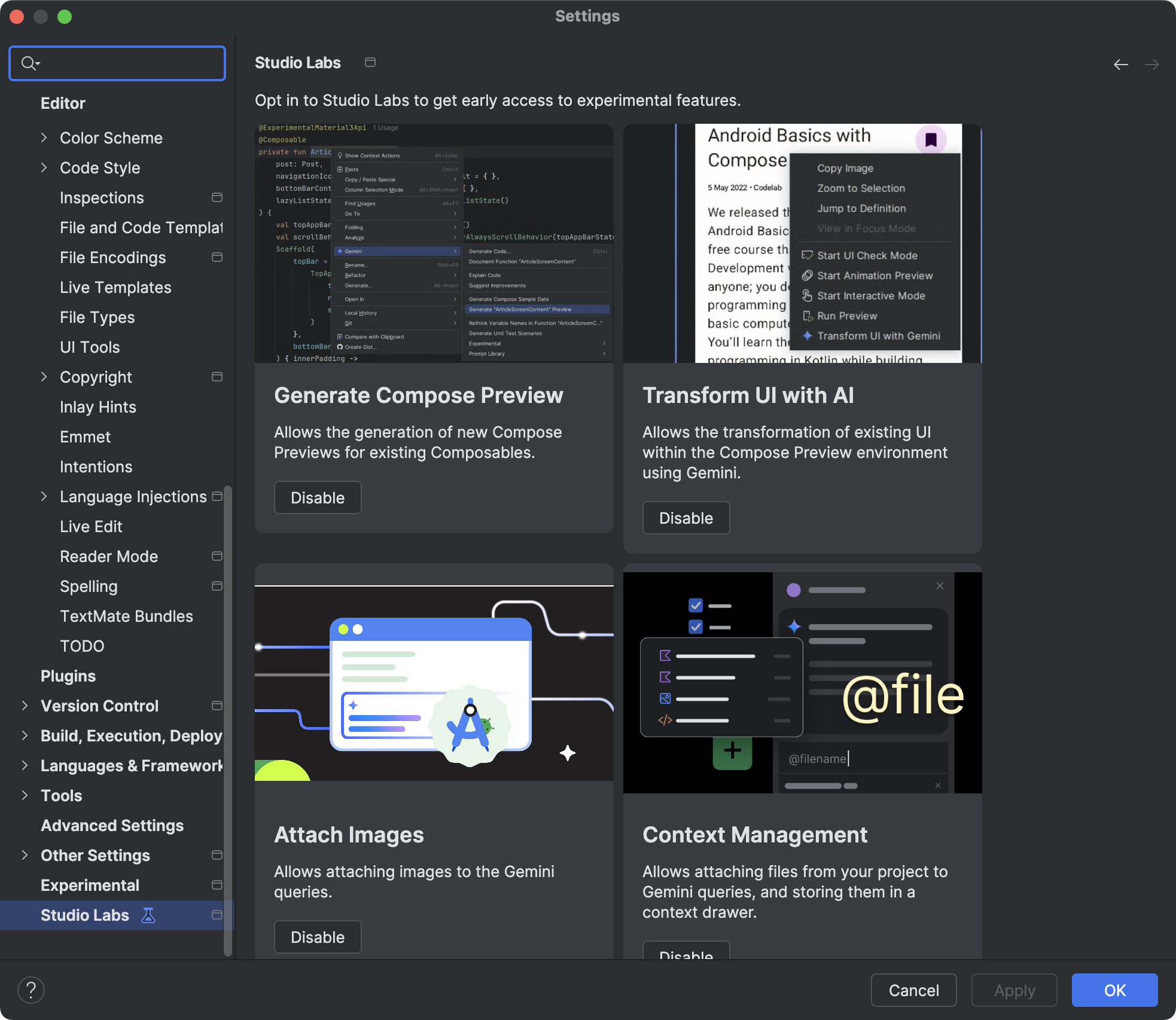
Studio Labs features
Journeys for Android Studio
Journeys for Android Studio helps make end-to-end tests easier to write and maintain by letting you use natural language to describe the steps and assertions for each test—called a journey. By leveraging Gemini's vision and reasoning capabilities, steps written in natural language are converted into actions that Gemini performs on your app, making it both easy to write and understand your journeys. Additionally, you can write and describe more complex assertions, which Gemini evaluates based on what it sees on the device in order to determine whether your journeys pass or fail.
And because Gemini reasons about which actions to perform to satisfy the goals, journeys are more resilient to subtle changes to your app's layout or behavior, resulting in fewer flaky tests when running against different versions of your app and different device configurations.
Write and run journeys right from Android Studio against any local or remote Android device. The IDE provides a new editor experience for crafting journeys as well as rich results that help you better follow Gemini's reasoning and execution of your journey.