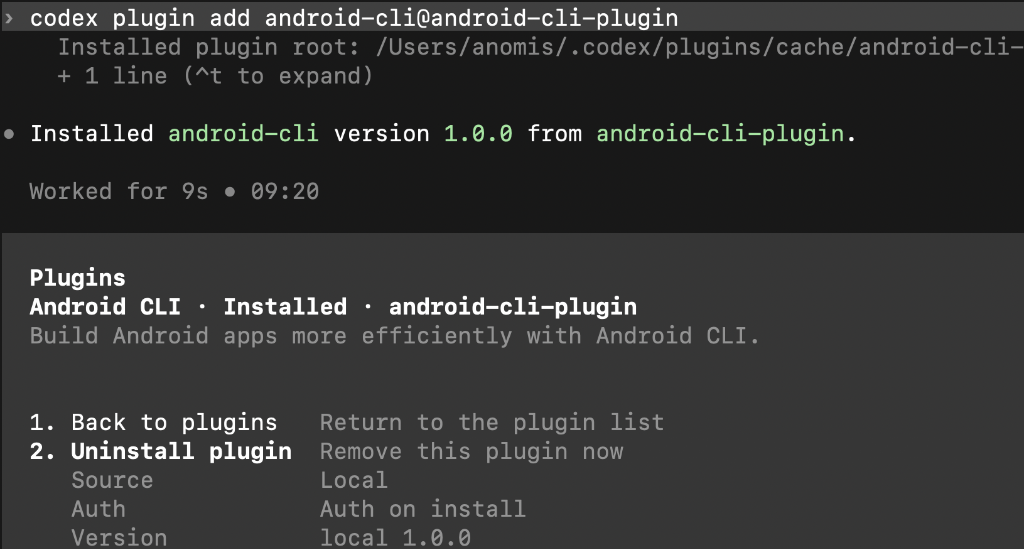
Android CLI는 Antigravity, Claude Code, OpenAI의 Codex용 공식 플러그인으로 설치할 수 있습니다. 각 플러그인은 android-cli 기술을 추가하여 코딩 에이전트가 프로젝트를 만들고, 가상 기기를 관리하고, 실시간 UI 레이아웃을 검사하고, 여정을 실행하고, 공식 Android 기술 자료를 검색할 수 있도록 합니다.
Antigravity에서 Android CLI 플러그인은 더 깊은 플랫폼 통합을 제공하며, 대화 바로 옆에 표시되는 대화형 도구를 제공합니다.
Compose 미리보기: 에이전트가 반복할 때 Compose 미리보기를 확인하고 상호작용하여 앱을 실행하기 전에 다양한 폼 팩터에서 레이아웃 문제를 포착할 수 있습니다.
그림 1. Antigravity의 Compose 미리보기 기기 허브: 에이전트 창에서 바로 로컬 또는 원격 연결의 가상 및 실제 기기를 확인하고 상호작용하여 앱이 하드웨어에서 어떻게 작동하는지 검증합니다.
그림 2. Antigravity의 기기 허브
Antigravity에 설치
Antigravity CLI 세션 내에서 플러그인을 설치하려면 다음을 실행합니다.
/plugin install android-cli-plugin@antigravity-plugins-official
또는 터미널에서 다음 명령어를 실행합니다.
agy plugin install android-cli-plugin@antigravity-plugins-official
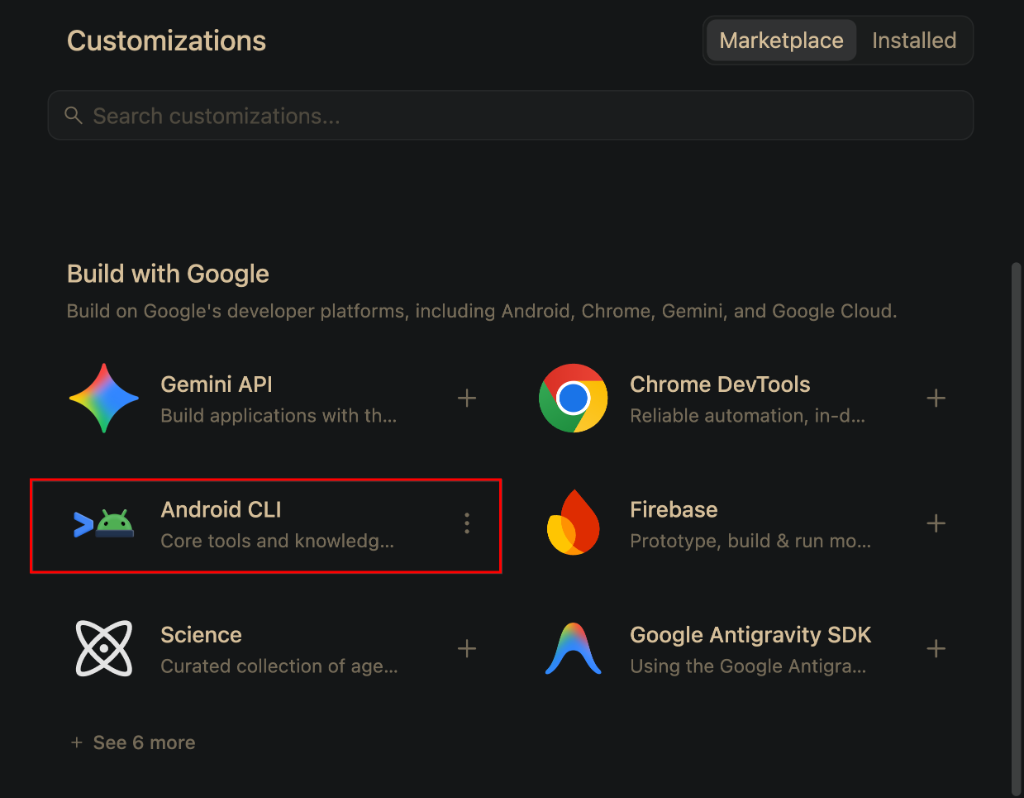
Antigravity에서 Customizations(맞춤설정) > Build with Google(Build with Google)을 열고 Android CLI를 설치할 수도 있습니다.
Claude에 설치
Claude Code 세션 내에서 마켓플레이스를 추가하고 플러그인을 설치하려면 다음을 실행합니다.
/plugin marketplace add android/android-cli-plugin
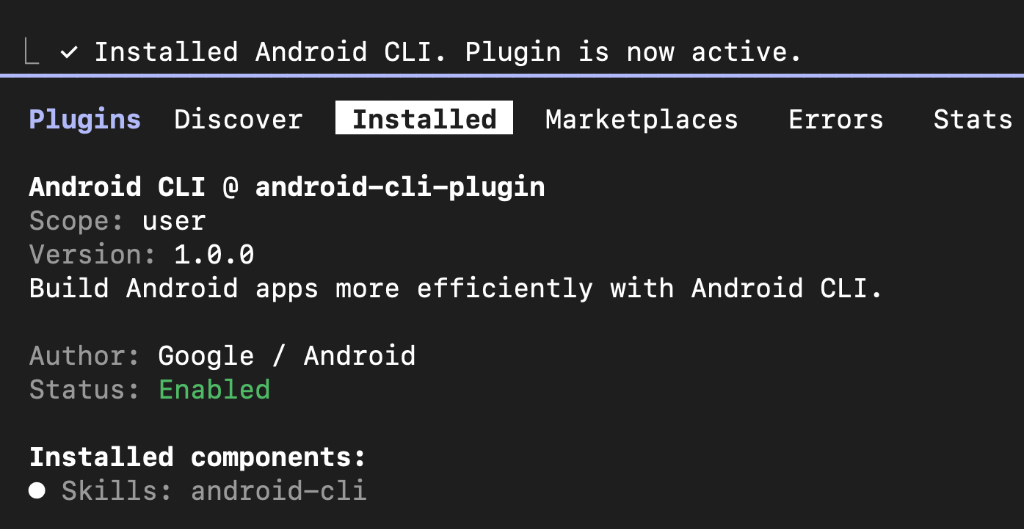
/plugin install android-cli@android-cli-plugin
또는 터미널에서 다음 명령어를 실행합니다.
claude plugin marketplace add android/android-cli-plugin
claude plugin install android-cli@android-cli-plugin
Codex에서 설치
터미널에서 다음 명령어를 실행하여 마켓플레이스를 추가하고 Codex에 플러그인을 설치합니다.
codex plugin marketplace add android/android-cli-plugin
codex plugin add android-cli@android-cli-plugin