
Concepts and Jetpack Compose implementation
Resource Manager is a tool window for importing, creating, managing, and using resources in your app. To open the tool window, select View > Tool Windows > Resource Manager from the menu or select Resource Manager in the left side bar.
Drag drawables into your layout
You can drag drawables from the Resource Manager directly onto a
layout. When you drag a resource onto a layout, the Resource Manager creates a
corresponding ImageView for that drawable, as shown in animation 1:
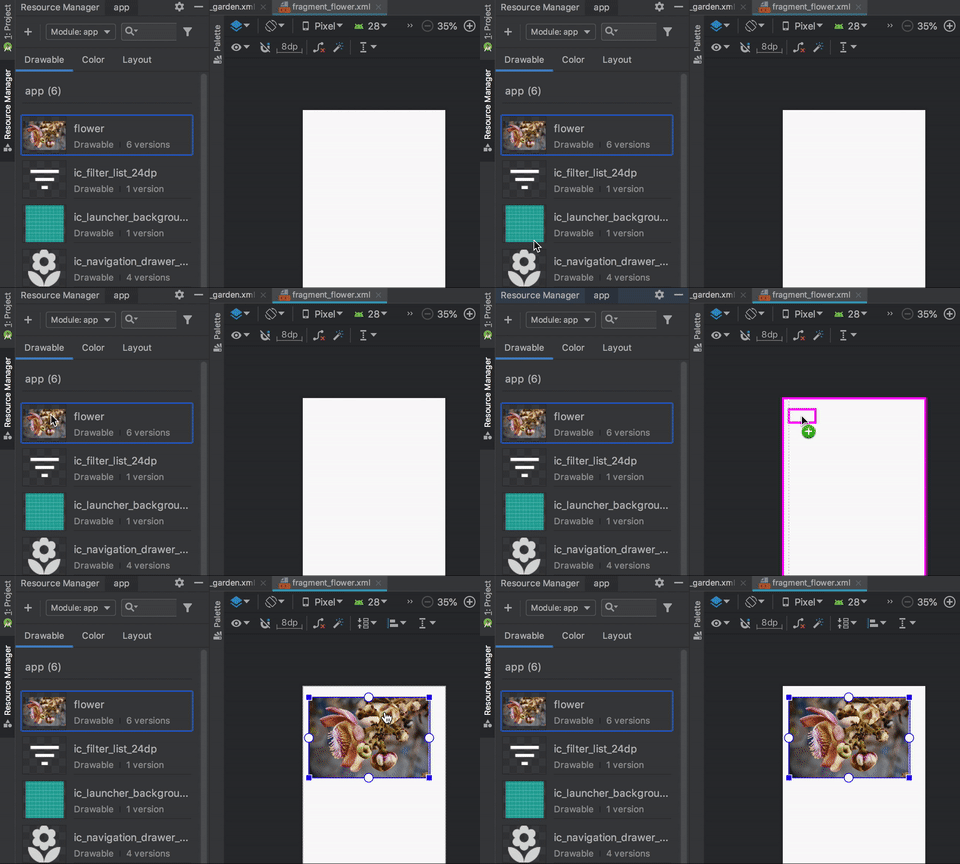
Animation 1. Drag drawables onto a layout in Design view.
You can also drag directly onto the XML of the layout, as shown in animation 2:
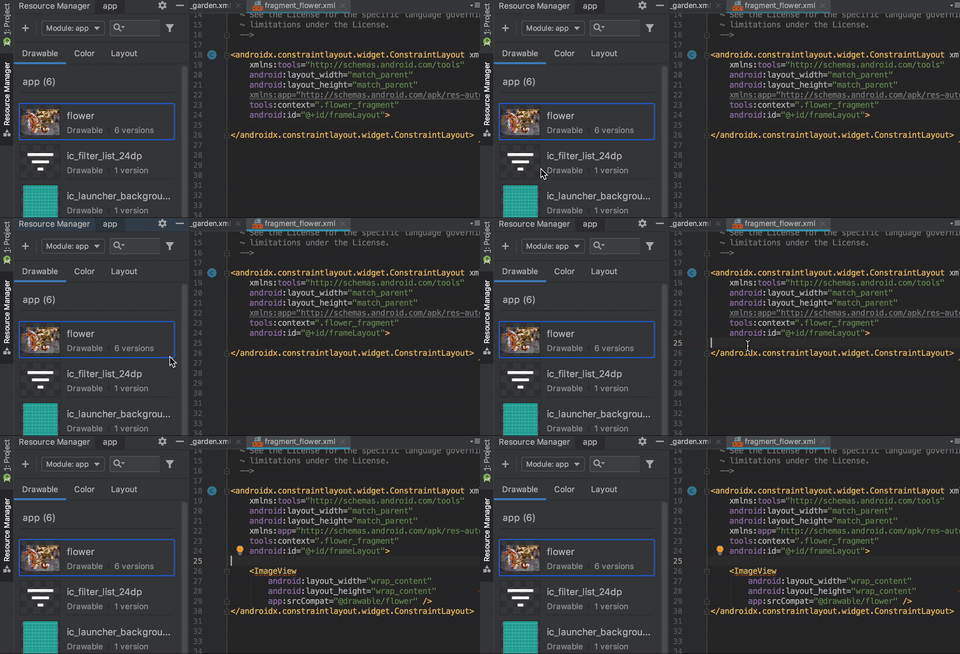
Animation 2. Drag drawables onto a layout in Text view.
When dragging a drawable onto a layout in the Text tab, the generated code differs depending on where you place the drawable in the layout:
- If you drag a drawable onto a blank area, the Resource Manager generates a
corresponding
ImageView. - If you drag a drawable onto any attribute in the layout XML, the Resource Manager replaces that attribute value with a reference to the drawable. You can also drag any other resource type onto an XML attribute to replace the attribute value.
- If you drag a drawable onto an existing
ImageViewelement, the Resource Manager replaces the corresponding source attribute.