

用户可能希望一起编辑多个媒体资源,以便在最终视频中同时显示多个媒体项。这包括在画中画、并排或网格等布局中排列项。以下是此类项目的一些示例:
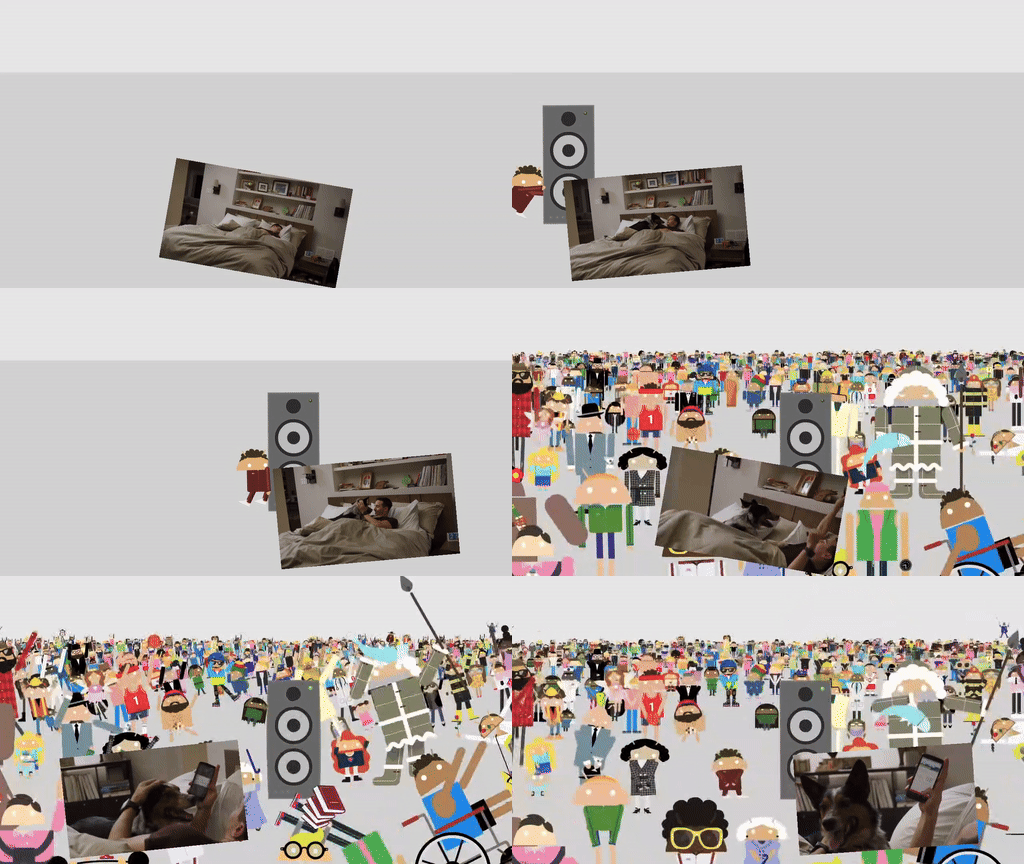
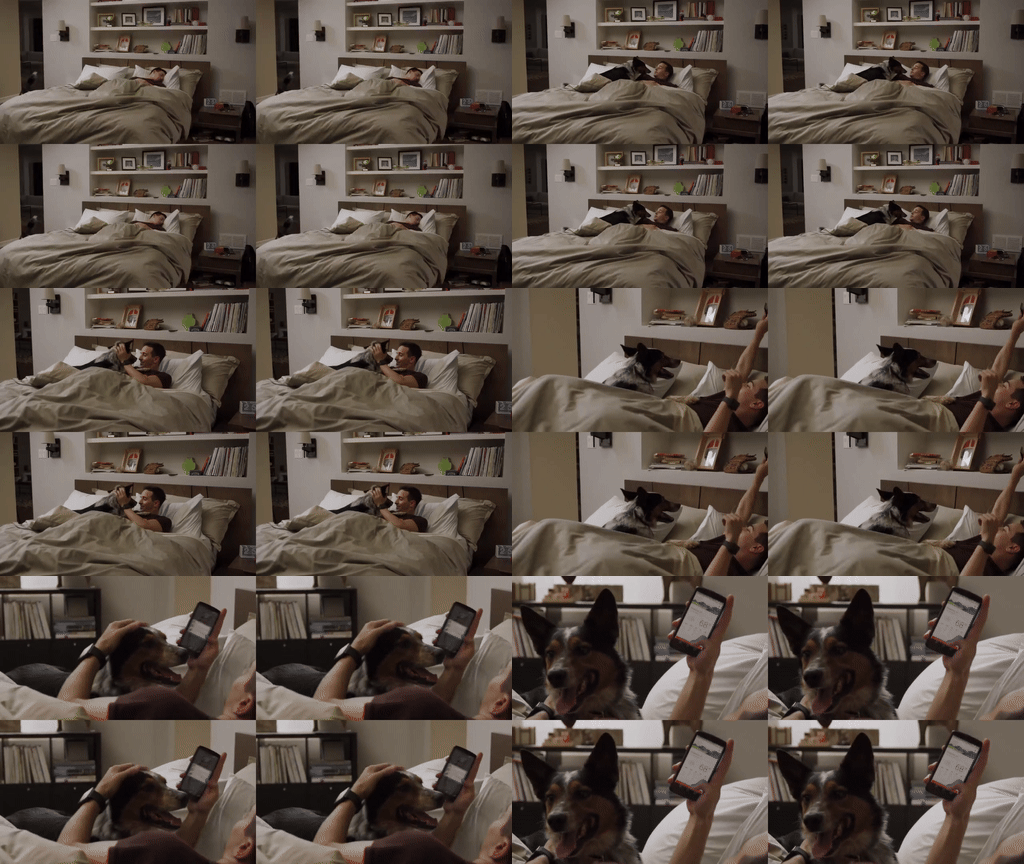
您可以在 Composition 演示应用中探索这些布局的实现。
实现 VideoCompositorSettings
The VideoCompositorSettings 接口包含 2 个方法:
getOutputSize(List<Size> inputSizes),您可以使用它来指定每个输入EditedMediaItemSequence的大小getOverlaySettings(int inputId, long presentationTimeUs),您可以在其中指定每个序列在帧中的显示方式
使用 OverlaySettings 配置序列的呈现方式
您的 getOverlaySettings() 实现应返回项目中每个序列的
OverlaySettings 接口实例。inputId 参数用于标识设置将应用于哪个序列。如需构建实例,您可以使用 Media3 中包含的 StaticOverlaySettings 类
。如需查看完整的配置选项列表,请参阅 StaticOverlaySettings.Builder 参考页面,其中包括视觉修改(如 Alpha 透明度和 HDR 亮度)、位置修改(如锚点和帧内位置)以及转换(如旋转和缩放)。
override fun getOverlaySettings(inputId: Int, presentationTimeUs: Long): OverlaySettings { return when (inputId) { // Position the first sequence in the top-left 0 -> { StaticOverlaySettings.Builder() // Scale the video down to 1/4th the size of the frame .setScale(0.5f, 0.5f) // Anchor the sequence in the middle of frame .setOverlayFrameAnchor(0f, 0f) // Position the video in the top-left section of the frame .setBackgroundFrameAnchor(-0.5f, 0.5f) .build() } // Add more cases for remaining input sequences else -> StaticOverlaySettings.Builder().build() } }
使用 getOverlaySettings() 方法的 presentationTimeUs 参数,您可以根据视频的位置修改这些设置,如本页前面所示的画中画移动示例所示。
override fun getOverlaySettings(inputId: Int, presentationTimeUs: Long): OverlaySettings { return if (inputId == 0) { // Use the first sequence as the overlay val cycleRadians = 2 * PI * (presentationTimeUs.toDouble() / cycleTimeUs) StaticOverlaySettings.Builder() // Scale the overlay down .setScale(0.35f, 0.35f) // Anchor the overlay in the top-middle of the frame .setOverlayFrameAnchor(0f, 1f) // Move the overlay over time .setBackgroundFrameAnchor(sin(cycleRadians).toFloat() * 0.5f, -0.2f) // Rotate the overlay over time .setRotationDegrees(cos(cycleRadians).toFloat() * -10f) .build() } else { // Present the second sequence in the background as normal StaticOverlaySettings.Builder().build() } }
反馈
如果您对视频合成用例有任何反馈或功能请求, 请在 Media3 GitHub 代码库中提交问题。