From in-app agents to the Android intelligence system: What’s new in intelligent apps at the Android Developer Summit
4 min read

In the intelligence era, users are no longer just tapping through apps, they express high-level goals and expect AI agents like Gemini to complete multi-step workflows, sometimes across multiple apps on their devices. To help you meet users where they are, we’re unlocking new ways to build intelligent, agentic experiences in your Android apps:
- Connect with the Android intelligence system: Share your app’s capabilities with the system agent with Android MCP. To let users connect directly with your app through the Gemini app and Google Search on Android, join the Connected Apps Platform preview program.
- Bring intelligence into your app: Build smart features and agents on-device with ML Kit GenAI APIs, bring your custom ML model with LiteRT in Google Play services. Leverage Gemini models on the Cloud with Firebase AI Logic, and enable your agent to build native Compose UI with the A2UI Compose renderer.
You’ve already seen some of these new APIs and developer tools at the Android Developer Summit keynote. Now, learn with our new deep-dive resources to help you build intelligent apps, including 10 new on-demand sessions around new intelligent experiences.
Connect with the Android intelligence system
The Android intelligence system is the system foundation designed to protect users while connecting AI agents with apps on Android devices. It provides users with both prompted assistance and proactive assistance across the Android ecosystem of devices spanning phones, wearables, XR glasses, TVs, and automobiles.
- Prompted assistance: When the user actively asks an agent to fulfill a goal (for example, "check my calendar, book a ride, and message Jingyu my ETA"), the agent orchestrates tools across apps to get it done. For the fastest, most reliable execution, you can use a remote MCP server or local Android MCP. Agents can also fall back to using Android’s Computer Control framework to complete actions without requiring any app-side integration.
- Proactive assistance: The system anticipates the user's needs and surfaces contextual suggestion chips directly on lock screens, notifications, virtual keyboards, and within apps.
We give you control over how your apps integrate with the Android intelligence system by providing APIs and tools based on the familiar MCP standard. Android MCP, powered by the AppFunctions Jetpack library, is our unified tool-calling framework. It lets you connect with qualified AI agents right on the device, whether the system agent or your own on-device in-app agent. Remote MCP server provides you with cross-platform reach.
Android MCP complements remote MCP as an Android native solution and is the recommended integration path when your user journey uses end-to-end encryption or sensitive local device data, requires device sensors and hardware, needs to execute locally, or when there’s no server endpoint available.
To learn more about the Android intelligence system and integrate with Gemini as the system agent, watch this talk:
Bring intelligence into your apps: from on-device agent to A2UI Compose renderer
With new capabilities available in Gemini Nano 4 like function calling, we are expanding the ML Kit GenAI APIs to build agentic workflows entirely on-device. We provide you the building blocks directly with ML Kit’s direct model access with Prompt API and the new Agentic API that auto-executes functions for you, saves conversation history, manages the orchestration loop, and includes automatic guardrails. Check out the Jetpacker code sample on GitHub and watch this video for a deep dive into how you can unlock agentic capabilities in your app with ML Kit GenAI APIs:
Besides the new Agentic APIs, we are bringing a suite of new capabilities on-device:
- Get an overview of on-device ML Kit GenAI APIs, from Prompt API features like thinking mode and system instructions to new alpha APIs like the Embeddings API, powered by EmbeddingGemma 2. You'll also learn about under-the-hood Android system optimizations and see common on-device GenAI use cases already in production.
- Take a deep dive into the model architecture of Gemini Nano 4, built on Gemma 4. Powered by per-layer embeddings, quantization-aware training, and multi-token prediction, Gemini Nano 4 delivers to 3x inference speedup while cuts memory usage by up to 4x compared to the previous version of Gemini Nano model under internal testing benchmarks.
- You can run your custom ML models with faster GPU performance using LiteRT in Google Play services which removes the runtime from your APK making your APK about 8 MB smaller. Now also available on Wear OS and Android Automotive OS. Whether you are using the turn-key ML Kit APIs or bring your own custom edge model, read the announcement and check out this talk.
- See how these APIs come together in real-world apps, from an XR language teacher using the ML Kit speech recognition, speech translation, and text-to-speech APIs on phones and smart glasses, to a Formula E AI co-driver built with Gemini Nano, ML Kit direct model access, and the Agent Development Kit (ADK).
For workflows that span cloud and local processing, Firebase AI Logic offers a straightforward hybrid solution. You can call advanced cloud models like Gemini 4 while using on-device inference with Gemini Nano when available. To protect your app and manage costs in production, use Firebase App Check, the new server prompt templates, and Firebase spend caps.
As showcased in the keynote demo with Jetpacker's live booking assistant, the Jetpack Compose A2UI renderer is now available in alpha to help your agents "speak UI". Your agents can stream rich, interactive native Compose UIs directly from a JSON protocol. Get started with the A2UI Compose renderer and give us your feedback. Watch this talk to see how to implement it in your app.
Reach across Gemini and Search with Connected Apps Platform
Across Google surfaces, users are shifting from asking questions to taking action. We introduced the Connected Apps Platform so you can reach high-intent users across Gemini and Search, combining Android MCP for native on-device execution with remote MCP servers for cross-platform reach. You can start building and testing locally today with Gemini Apps Developer Mode. When you're ready for production, join the preview waitlist; preview capacity is currently limited to selected production-ready apps in supported categories, with broader self-serve access coming later.
To walk you through building, testing, and publishing your first Connected App, watch Extend your app to Gemini and Search with the Connected Apps Platform.
Start building intelligent apps with the latest updates
To start building, create on-device agents with ML Kit agentic workflows alongside direct model access with new Android skills. Make sure you opt in to the AIcore Developer Preview program when testing with new capabilities in preview models. Bring intelligent features to your app with ML Kit APIs and run custom ML models with LiteRT in Google Play Services. Run Inference with Gemini models in the cloud with Firebase AI Logic directly and stream native Compose UIs from JSON using the Jetpack Compose A2UI renderer. Finally, integrate with the Android intelligence system, prototype with Android MCP using the AppFunctions skill and sample agent and sign up for the Connected Apps Platform developer preview.
We can't wait to see what you build!
-


 Product News
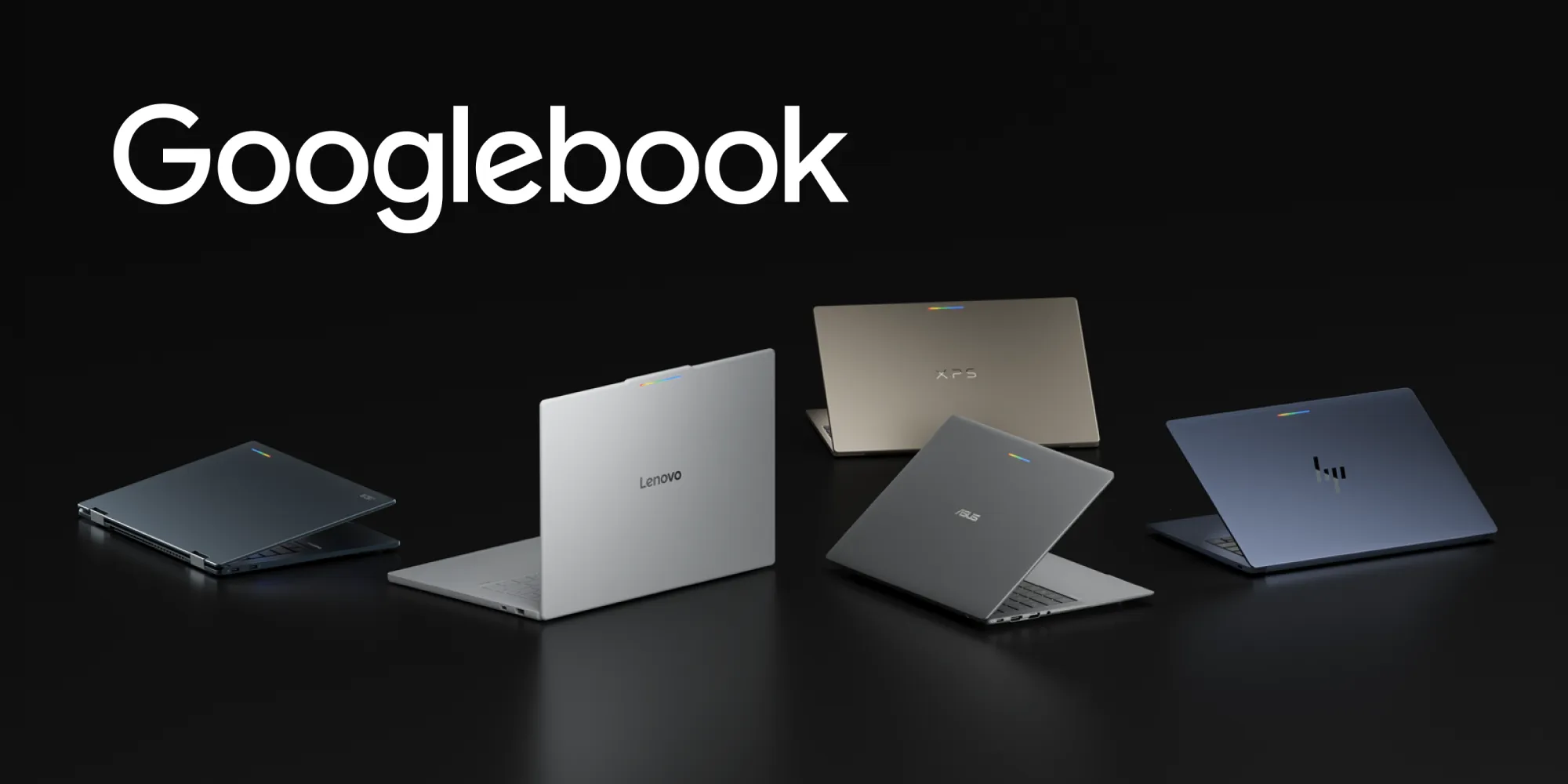
Googlebook introduces a new category of laptops built on a shared Android foundation. High-performance hardware from partners such as HP, Dell, Lenovo, Acer, and Asus, combines mobile convenience with desktop power.
-

 Product News
Today, the Jetpack Compose August ‘26 release is stable!
Nick Butcher • 5 min read -
 Product News
With the introduction of the Pixel 11 Pro Fold, Pixel Watch 5, and the entire Pixel family, users are moving seamlessly across diverse screen sizes, unique postures, and intelligent experiences.
Get the latest Android development insights delivered to your inbox weekly.