

Develop with the Android XR SDK
Redefine how users interact with your app with Android XR — from focused productivity and immersive entertainment on XR headsets and wired XR glasses, to lightweight, additive experiences on audio glasses and display glasses.
XR headsets | Wired XR glasses
Build immersive experiences
Build helpful and delightful immersive experiences that transport users to a
fully-virtual space, or blend semi-immersive digital content with the user's
environment to unlock real-world multi-tasking.
Audio glasses | Display glasses
Build augmented experiences
Build lightweight, additive experiences that help users in everyday life on the
go, at home, or at work.

Start with the tools you're familiar with
The Android XR Software Development Kit supports developing from where your app is today. Choose whether you want to develop with the Android Jetpack XR SDK, Unity, Godot, Unreal Engine, OpenXR, or WebXR.

Improve the Android XR Developer Experience
Your feedback is important. Sign up to participate in user research studies and influence how we evolve tools, APls, and guidance for millions worldwide. Get rewarded if selected.
Build or spatialize an Android app
You can build a new app from scratch or adapt an Android large screen or mobile app for XR immersive experiences by adding spatial components.
This JetNews app is an Android large-screen app adapted for Android XR.
Build new, or port an app using other XR tools
Bring your apps and experiences built with Unity, Godot, Unreal Engine, OpenXR, or WebXR to a new audience with minimal development lift.
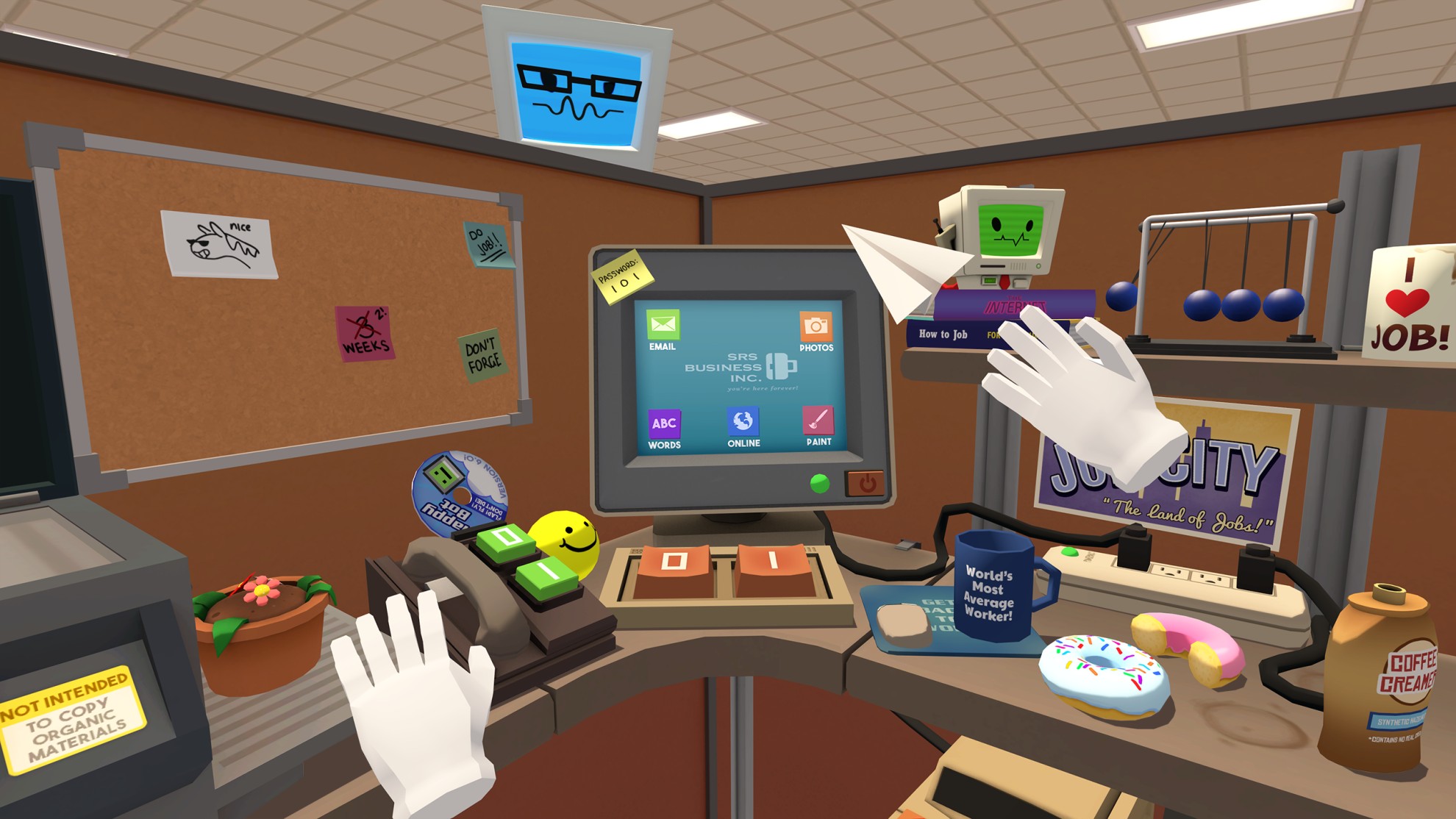
Job Simulator is an Unity game ported to Android XR.
Extend a mobile app to intelligent eyewear
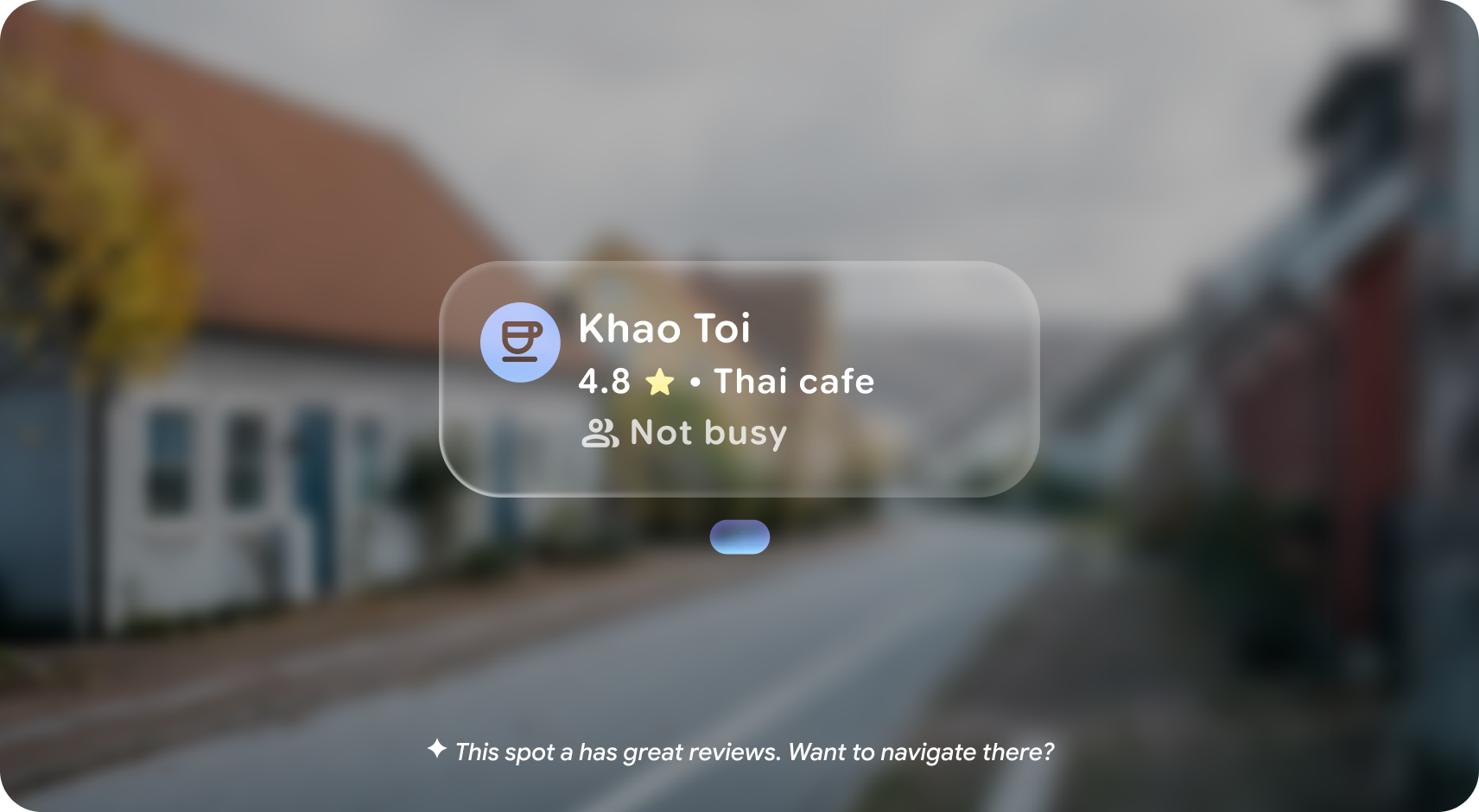
Extend your mobile app to intelligent eyewear, such as audio glasses and display glasses, with augmented experiences that help your users connect with the world around them.
Simplified development
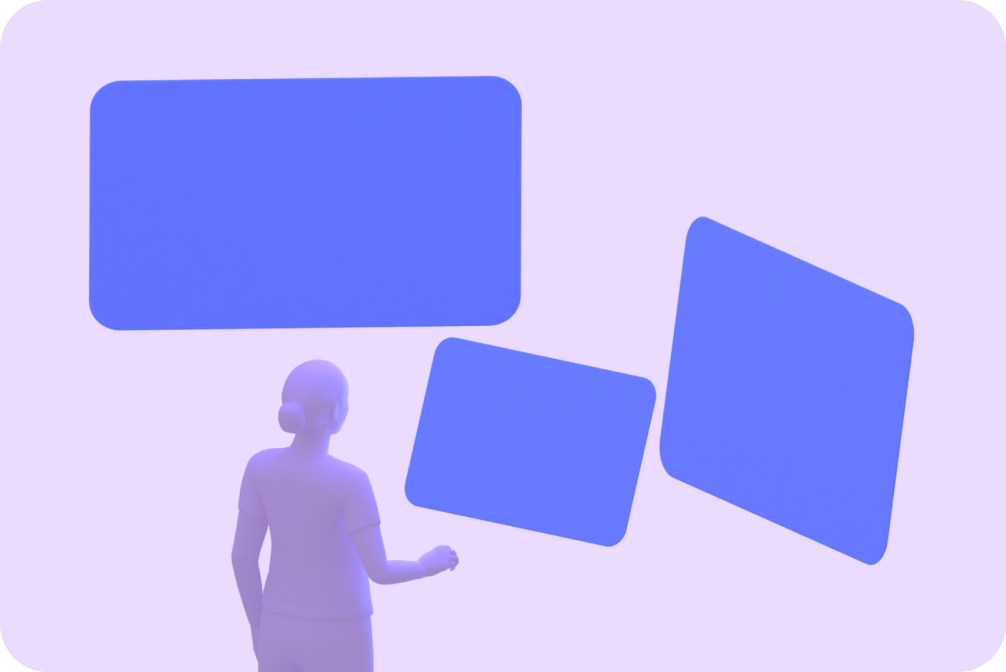
Most Android apps are compatible with XR headsets and wired XR glasses
Existing 2D mobile or large-screen apps work by default in Android XR for XR headsets and wired XR glasses—displayed as a 2D panel inside 3D space. Use familiar Android APIs, frameworks, and tools—like Jetpack Compose for XR, Android Studio, the emulator, and your preferred 3D tools.
Easy on-ramp to bring apps to XR headsets and wired XR glasses
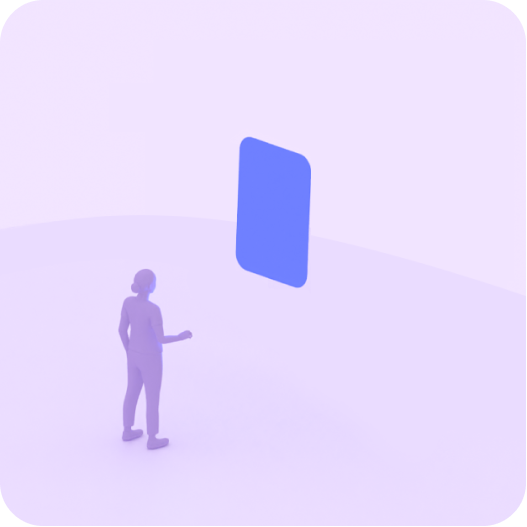
XR-compatible mobile app
Reach users on XR headsets and wired XR glasses devices with your existing compatible mobile apps. No changes required.
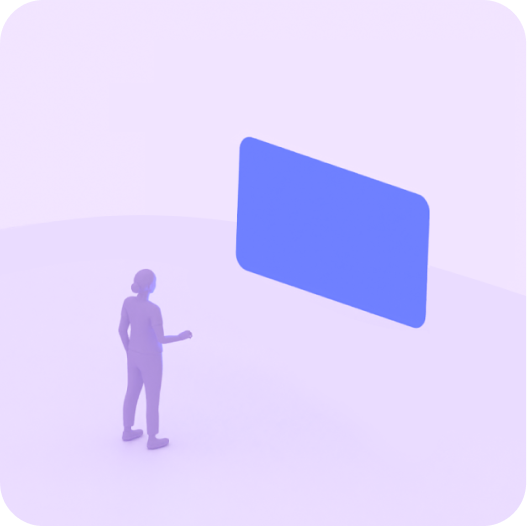
XR-compatible large screen app
Adaptive layouts ensure your app works across devices. Existing large screen apps are optimized for XR headsets and wired XR glasses. No changes required.
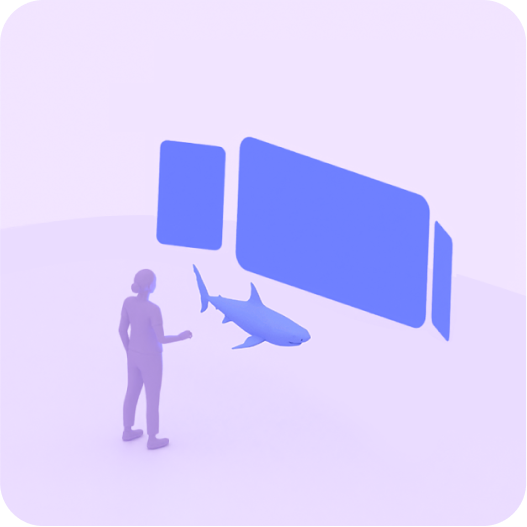
XR-differentiated app
Take advantage of spatial panels, 3D models, and spatial environments to design an immersive experience for XR headsets and wired XR glasses. Or use Unity, OpenXR, Godot, Unreal Engine, or WebXR to build a fully-customized, immersive experience for these types of XR devices.

Explore Android development tools
Create XR experiences using familiar tools, extended for XR.
All XR devices
Android Studio
Develop with familiar Android Studio tools. Test your app using virtual devices for XR headsets and wired XR glasses or audio glasses and display glasses. Debug your app's layout using the Layout Inspector.
Display glasses
Jetpack Compose Glimmer
Jetpack Compose Glimmer is a UI toolkit for building augmented Android XR experiences, optimized for display glasses. Build beautiful, minimal, and comfortable UI for devices that are worn all day.
XR headsets | Wired XR glasses
Jetpack Compose for XR
Includes everything you need to design an XR app. Find UI and interaction recommendations, an automatic layout engine, preset layouts, and spatial UI compositions.
XR headsets | Wired XR glasses
Material Design for XR
Provides a foundation to create user-friendly apps that follow established patterns of interaction, spatial, and visual design.
XR headsets | Wired XR glasses
Jetpack SceneCore
Includes the building blocks to add immersive content to your Android XR app. The SceneCore library supports spatial entity and environment APIs.
All XR devices
ARCore for Jetpack XR
Brings perception capabilities for your app to understand and interact with real-world features such as anchors and semantic segmentation.
All XR devices
Explore Android XR samples
Explore and learn how XR features and concepts come together in real apps for both immersive and augmented experiences on all types of Android XR devices.
Build with Unity, OpenXR, Godot, Unreal Engine, or WebXR
Anyone familiar with 3D development can build with popular 3D engines (Unity, Godot, and Unreal Engine), the industry standard OpenXR, or the readily-accessible WebXR. These frameworks give you the flexibility to build customized experiences for XR headsets and wired XR glasses.
Unity
Get full access to Unity's content production features, and easily bring apps from other platforms to Android XR. Ensure smooth development with performance optimization tools, a large asset store, and a strong community.
OpenXR
Streamline development with OpenXR's royalty-free open standard. Build anywhere using a common set of APIs to develop XR apps that work across a range of devices.
Godot
Create lightweight, open-source XR applications. Godot supports Android XR out of the box with the OpenXR Vendors plugin.
Unreal Engine
Build immersive experiences using the high-fidelity Unreal Engine. Leverage existing OpenXR support and the native VR Template to get started immediately.
WebXR
Build meaningful experiences for XR headsets and wired XR glasses directly in a browser using WebXR's known and trusted standards and technologies.

Get started with design
Android XR includes ready-to-go UI, components, and spatial elements.