

사용자는 최종 동영상에 두 개 이상의 미디어 항목이 동시에 표시되도록 여러 미디어 애셋을 함께 수정할 수 있습니다. 여기에는 PIP 모드, 나란히 또는 그리드와 같은 레이아웃으로 항목을 정렬하는 것이 포함됩니다. 이러한 프로젝트의 예는 다음과 같습니다.
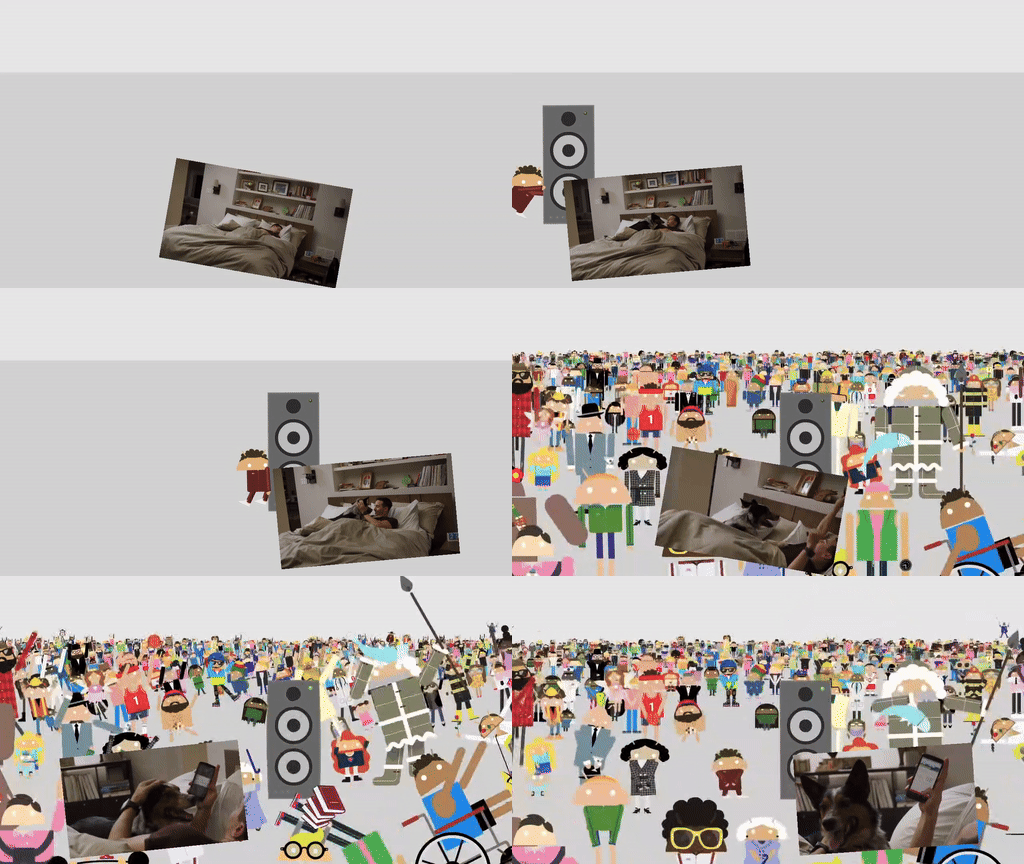
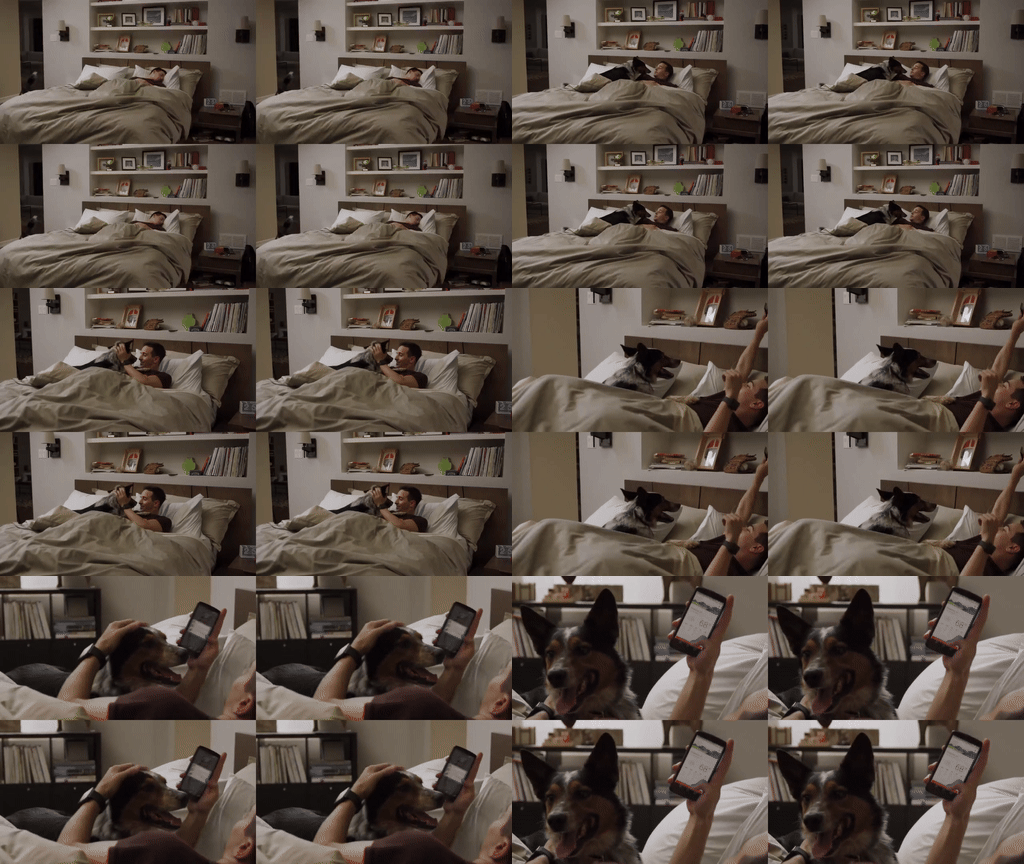
컴포지션 데모 앱에서 이러한 레이아웃의 구현을 살펴볼 수 있습니다.
VideoCompositorSettings 구현
VideoCompositorSettings 인터페이스에는 다음 두 가지 메서드가 포함됩니다.
- 각 입력
EditedMediaItemSequence의 크기를 지정하는 데 사용할 수 있는getOutputSize(List<Size> inputSizes) getOverlaySettings(int inputId, long presentationTimeUs): 각 시퀀스가 프레임에 표시되는 방식을 지정할 수 있습니다.
OverlaySettings로 시퀀스 표시 구성
getOverlaySettings() 구현은 프로젝트의 각 시퀀스에 대해 OverlaySettings 인터페이스의 인스턴스를 반환해야 합니다. inputId 매개변수는 설정이 적용될 시퀀스를 식별합니다.
인스턴스를 빌드하려면 Media3에 포함된 StaticOverlaySettings 클래스를 사용하면 됩니다. 알파 투명도 및 HDR 휘도와 같은 시각적 수정, 앵커 포인트 및 프레임 내 위치와 같은 위치 수정, 회전 및 크기 조절과 같은 변환을 포함한 전체 구성 옵션 목록은 StaticOverlaySettings.Builder 참조 페이지를 참고하세요.
override fun getOverlaySettings(inputId: Int, presentationTimeUs: Long): OverlaySettings { return when (inputId) { // Position the first sequence in the top-left 0 -> { StaticOverlaySettings.Builder() // Scale the video down to 1/4th the size of the frame .setScale(0.5f, 0.5f) // Anchor the sequence in the middle of frame .setOverlayFrameAnchor(0f, 0f) // Position the video in the top-left section of the frame .setBackgroundFrameAnchor(-0.5f, 0.5f) .build() } // Add more cases for remaining input sequences else -> StaticOverlaySettings.Builder().build() } }
getOverlaySettings() 메서드의 presentationTimeUs 매개변수를 사용하면 이 페이지 앞부분의 움직이는 PIP 예시에서 설명한 것처럼 동영상의 위치에 따라 이러한 설정을 수정할 수 있습니다.
override fun getOverlaySettings(inputId: Int, presentationTimeUs: Long): OverlaySettings { return if (inputId == 0) { // Use the first sequence as the overlay val cycleRadians = 2 * PI * (presentationTimeUs.toDouble() / cycleTimeUs) StaticOverlaySettings.Builder() // Scale the overlay down .setScale(0.35f, 0.35f) // Anchor the overlay in the top-middle of the frame .setOverlayFrameAnchor(0f, 1f) // Move the overlay over time .setBackgroundFrameAnchor(sin(cycleRadians).toFloat() * 0.5f, -0.2f) // Rotate the overlay over time .setRotationDegrees(cos(cycleRadians).toFloat() * -10f) .build() } else { // Present the second sequence in the background as normal StaticOverlaySettings.Builder().build() } }
의견
동영상 합성 사용 사례에 관한 의견이나 기능 요청이 있는 경우 Media3 GitHub 저장소에서 문제를 신고하세요.