

ผู้ใช้อาจต้องการแก้ไขชิ้นงานสื่อหลายรายการพร้อมกันเพื่อให้ชิ้นงานสื่อมากกว่า 1 รายการปรากฏขึ้นพร้อมกันในวิดีโอสุดท้าย ซึ่งรวมถึงการจัดเรียงรายการในเลย์เอาต์ เช่น ภาพซ้อนภาพ ข้างๆ กัน หรือแบบตาราง ตัวอย่างโปรเจ็กต์ดังกล่าวมีดังนี้
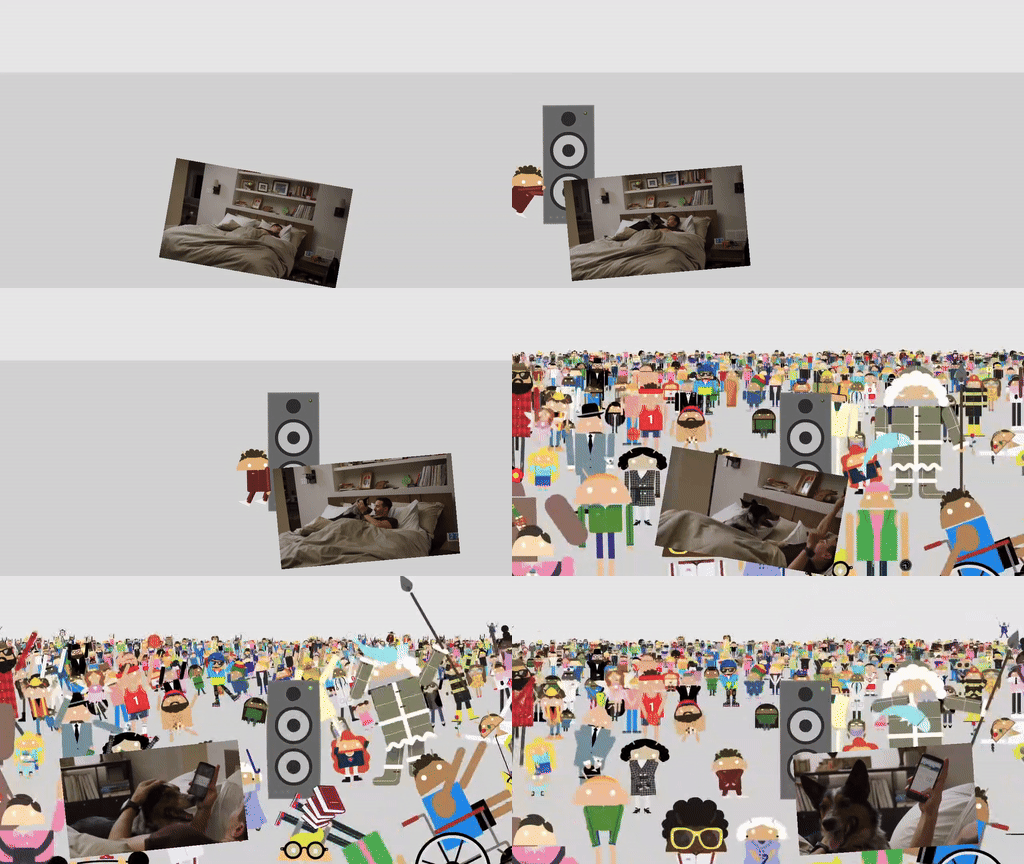
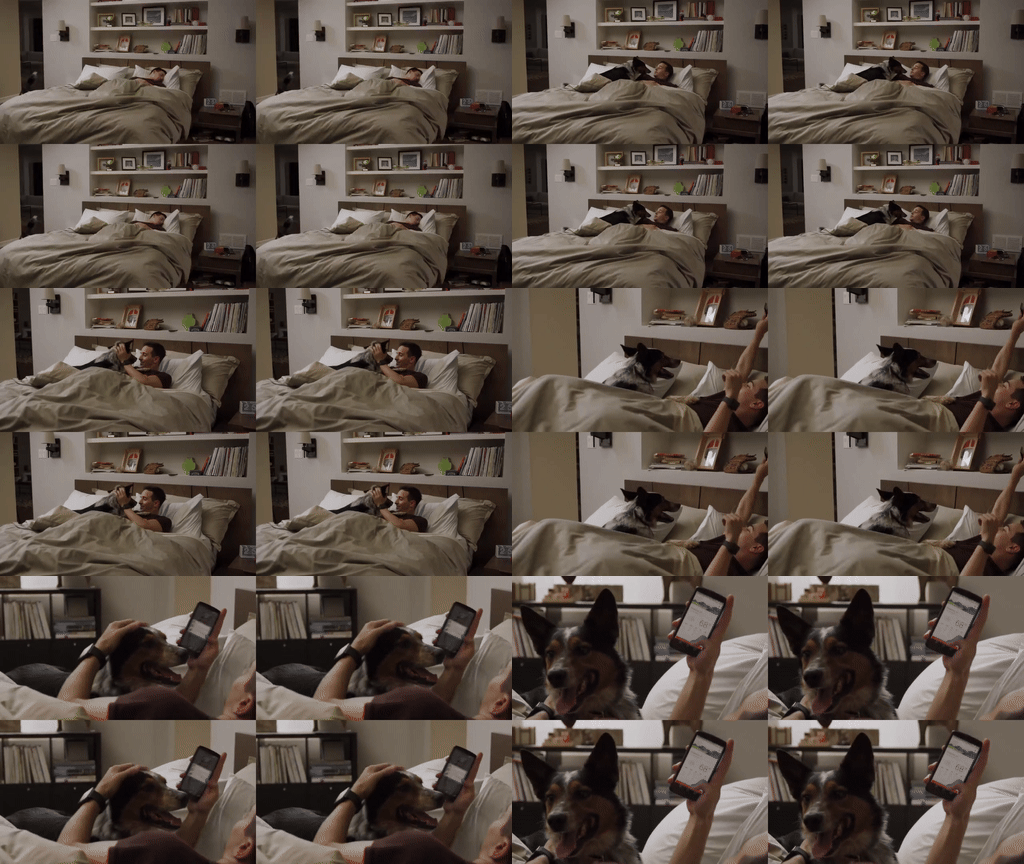
คุณสามารถดูตัวอย่างการใช้งานเลย์เอาต์เหล่านี้ได้ใน แอปเดโมการคอมโพส
ใช้งาน VideoCompositorSettings
อินเทอร์เฟซ VideoCompositorSettings มี 2 เมธอดดังนี้
getOutputSize(List<Size> inputSizes)ซึ่งคุณใช้ระบุขนาดของอินพุตแต่ละรายการได้EditedMediaItemSequencegetOverlaySettings(int inputId, long presentationTimeUs)ซึ่งเป็นที่ที่คุณระบุได้ว่าแต่ละลำดับควรปรากฏในเฟรมอย่างไร
กำหนดค่าการนำเสนอของลำดับด้วย OverlaySettings
การใช้งาน getOverlaySettings() ควรแสดงผลอินสแตนซ์ของ
OverlaySettings อินเทอร์เฟซสำหรับแต่ละลำดับในโปรเจ็กต์ พารามิเตอร์ inputId จะระบุลำดับที่จะใช้การตั้งค่า
หากต้องการสร้างอินสแตนซ์ คุณสามารถใช้คลาส StaticOverlaySettings
ที่รวมอยู่ใน Media3 ดูหน้ารายการอ้างอิง StaticOverlaySettings.Builder สำหรับรายการตัวเลือกการกำหนดค่าทั้งหมด ซึ่งรวมถึงการแก้ไขภาพ เช่น ความโปร่งใสแบบอัลฟ่าและความสว่าง HDR การแก้ไขตำแหน่ง เช่น จุดยึดและตำแหน่งภายในเฟรม รวมถึงการแปลง เช่น การหมุนและการปรับขนาด
override fun getOverlaySettings(inputId: Int, presentationTimeUs: Long): OverlaySettings { return when (inputId) { // Position the first sequence in the top-left 0 -> { StaticOverlaySettings.Builder() // Scale the video down to 1/4th the size of the frame .setScale(0.5f, 0.5f) // Anchor the sequence in the middle of frame .setOverlayFrameAnchor(0f, 0f) // Position the video in the top-left section of the frame .setBackgroundFrameAnchor(-0.5f, 0.5f) .build() } // Add more cases for remaining input sequences else -> StaticOverlaySettings.Builder().build() } }
คุณสามารถแก้ไขการตั้งค่าเหล่านี้ตามตำแหน่งของวิดีโอได้โดยใช้พารามิเตอร์ presentationTimeUs ของเมธอด getOverlaySettings() ดังที่แสดงในตัวอย่างภาพซ้อนภาพที่เคลื่อนไหวได้ก่อนหน้านี้ในหน้านี้
override fun getOverlaySettings(inputId: Int, presentationTimeUs: Long): OverlaySettings { return if (inputId == 0) { // Use the first sequence as the overlay val cycleRadians = 2 * PI * (presentationTimeUs.toDouble() / cycleTimeUs) StaticOverlaySettings.Builder() // Scale the overlay down .setScale(0.35f, 0.35f) // Anchor the overlay in the top-middle of the frame .setOverlayFrameAnchor(0f, 1f) // Move the overlay over time .setBackgroundFrameAnchor(sin(cycleRadians).toFloat() * 0.5f, -0.2f) // Rotate the overlay over time .setRotationDegrees(cos(cycleRadians).toFloat() * -10f) .build() } else { // Present the second sequence in the background as normal StaticOverlaySettings.Builder().build() } }
ความคิดเห็น
หากมีความคิดเห็นหรือคำขอฟีเจอร์สำหรับกรณีการใช้งานการคอมโพสวิดีโอ โปรดแจ้งปัญหาในที่เก็บ Media3 GitHub