Grab Reduces ANRs by 32% and improves startup time by 35% with R8 and Profile guided optimization
5 min read
Grab is Southeast Asia's leading superapp, offering deliveries, mobility, and financial services to millions of users across eight countries through a single app. With a 10-year-old codebase containing over 10 million lines of code and hundreds of third-party libraries built using a hybrid Bazel and Gradle setup, the Grab team faced three growing challenges: high Application Not Responding (ANR) rates, an app size that kept growing as the superapp added new services, and a startup time that was slowly increasing year over year. By enabling R8 optimization, refining keep rules, and implementing Baseline Profiles and Startup Profiles, Grab reduced its user-perceived ANR rate by 32%, cut app download size by ~30%, and improved startup time by 35%.
Eliminating Post-Release ANR Spikes for a Smoother User Experience
Prior to optimizing its build process, Grab faced cold start delays and App Not Responding (ANR) spikes immediately following new updates, primarily driven by the overhead of reading many DEX files during app initialization.
While Google Play's Cloud Profiles provided optimization for standard flows across the overall user base, they don’t optimize all the initialization paths required for Grab's critical user journeys—such as initializing Dagger dependency graphs during app launch. For code paths not covered in the initial distribution, devices relied on JIT compilation and local background optimization over subsequent days. Implementing a custom Baseline Profile resolved this by providing these critical user journeys directly into Google Play's Cloud Profiles, expanding their optimization coverage so that these key paths were compiled to machine code immediately at installation
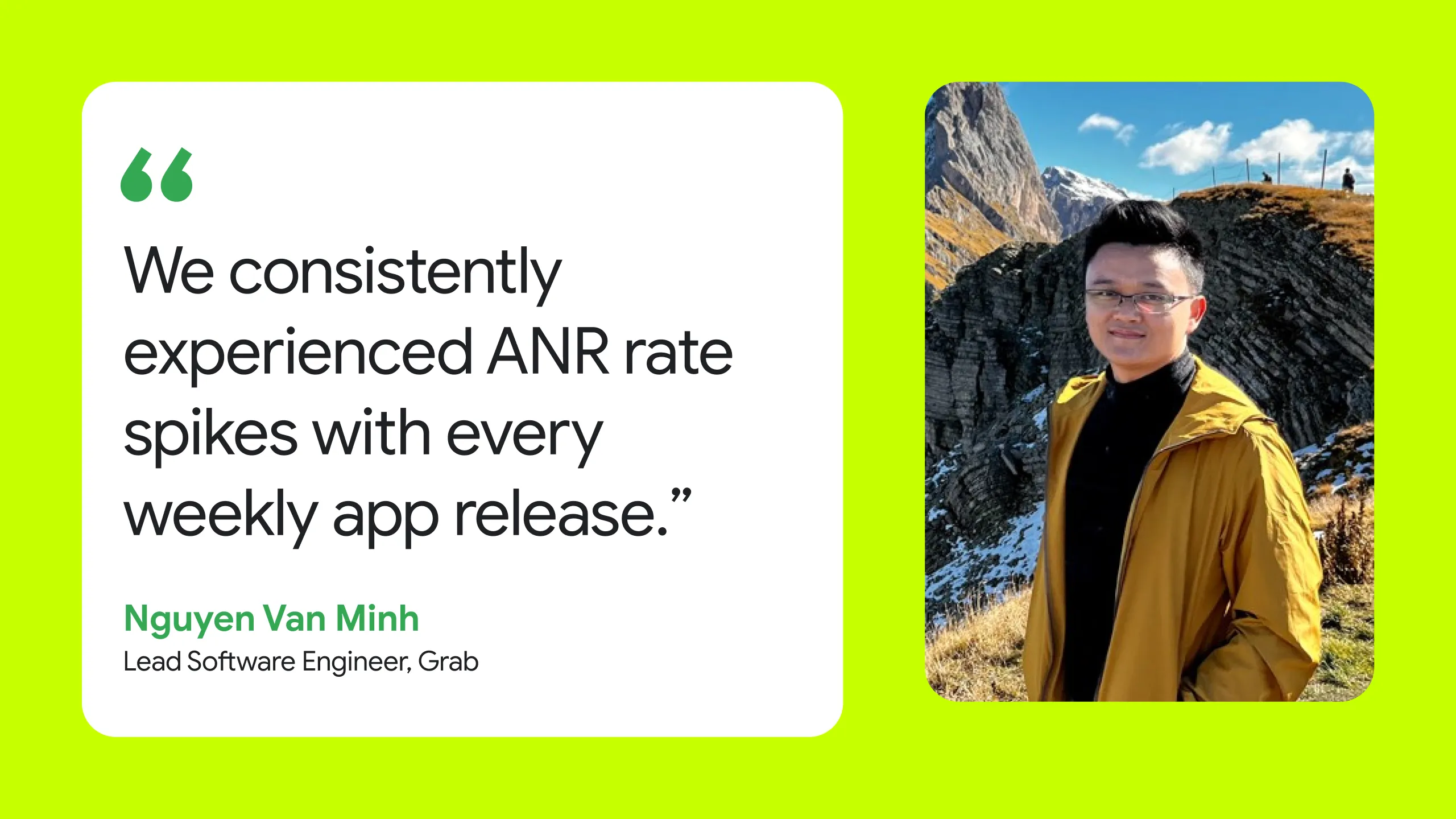
"We consistently experienced ANR rate spikes with every weekly app release," explains Nguyen Van Minh, Lead Software Engineer on Grab's Passenger App Core team.
To eliminate ANR’s and improve startup times, Grab implemented R8 optimizations, Baseline Profiles, and Startup Profiles. Profile guided optimization alongside the R8 optimizer delivered an immediate 12% cold start improvement from R8 and an additional 15% from Baseline Profiles—achieving a 27% faster startup time and effectively eliminating the post-release ANR spikes.
Grab executed this app optimization across three strategic phases: enabling R8 optimization in compat mode, transitioning to R8 Full Mode, and then refining keep rules with Configuration Analyzer and adding CI/CD governance.
Phase 1: Enabling R8 Optimization (Shipped 2025)
In this first stage, Grab moved away from the legacy default Proguard file to adopt proguard-android-optimize.txt, which enables R8 optimizations. Because the codebase was over a decade old and contains more than 10 million lines of code, enabling the optimizer required addressing legacy configurations and reflection usage.
To maximize the impact of this phase, Grab released the R8 Compat mode enabled app update with Baseline Profiles and Startup Profiles. This combined effort resulted in an immediate 25% reduction in User-Perceived ANR rates, a 16% reduction in app download size, and an overall 27% improvement in cold start times.
Phase 2: R8 Full Mode & Migration (Shipped 2026)
Launched nine months after the first rollout, this phase shifted the app into R8 Full Mode, which unlocked further optimizations. While standard libraries like Retrofit, Firebase, and Jetpack Compose worked seamlessly with R8 using their built-in rules, migrating the rest of the massive codebase was achieved by resolving specific reflection-heavy code paths:
To migrate to R8 Full mode, the team adopted the consumer keep rules from the latest Gson release to ensure seamless JSON parsing. They also addressed optimization challenges with Java dynamic proxies, which use reflection to generate interface implementations at runtime. Because R8 cannot detect this runtime usage during compilation, it strips or renames the necessary classes, causing the application to crash. Rather than applying broad exceptions that would bloat the app size, the team isolated the specific classes relying on reflection and implemented highly targeted keep rules, preserving both app stability and optimization efficiency
Ultimately, R8 Full Mode delivered massive, compounding improvements, including an additional 14% reduction in app download size, an extra 10% improvement in startup time, and another 10% decrease in user-perceived ANRs. Following the migration to R8 Full Mode, Grab’s codebase achieved these R8 Optimization scores.
- Optimization Score: 72%
- Shrinking Score: 73%
- Obfuscation Score: 79.6%
These scores provided feedback on the R8 configuration and the need for refining keep rules to maximize R8 optimization.
Phase 3: Keep-Rule Refinement
In the final phase of their optimization journey, Grab is focusing toward establishing long-term codebase health, continuous performance monitoring, and strict compilation governance. To systematically measure rule hygiene and prevent configuration regressions across ongoing release cycles, the team is integrating the R8 Configuration Analyzer into their evaluation workflow. This tool provides deep visibility into how effectively Grab’s keep rules allow R8 to optimize, shrink, and obfuscate the application.
By building on the foundation of R8 Full Mode and methodically trimming legacy keep rules, Grab is unlocking substantial improvements across all three core dimensions evaluated by the analyzer:
- Optimization Score: is increasing from 72% to 78.2%
- Shrinking Score: is increasing from 73% to 79.1%
- Obfuscation Score: is increasing from 79.6% to 81.7%
Beyond boosting these diagnostic scores, this dedicated keep-rule refinement phase is yielding an additional ~3.6% reduction in app download size. More importantly, tracking these metrics is giving the engineering team the objective data needed to implement automated pre-merge CI guardrails ensuring that newly introduced code adheres to strict keep-rule standards and that hard-won performance gains remain protected over time.
Outcomes
Key performance improvements following the R8 optimizer rollout:
| Optimization Phase | ANRs | Size | Cold Start |
|---|---|---|---|
| Phase 1: R8 Optimizer (Shipped 2025) | ~25% reduction | 16% reduction | ~27% improvement |
| Phase 2: R8 Full Mode (Shipped 2026) | 10% reduction | 14% reduction | 10% improvement |
| Keep-Rule Optimization | - | 3.6% reduction | - |
| Overall (Cumulative) | ~32.5% reduction | ~30.4% reduction | ~35% improvement |
Technical Challenges
Enabling the R8 optimizer across Grab’s decade-old codebase introduced key technical hurdles at scale:
- Testing: A decade of accumulated reflection created edge cases under full optimization. Because exhaustive testing across millions of LOC was impossible, the team took an incremental, high-priority approach— specifically focusing testing on the code covered by the keep rules being narrowed, and iteratively refining those rules to target only the specific classes, methods, or fields required for reflection to maximize R8 optimization
- Build latency and hybrid architecture: Grab’s hybrid build system (Bazel for debug, Gradle for R8 release builds) meant experimental R8 changes required up to 2 hours in remote CI. To bridge the feedback gap, Grab aligned its daily QA builds to match production R8 behavior and automated the collection of key CI build artifacts like mapping.txt, configuration.txt for streamlined investigation.
- Slow debugging cycles: Tracing root causes across hundreds of optimized classes placed a heavy burden on a lean team. Grab resolved this by automating mapping file uploads to Firebase Crashlytics via Gradle and bundling deobfuscation mappings for the Play Console, enabling instant, accurate symbol resolution for runtime issues
Long-Term Code Impact with R8
Beyond immediate performance gains, enabling the R8 optimizer yielded a permanent structural advantage for Grab's massive codebase. At Grab, the team used the open-source tool app-sizer to measure the impact of R8 and observed that R8 permanently lowered how much every line of code in the app costs in download size.

In the era of AI-assisted development, where code volume expands rapidly, this optimization is even more important. Without R8, code expansion proportionally increases the download size. R8 ensures that the same rate of code expansion maintains a drastically reduced memory footprint.
Note: Methodology: app-sizer's Kotlin/Java contribution to app download size (representative device), divided by production Kotlin LOC (cloc; main source sets only; test, mock, and sample modules excluded).
Keep Rule Management and Guardrails
To prevent rule degradation and maintain R8 optimizations over time, Grab is planning to integrate automated pre-merge guardrails directly into their CI pipeline. Under this policy, new keep rules are strictly restricted with any additional rules requiring explicit justification and review. The team at Grab tracks R8 optimization scores in CI. Building on this, the team is planning to use these metrics as a continuous feedback loop, so regressions are caught before merge and optimization gains are preserved across every release cycle.

Figure 1: CI dashboard tracking R8 shrinking, optimization, and obfuscation scores over time in Grab builds to proactively spot and prevent regressions across releases.
Conclusion
Faced with the challenges of a massive, maturing codebase, Grab's Pax App Core team proactively tackled increasing startup times and post-release performance spikes by implementing Baseline Profiles and continuously improving the R8 Configuration. The team reduced user-perceived ANRs by ~32.5%, cut app download size by ~30.3%, and improved cold start time by ~35%, while fundamentally improving how efficiently their codebase scales.
These optimizations delivered a faster, more stable superapp experience for millions of users across Southeast Asia, while giving Grab's engineers the tools to build features faster without the penalty of rapid download size bloat.
To get started and learn more about R8, visit - d.android.com/r8.


-
 Case Studies
Tinder is on a mission to power and inspire real connections by making meeting easy and fun for every new generation of singles.
Ajesh Pai, Ulises Uriel Verduzco Díaz , Tracy Agyemang • 4 min read -
 Case Studies
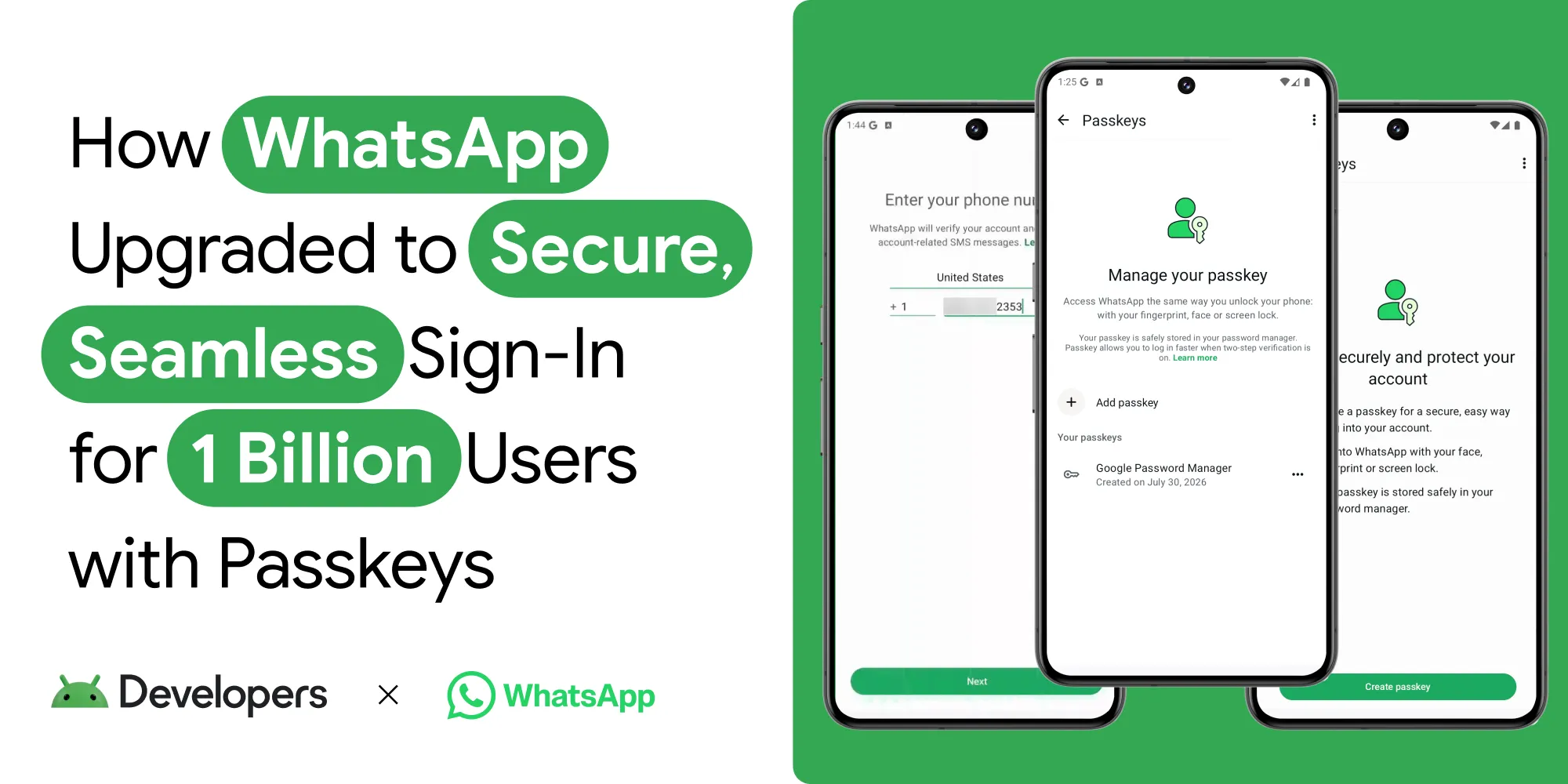
WhatsApp is the world's largest messaging platform, serving billions of users globally. It is the default communication tool for people across diverse regions, connecting users through private, reliable, and secure messaging.
Niharika Arora, Tracy Agyemang, Mayank Jain • 8 min read -


 Case Studies
Karrot is a hyperlocal, community-driven peer-to-peer marketplace app that enables users to buy, sell, and trade items with other verified users. Since launching in South Korea in 2015, the platform has expanded into global markets, amassing over 43 million registered users.
Thomas Ezan, Tracy Agyemang • 2 min read
Get the latest Android development insights delivered to your inbox weekly.