Applicable XR devices This guidance helps you build experiences for these types of XR devices. [Learn about XR device types →](https://developer.android.com/develop/xr/devices.md.txt)  Display Glasses [](https://developer.android.com/develop/xr/devices.md.txt#audio-display) [Learn about XR device types →](https://developer.android.com/develop/xr/devices.md.txt)
In Jetpack Compose Glimmer, the [`VerticalStack`](https://developer.android.com/reference/kotlin/androidx/xr/glimmer/stack/VerticalStack.composable.md.txt) is a lazy, vertically
scrollable layout that arranges items in a visually overlapping,
three-dimensional sequence. The primary item is prominently displayed in the
foreground, while subsequent items are positioned behind it.
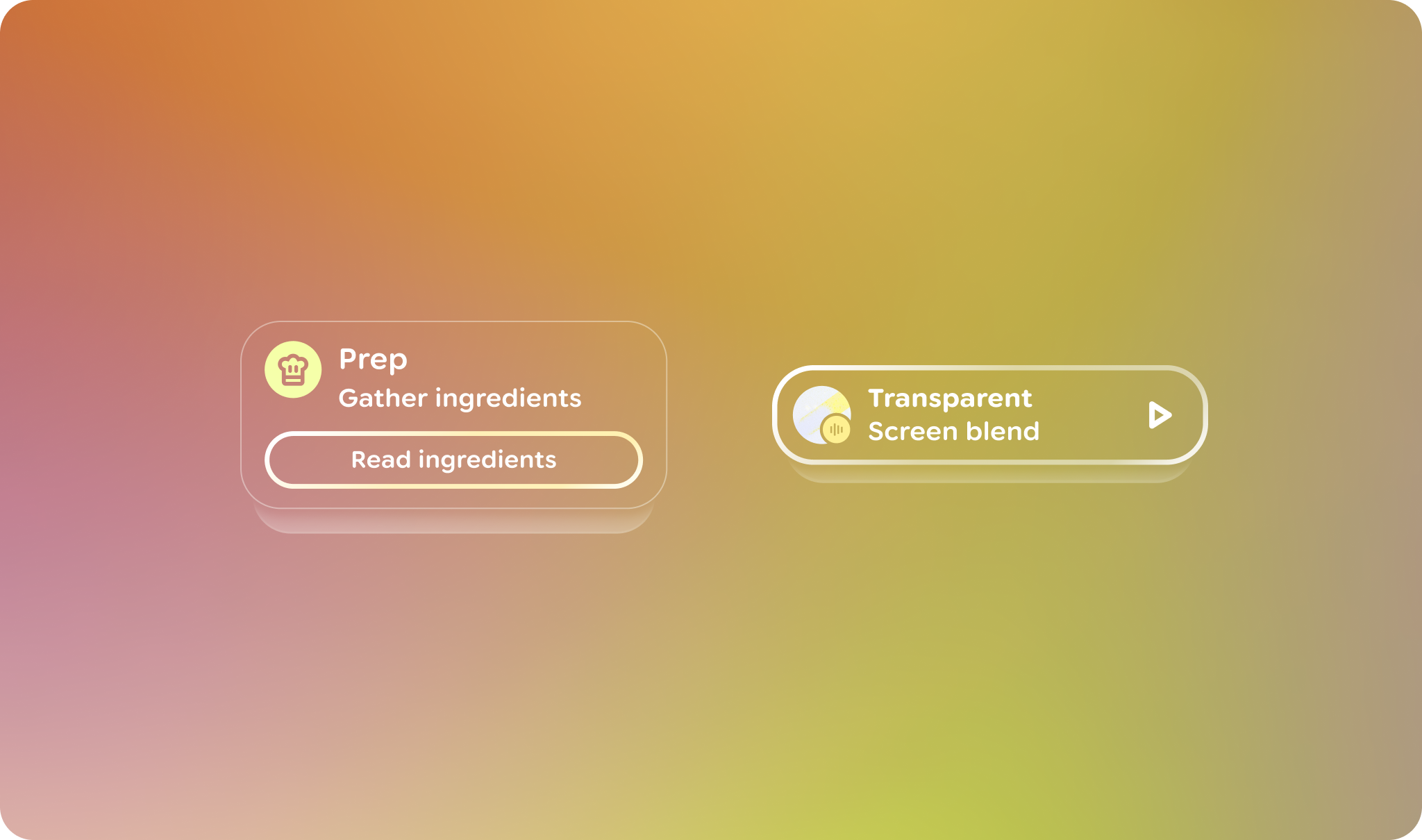 **Figure 1.** An example of some different styles of stacks in Jetpack Compose Glimmer.
## Scrolling and positioning behaviors
Because stacks keep items arranged in a compact, overlapping layout, they have
some behaviors that are different from other types of sequenced components, such
as [lists](https://developer.android.com/develop/xr/jetpack-xr-sdk/jetpack-compose-glimmer/lists):
- As a user scrolls vertically, the active foreground item transitions out of view, allowing the item immediately beneath it to slide into the prominent foreground position.
- Items always snap-animate using a specialized spring animation into the foreground position after a user's gesture ends.
- Items are positioned along the z-axis, with items further in the list placed behind the primary item.
## Focus management
The `VerticalStack` uses a specialized focus system to ensure that the current
foreground item is always the primary target for user interaction:
- **Initial focus and re-entry**: Initial focus and focus re-entry goes to the current top item of the stack.
- **Auto-focus notification**: As items transition, the stack requests focus for the top item.
- **Focus tracking** : Each item uses `onFocusChanged` to notify the `StackState` of its individual focus status.
## Example: Create a vertical stack
The following code creates a vertical stack with a few card items:
```kotlin
@Composable
fun VerticalStackSample() {
VerticalStack {
item {
Card { Text("Top Card") }
}
item {
Card { Text("Second Card") }
}
item {
Card { Text("Third Card") }
}
}
}
```