Applicable XR devices This guidance helps you build experiences for these types of XR devices. [Learn about XR device types →](https://developer.android.com/develop/xr/devices.md.txt)  XR Headsets [](https://developer.android.com/develop/xr/devices.md.txt#xr-headsets)  Wired XR Glasses [](https://developer.android.com/develop/xr/devices.md.txt#xr-glasses) [Learn about XR device types →](https://developer.android.com/develop/xr/devices.md.txt)
A [`SpatialPanel`](https://developer.android.com/reference/kotlin/androidx/xr/compose/subspace/SpatialPanel.composable.md.txt) is a [subspace composable](https://developer.android.com/develop/xr/jetpack-xr-sdk/compose/components.md.txt#subspace-composables) that lets you display your
app's content--for example, you could display video playback, still images, or
any other content in a spatial panel.
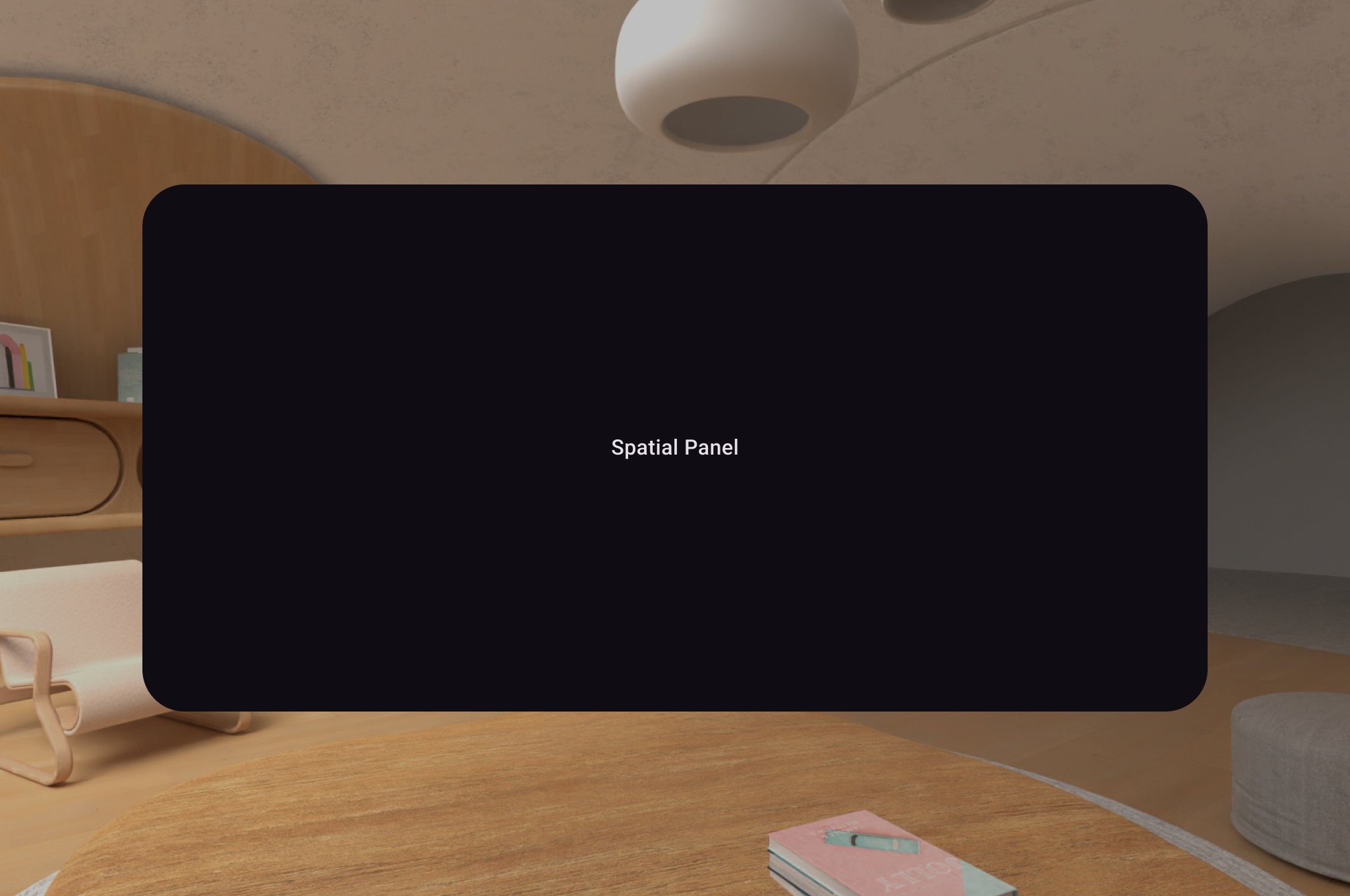 **Figure 1.**: Example of a spatial UI panel.
You can use `SubspaceModifier` to change the size, behavior, and positioning of
the spatial panel
## Create a spatial panel
The following example shows how to create a spatial panel.
> [!NOTE]
> **Note:** Add [`enableOnBackInvokedCallback="True"`](https://developer.android.com/guide/topics/manifest/activity-element.md.txt#enableOnBackInvokedCallback) inside your Android Manifest to make sure your `SpatialPanel` properly receives GNav back events.
```kotlin
Subspace {
SpatialPanel(
SubspaceModifier
.height(824.dp)
.width(1400.dp)
.movable()
.resizable(),
) {
SpatialPanelContent()
}
}
```
```kotlin
@Composable
fun SpatialPanelContent() {
Box(
Modifier
.background(color = Color.Black)
.height(500.dp)
.width(500.dp),
contentAlignment = Alignment.Center
) {
Text(
text = "Spatial Panel",
color = Color.White,
fontSize = 25.sp
)
}
}
```
### Key points about the code
- Because [`SpatialPanel`](https://developer.android.com/reference/kotlin/androidx/xr/compose/subspace/SpatialPanel.composable.md.txt) APIs are subspace composables, you must call them inside [`Subspace`](https://developer.android.com/reference/kotlin/androidx/xr/compose/spatial/Subspace.composable.md.txt). Calling them outside of a subspace throws an exception.
- The size of the `SpatialPanel` has been set using the `height` and `width` specifications on the `SubspaceModifier`. Omitting these specifications lets the size of the panel be determined by the measurements of its contents.
- Allow the user to move a panel by adding a [`movable`](https://developer.android.com/reference/kotlin/androidx/xr/compose/subspace/layout/SubspaceModifier.md.txt#(androidx.xr.compose.subspace.layout.SubspaceModifier).movable(kotlin.Boolean,kotlin.Boolean,kotlin.Boolean,kotlin.Function1,kotlin.Function1,kotlin.Function1)) subspace modifier.
- Allow the user to resize a panel by adding a [`resizable`](https://developer.android.com/reference/kotlin/androidx/xr/compose/subspace/layout/SubspaceModifier.md.txt#(androidx.xr.compose.subspace.layout.SubspaceModifier).resizable(kotlin.Boolean,androidx.xr.compose.unit.DpVolumeSize,androidx.xr.compose.unit.DpVolumeSize,kotlin.Boolean,kotlin.Function1,kotlin.Function1,kotlin.Function1)) subspace modifier.
- See our [spatial panel design guidance](https://developer.android.com/design/ui/xr/guides/spatial-ui.md.txt#spatial-panels) for details on sizing and positioning. See our [reference documentation](https://developer.android.com/reference/kotlin/androidx/xr/compose/subspace/package-summary.md.txt) for more specifics on code implementation.
#### How the `movable` modifier works
As a user moves a panel away from them, by default, the `movable` modifier
scales the panel in a similar way to how panels are resized by the system in
[home space](https://developer.android.com/develop/xr/jetpack-xr-sdk/transition-home-space-to-full-space.md.txt). All children content inherit this behavior. To disable this,
set the `shouldScaleWithDistance` parameter to `false`.
## Add multiple spatial panels to a spatial layout
You can create multiple spatial panels and place them within a spatial layout
using [`SpatialRow`](https://developer.android.com/reference/kotlin/androidx/xr/compose/subspace/SpatialRow.composable.md.txt), [`SpatialColumn`](https://developer.android.com/reference/kotlin/androidx/xr/compose/subspace/SpatialColumn.composable.md.txt), [`SpatialBox`](https://developer.android.com/reference/kotlin/androidx/xr/compose/subspace/SpatialBox.composable.md.txt), and
[`SpatialSpacer`](https://developer.android.com/reference/kotlin/androidx/xr/compose/subspace/SpatialSpacer.composable.md.txt).
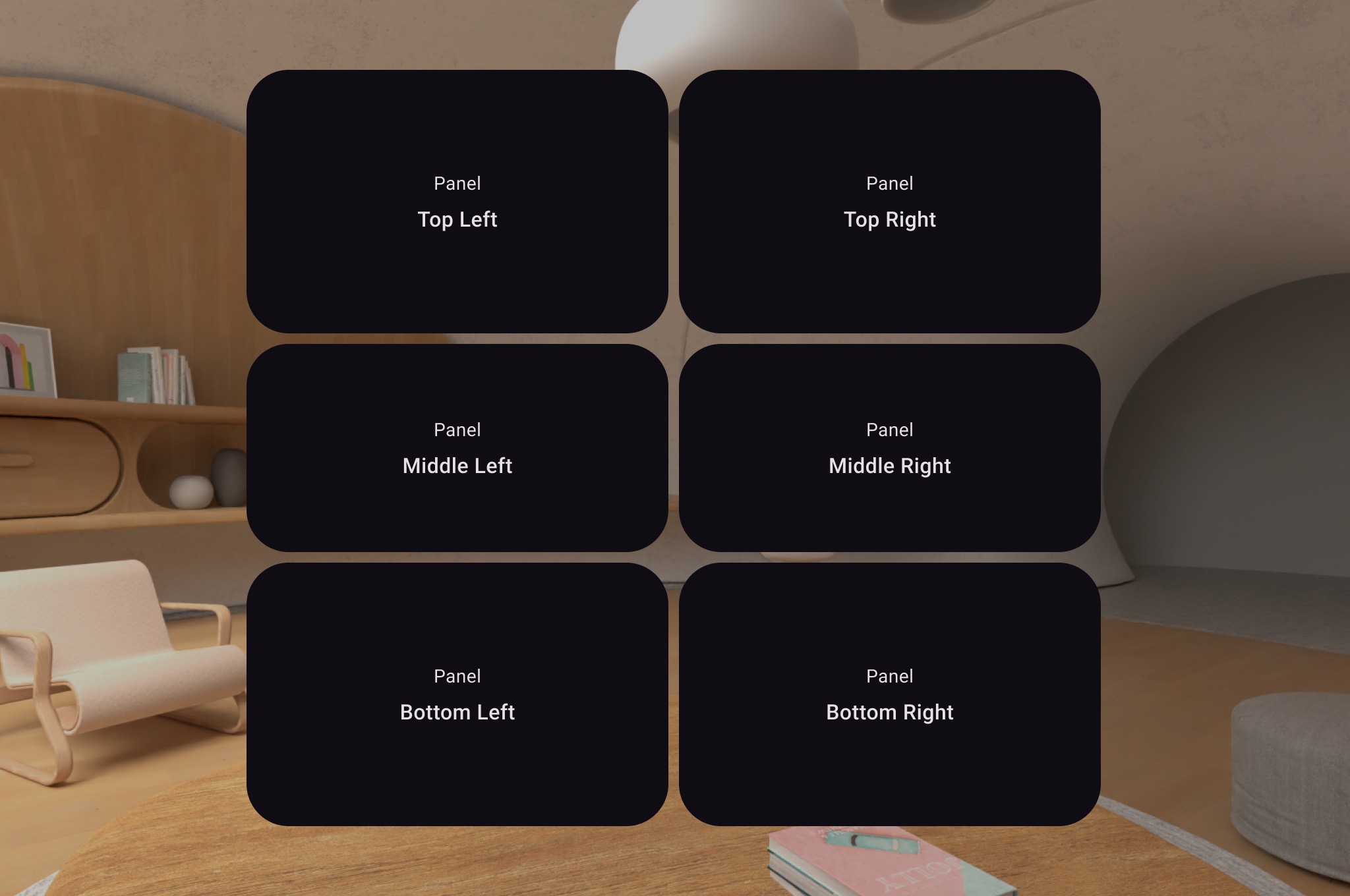 **Figure 2.**: Example of multiple spatial panels in a spatial layout.
The following code example shows how to do this.
```kotlin
Subspace {
SpatialRow {
SpatialColumn {
SpatialPanel(SubspaceModifier.height(250.dp).width(400.dp)) {
SpatialPanelContent("Top Left")
}
SpatialPanel(SubspaceModifier.height(200.dp).width(400.dp)) {
SpatialPanelContent("Middle Left")
}
SpatialPanel(SubspaceModifier.height(250.dp).width(400.dp)) {
SpatialPanelContent("Bottom Left")
}
}
SpatialColumn {
SpatialPanel(SubspaceModifier.height(250.dp).width(400.dp)) {
SpatialPanelContent("Top Right")
}
SpatialPanel(SubspaceModifier.height(200.dp).width(400.dp)) {
SpatialPanelContent("Middle Right")
}
SpatialPanel(SubspaceModifier.height(250.dp).width(400.dp)) {
SpatialPanelContent("Bottom Right")
}
}
}
}
```
```kotlin
@Composable
fun SpatialPanelContent(text: String) {
Column(
Modifier
.background(color = Color.Black)
.fillMaxSize(),
horizontalAlignment = Alignment.CenterHorizontally,
verticalArrangement = Arrangement.Center
) {
Text(
text = "Panel",
color = Color.White,
fontSize = 15.sp
)
Text(
text = text,
color = Color.White,
fontSize = 25.sp,
fontWeight = FontWeight.Bold
)
}
}
```
### Key points about the code
- [`SpatialRow`](https://developer.android.com/reference/kotlin/androidx/xr/compose/subspace/SpatialRow.composable.md.txt), [`SpatialColumn`](https://developer.android.com/reference/kotlin/androidx/xr/compose/subspace/SpatialColumn.composable.md.txt), [`SpatialBox`](https://developer.android.com/reference/kotlin/androidx/xr/compose/subspace/SpatialBox.composable.md.txt), and [`SpatialSpacer`](https://developer.android.com/reference/kotlin/androidx/xr/compose/subspace/SpatialSpacer.composable.md.txt) are all subspace composables and must be placed within a subspace.
- Use [`SubspaceModifier`](https://developer.android.com/reference/kotlin/androidx/xr/compose/subspace/layout/SubspaceModifier.md.txt) to customize your layout.
- For layouts with multiple panels in a row, we recommend setting a curve radius of 825dp using a `SubspaceModifier` so the panels will surround your user. See our [design guidance](https://developer.android.com/design/ui/xr/guides/spatial-ui.md.txt#spatial-panels) for details.
## Create custom panels and layouts
To create custom panels that are not supported by Compose for XR, you can work
directly with [`PanelEntity`](https://developer.android.com/reference/kotlin/androidx/xr/scenecore/PanelEntity.md.txt) instances and the scene graph using the
[`SceneCore`](https://developer.android.com/reference/kotlin/androidx/xr/scenecore/package-summary.md.txt) APIs.