You can create a more interactive and engaging user experience in your app by
loading a drawable file to display animated images. Animated images are useful
for creating loading indicators, success or error indicators, facilitating game
development, and various other UI functions.
## Results
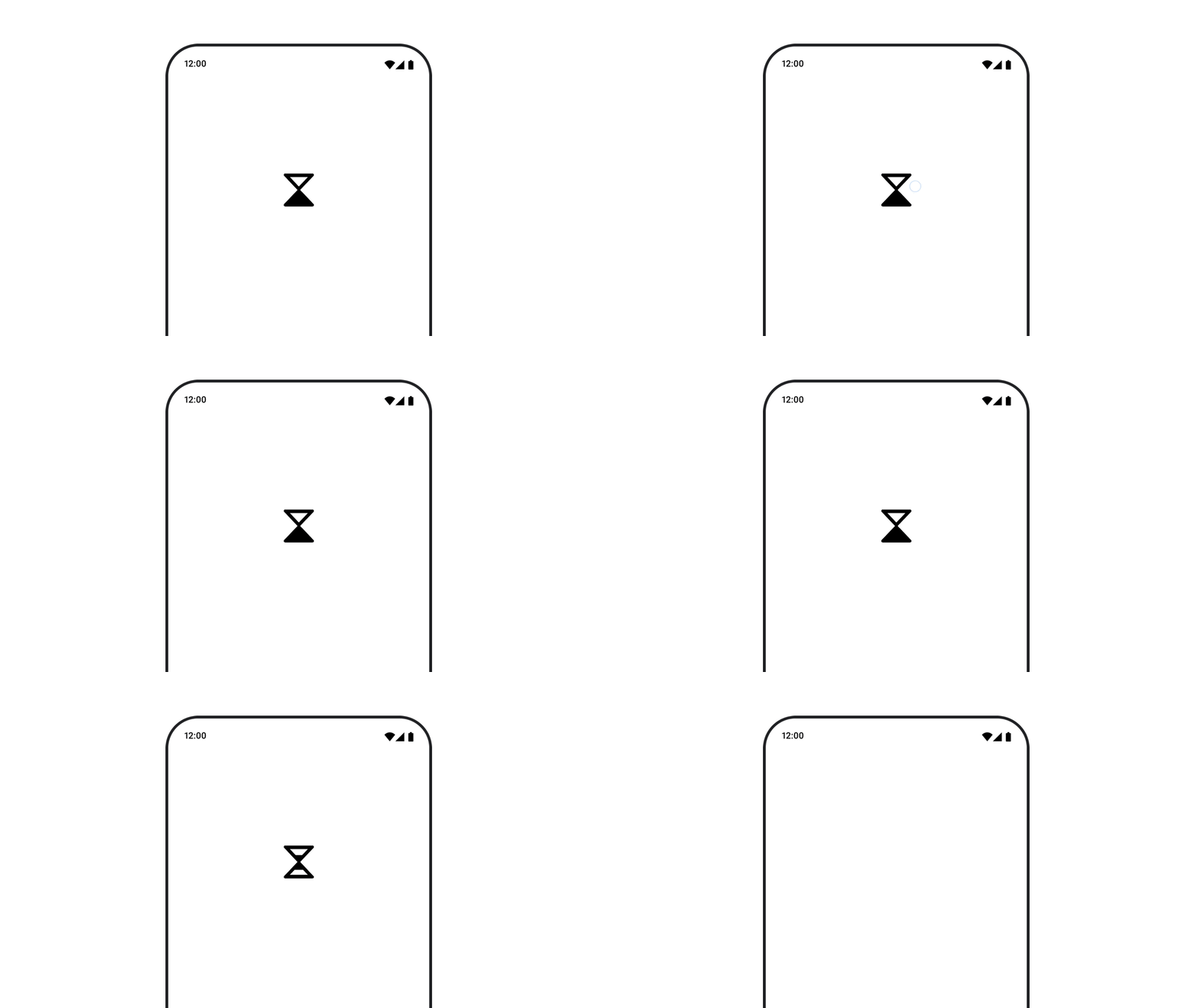 **Figure 1.** Animated vector drawable in Compose.
## Version compatibility
This implementation requires that your project minSDK be set to API level 21 or
higher.
### Dependencies
## Display an animated image
The following code displays an animated vector that automatically toggles
between two states:
```kotlin
@Composable
fun AnimatedVectorDrawable() {
val image = AnimatedImageVector.animatedVectorResource(R.drawable.ic_hourglass_animated)
var atEnd by remember { mutableStateOf(false) }
Image(
painter = rememberAnimatedVectorPainter(image, atEnd),
contentDescription = "Timer",
modifier = Modifier.clickable {
atEnd = !atEnd
},
contentScale = ContentScale.Crop
)
}
```
### Key points about the code
- Loads a vector resource, animating the drawing attributes over time.
- An `Image` instance that uses a [`Painter`](https://developer.android.com/reference/kotlin/androidx/compose/ui/graphics/painter/Painter.md.txt) instance to perform the animation, created from the `AnimatedImageVector` and `boolean` state by the `rememberAnimatedVectorPainter()` function.
- When `atEnd` is `true`, the `Painter` instance stops animating.
## Collections that contain this guide
This guide is part of these curated Quick Guide collections that cover
broader Android development goals:
 
### Display images
Discover techniques for using bright, engaging visuals to give your Android app a beautiful look and feel. [Quick guide collection](https://developer.android.com/develop/ui/compose/quick-guides/collections/display-images) 
## Have questions or feedback
Go to our frequently asked questions page and learn about quick guides or reach out and let us know your thoughts. [Go to FAQ](https://developer.android.com/quick-guides/faq.md.txt) [Leave feedback](https://issuetracker.google.com/issues/new?component=1573691&template=1993320)