A bottom sheet shows secondary content, anchored to the bottom of the screen.
## Results
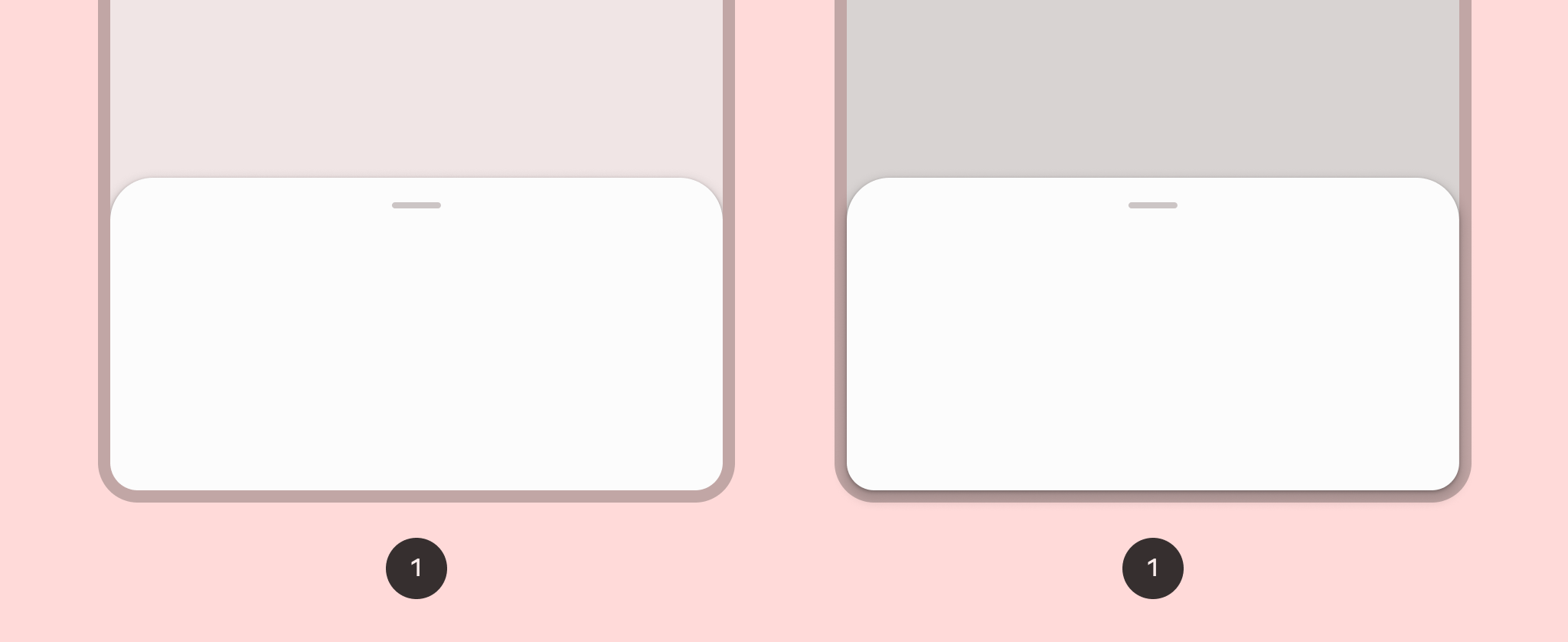
**Figure 1.** A standard bottom sheet (left) and a modal bottom sheet (right).
## Version compatibility
This implementation requires that your project minSDK be set to API level 21 or
higher.
### Dependencies
## Implement a bottom sheet
To implement a [bottom sheet](https://m3.material.io/components/bottom-sheets/overview), use the [`ModalBottomSheet`](https://developer.android.com/reference/kotlin/androidx/compose/material3/ModalBottomSheet.composable.md.txt)
composable:
## Expand and collapse the sheet
To expand and collapse the sheet, use [`SheetState`](https://developer.android.com/reference/kotlin/androidx/compose/material3/SheetState.md.txt):
### Key points
- Use the `content` slot, which uses a [`ColumnScope`](https://developer.android.com/reference/kotlin/androidx/compose/foundation/layout/ColumnScope.md.txt) to lay out sheet content composables in a column.
- Use [`rememberSheetState`](https://developer.android.com/reference/kotlin/androidx/compose/material3/package-summary.md.txt#rememberSheetState(kotlin.Boolean,kotlin.Function1)) to create an instance of `SheetState` that you pass to `ModalBottomSheet` with the `sheetState` parameter.
- `SheetState` provides access to the [`show`](https://developer.android.com/reference/kotlin/androidx/compose/material3/SheetState.md.txt#show()) and [`hide`](https://developer.android.com/reference/kotlin/androidx/compose/material3/SheetState.md.txt#hide()) functions
and to properties related to the current sheet state. These functions
require a `CoroutineScope` --- for example, [`rememberCoroutineScope`](https://developer.android.com/reference/kotlin/androidx/compose/runtime/package-summary.md.txt#remembercoroutinescope) ---
and can be called in response to UI events.
- Make sure to remove the `ModalBottomSheet` from composition when you hide
the bottom sheet.
## Collections that contain this guide
This guide is part of these curated Quick Guide collections that cover
broader Android development goals:
 
### Display interactive components
Learn how composable functions can enable you to easily create beautiful UI components based on the Material Design design system. [Quick guide collection](https://developer.android.com/develop/ui/compose/quick-guides/collections/display-interactive-components) 
## Have questions or feedback
Go to our frequently asked questions page and learn about quick guides or reach out and let us know your thoughts. [Go to FAQ](https://developer.android.com/quick-guides/faq.md.txt) [Leave feedback](https://issuetracker.google.com/issues/new?component=1573691&template=1993320)