This guide includes details for optional widget enhancements that are
straightforward to implement and improve your users' widget experience.
## Add a name to your widget
Widgets need to have a unique name when they are displayed in the widget picker.
Widgets' names are loaded from the `label` attribute of the widget's `receiver`
element in the AndroidManifest.xml file.
....
## Add a description for your widget
Starting in Android 12, provide a description for the widget
picker to display for your widget.
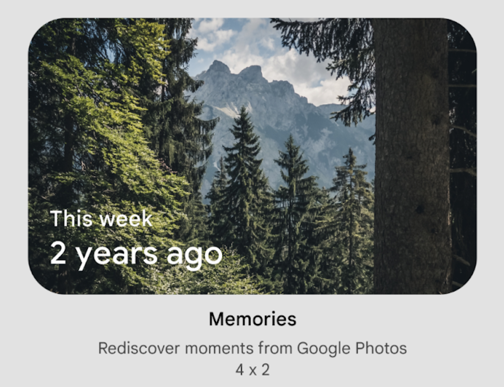 **Figure 1.** Sample widget picker showing a widget and its description.
Provide a description for your widget using the `description` attribute of the
`<appwidget-provider>` element:
> [!NOTE]
> **Note:** Be concise. There is no character limit, but the representation and available space for the description might differ depending on the device.
You can use the
[`descriptionRes`](https://developer.android.com/reference/android/appwidget/AppWidgetProviderInfo#descriptionRes)
attribute on previous versions of Android, but it is ignored by the widget
picker.