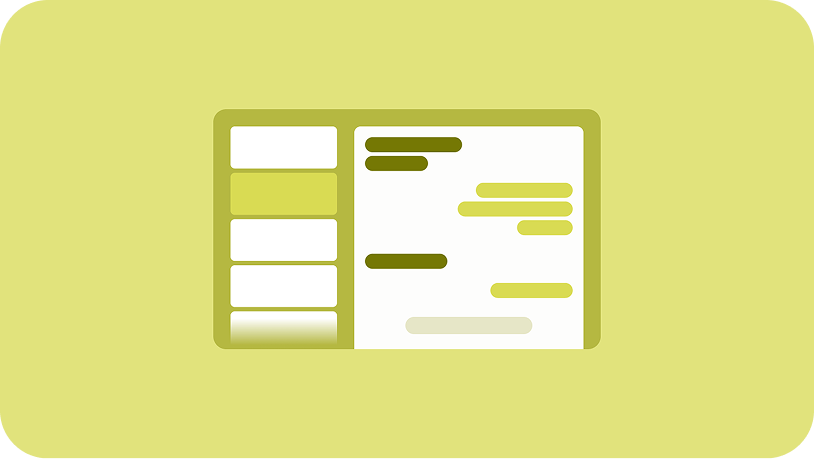
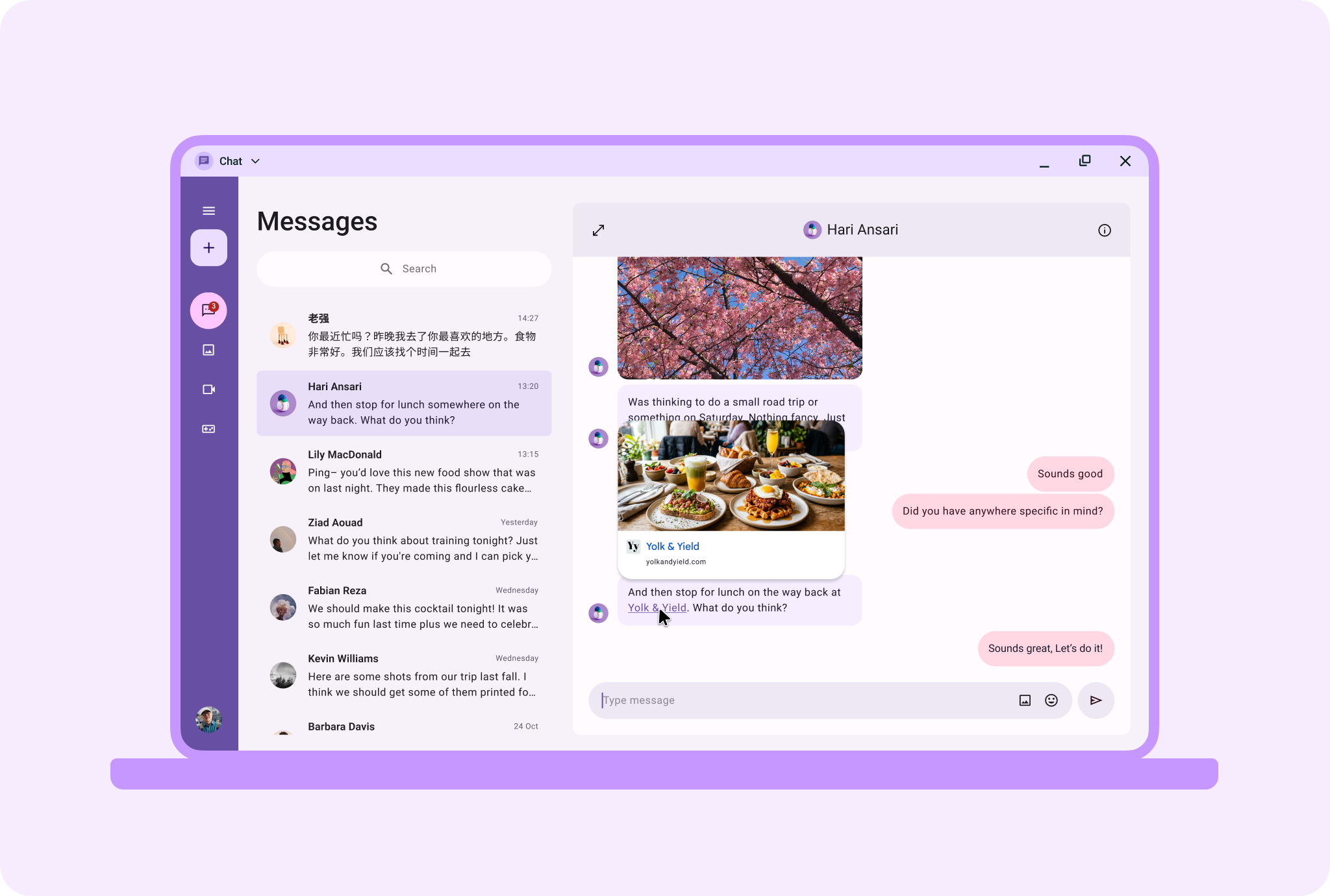
Laptops provide precise and productive input controls with more interaction
states and keyboard shortcuts.
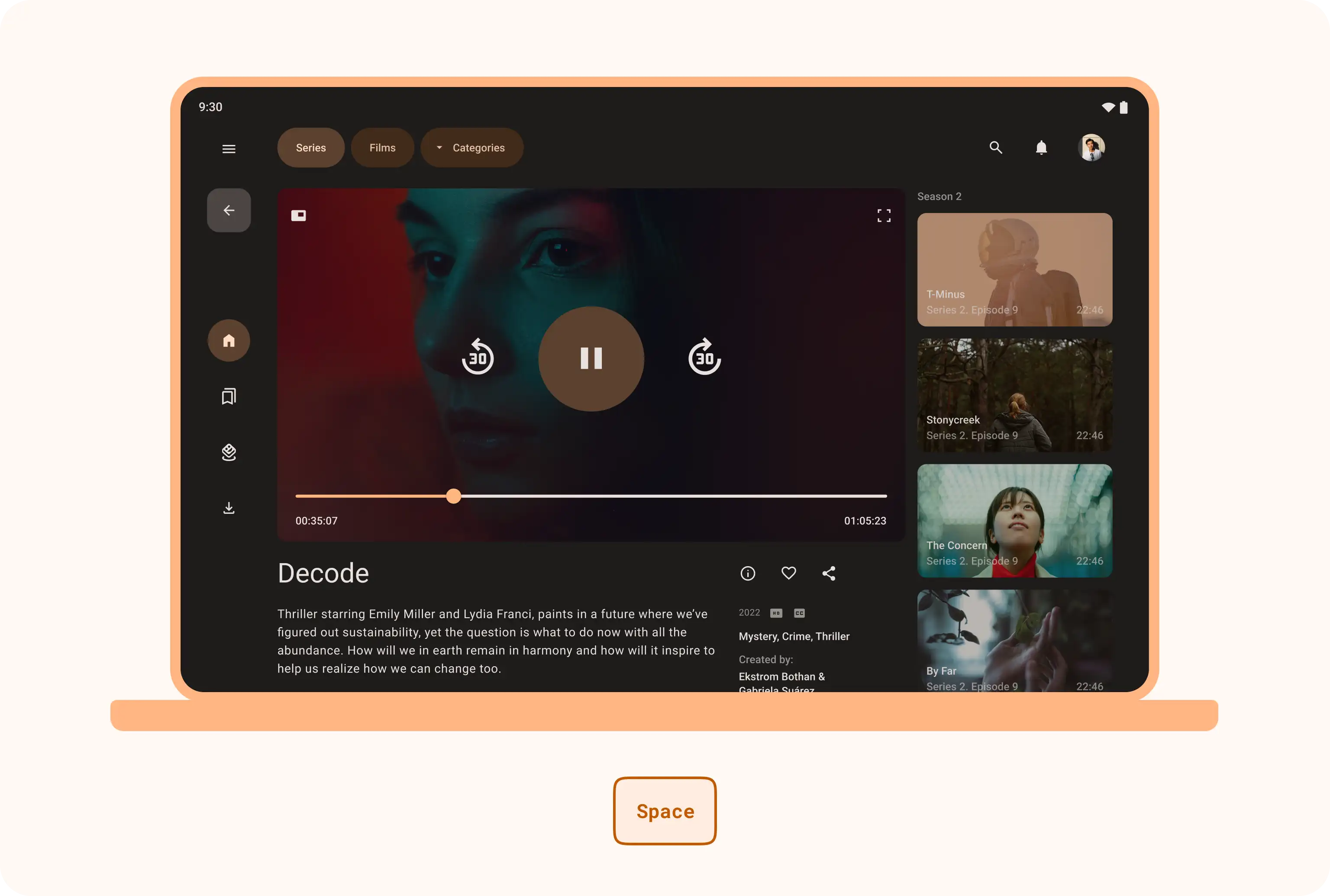
In media apps, the **Space** bar can control playback.
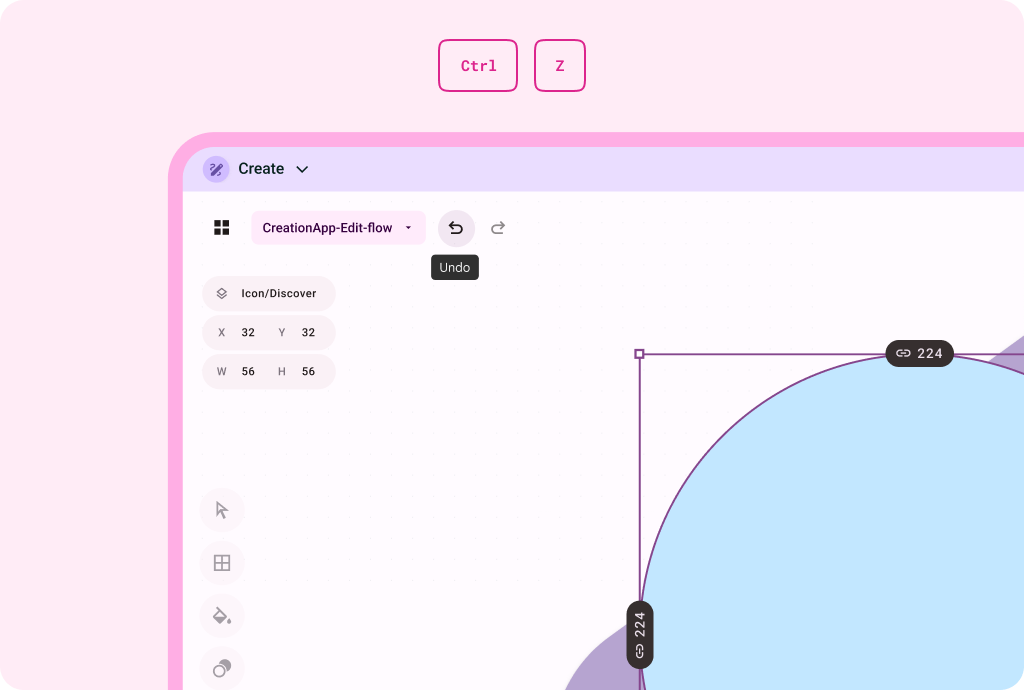
Keyboard shortcuts make creativity apps more efficient.
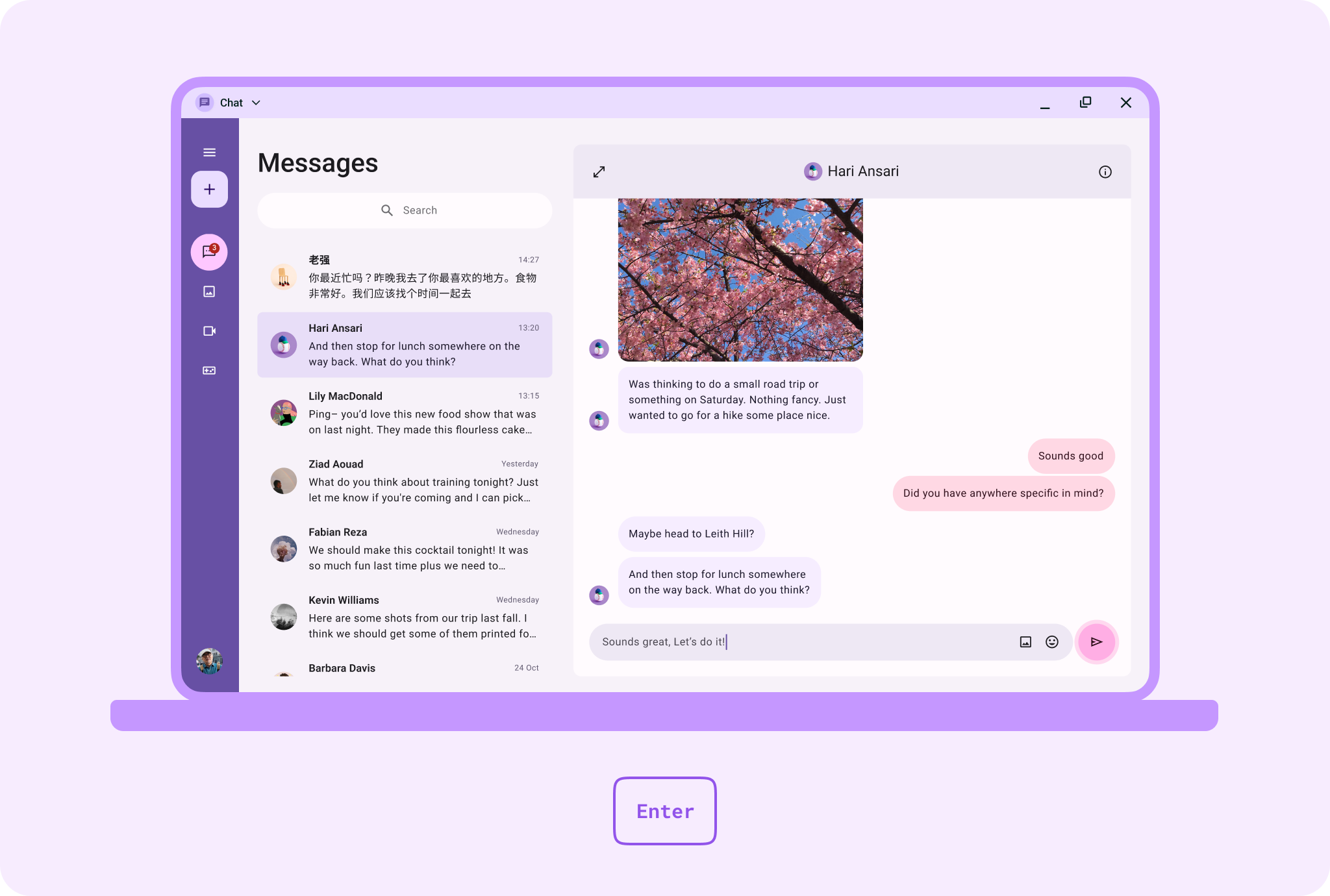
In social apps, pressing **Enter** sends messages faster.
Custom hover states make links more informative.
*** ** * ** ***
## Android AdaptiveUI Samples
Explore inspiring, optimized designs for large screen devices. Browse UI/UX
templates for popular app categories, including media, creativity, games, and
more.
[View Figma
Kit](https://www.figma.com/community/file/1539759053650269019/android-adaptive-ui-samples)
## Implement a list-detail
A list-detail layout enables users to explore lists of items that have
descriptive, explanatory, or other supplementary information---the item detail.
[Learn more](https://developer.android.com/develop/ui/compose/layouts/adaptive/canonical-layouts#list-detail)
[Material Design website](https://material.io/foundations/layout/canonical-layouts/list-detail)