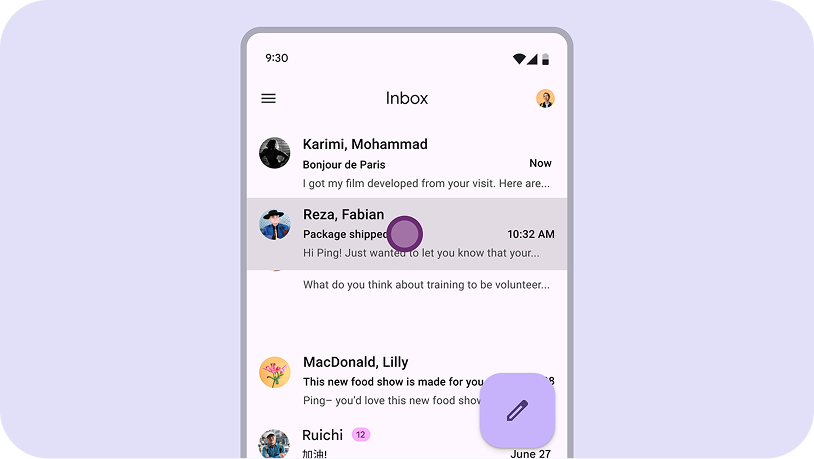
Make content sharing simple with spacious layouts that enable natural,
fumble-free drag-and-drop interactions within apps and, in multi-window mode,
between apps.
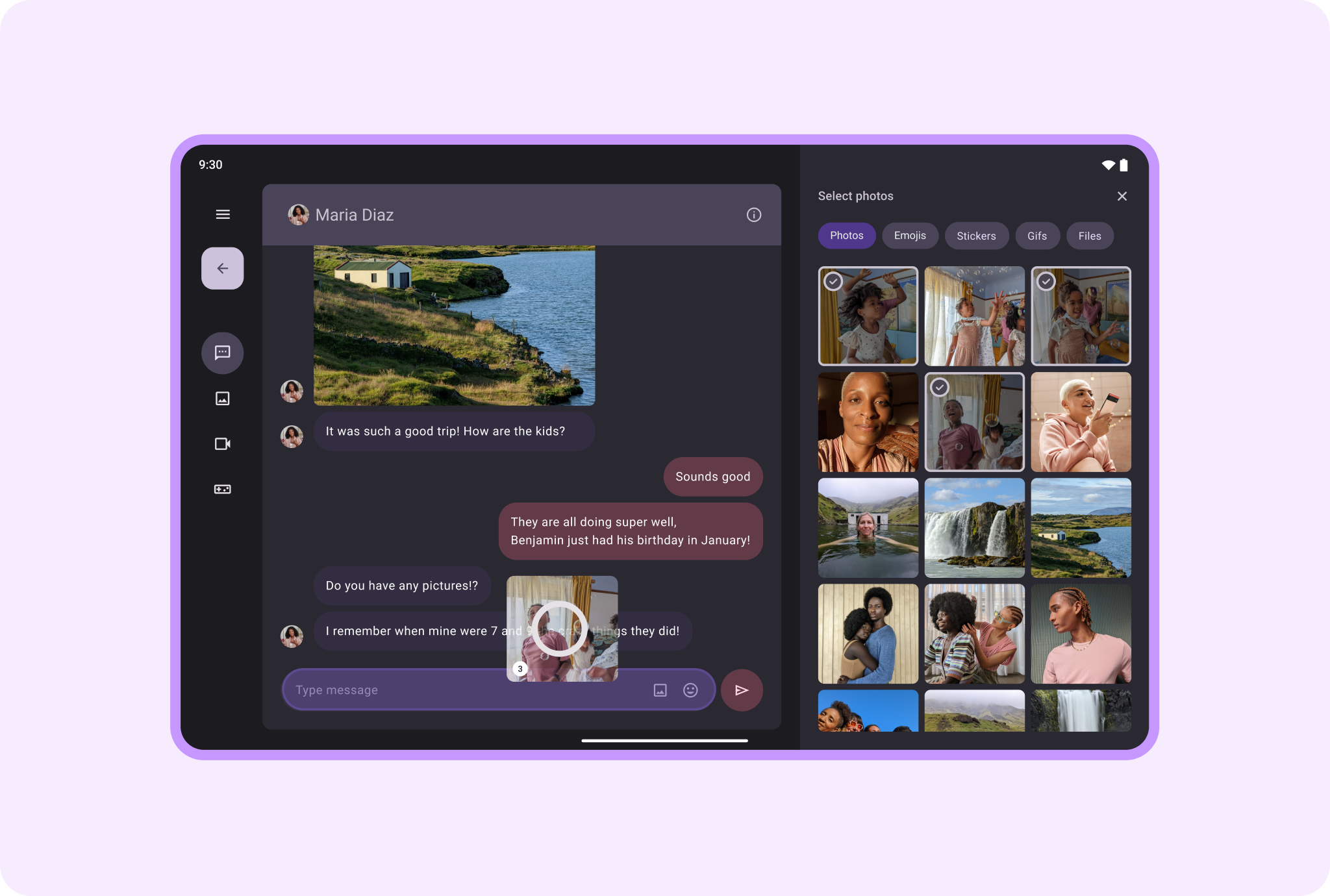
When a pointer input is available, desktop devices let you drag with more
precision.
*** ** * ** ***
## Android AdaptiveUI Samples
Explore inspiring, optimized designs for large screen devices. Browse UI/UX
templates for popular app categories, including media, creativity, games, and
more.
[View Figma
Kit](https://www.figma.com/community/file/1539759053650269019/android-adaptive-ui-samples)
## Implement a supporting pane
A mobile view may require supporting content or controls, typically in the form
of sheets or dialogs, to help the primary view stay focused and uncluttered.
[Learn
more](https://developer.android.com/develop/ui/compose/layouts/adaptive/canonical-layouts#supporting-pane)
[Material Design
website](https://material.io/foundations/layout/canonical-layouts/supporting-pane)

## Drag and drop
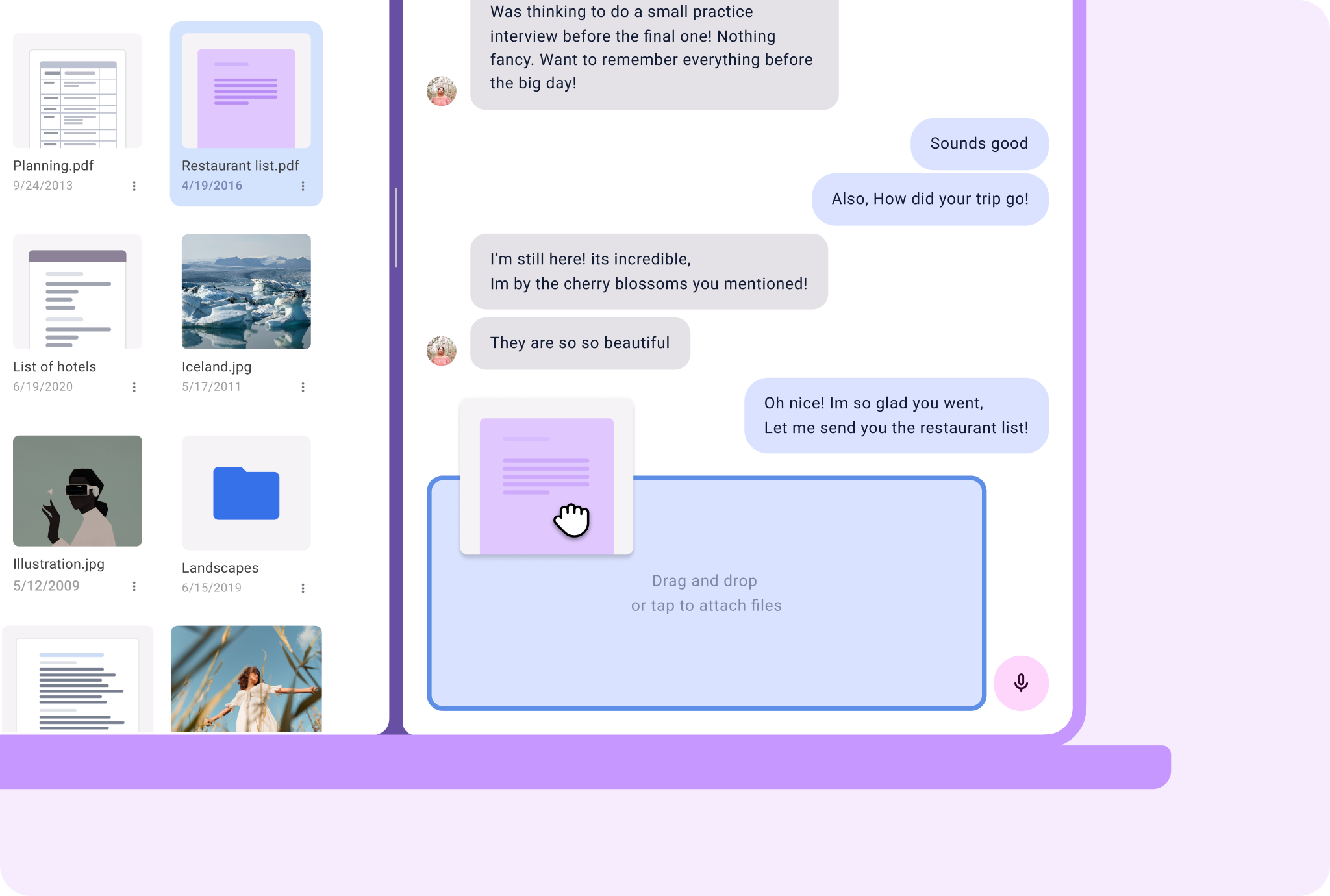
Make content sharing simple with spacious layouts that enable natural,
fumble-free drag-and-drop interactions within apps and, in multi-window mode,
between apps.
[Learn
more](https://developer.android.com/develop/ui/views/touch-and-input/drag-drop)