Distinctive features and capabilities not possible on small screen devices.
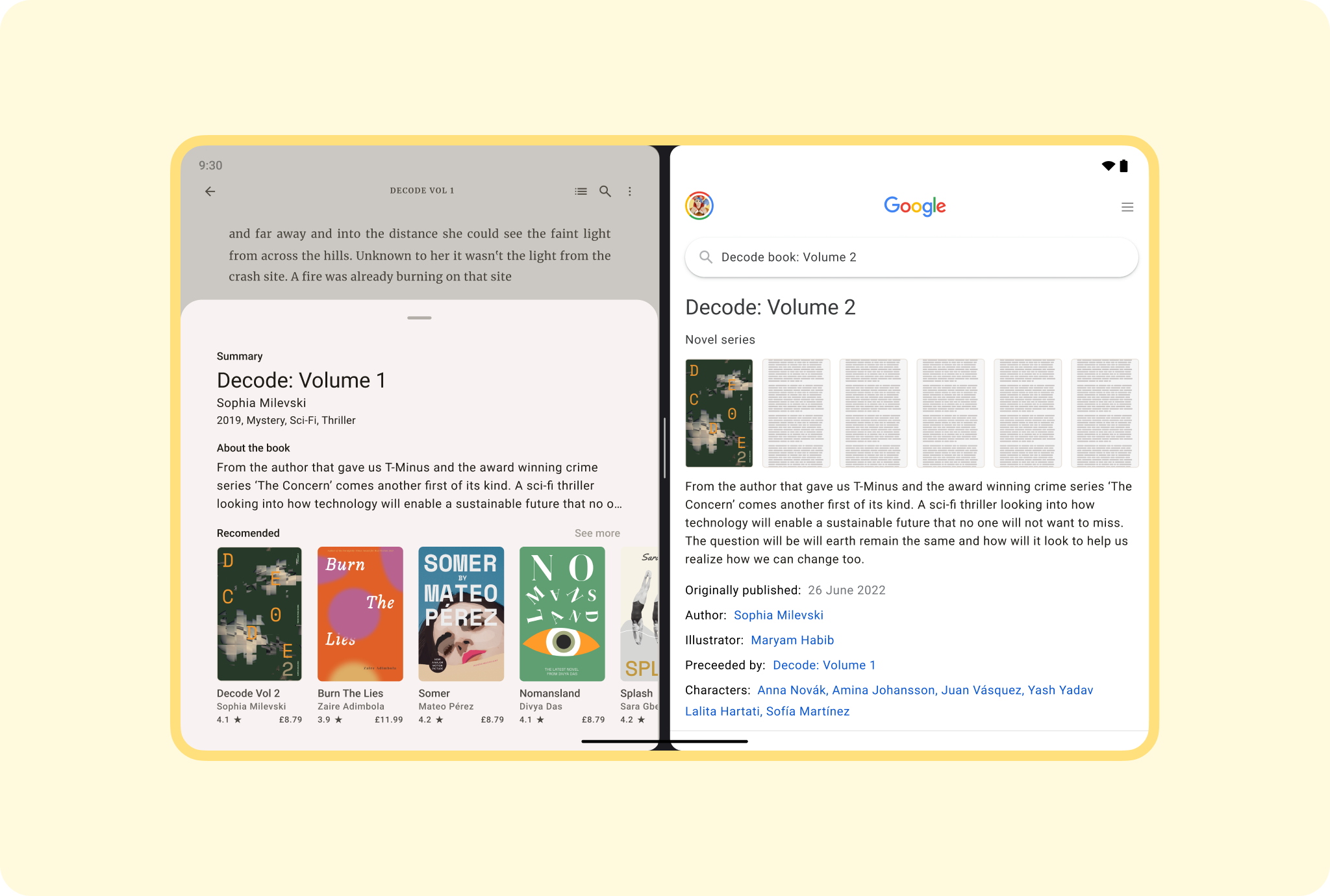
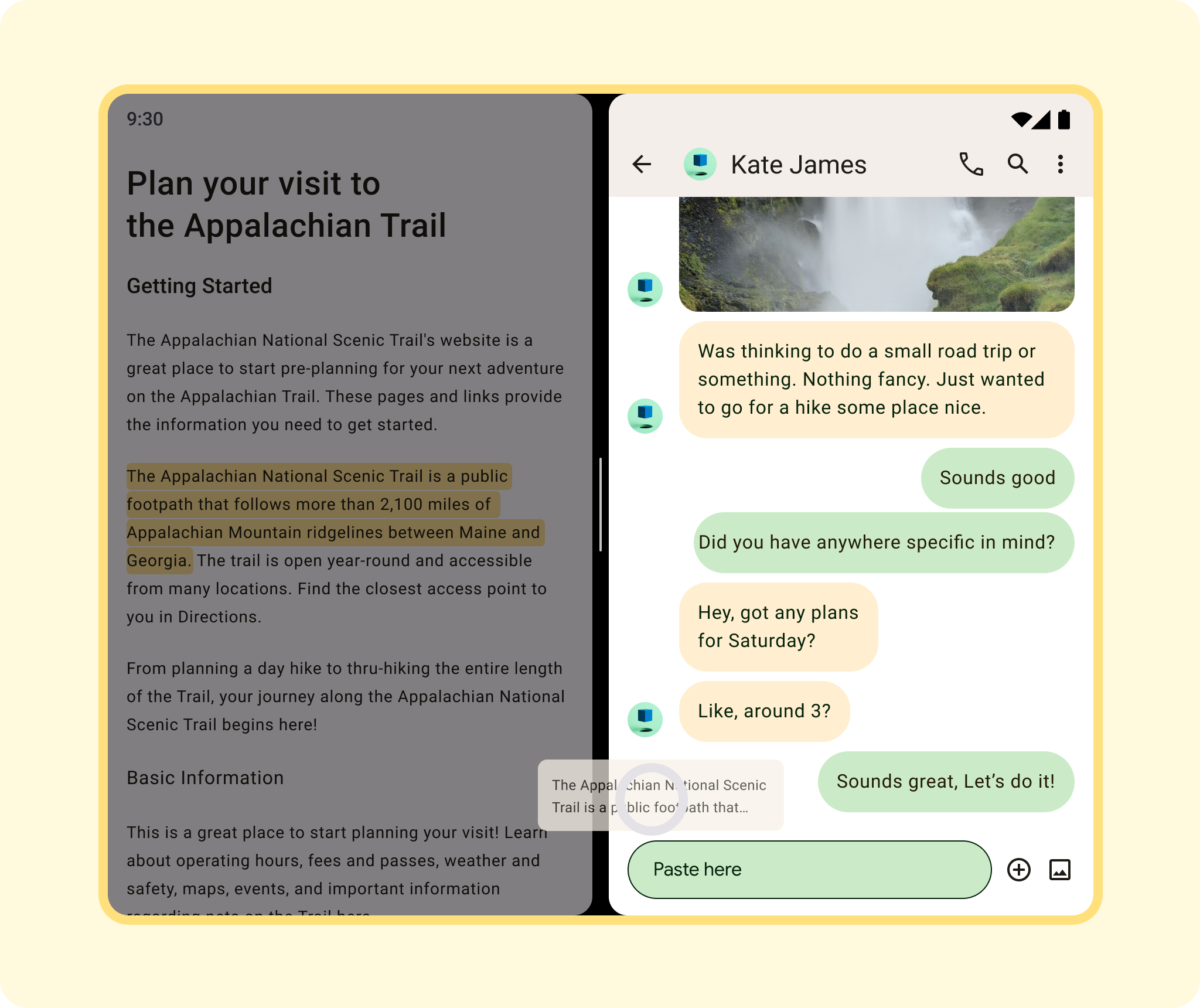
With multi-window mode on expansive displays, readers can pore over weighty
tomes in one window while taking notes, checking facts, or sharing observations
in another window, in another app, instantly.
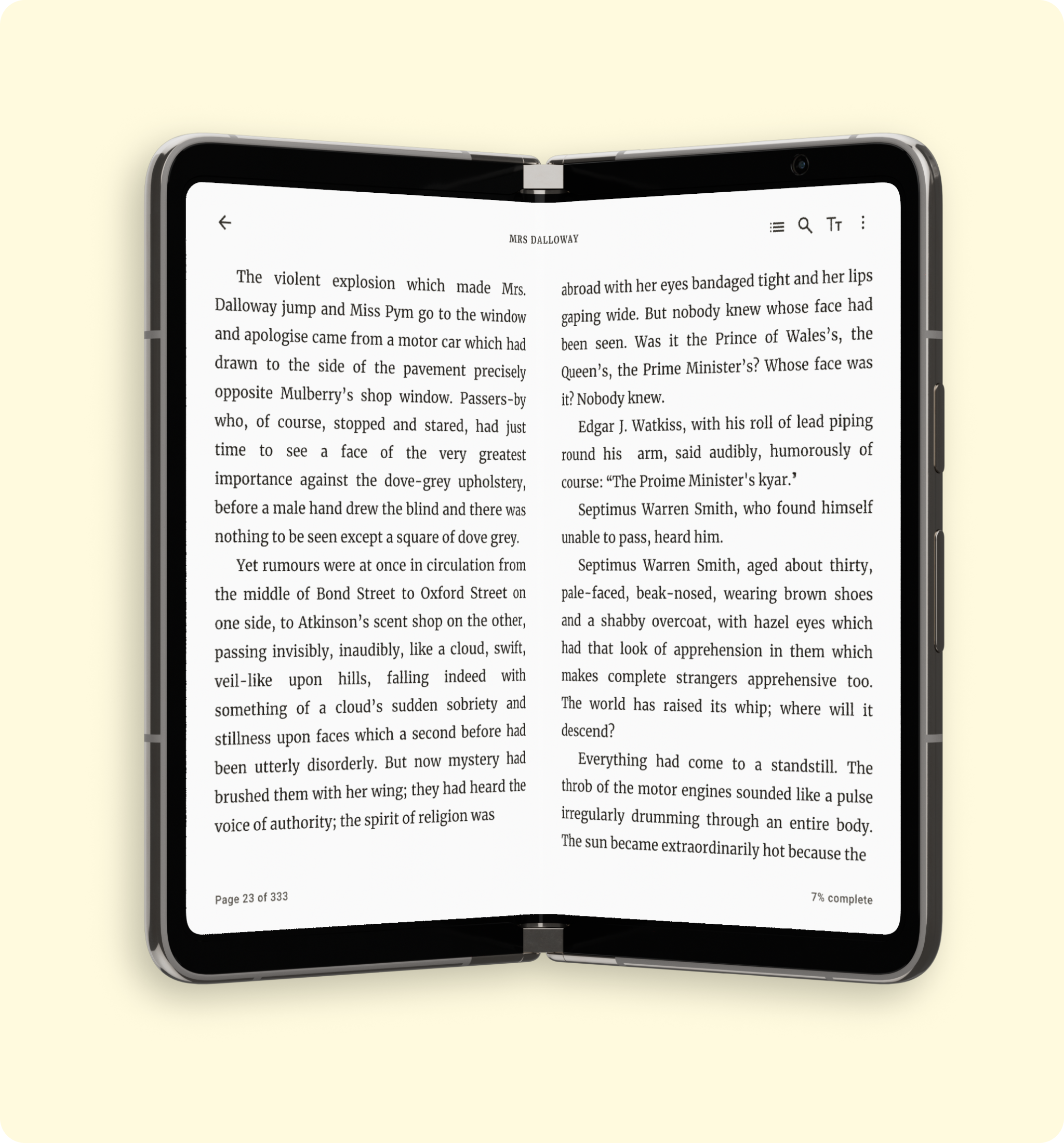
Foldables have the angle on e-books. Capture the experience of reading a real
book with a two-page layout on a large screen foldable open like a bound book.
It's an e-book in fact, form, and function.
*** ** * ** ***
## Android AdaptiveUI Samples
Explore inspiring, optimized designs for large screen devices. Browse UI/UX
templates for popular app categories, including media, creativity, games, and
more.
[View Figma
Kit](https://www.figma.com/community/file/1539759053650269019/android-adaptive-ui-samples)
## Implement a supporting pane
A mobile view may require supporting content or controls, typically in the form
of sheets or dialogs, to help the primary view stay focused and uncluttered.
[Learn
more](https://developer.android.com/develop/ui/compose/layouts/adaptive/canonical-layouts#supporting-pane)
[Material Design
website](https://material.io/foundations/layout/canonical-layouts/supporting-pane)