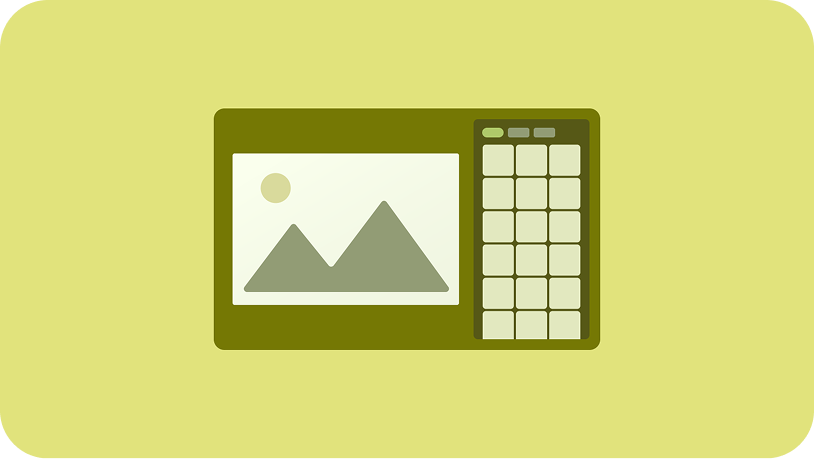
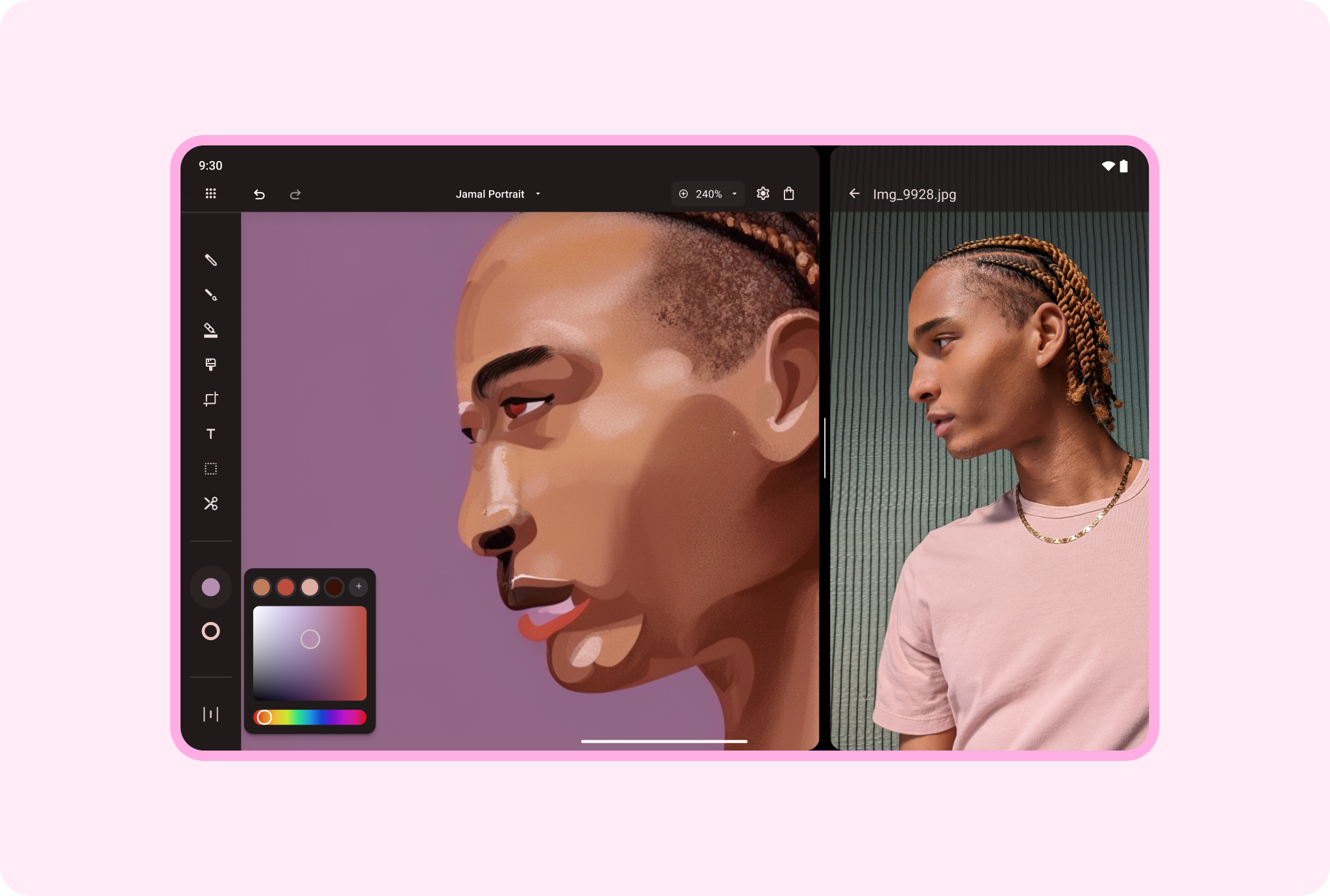
Display a reference model on one side of the screen, a drawing app on the other;
a photograph on one side, an image editor and edited photo on the other. Enable
users to maintain their frame of reference with multi-window mode on large
screens.
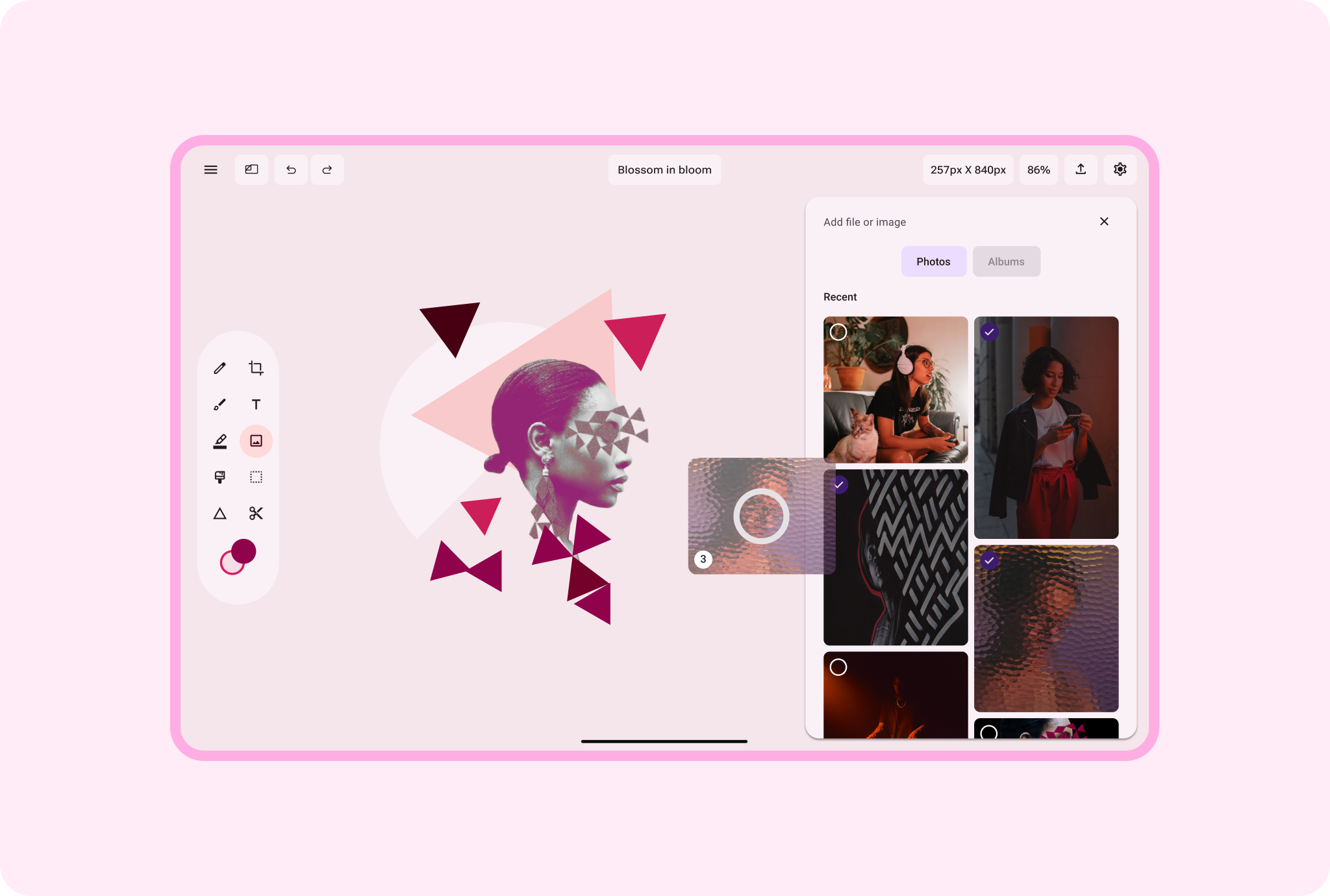
Import, export, borrow, share. Let content creators drag and drop
content within and between apps for fast, easy content publication and
repurposing.
*** ** * ** ***
## Android AdaptiveUI Samples
Explore inspiring, optimized designs for large screen devices. Browse UI/UX
templates for popular app categories, including media, creativity, games, and
more.
[View Figma
Kit](https://www.figma.com/community/file/1539759053650269019/android-adaptive-ui-samples)
## Implement a supporting pane
A mobile view may require supporting content or controls, typically in the form
of sheets or dialogs, to help the primary view stay focused and uncluttered.
[Learn
more](https://developer.android.com/develop/ui/compose/layouts/adaptive/canonical-layouts#supporting-pane)
[Material Design
website](https://material.io/foundations/layout/canonical-layouts/supporting-pane)